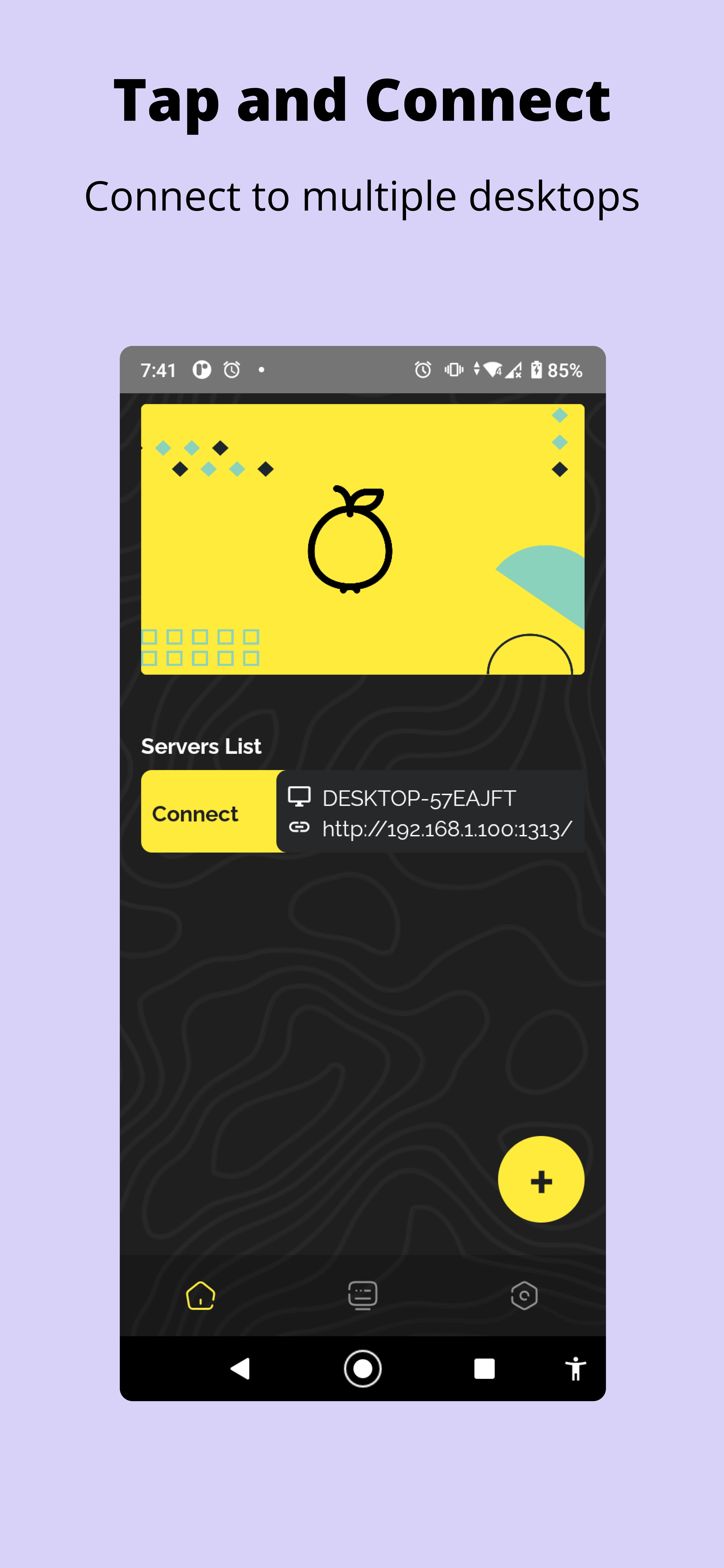
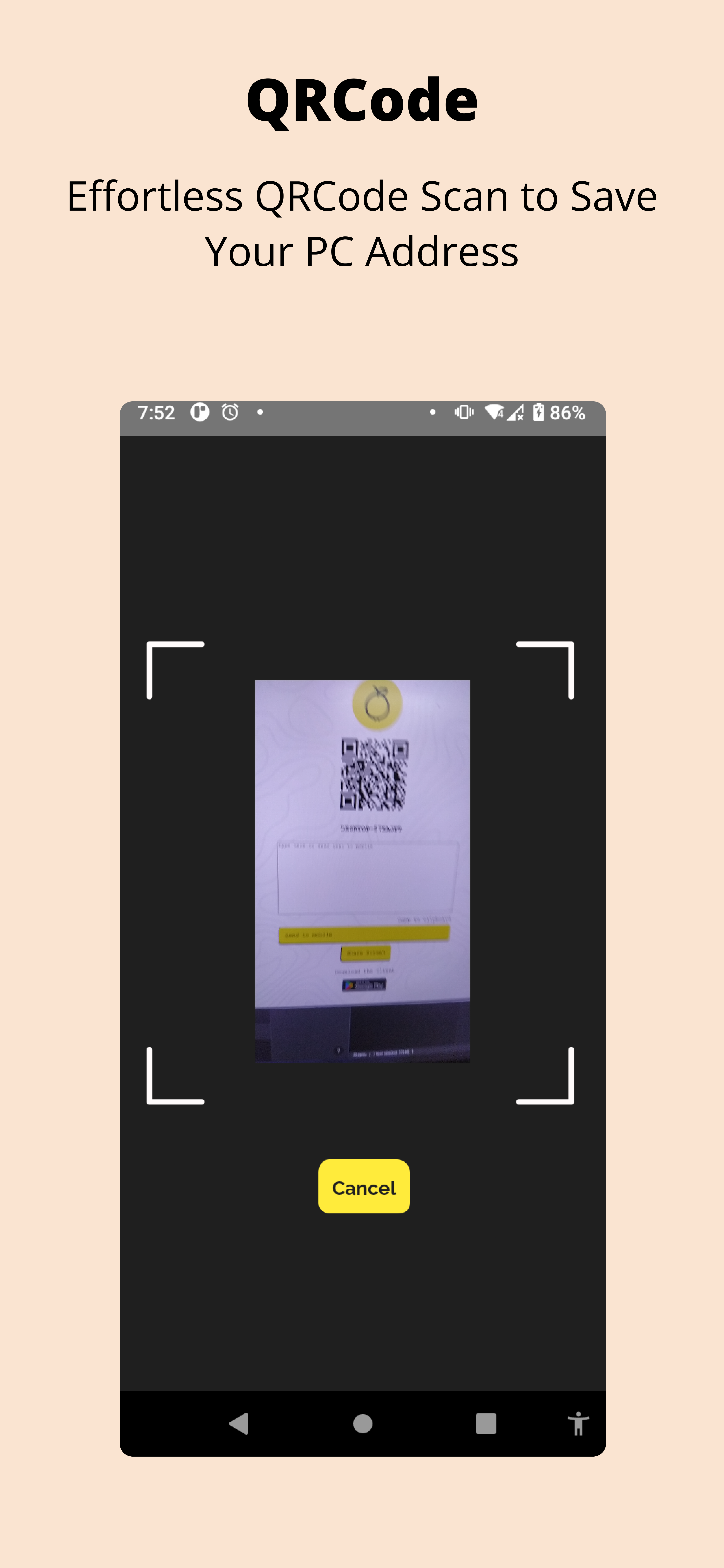
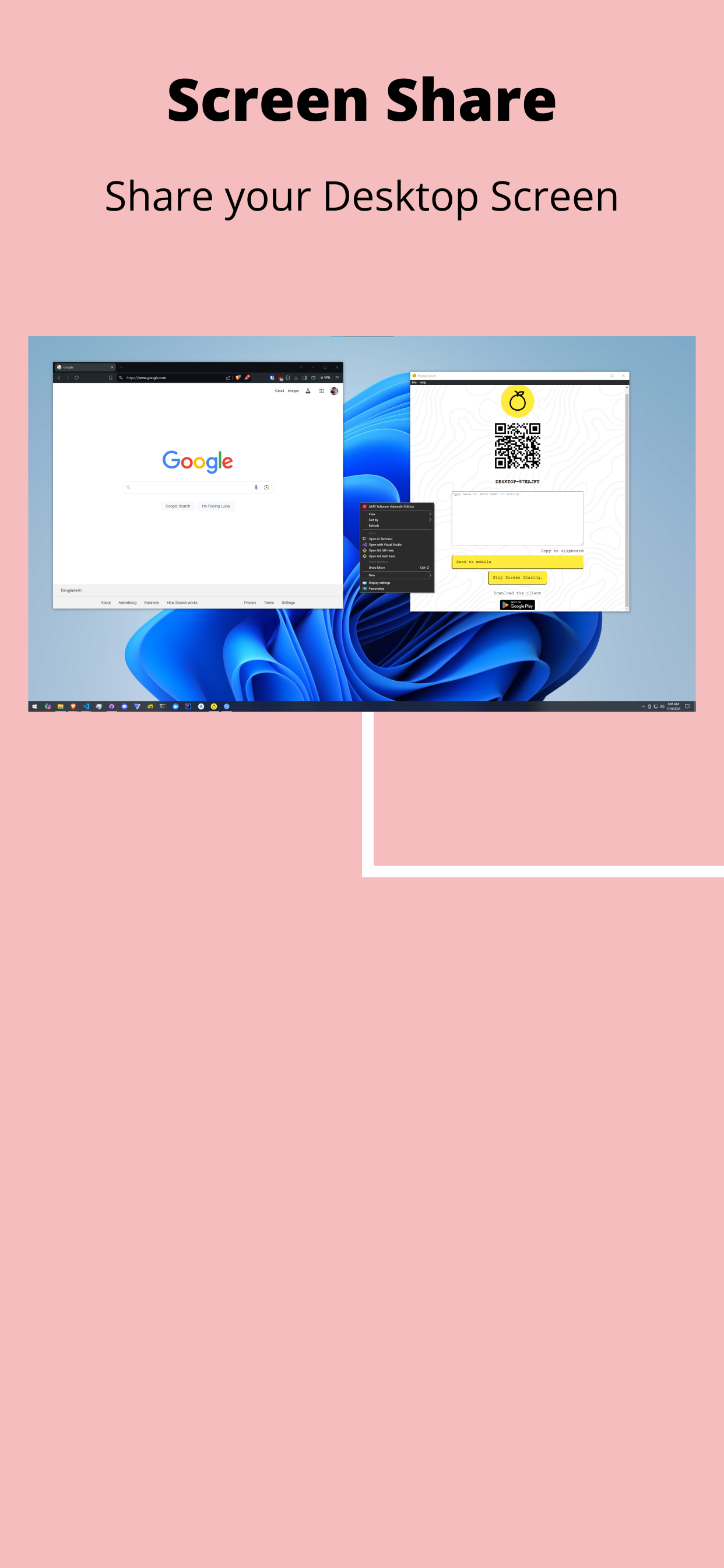
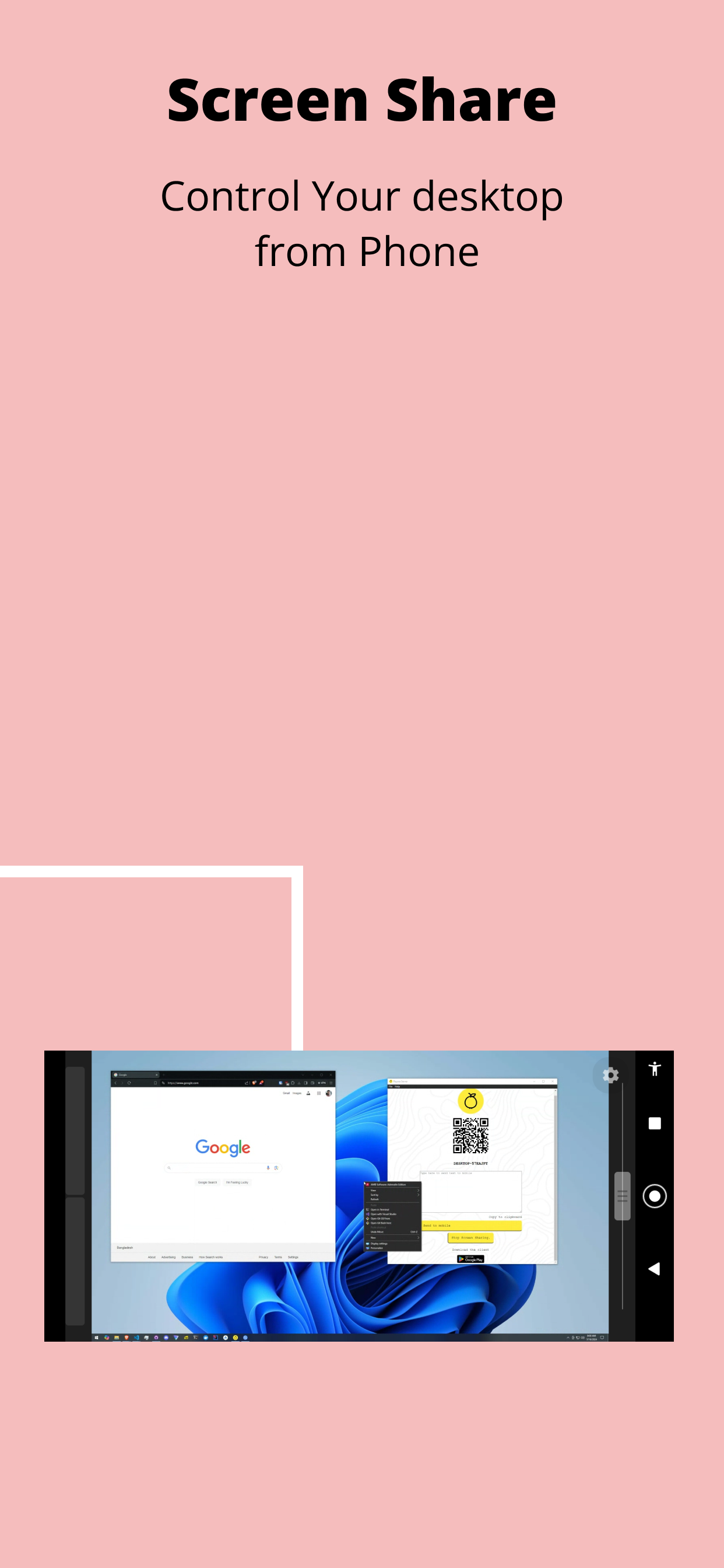
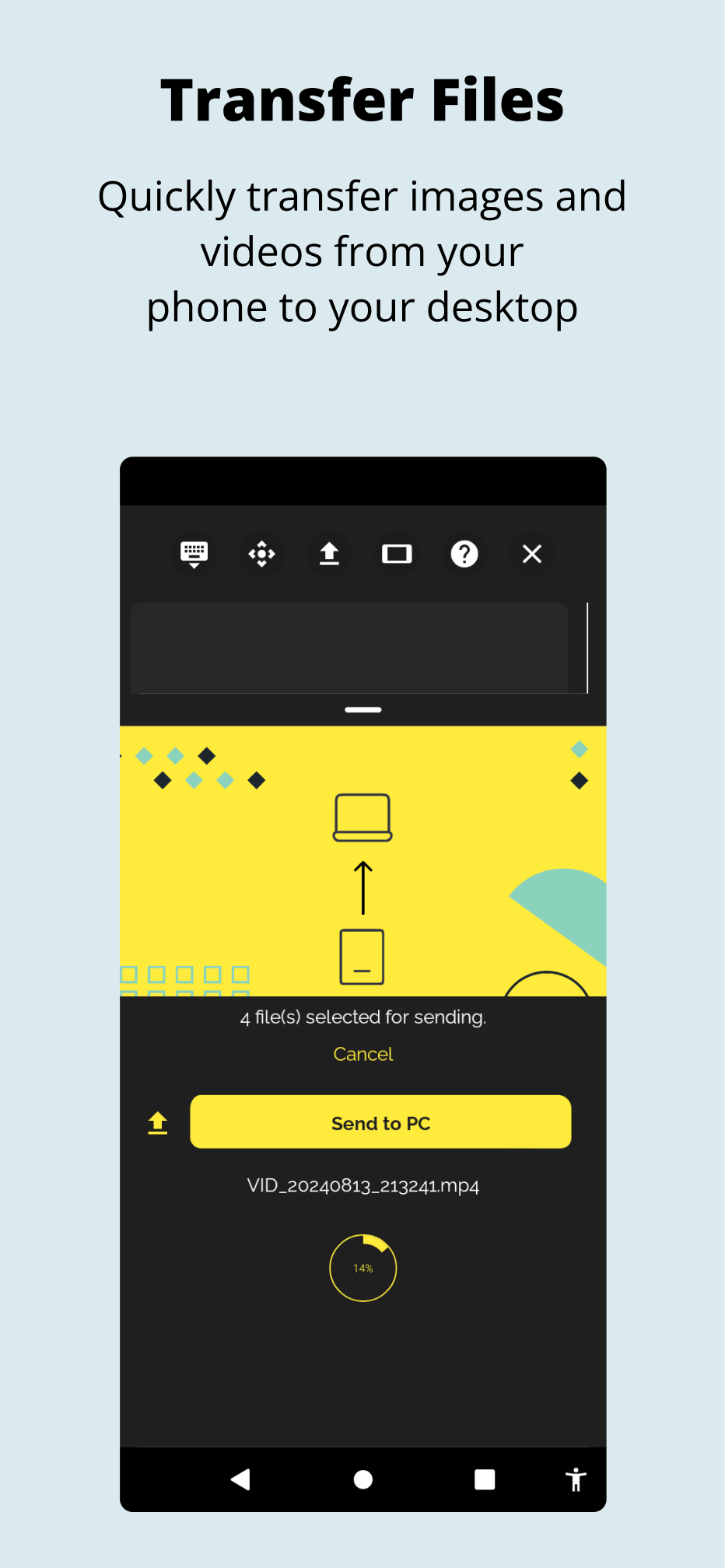
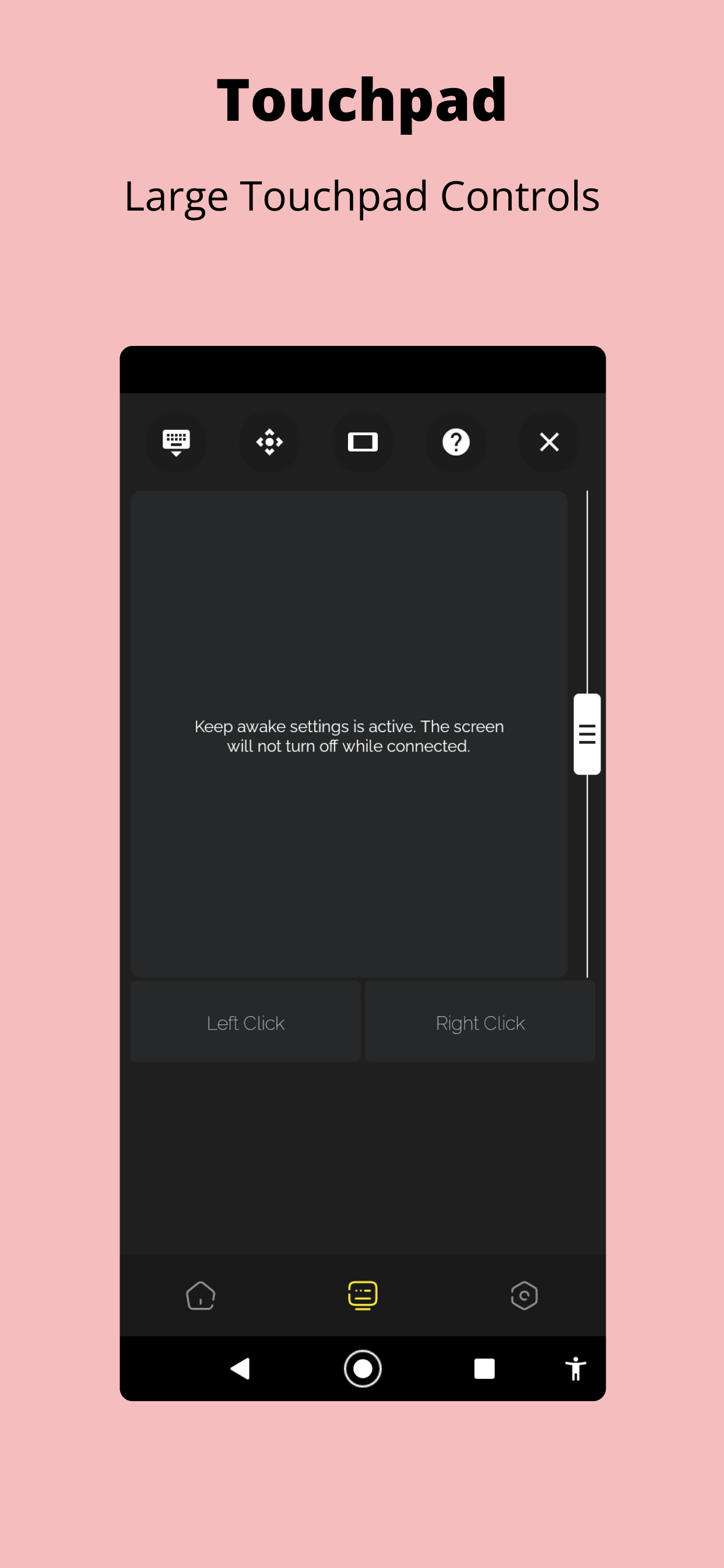
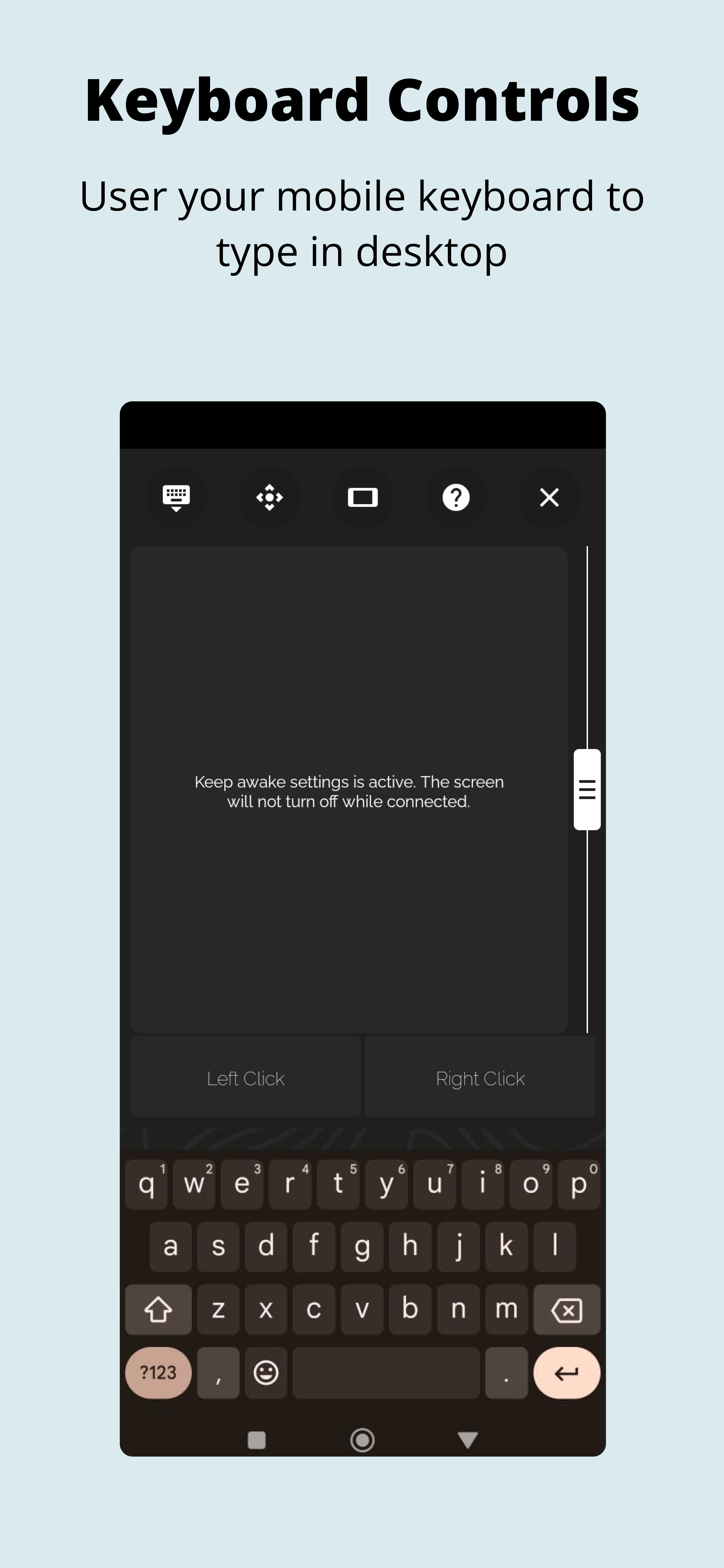
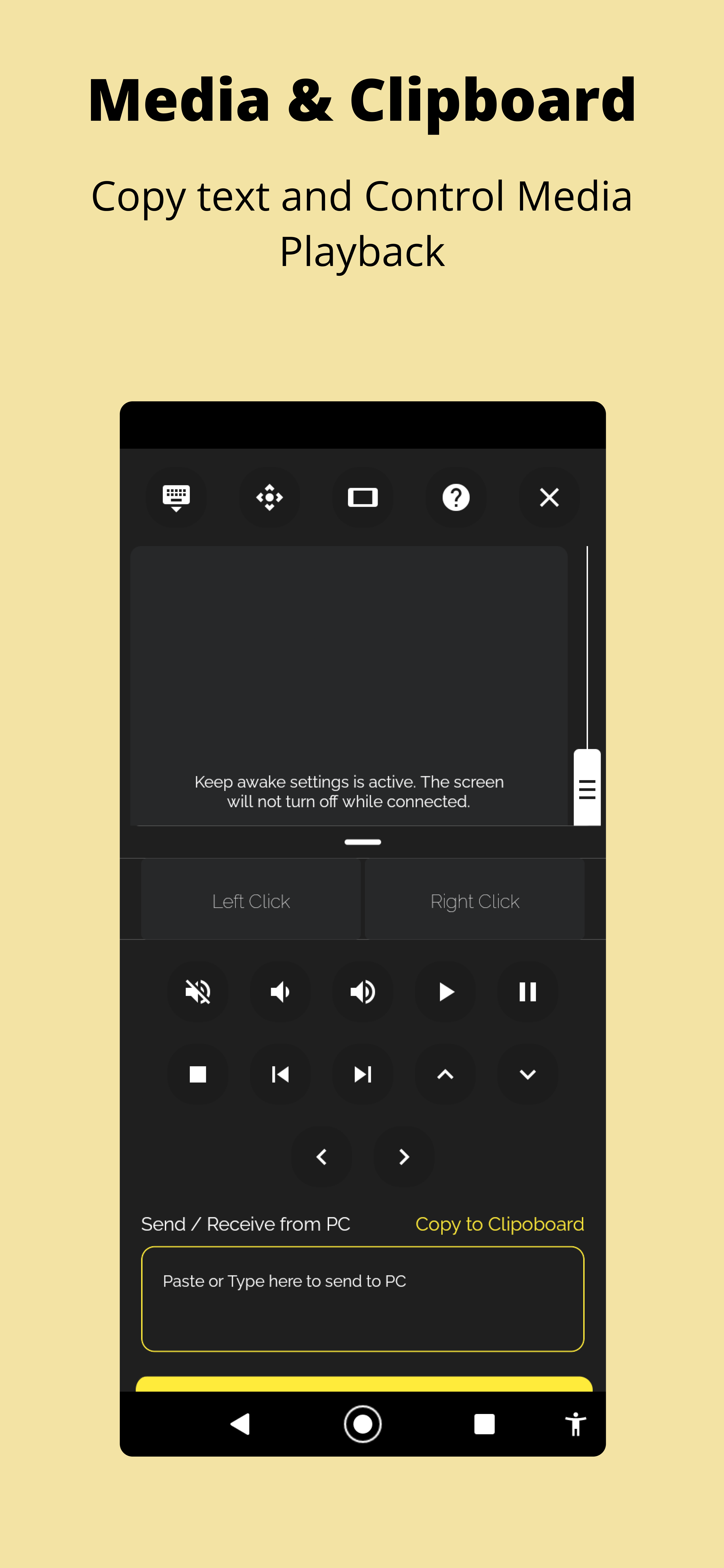
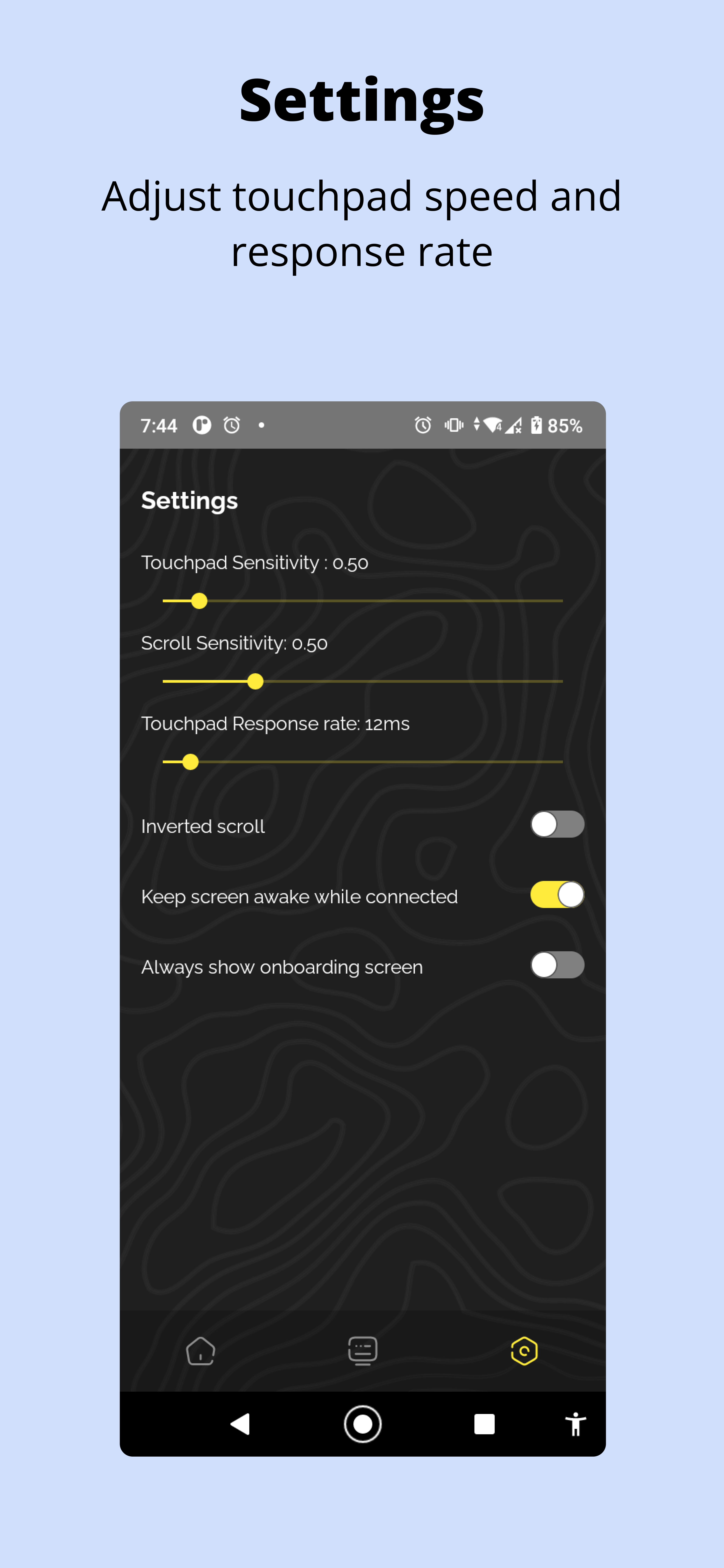
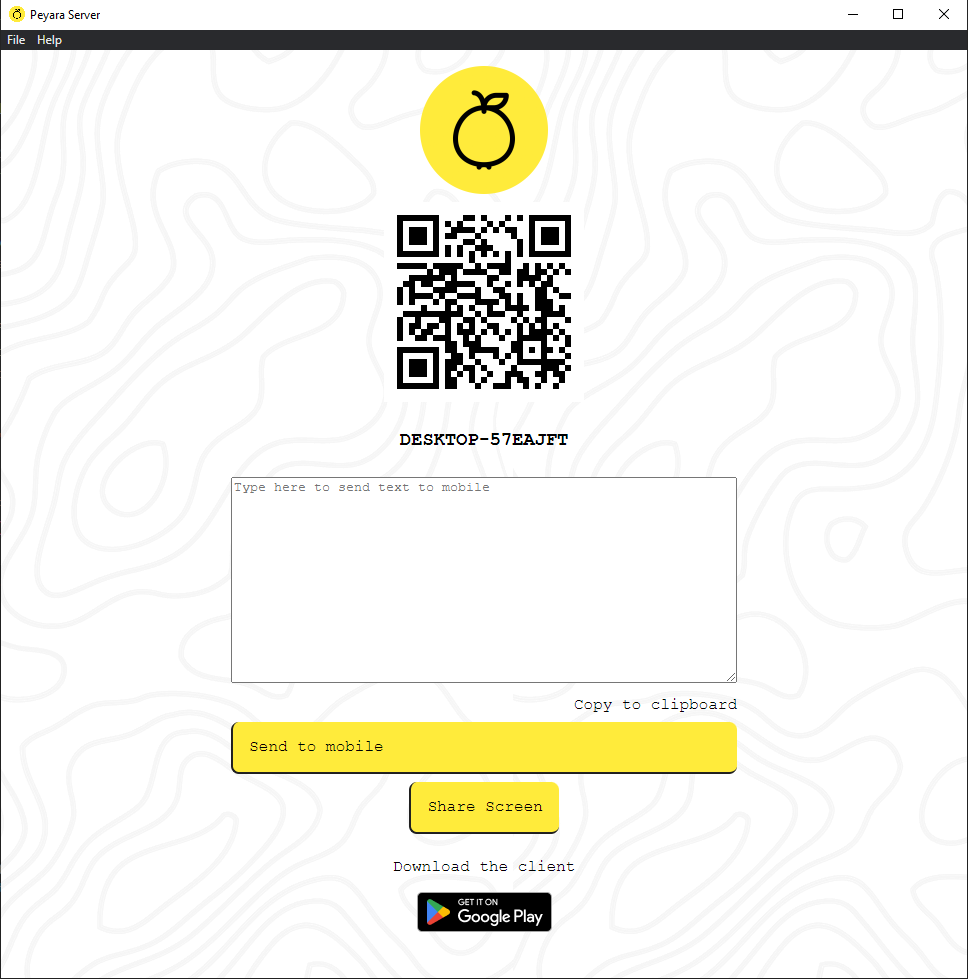
Peyara Remote Mouse APK Links Wifi Remote Mouse for your Windows/Linux/Mac PCs. What's new in v2.0.1 All new icon Desktop Screen share (Update the desktop app to v0.1.0) Landscape and portrait touchpad Side Scroll Wheel for easy scrolling Turn your mobile into a wireless mouse and keyboard combo with Peyara Remote Mouse in 4 easy steps. Step 1. Download Desktop Client on Windows/Linux/Mac from https://peyara-remote-mouse.vercel.app/ Step 2: Install the desktop client and start. Step 3: Install the app on your phone Step 4: Scan the QRCode and connect! Follow the initial onboarding steps to get started! Built with ❤️ using React Native and these amazing libraries react-native-reanimated react-native-gesture-handler react-native-mmkv socket.io Icons Icons from flaticons Guava icons created by bqlqn - Flaticon