A Minecraft plugin designed to easily import map data for use in Evolution. Made with PaperMC for Minecraft version 1.17.1.
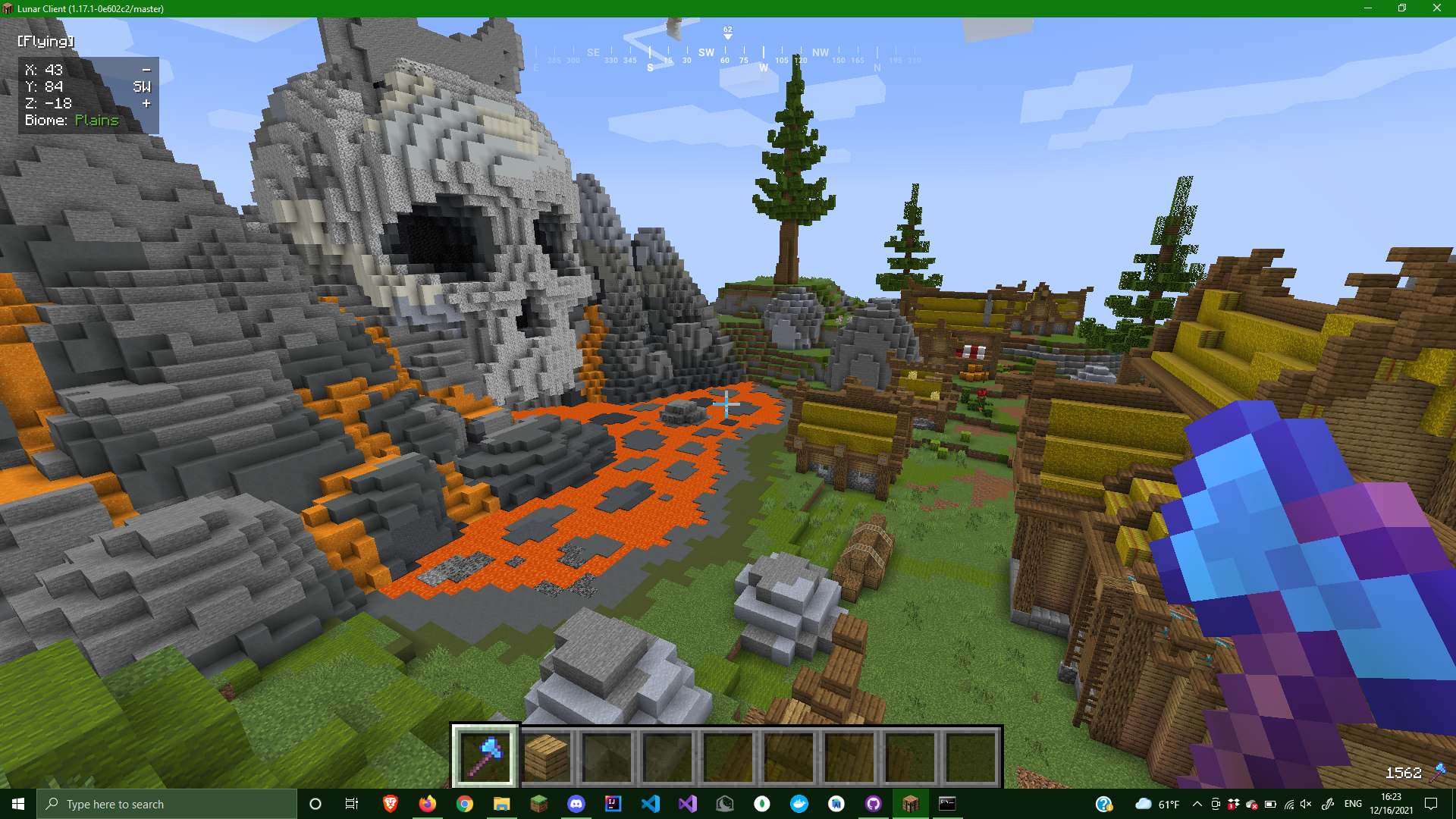
Example Minecraft map captured using the plugin
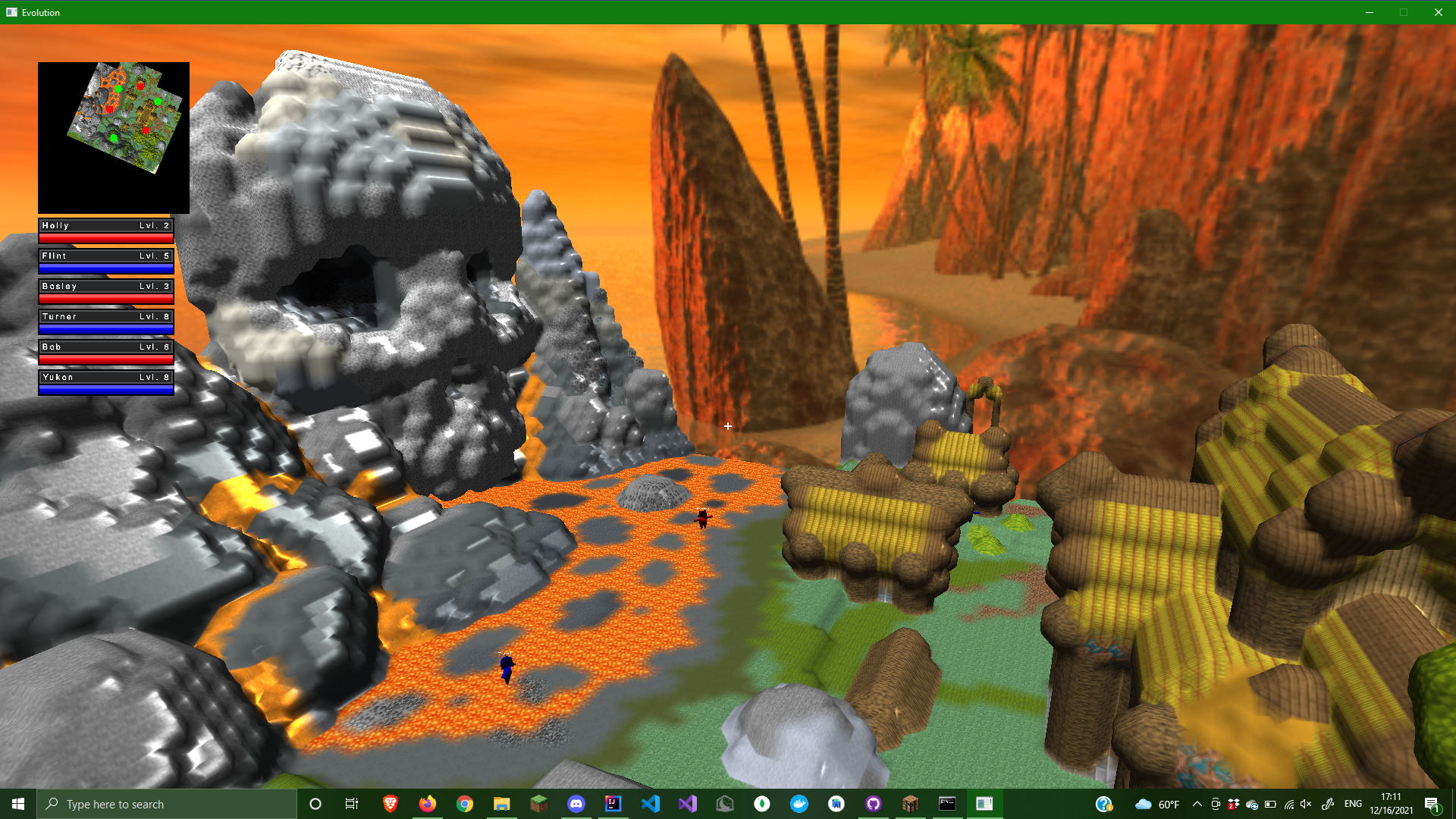
 Map rendered through Evolution game engine (https://github.com/awesomelemonade/Evolution)
- Clone the repository, compile the plugin, and place the resulting .jar file in the "plugins" folder of your server.
- Load the server and check that the plugin EvolutionMaps has been enabled.
- Run the command
/regionto see descriptions of each subcommand. /region tool: Gives the player the Region Tool (diamond axe).- To use the region tool, left-click the block you want to be one vertex of your region. Once two blocks are left-clicked, your region is defined.
/region print: Prints the coordinates of the corners chosen for your region./region clear: Resets the Region Tool./region process: Logs the ordinal values of each block within the region intoblocks.csv. This will be in the root directory of your server.