Putting everything you create and share in one beautifully designed link.
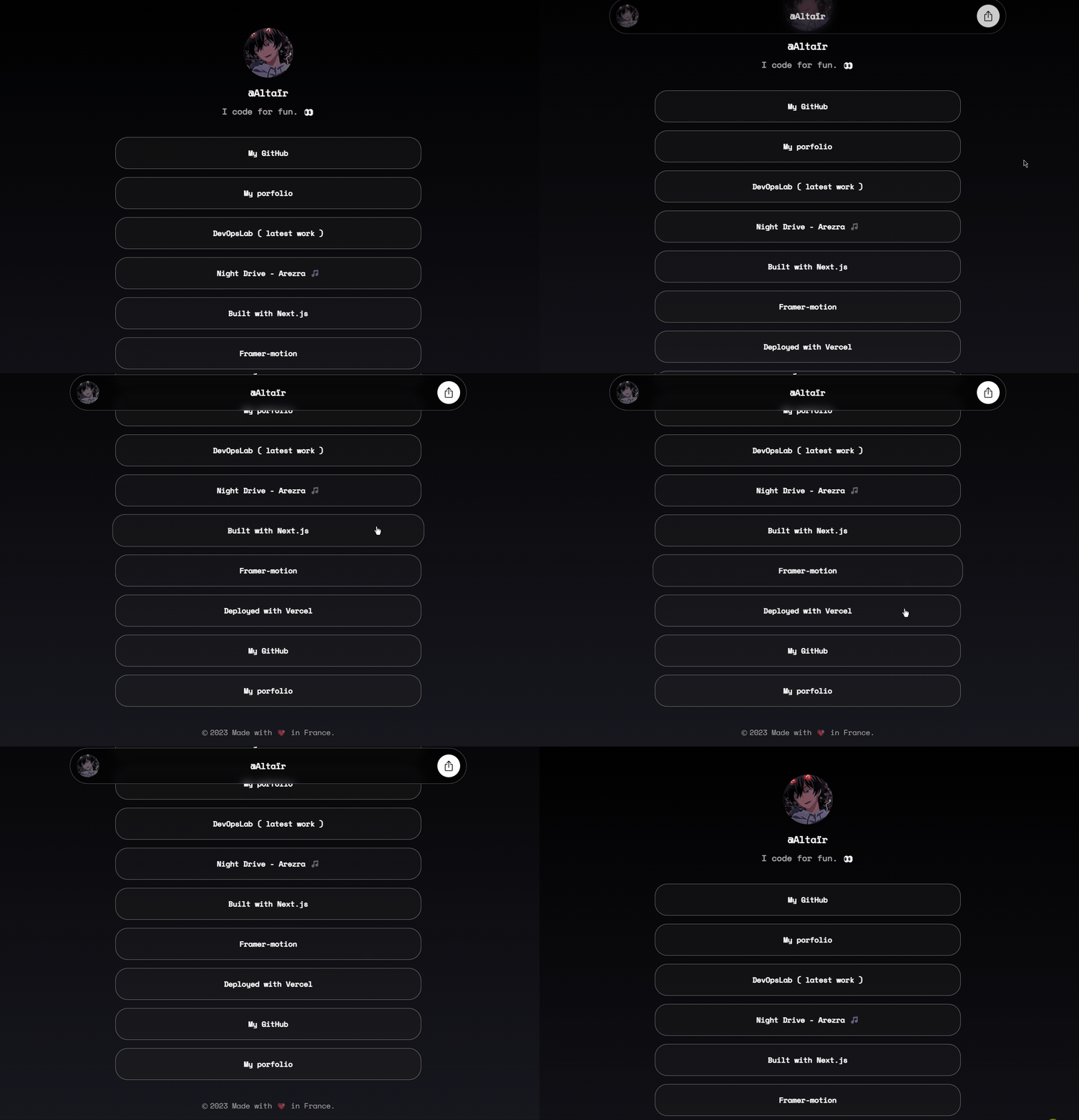
Requires Node.js 16.14+ version.
  git clone https://github.com/altairlv/links.git
  cd links
  npm install
npm run dev- Open data.ts file in /data folder & start editing
Edit your links (e.g.):
export const profile = {

    username : "Altaïr",
    themeDark : true,
    avatar : "profile.png",
    website : "https://link.losted.dev",
    country : "France",

};
Edit your links (e.g.):
export const links = [
    {
        title : "My portfolio",
        url : "https://www.losted.dev",
    },
    {
        title : "My Github",
        url : "https://www.github.com/altairlv",
    },
    // Add more links as needed
];Configure various parameters in the data.ts file:
| Parameter | Type | Description | Example |
|---|---|---|---|
theme |
boolean |
Required. Toggles Dark Theme | false |
username |
string |
Required. Displayed Name | Lewis |
avatar |
string |
Required. Profile picture (.jpg .jpeg .png ...) | profile.jpeg |
description |
string |
Profile description | Checkout my links 🎊 |
website |
string |
Required. Website URL | https://link.losted.dev |
country |
string |
Displayed country name | France |
Do not forget to add your favicon.ico in the /app folder.
Required settings are the minimum for the app to function.
The project includes the OpenGraph feature, a magical tool that enhances your website's appearance with stylish previews. These previews include the title, image and few links for the description.
Ensure that you've set up everything correctly.
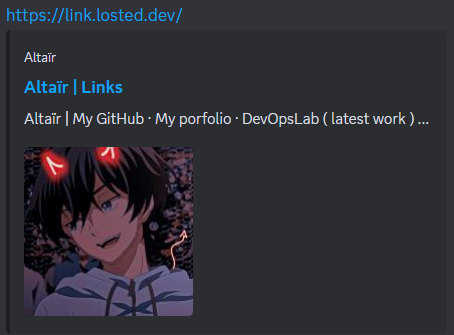
Customize as needed to personalize the appearance of your links page. For guidance, refer to :
- Place your favicon.ico in the /app folder.
- Recommend using a profile picture that is 500x500px in size.
- Adjust the delay between each link in Card.tsx file.
- Change background color in the layout.tsx file.