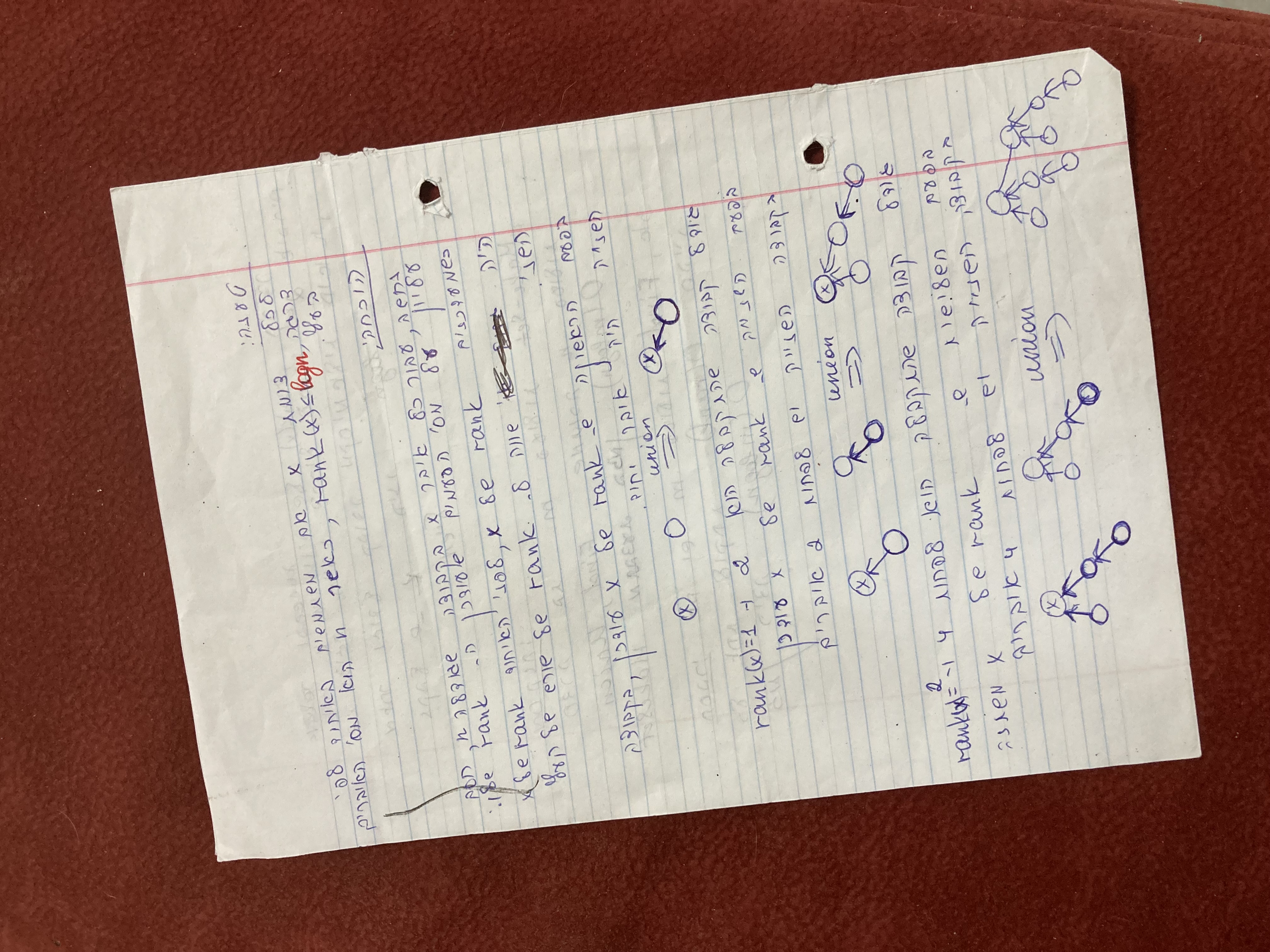
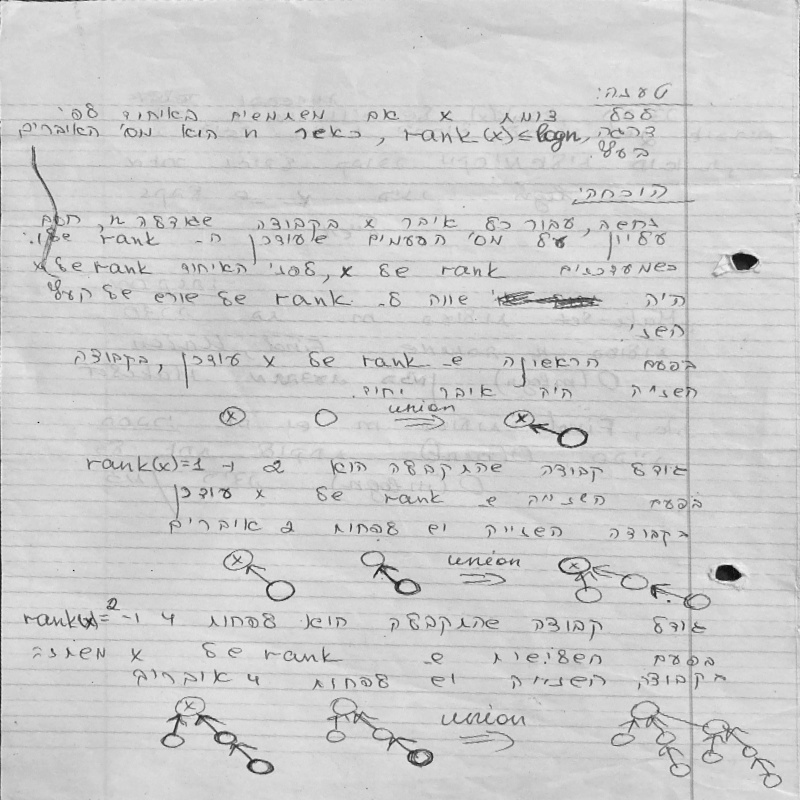
The author's contact information Name: Ahmed Alshafaee , Extract Handwriting from Background My goal is to remove the Yellow background and keep only the handwriting in front
Building a document scanner with OpenCV can be accomplished in just six steps:
- using (Banalization) thresholding on warped image to get scanned effect
- find the contours in the edged image, keeping only the largest ones, and initialize the screen contour
- Using "Peucker–Douglas–Ramer" algorithm to bring the contour closer by four points. it's implemented in the " cv2.approxPolyDP" function.
- after we have the image edges we want to find the image Shapes
- Defining a transformation matrix
- Transformation on the input image
Warning : you may have Warning "Cannot find reference 'imread' in 'init.py | init .py'" , its just bug in pycharm , the Program will run normally
use this command to run the Program, i have to include the Input and the Outputs folders for segmentation each image from Input folder and the result well be seen in Output folder , and the code is in background_remove.py python3
I used pycharm , to run the program , first you have to install this packages below in terminal:
1.run "pip install -r requirements.txt" to install the packages
2.run "python3 background_remove.py Input\ images/ Outputs/"
bellow we can see before and after implementing the code in image