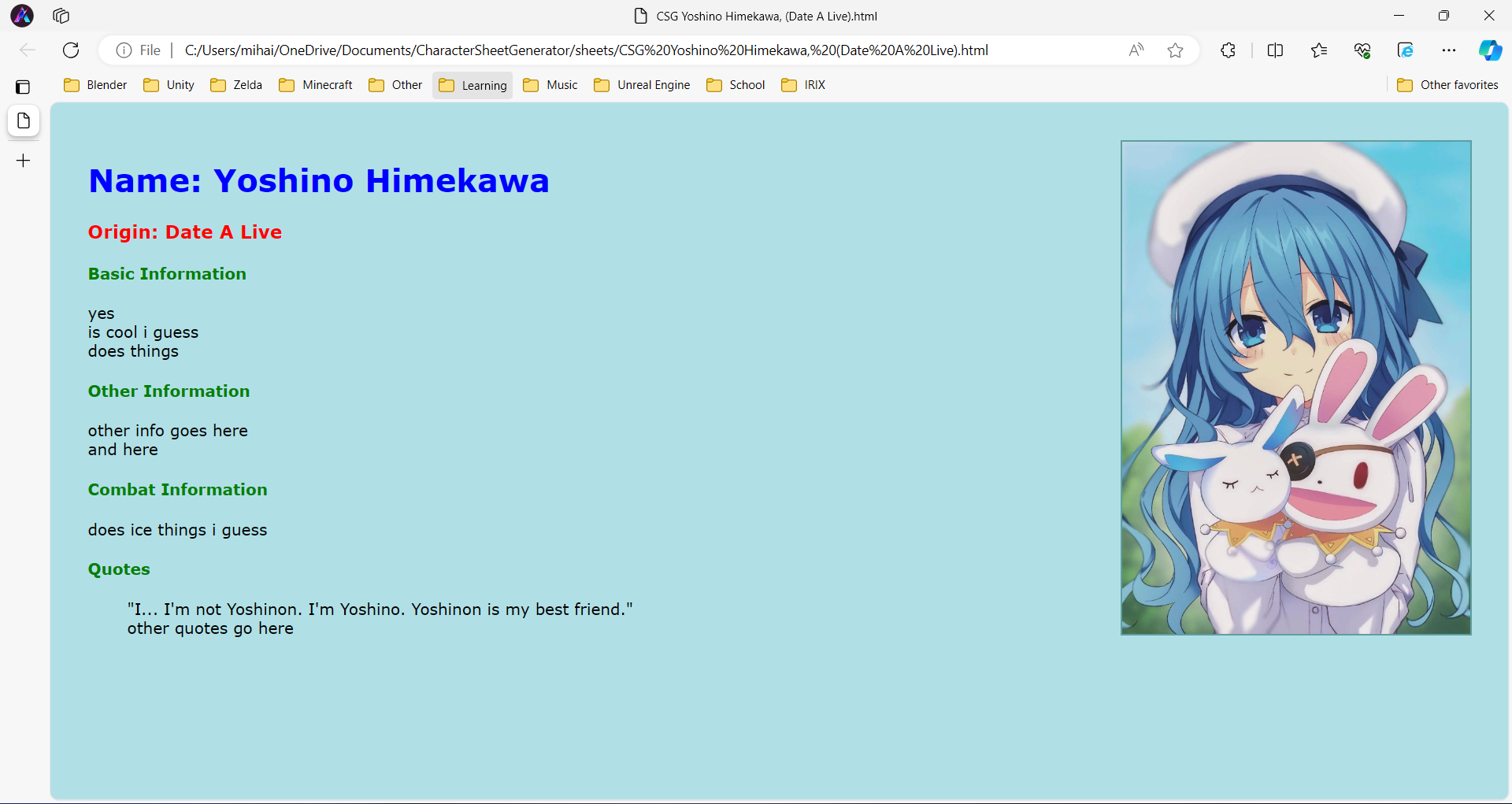
CharacterSheetGenerator, or CSG is a program written in Python that will automatically create character sheets in HTML.
To create a character sheet, you must first have four text files and an image. For simplification, I'll call these:
"basicinfo.txt", "otherinfo.txt", "combatinfo.txt", and "quotes.txt"
The program accepts both an image from your computer or an image from the web.
First, run CharSheetGen.py. The program will check if you have the default folders created. It will automatically create the if they are not there.
Next, it prompts you whether you want to download a default CSS file from https://dfstudios.neocities.org/charsheetmaker/styles.css to style the HTML files. You can input Y or N to select this.
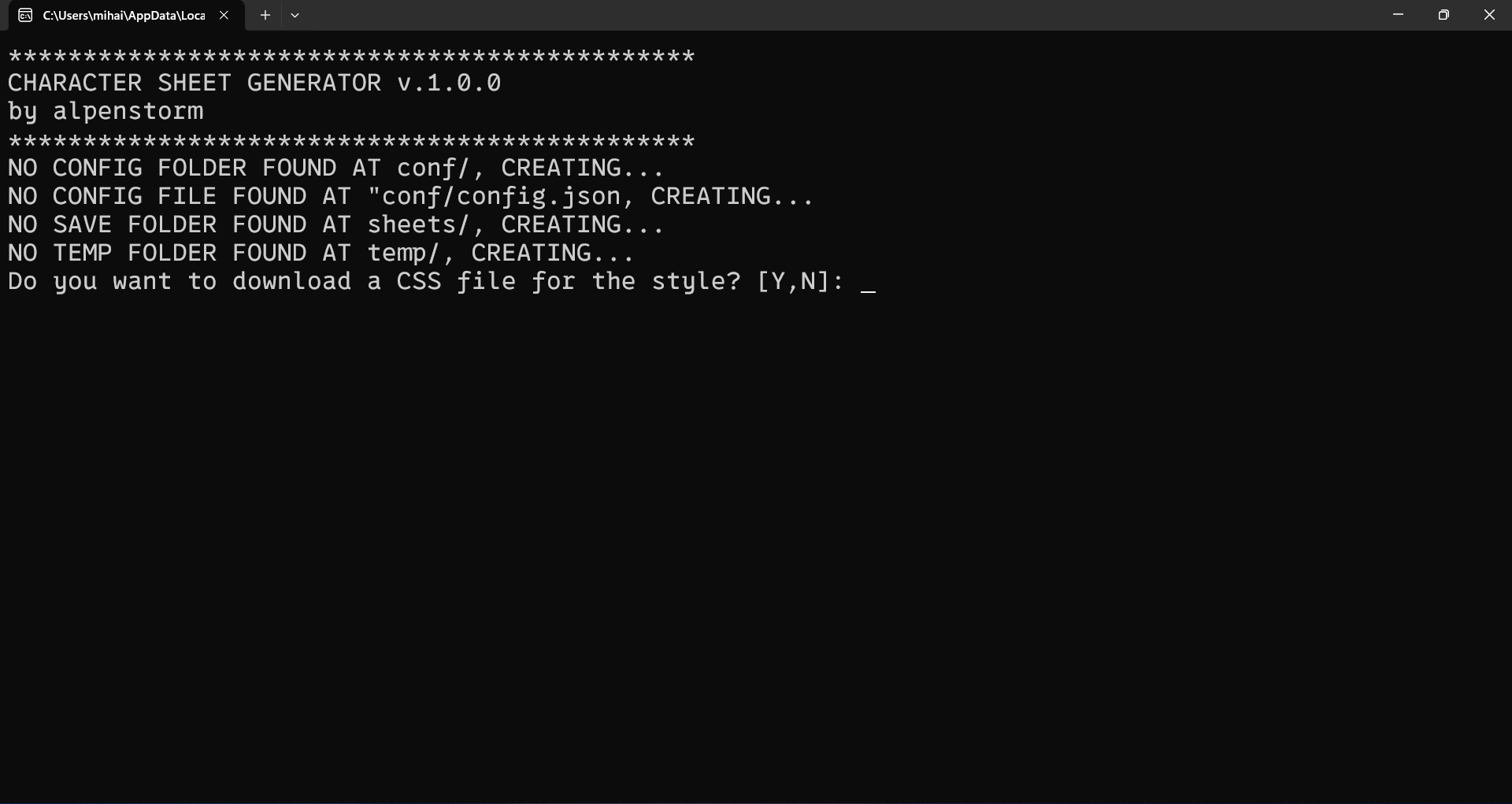
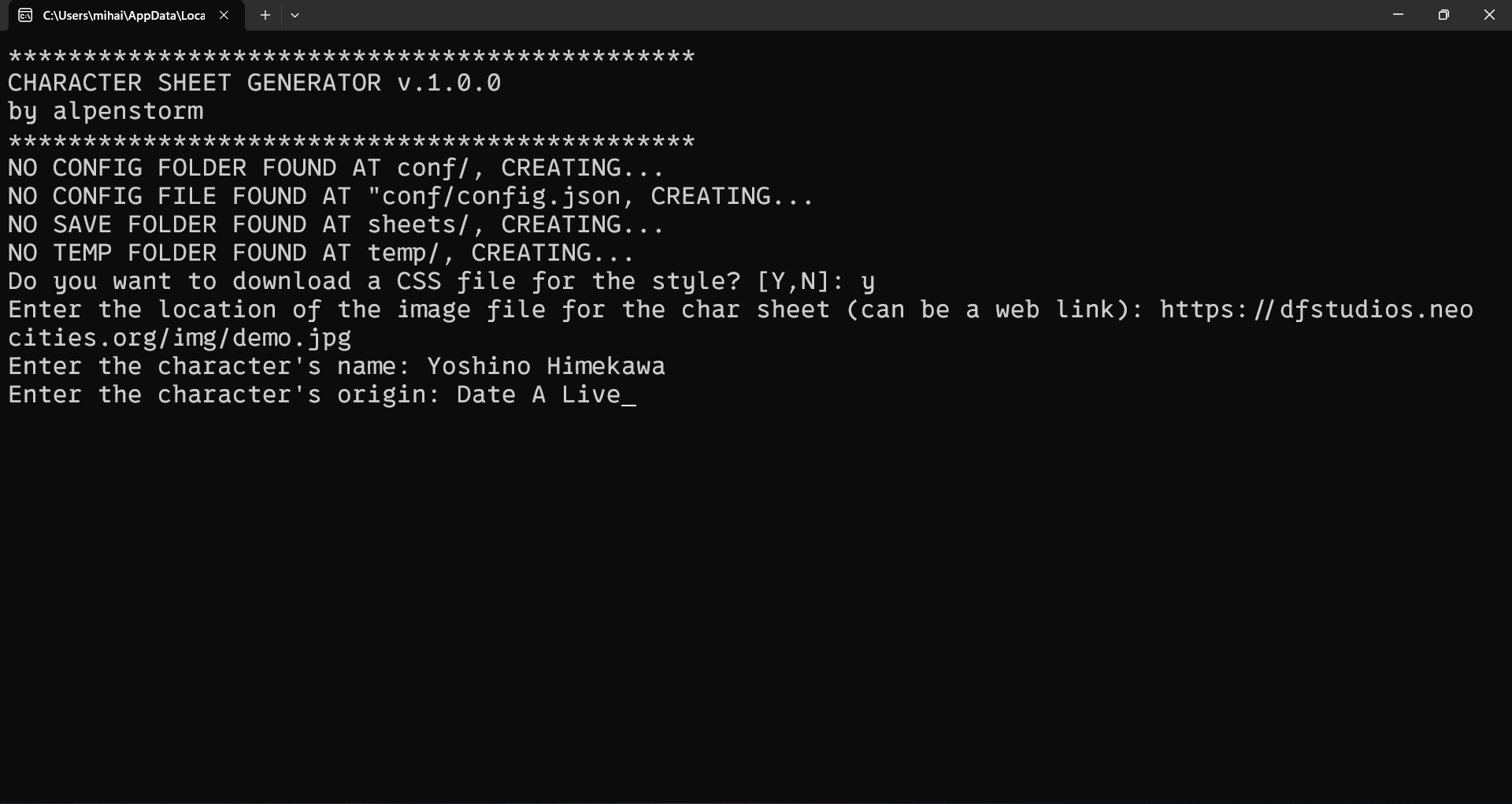
After deciding on whether to download a CSS file, you will be prompted to enter the location of an image file. For this example, I will use the image at https://dfstudios.neocities.org/img/demo.jpg. Note that for now, CSG only works with JPEG files.
Next, you will be prompted to enter the character's name and origin. For this example, I chose Yoshino Himekawa from Date A Live because she is my favorite character.
Finally, you will be prompted to enter basic info, other info, combat info, and some quotes. These are files in the .txt format, and can be saved anywhere on your computer, but I suggest saving them close to the root folder of the program to make the commands easier to type.
Note that CSG automatically parses the text files and replaces the newline characters with HTML break characters.
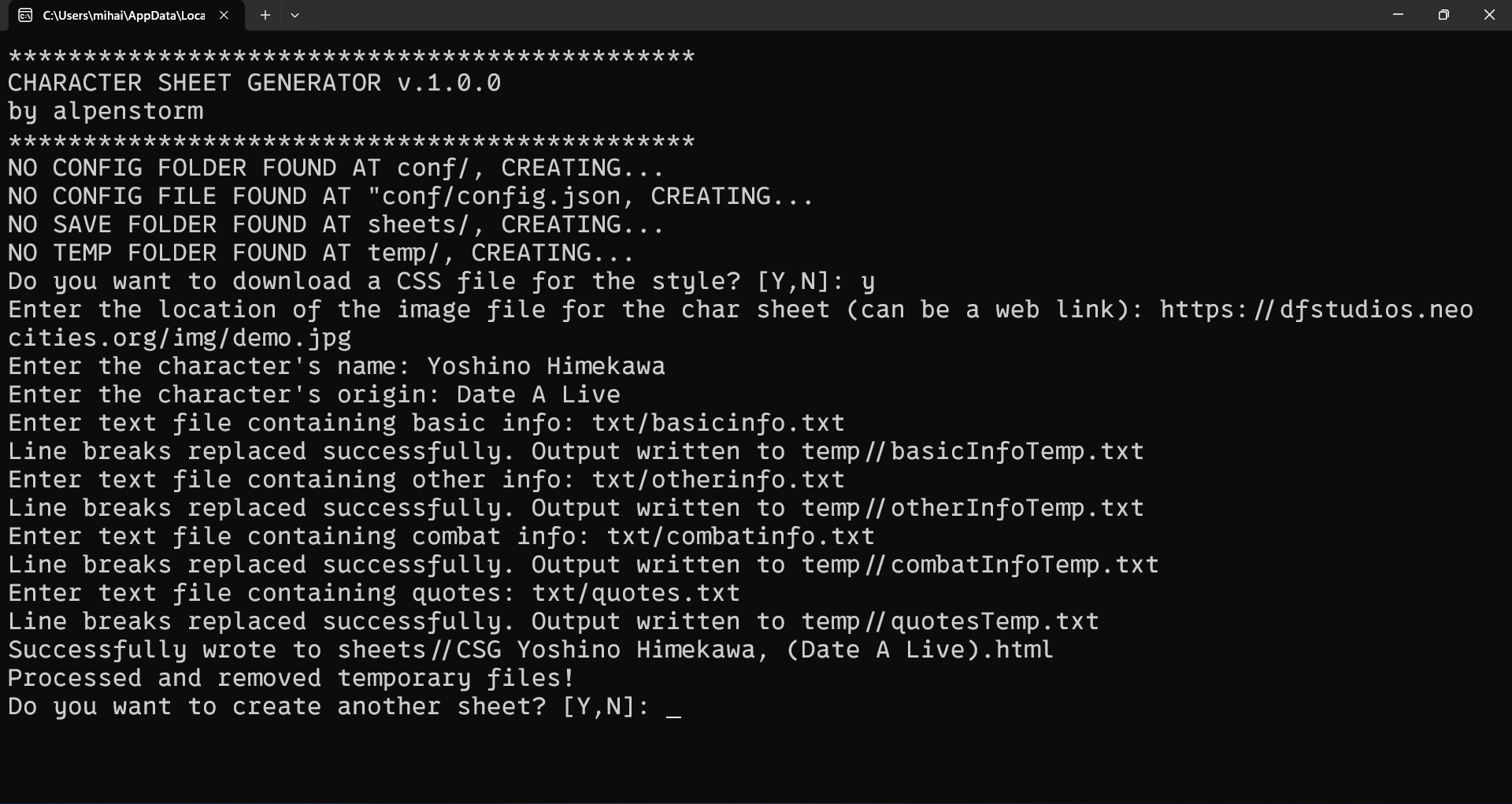
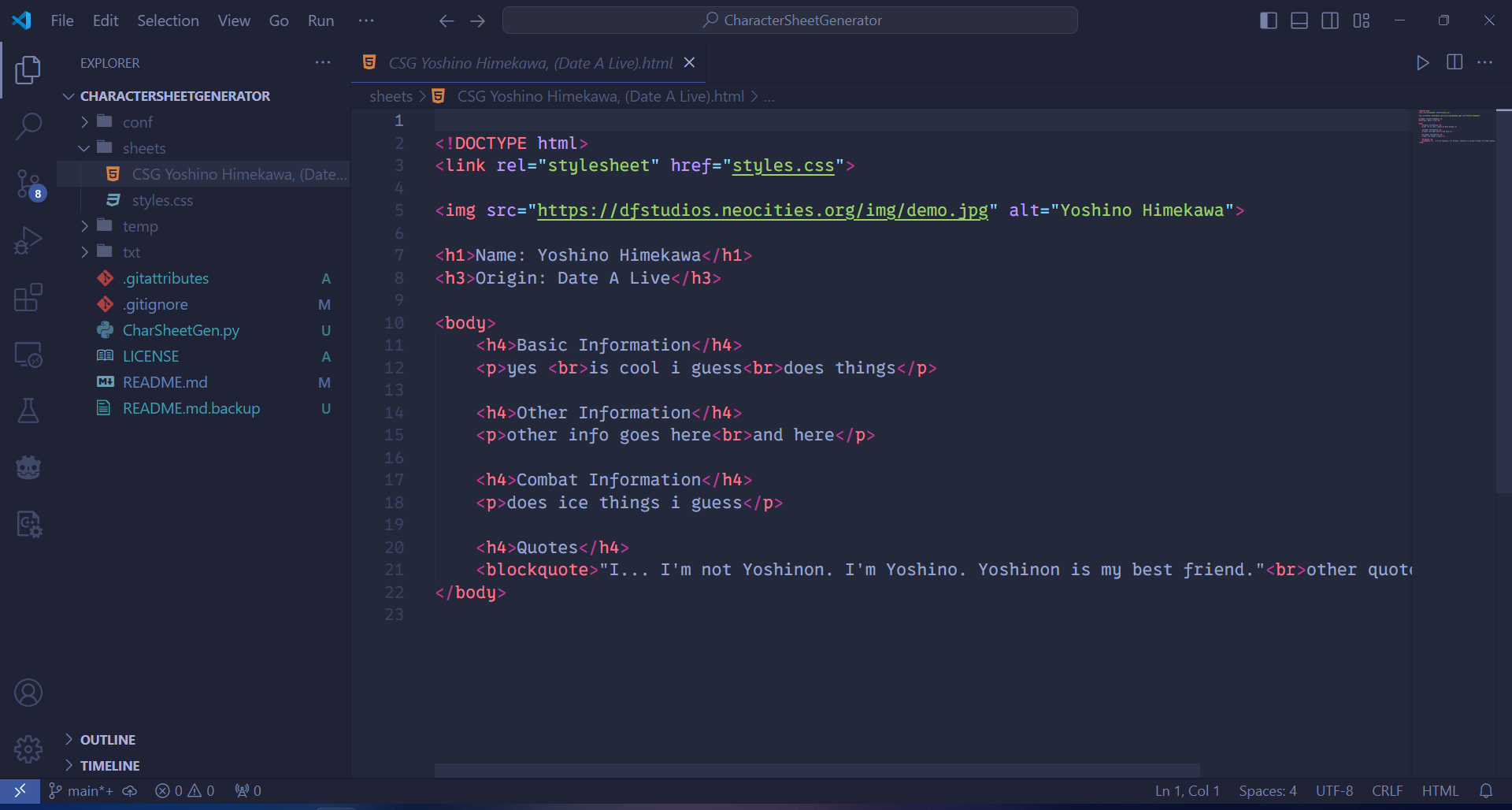
CSG will prompt to exit or create a new sheet. It will export the sheet in sheets/CSG {name}, ({origin}).html.
This is how the HTML file looks in VS Code:
And this is how it looks in the browser (edge for me):