I've created an intuitive licensing system which allows plugin developers to easily secure their plugins. It works in conjunction with an API written in Java that can be downloaded here.
License Verification from Console Perspective:
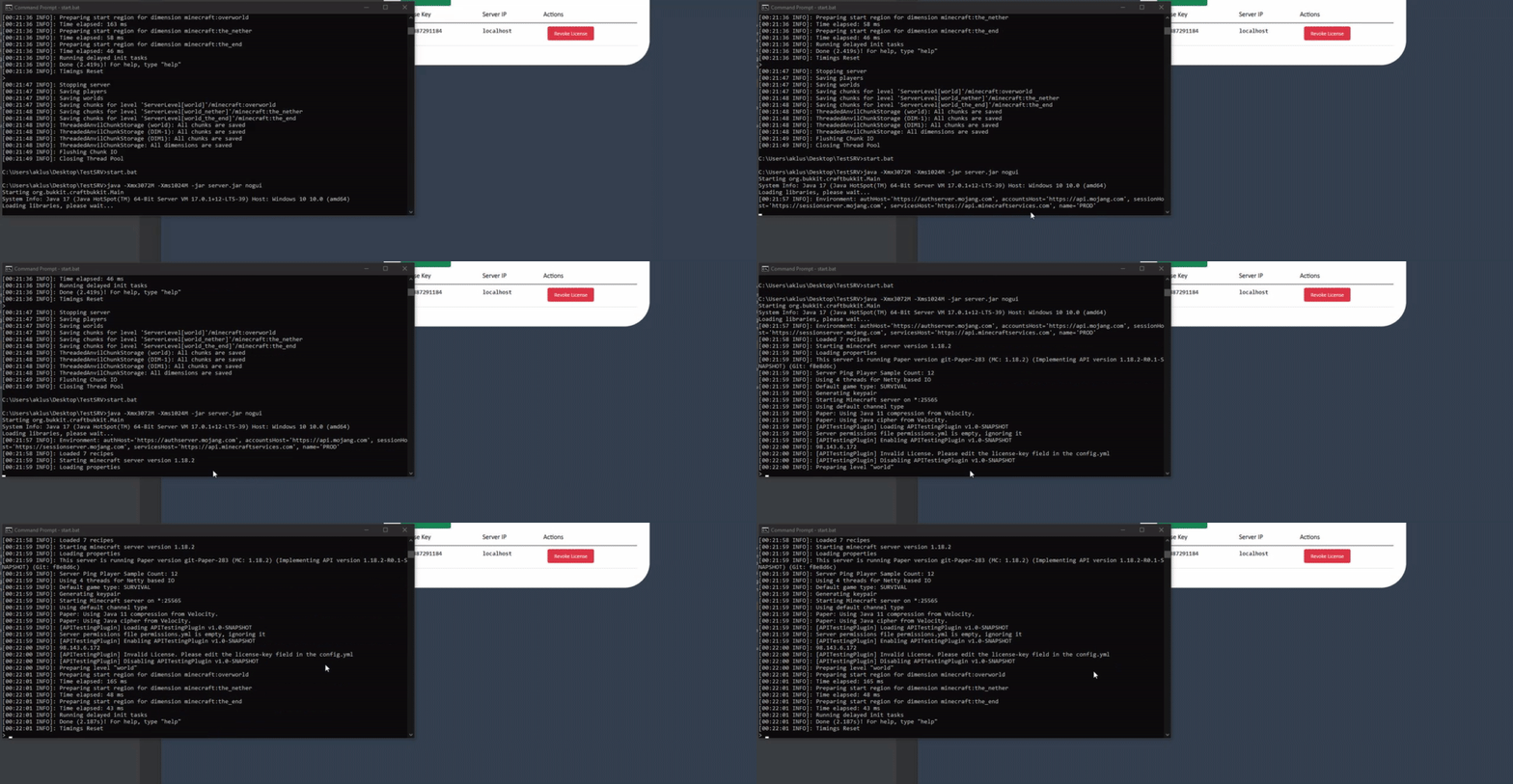
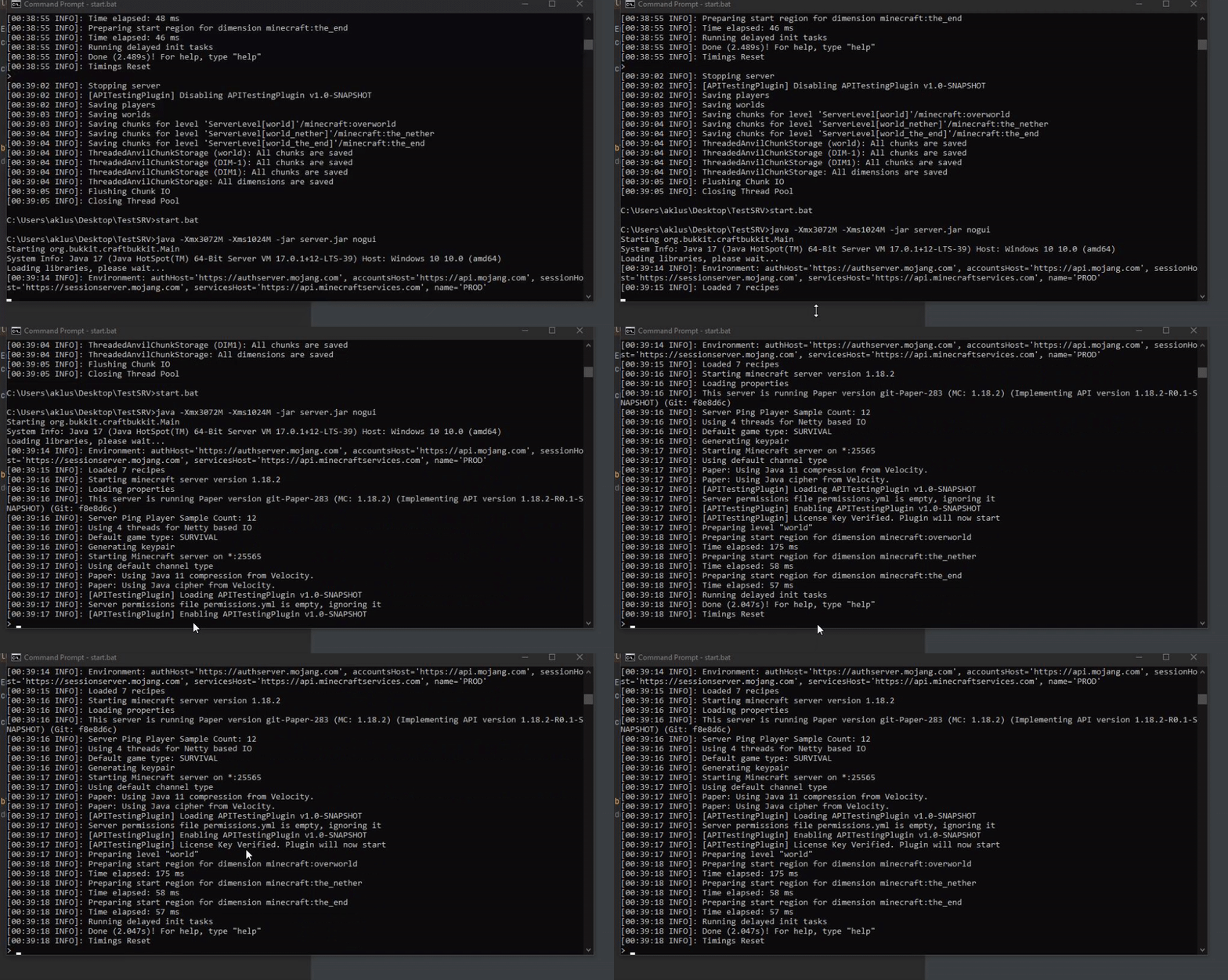
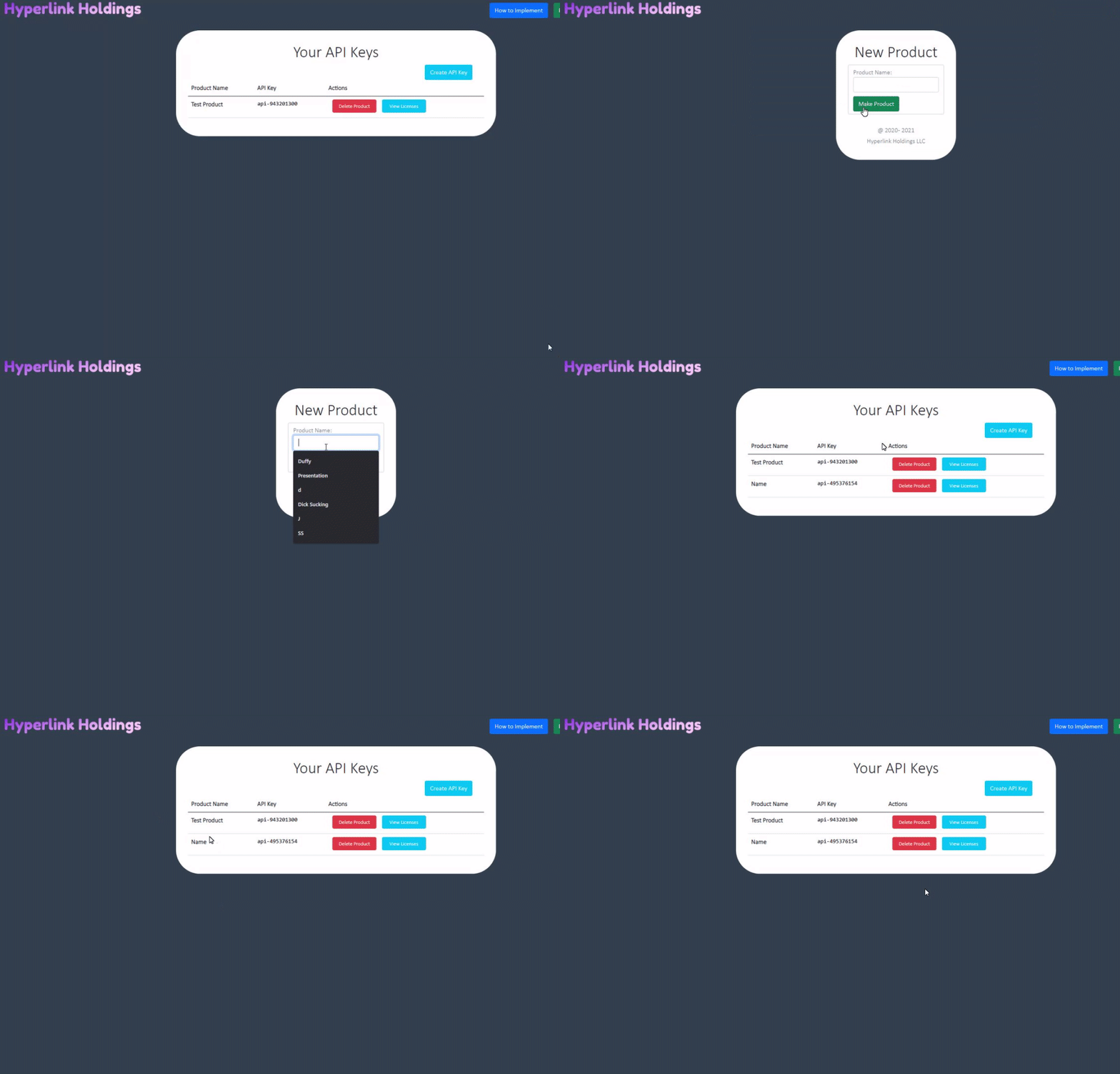
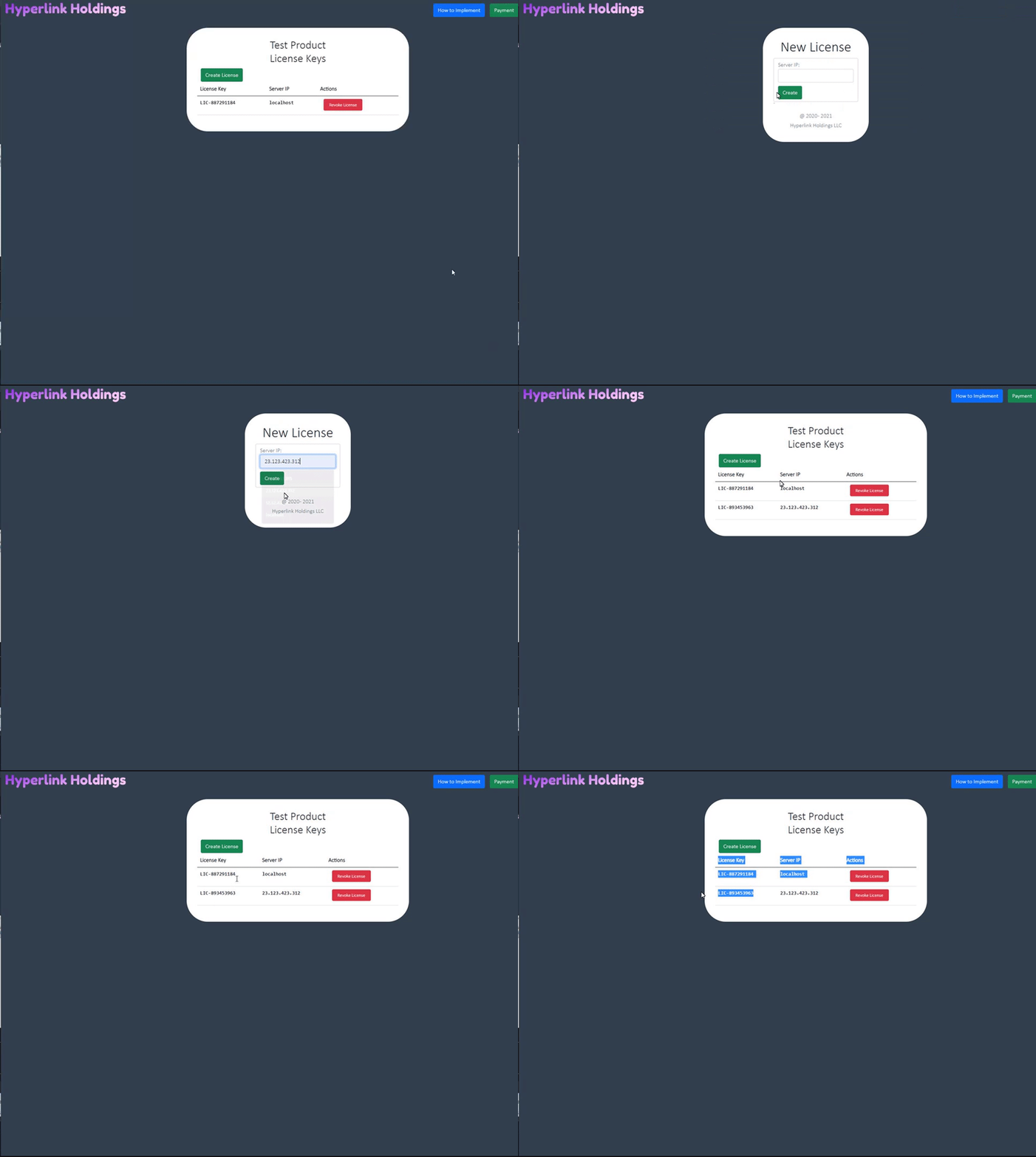
- Ensure that Python 3.7+ is installed on your computer along with MySQL Workbench (or other database management software), along with MySQL Server 8+
- Unzip file and open the Licensing System directory in your terminal.
- Execute
pip install -r requirements.txtto install dependencies - Open MySQL Workbench and connect to the MySQL Server you wish to use. You will see an open prompt where you can execute queries. Paste the following in order to properly setup the database:
SET @OLD_UNIQUE_CHECKS=@@UNIQUE_CHECKS, UNIQUE_CHECKS=0;
SET @OLD_FOREIGN_KEY_CHECKS=@@FOREIGN_KEY_CHECKS, FOREIGN_KEY_CHECKS=0;
SET @OLD_SQL_MODE=@@SQL_MODE, SQL_MODE='ONLY_FULL_GROUP_BY,STRICT_TRANS_TABLES,NO_ZERO_IN_DATE,NO_ZERO_DATE,ERROR_FOR_DIVISION_BY_ZERO,NO_ENGINE_SUBSTITUTION';

CREATE SCHEMA IF NOT EXISTS `licenses` DEFAULT CHARACTER SET utf8mb4 COLLATE utf8mb4_0900_ai_ci ;
USE `licenses` ;

CREATE TABLE IF NOT EXISTS `licenses`.`users` (
  `id` INT NOT NULL AUTO_INCREMENT,
  `first_name` VARCHAR(45) NULL DEFAULT NULL,
  `last_name` VARCHAR(45) NULL DEFAULT NULL,
  `email` VARCHAR(125) NULL DEFAULT NULL,
  `username` VARCHAR(45) NULL DEFAULT NULL,
  `password` VARCHAR(255) NOT NULL,
  `created_at` DATETIME NULL DEFAULT NULL,
  `updated_at` DATETIME NULL DEFAULT NULL,
  PRIMARY KEY (`id`))
ENGINE = InnoDB
AUTO_INCREMENT = 3
DEFAULT CHARACTER SET = utf8mb4
COLLATE = utf8mb4_0900_ai_ci;

CREATE TABLE IF NOT EXISTS `licenses`.`api_keys` (
  `id` INT NOT NULL AUTO_INCREMENT,
  `apikey` VARCHAR(45) NULL DEFAULT NULL,
  `product_name` VARCHAR(45) NULL,
  `user_id` INT NOT NULL,
  PRIMARY KEY (`id`),
  INDEX `fk_api_keys_users_idx` (`user_id` ASC) VISIBLE,
  CONSTRAINT `fk_api_keys_users`
    FOREIGN KEY (`user_id`)
    REFERENCES `licenses`.`users` (`id`))
ENGINE = InnoDB
DEFAULT CHARACTER SET = utf8mb4
COLLATE = utf8mb4_0900_ai_ci;

CREATE TABLE IF NOT EXISTS `licenses`.`license_keys` (
  `id` INT NOT NULL AUTO_INCREMENT,
  `license_key` VARCHAR(45) NULL DEFAULT NULL,
  `server_ip` VARCHAR(45) NULL,
  `api_key_id` INT NOT NULL,
  PRIMARY KEY (`id`),
  INDEX `fk_license_keys_api_keys1_idx` (`api_key_id` ASC) VISIBLE,
  CONSTRAINT `fk_license_keys_api_keys1`
    FOREIGN KEY (`api_key_id`)
    REFERENCES `licenses`.`api_keys` (`id`))
ENGINE = InnoDB
DEFAULT CHARACTER SET = utf8mb4
COLLATE = utf8mb4_0900_ai_ci;


SET SQL_MODE=@OLD_SQL_MODE;
SET FOREIGN_KEY_CHECKS=@OLD_FOREIGN_KEY_CHECKS;
SET UNIQUE_CHECKS=@OLD_UNIQUE_CHECKS;
- Next open go to the
configfolder and openmysqlconnection.py. You will need to sethostto your MySQL Server IP address (localhost if database is on the same machine). Next setuserequal to whatever you set up your MySQL user to be. Finally setpasswordfor the MySQL user you chose to use.
In order to start the webapp, cd into the flask_app directory with your terminal. Execute python server.py to start the webapp. The webapp should now be running on at the following URL http://localhost:5000.