What is this?
The Hyperlink Licensing System allows Minecraft Plugin Devs to implement our Licensing System with Ease.
-
Please create an account on {%web_link%}
-
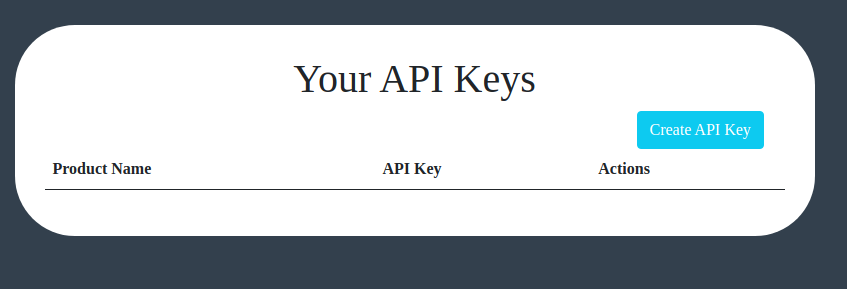
Create an API-Key on the dashboard.
-
Now import the Java Library into your project (using Intellij for this). Go to File > Project Structure > Modules > Dependencies > Click + in the dependencies list and select Jars or directories. Select the import Java API that was provided by us
-
When making an artifact, follow this process: Add artifact, Jar, From modules with dependencies, and enter the name of your main class because if you don't the plugin will try to target the api's main class, error out, and then abort startup.
-
Next Copy and Paste this code into your onEnable() method
APIPlugin apiPlugin = new APIPlugin(); try { apiPlugin.Enable("api-yourapikey"); } catch (SQLException e) { e.printStackTrace(); } -
If you are planning to create a custom configuration file, please make sure you add a 'license-key' field to it. If not, the API with create a config.yml automatically.
-
Compile and Enjoy