Blast some confetti all over the screen and celebrate user achievements!
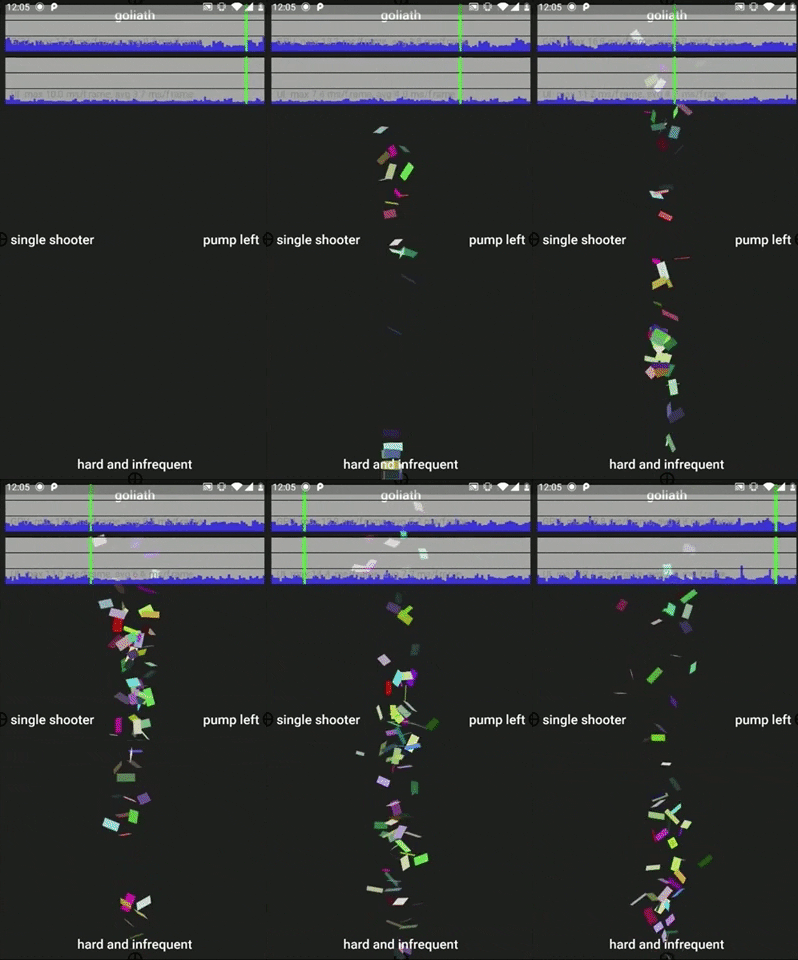
A video walkthrough is available here.
To use this plugin, add confetti as a dependency in your pubspec.yaml file.
See the example to get started quickly.
To begin you need to instantiate a ConfettiController variable and pass in a Duration argument. The ConfettiController can be instantiated in the initState method and disposed in the dispose method.
In the build method return a ConfettiWidget. The only attribute that is required is the ConfettiController.
Other attributes that can be set are:
blastDirection-> a radial value to determine the direction of the particle emission. The default is set toPI(180 degrees). A value ofPIwill emit to the left of the canvas/screen.emissionFrequency-> should be a value between 0 and 1. The higher the value the higher the likelihood that particles will be emitted on a single frame. Default is set to0.02(2% chance)numberOfParticles-> the number of particles to be emitted per emission. Default is set to10shouldLoop-> determines if the emission will reset after the duration is completed, which will result in continues particles being emitted, and the animation loopingmaxBlastForce-> will determine the maximum blast force applied to a particle within it's first 5 frames of life. The defaultmaxBlastForceis set to20minBlastForce-> will determine the minimum blast force applied to a particle within it's first 5 frames of life. The defaultminBlastForceis set to5displayTarget-> iftruea crosshair will be displayed to show the location of the particle emittercolors-> a list of colors can be provided to manually set the confetti colors. If omitted then random colors will be used. A single color, for example[Colors.blue], or multiple colors[Colors.blue, Colors.red, Colors.green]can be provided as an argument in the `ConfettiWidget
Enjoy the confetti.
NOTE: Don't be greedy with the number of particles. Too many will result in performance issues. Future versions might be more performant. Use wisely and carefully.