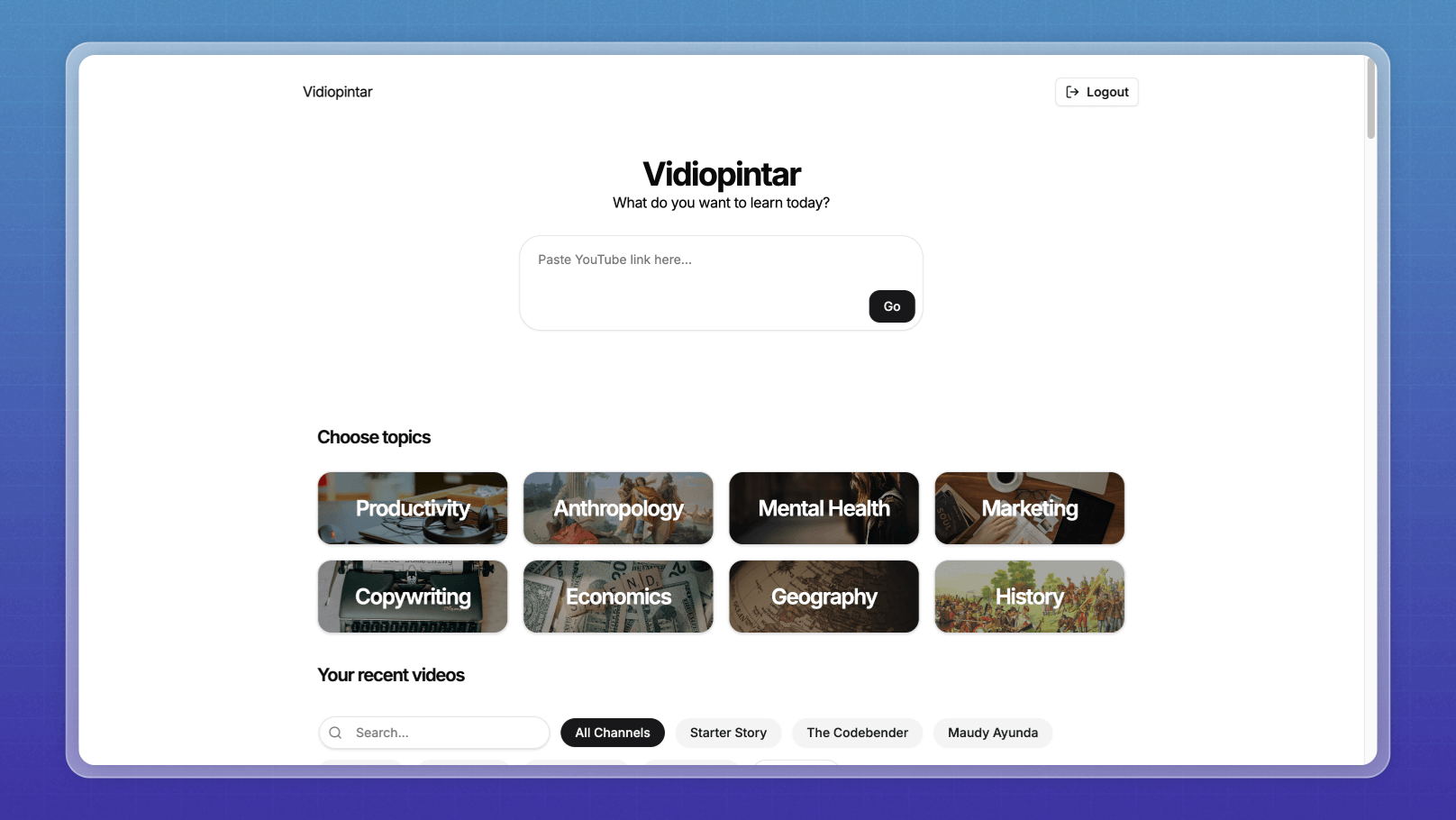
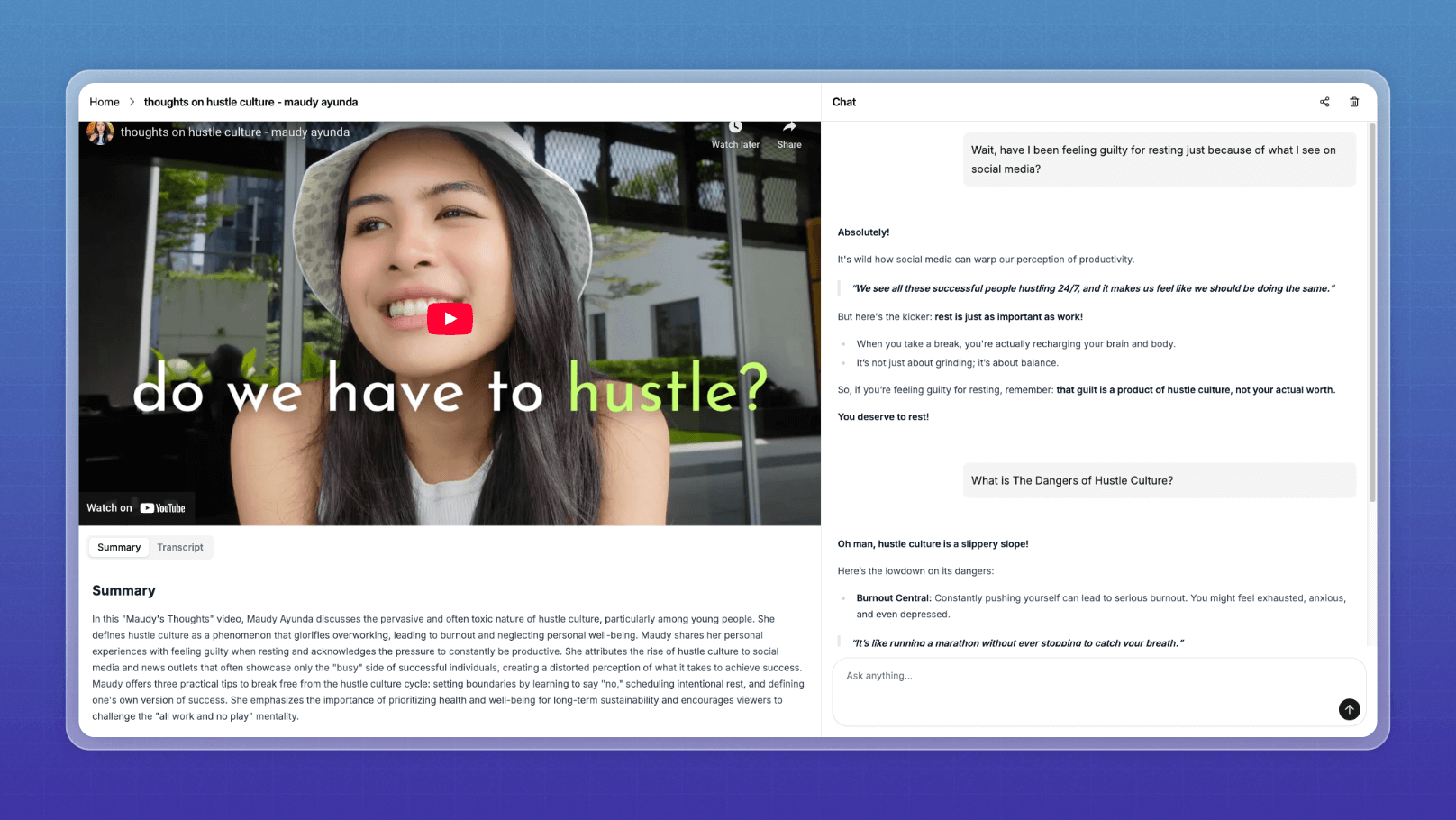
AI-powered YouTube video learning platform. Submit a YouTube link to get video summaries and chat with the content using AI.
- Frontend: Next.js 14, React 18, TypeScript, Tailwind CSS
- Database: PostgreSQL with Drizzle ORM
- Auth: Better Auth
- AI: OpenAI & Google AI SDK
# Install dependencies
npm install

# Setup database
npm run db:push

# Start development server
npm run devCopy .env.example to .env.local and configure:
- Database connection
- OpenAI API key
- Google AI API key
- Auth secrets
# Build the Docker image
docker build -t vidiopintar-app .

# Run the container (make sure to have .env file in the project root)
docker run -d --name vidiopintar-dev -p 5000:3000 --env-file .env vidiopintar-app# Pull the latest image
docker pull ghcr.io/ahmadrosid/vidiopintar.com:latest
# Run the container
docker run -d --name vidiopintar-app -p 5000:3000 --env-file .env ghcr.io/ahmadrosid/vidiopintar.com:latest
# Remove docker container
docker stop vidiopintar-app && docker rm vidiopintar-app- The app runs on port 3000 inside the container
- If using a local PostgreSQL database, set
DB_HOST=host.docker.internalin your.envfile - Make sure your
.envfile contains all required variables from.env.example - Access the app at
http://localhost:5000
If you need to run database migrations inside a running Docker container:
# Run database migration in the container
docker exec -it vidiopintar-dev npx drizzle-kit migrate

# Or push schema changes
docker exec -it vidiopintar-dev npx drizzle-kit push

# Seed payment settings data
docker exec -it vidiopintar-dev npx tsx scripts/seed-payment-settings.ts# Stop and remove the container
docker stop vidiopintar-dev
docker rm vidiopintar-devA simple command-line tool to chat with YouTube video transcripts. See youtube-cli/README.md for detailed documentation.
# Set your OpenAI API key
export OPENAI_API_KEY=your-api-key-here

# Run the CLI
bun run youtube-chat <youtube-url>
For more details, see the youtube-cli documentation.