Fun Time Linux Command
- Unimatrix
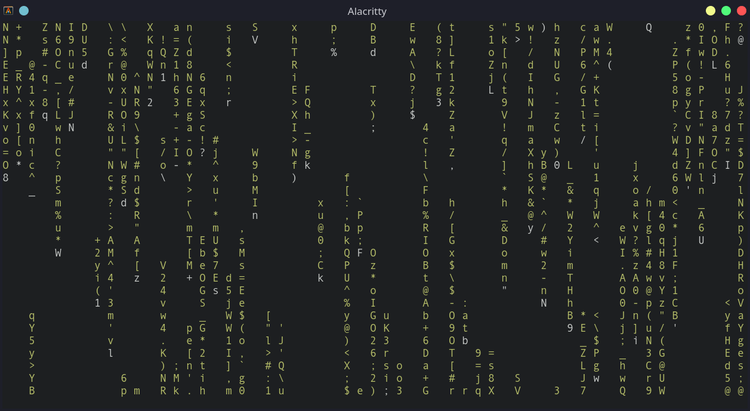
Starting off the list with a fun tool every Linux user loves, Unimatrix is a command-line utility that generates the classic "The Matrix" animation from the popular movie franchise of the same name. You can expect to see some great animations in different colors that you also get to customize.
- Cowsay
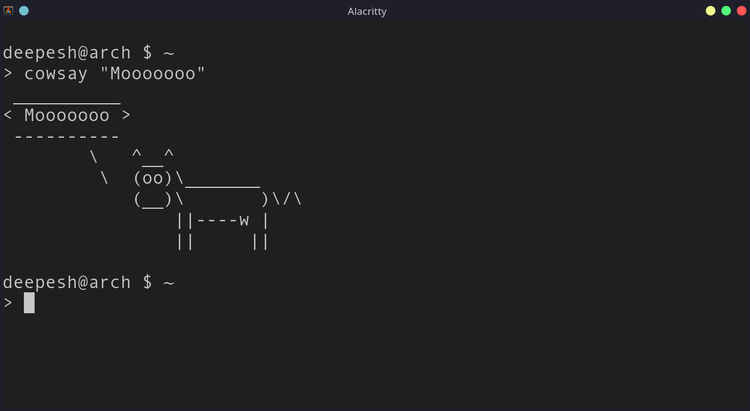
What does the cow say? Definitely, not just "moo."
cowsay is an ASCII-art-based command-line utility that displays the specified input with a neat ASCII cow art. While there's not much to this program, you can use it as a Bash prompt by invoking the program with random quotes whenever you launch a terminal instance.
- sl
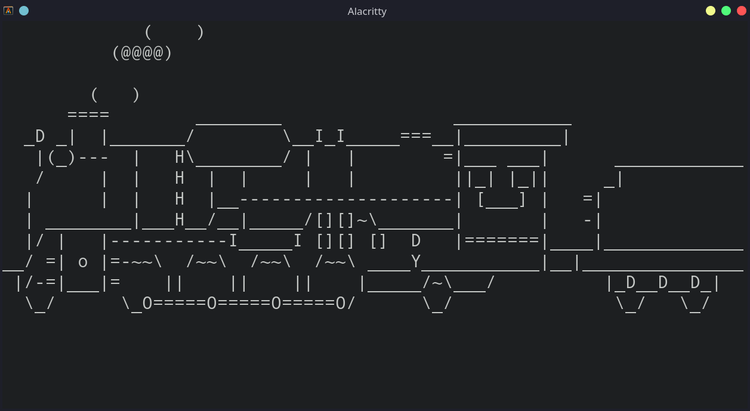
Everyone loves trains, especially steam locomotives. The Linux utility sl brings your favorite steam locomotive to your desk, using the terminal of course.
- Figlet
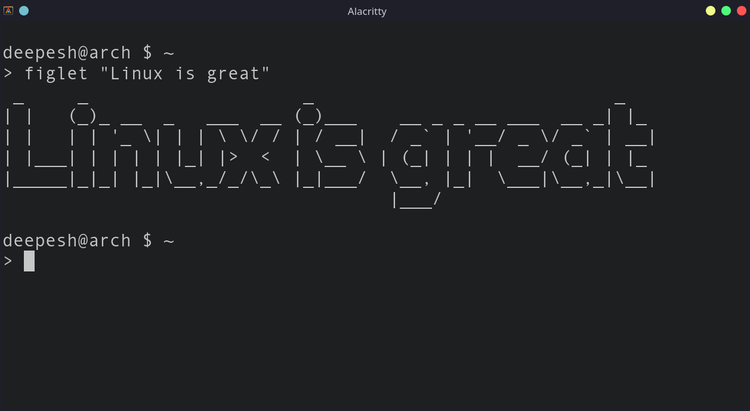
Have you ever seen a Linux terminal with beautifully crafted ASCII art at the top? You can achieve the same results using FIGlet, a command-line tool that converts user input into ASCII banners.
Unlike some other ASCII art generators, FIGlet doesn't have a character limit, which is what sets it apart. You can create ASCII arts of unlimited length with the tool, although the characters might break if you supply lengthier strings
- Fortune
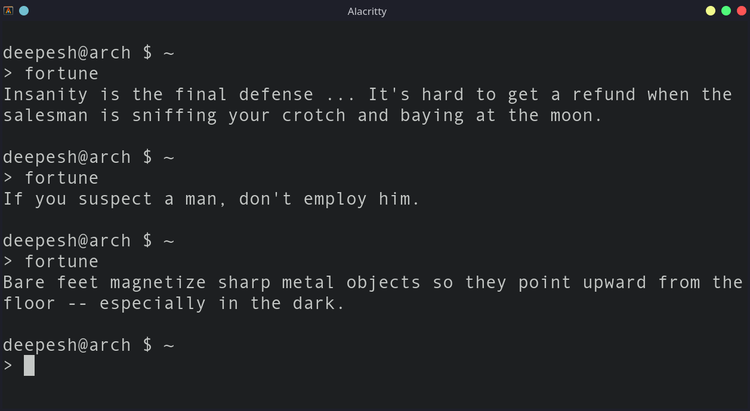
Want to read a quote? Maybe something funny, or perhaps an educational message? The excitement is there every time you run fortune, as you don't know what's going to hit you next. fortune is a Linux utility that returns random messages and quotes on execution.
- Xeyes

if you are someone who likes to have a pair of eyes on you every time you need to get something done, xeyes might be the best Linux tool for you. Literally, xeyes brings a pair of eyes to your desktop. The best part? The eyeballs move depending on your mouse pointer's position.
Launching the program is easy. Simply type xeyes in the terminal and hit Enter. By default, the position of the eyes will be the top left, but you can easily change it using the -geometry flag.
- aafire

Want to make your Linux desktop lit? You need aafire. It is a terminal-based utility that starts an ASCII art fire right inside your terminal. Although you won't physically feel the heat aafire brings to the table, it's definitely a "cool" Linux program to have on your system.
8.espeak
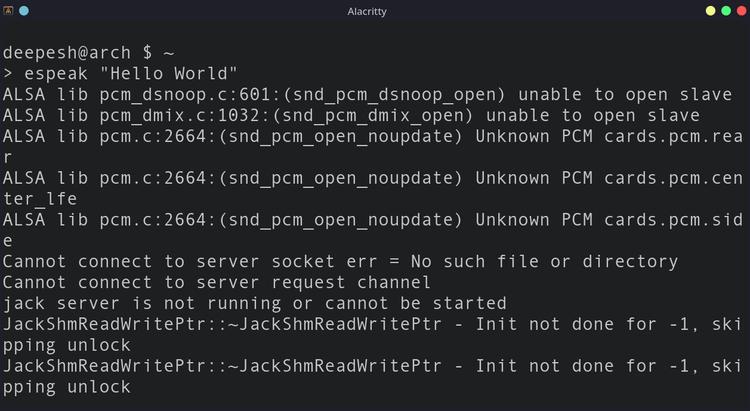
Have you ever wanted your Linux desktop to speak, exactly what you want it to? espeak is a text-to-speech utility that converts a specified string to speech and returns the output in real-time. You can play around with espeak by invoking the command with song lyrics or movie dialogues.
9.asciiquarium
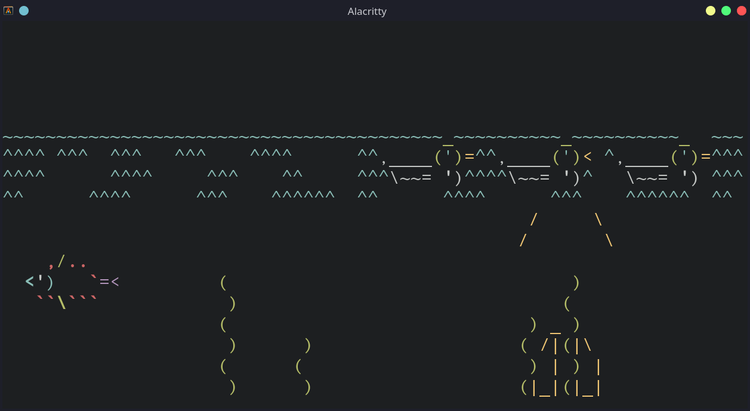
For those who wish to own an aquarium someday, here's your chance. As the name aptly suggests, asciiquarium creates a virtual aquarium inside your terminal using ASCII characters.
10.rig
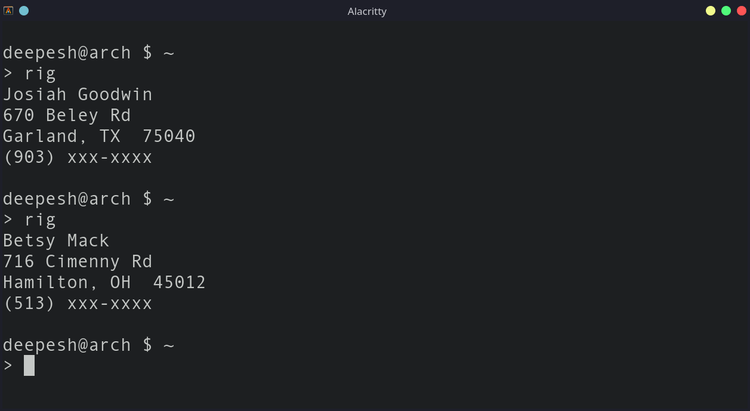
Want to quickly generate a fake identity for some reason? rig is what you need. Being a command-line utility, it returns output in an easy-to-read manner, for both users and computers. You can implement the functionality of rig in scripts, to test functions that require user information in bulk.
The fishes and the plants are colorized and that's what makes them come to life, leaving the dull terminal screen behind. You also get to see ducks swimming in the water occasionally.
11.rev
root@tecmint:~# rev

123abc
cba321
It reverses every string given to it
- funny-manpages
Some of them may be 18+, run at your own risk, they all are too funny.
baby
celibacy
condom
date
echo
flame
flog
gong
grope, egrope, fgrope
party
rescrog
rm
rtfm
tm
uubp
woman (undocumented)
xkill
xlart
sex
strfry
root@tecmint:~# man baby