node sql parser: https://www.npmjs.com/package/node-sql-parser
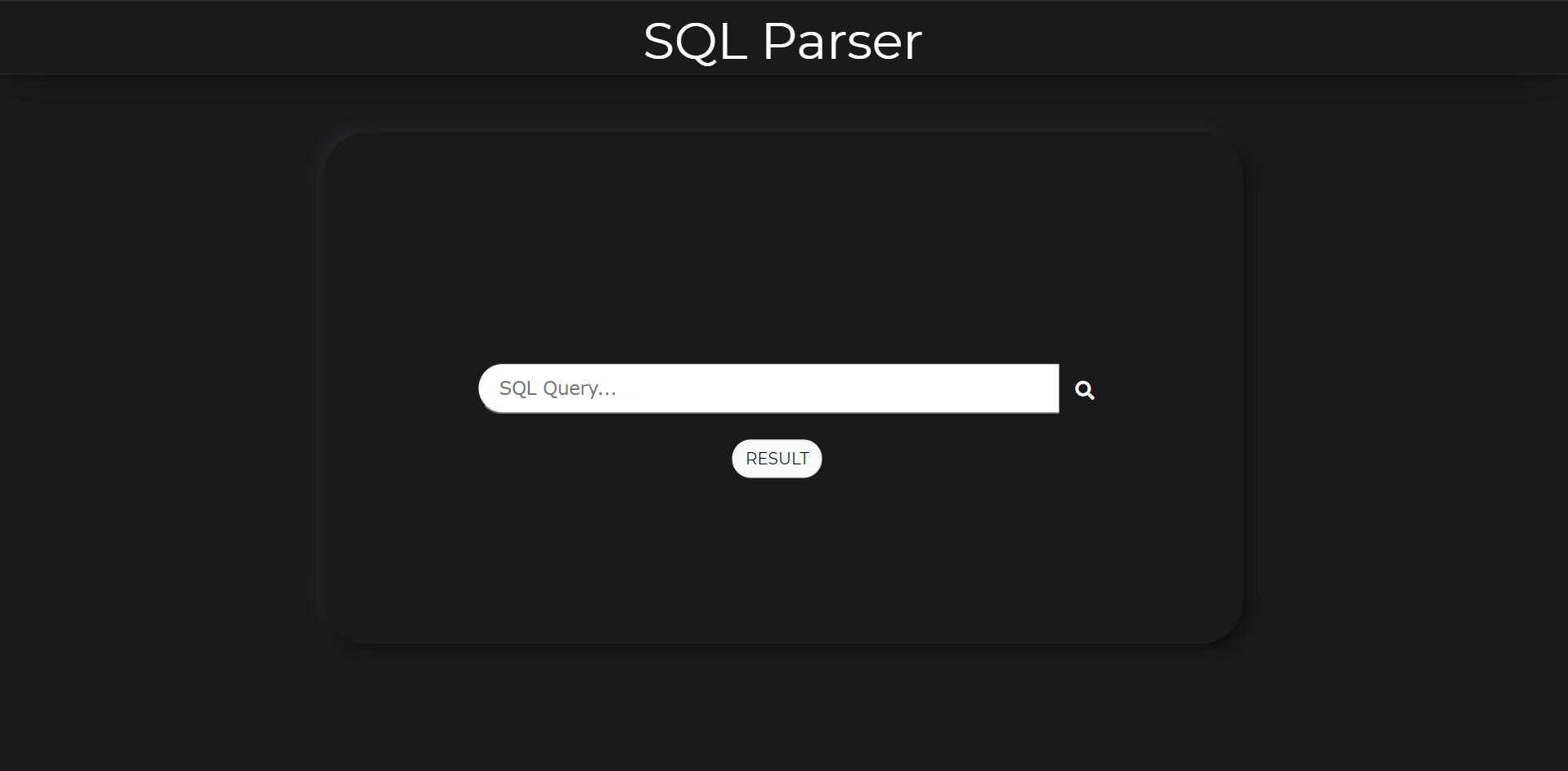
Sql Parsers can be used to tokenize sql queries and these tokens can be compared with compatible query models of an application to check if the query provided by user is valid or not, In this project a simple implementation of one such kind of sql parser is shown, for more extensive result just comment javascript result fetch code and the detailed result can be seen in console window.

- FROM npmjs :
npm install node-sql-parser --save - FROM browser :
<script src="https://unpkg.com/node-sql-parser/umd/index.umd.js"></script>

<script src="https://unpkg.com/node-sql-parser/umd/mysql.umd.js"></script>

<script src="https://unpkg.com/node-sql-parser/umd/postgresql.umd.js"></script> const { Parser } = require('node-sql-parser');
const parser = new Parser();
const ast = parser.astify('SELECT * FROM t'); // mysql sql grammer parsed by default
console.log(ast);eg: ast for SELECT * FROM t
{
  "with": null,
  "type": "select",
  "options": null,
  "distinct": null,
  "columns": "*",
  "from": [
    {
      "db": null,
      "table": "t",
      "as": null
    }
  ],
  "where": null,
  "groupby": null,
  "having": null,
  "orderby": null,
  "limit": null
}- get the table list that the sql visited
- the format is {type}::{dbName}::{tableName} // type could be select, update, delete or insert
- get the column list that the sql visited
- the format is {type}::{tableName}::{columnName} // type could be select, update, delete or insert
- for select , delete and insert into tableName values() without specified columns, the . column authority regex is required