Pathfinding
This page aims at describing in more details the pathfinding works in Botcraft: how it works and what are its limitations.
TL;DR: A* on a block-based grid
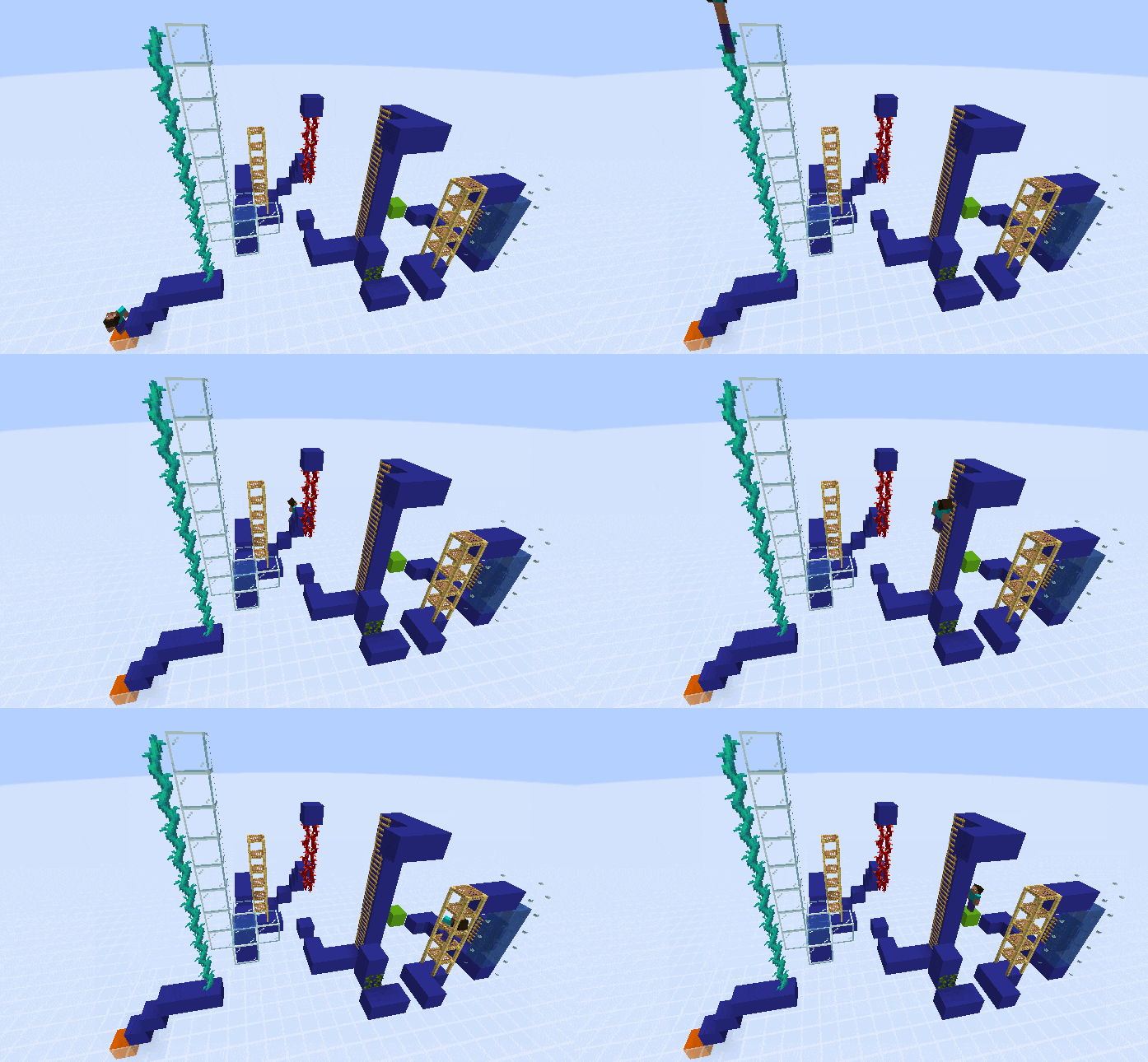
All pathfinding related code is in Pathfinding Task file. The action has the following signature:
Status GoTo(BehaviourClient& client,
    const Position& goal,
    const int dist_tolerance = 0,
    const int min_end_dist = 0,
    const int min_end_dist_xz = 0,
    const bool allow_jump = true,
    const bool sprint = true,
const float speed_factor = 1.0f,);- goal is the destination block. If the pathfinding succeeds, the bot will be at the center of the block on X and Z axes (i.e. at [goal.x + 0.5, goal.y, goal.z + 0.5]). Note that as these are block coordinates, you need to add 1 to a floor block Y value to have the bot standing on top of this block. For example, if the "look at" value on a floor block shows 42,68,42 and you want the bot to stand on it, you need to give it a goal of [42,69,42]. Final bot position after pathfinding will be [42.5,69,42.5].
- dist_tolerance is an integer indicating how strict you are on the end position regarding the goal (in blocks). For example if you give a goal of [42,69,42] and the bot ends up at [42.5,69,43.5] because of an obstacle preventing to go at goal, the function will return success only if dist_tolerance is >=1 and failure otherwise.
- min_end_dist is an integer used to add a constraint on the minimal distance between the goal and the bot final position. For example, if you want to place a block, you can give the block location as goal and set min_end_dist to 1 to make sure the bot will not be "inside" where it should put the block, interfering with the placement. It should always be <= to dist_tolerance.
- min_end_dist_xz works the same as min_end_dist, but only counting blocks on X and Z axis, ignoring vertical axis.
- allow_jump is a parameter you can disable if you don't want the bot to be able to jump over 1-wide gaps. In this case, the bot will always move from one block to one of its direct neighbours on X/Z plane. Note that it doesn't disable the ability to jump to move from one block to one that is next to it but 1 block higher (example from [42,68,42] to [43,69,42]). Disabling 1-wide gap jumps will speed up the search and save compute power in case you have prior knowledge than the floor is unlikely to contain such situations (like on the nether roof or in the end for example).
- sprint is a parameter you can disable if you don't want the bot to sprint while moving (useful to save on food for long trips)
- speed_factor is a float multiplier for the base speed. Be careful though as if you use too high values you could 1) mess up with the bot movement/physics calculations and 2) make the server thinks you are teleporting and cancelling your move. In both cases, you might end up not moving at all.
Pathfinding works using a good old 1968 A* algorithm. To determine what are the "adjacent nodes" from the current position, the bot will query the world in four directions (North, South, East and West) as well as top and bottom to get a representation of the surroundings in the given direction. Using this representation, it will then check if any of them allow the bot to pass and go to a neighbour block. If so, the new position is added to the list of potential nodes to explore and so on. If at any time either the goal is reached or the search budget is exceeded, a path is constructed from the starting point to the goal using the built adjacency graph.
The following table presents an example of world representation. A, B and C are block columns (either on X or Z axis depending on the considered neighbour) while rows are the different Y values. Bot is always in A2 (feet) and A1 (head). Empty spaces represents air blocks, o are solid blocks the bot can walk on and ^ is a "climbable" block (such as scaffolding, ladder or water). Question marks are a special case: it represents the highest non-air block in the column below bot feet. It is evaluated only if all blocks from 1 to 5 allow the bot to "fall". If it is evaluated to "climbable" (ladder, vines, water...), then it is also considered as a valid next position. Blocks that can hurt the bot (lava, magma, berry bushes etc...) are considered differently if the bot is in survival or creative mode. In survival, they are considered as blocking, as in creative they are simply seen as regular blocks.
In this situation, the bot can either:
- Go down one block, going to A3
- Move right and fall in B4
- Jump over B and fall in C1
| A | B | C | |
|---|---|---|---|
| 0 | |||
| 1 | B | ||
| 2 | B | o | |
| 3 | ^ | o | |
| 4 | o | o | |
| 5 | o | o | o |
| N | ? | ? | ? |
There is quite surprinsingly some advantages using a 50 years old algorithm instead of something more recent. Main reasons are:
- it works
- it's simple, no need to keep an up-to-date realtime navmesh of the chunks or things like that
- it's reasonably fast: order of magnitude for typical cases is less than 10 ms. Even in edge cases with no path available to reach the goal, it takes at most a few hundreds of ms. Even if it's slow for a computer function to run, it's negligible regarding the time the bot will actually walk the path
But obviously there are also some limitations:
- all valid transitions between a position and its neighbours must be entered manually
-
the grid only has a resolution of one block. It means that if a block is solid (i.e. has a collider) the bot considers it can walk on top of the full block. This is not always true, with many Minecraft blocks having colliders smaller than a full block (for example, a carpet has a very small height, and the bot will plan the trajectory as if it were 0.94 higher than its real position when standing on the carpet). This case also happens for "higher than 1" blocks such as walls and fences. They are considered as regular solid cubes, which will lead to false possible routes in the path.This is not true anymore after 03/2024, the pathfinding now also uses the height of solid blocks, allowing to pathfind even with non full blocks such as walls, carpets or carpets on walls.