🏪 Store Management Web App
A full-stack store management system built with Vue.js (Options API) and Express.js (TypeScript) to manage products, users, and sales efficiently.
🚀 Features
- Secure JWT authentication with bcrypt password hashing.
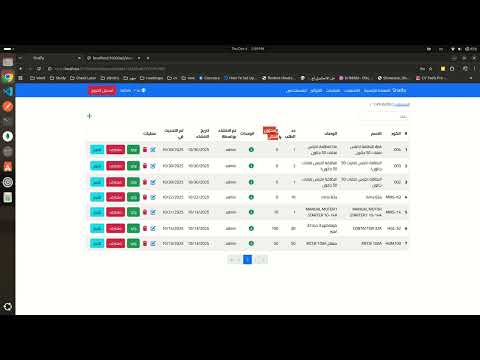
- Low Stock Management Page that displays all products with quantities below a defined limit.
- MongoDB database for storing inventory, users, and sales.
- Joi validation and express-async-handler for robust error handling.
- Helmet and express-rate-limit for enhanced API security.
- Responsive and clean Vue.js frontend UI.
🛠️ Tech Stack
Frontend: Vue.js (Options API) Backend: Express.js, TypeScript Database: MongoDB
git clone https://github.com/abuomerSD/store-app.gitcd store-appthen
cd backend/npm install typescripttscnpm installMONGODB_URI = (Your MongoDB URL)
PORT = 5000
NODE_ENV= development
JWT_SECRET = wSvf+vEzfy0veqSoS2ZZEo5f2+FaRR4Vz5TiP4WRWzk=
CORS_ORIGIN = (Your Frontend URL)
DEFAULT_USERNAME = admin
DEFAULT_PASSWORD = ewqeqw12345node dist/app.js npm installVITE_API_URL = (You Server URL example: http://localhost:5000/api/)npm run devthe front end url will appear on the terminal, navigate to it.
navigate to /admin and login with DEFAULT_USERNAME, DEFAULT_PASSWORD which you have created in the backend environment variables.
Images:


