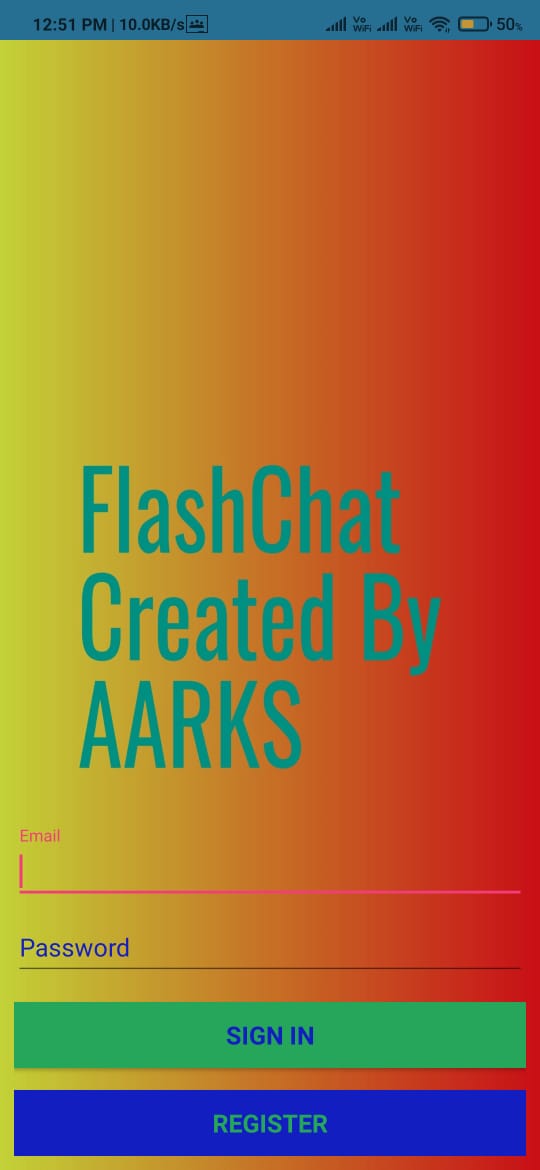
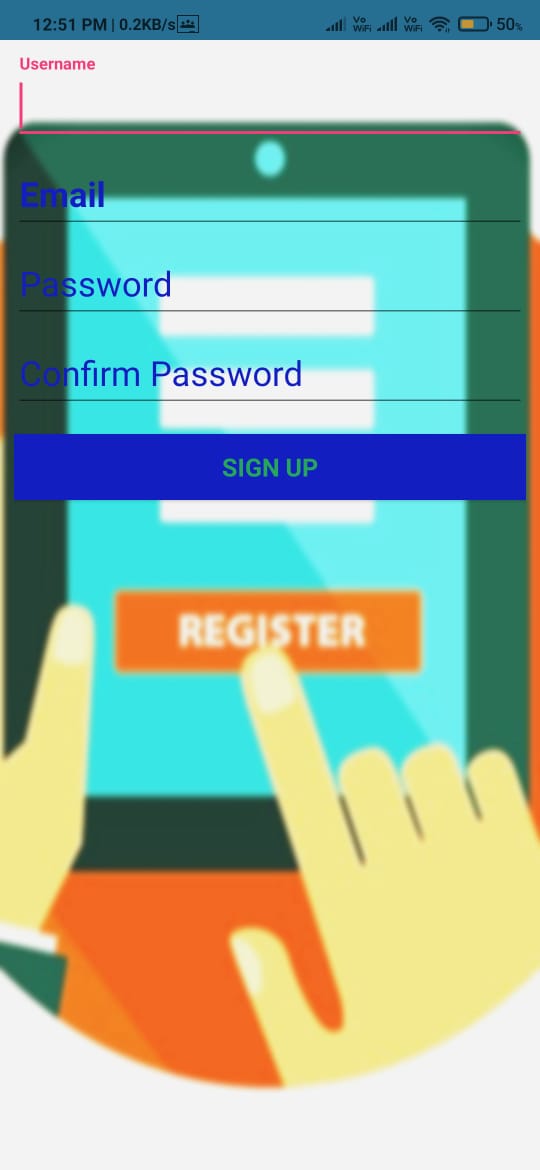
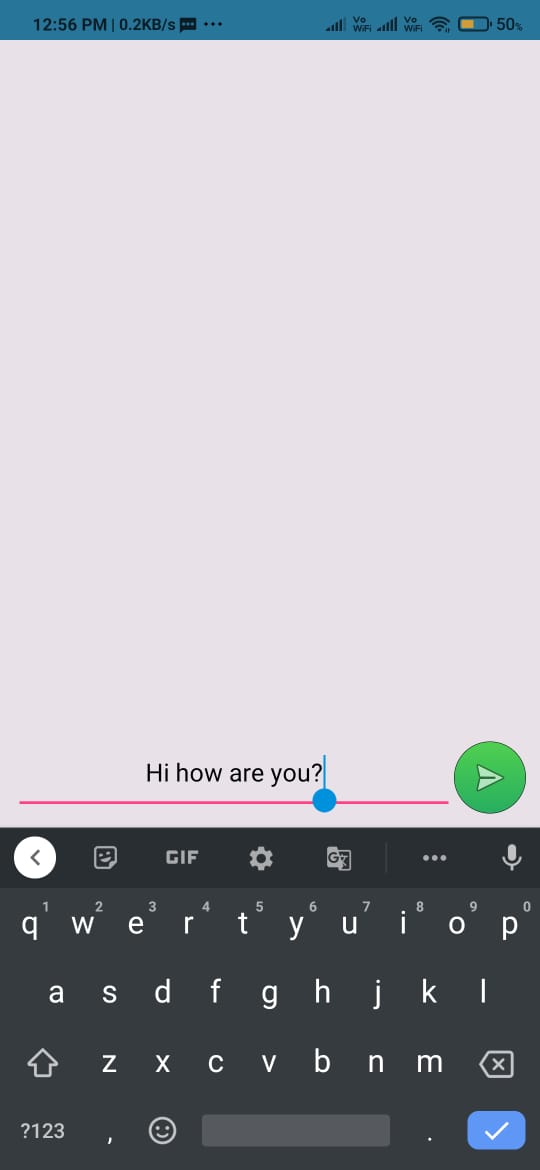
The App is based on messenger platform which uses Cloud Storage as a backend service
The App is created On Android Studio in which Java is used as a programming language
Note: I am working on a new version which can be released later.
Realtime messaging
Encryption
Message status and typing indicators
Online status (presence) and real-time profile update
Clone the Repository (Recommended) If you have git installed, this is a recommended approach as you can quickly sync and stay up to date with the latest version. This is also a preferred way of downloading the code if you decide to contribute to the project.
$ git clone https://github.com/aarkeshsharma/Aarks-FlashChat-App.git Download the code as a zip file
Whatever approach you take to download the code, it is important to stay up-to-date with the latest changes, new features, fixes etc. Ensure to Star(*) the project on GitHub to get notified whenever the source code is updated.
Before we dive into building and running a fully featured Messenger for Android, ensure that you've read the following.
Latest Android Studio Installed
An Android Device
Building the code is as simple as:
Launch Android Studio
Open the project from the folder where you have downloaded the code using menu File -> Open
Build using menu Build -> Rebuild Project
It may take a while to build the project for the first time.
Once the build is over, run on the device using menu Run -> Run (app)
That's it, you should see the welcome screen like below.
Register or Login using email-id. You can even start using the app you've just built to communicate with your family and friends.
These apps use following Mesibo SDKs.
Android Studio SDK
Messaging UI Module
These apps also use following third party libraries/services.
Google Firebase Account creation & Authentication
aarkeshsharma
Copyright (c) 2020-present, Aarkesh Sharma aarkeshsharma@gmail.com