| title | emoji | colorFrom | colorTo | sdk | app_port | pinned |
|---|---|---|---|---|---|---|
ManimCat |
🐱 |
gray |
blue |
docker |
7860 |
false |
English | 简体中文


∫ ∑ ∂ ∞
🎬 AI-Powered Mathematical Animation Generator
Making mathematical animation creation simple and elegant, powered by Manim and large language models




Preface • Examples • Technology • Deployment • Contributions • License • Maintenance
I am happy to introduce my new project, ManimCat. It is, after all, a cat.
This project is a substantial architectural reconstruction and extended rework based on manim-video-generator. My thanks go to the original author, Rohit Ghumare. I rewrote the frontend and backend architecture, addressed the original bottlenecks around concurrency and rendering stability, and pushed the product further in the direction of my own design and usability goals.
ManimCat is an AI-powered math visualization platform that supports both video and image output modes, aimed at classroom teaching and problem explanation scenarios.
Users only need to describe what they want in natural language. The system then uses AI to generate Manim code automatically and renders it as either an animation video or a sequence of static images, depending on the chosen mode. It supports LaTeX formulas, two-stage generation, retry-based error repair, and anchor-based segmented rendering in image mode, making it especially suitable for teaching content built around step-by-step derivation and visual reasoning.
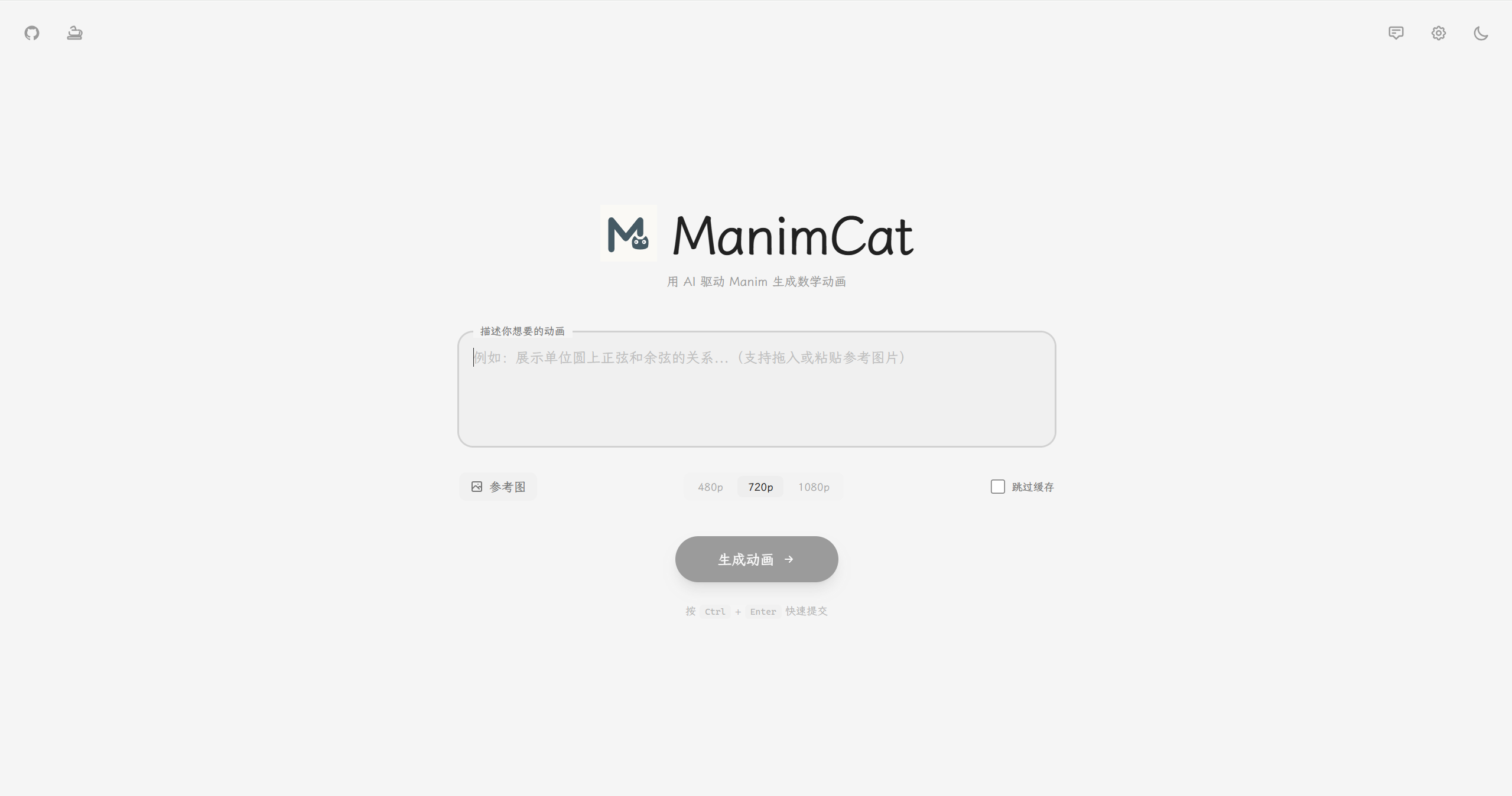
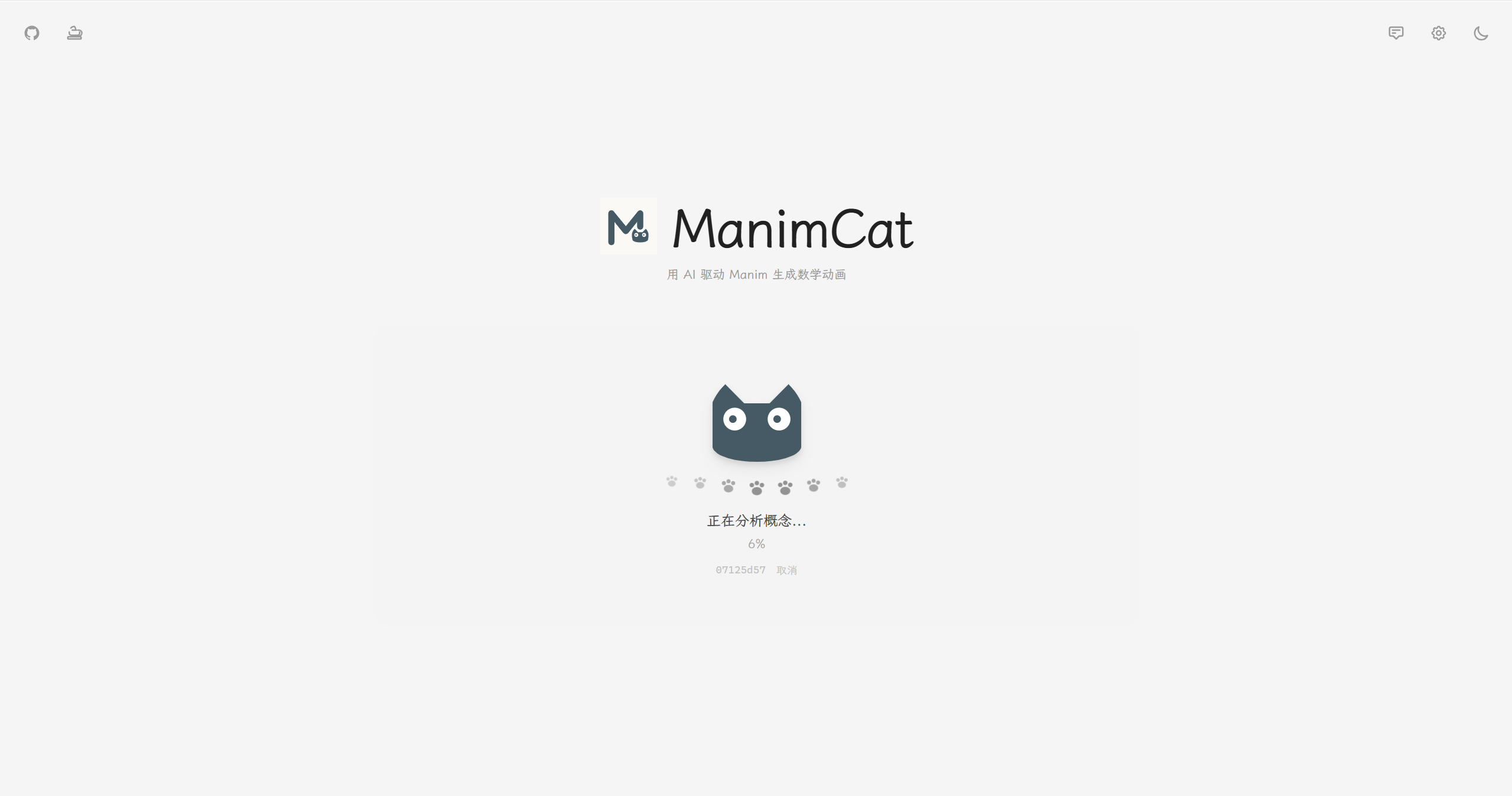
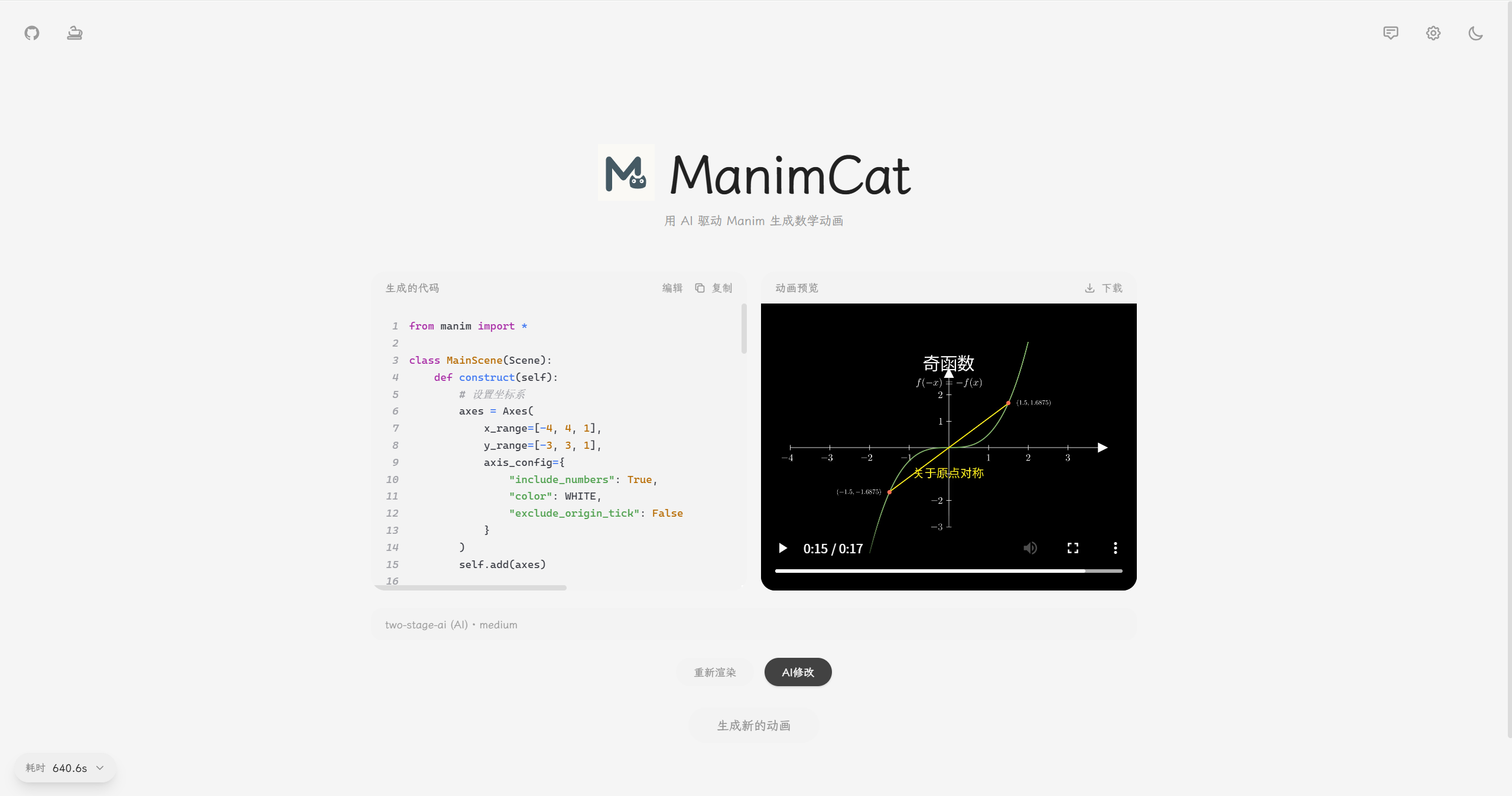
Use a two-column layout to explain the relationship between sinusoidal stretching transformations and their analytic expressions.
manim-animation-1769495952621.mp4
example01
Draw a unit circle and generate the sine function.
manim-animation-1770384425933.mp4
example02
Prove that
$1/4 + 1/16 + 1/64 + \dots = 1/3$ using a beautiful geometric method, elegant zooming, smooth camera movement, a slow pace, at least two minutes of duration, clear logic, a creamy yellow background, and a macaroon-inspired palette.
default.mp4
example03
Backend
- Express.js (
package.json:^4.18.0, currentpackage-lock.json:4.22.1) + TypeScript5.9.3 - Bull
4.16.5+ ioredis5.9.2for the Redis-backed job queue - OpenAI SDK (
package.json:^4.50.0, currentpackage-lock.json:4.104.0) - Zod (
package.json:^3.23.0, currentpackage-lock.json:3.25.76) for data validation - Supabase JS (
@supabase/supabase-js) for optional persistent history storage
Frontend
- React (current lock version
19.2.3) + TypeScript5.9.3 - Vite (
package.json:^7.2.4, current lock version7.3.1) - TailwindCSS
3.4.19 - react-syntax-highlighter
16.1.0
System Dependencies
- Python / Manim runtime (Docker base image:
manimcommunity/manim:stable) - LaTeX (
texlive) ffmpeg+Xvfb
Deployment
- Docker + Docker Compose
- Redis (installed inside the container as
redis-server; no separate major version is locked in this repository)
User request -> POST /api/generate (outputMode: video | image)
                |
                v
         [Auth middleware]
                |
                v
         [Bull job queue]
                |
                v
    +-----------------------------------------------+
    |               Generation pipeline             |
    |-----------------------------------------------|
    | 1. Concept analysis                           |
    |    - Always routed through AI                 |
    | 2. Two-stage generation                       |
    |    - Stage 1: Concept Designer               |
    |    - Stage 2: Code Generator                 |
    | 3. Code retry manager (up to 4 retries)      |
    | 4. Rendering by output mode                   |
    |    - video: render mp4                        |
    |    - image: parse YON_IMAGE anchors and      |
    |             render PNGs one by one            |
    | 5. Store outputs and timing data             |
    |    - Redis + filesystem                       |
    +-----------------------------------------------+
                |
                v
        Frontend polling for status
                |
                v
     GET /api/jobs/:jobId (video_url | image_urls)
Retry mechanism
- The concept designer's result is preserved, so the design step does not need to run again.
- Every retry sends the full conversation history, including the original prompt, previous code, and error messages.
- The system retries up to 4 times before marking the job as failed.
Image mode
- Output must be organized as
YON_IMAGE_nanchor code blocks. The backend counts the anchor groups and renders each image separately. - If any image fails to render, the entire job fails under strict mode.
- The returned field is
image_urlsfor image mode andvideo_urlfor video mode.
| Environment Variable | Default | Description |
|---|---|---|
PORT |
3000 |
Server port |
REDIS_HOST |
localhost |
Redis host |
REDIS_PORT |
6379 |
Redis port |
REDIS_PASSWORD |
- | Redis password, if needed |
REDIS_DB |
0 |
Redis database |
MANIMCAT_ROUTE_KEYS |
- | List of ManimCat keys for upstream mapping, separated by commas or new lines |
MANIMCAT_ROUTE_API_URLS |
- | Upstream API URLs matched to MANIMCAT_ROUTE_KEYS by index |
MANIMCAT_ROUTE_API_KEYS |
- | Upstream API keys matched to MANIMCAT_ROUTE_KEYS by index |
MANIMCAT_ROUTE_MODELS |
- | Upstream models matched to MANIMCAT_ROUTE_KEYS by index. Leave empty to disable a key (no model available) |
AI_TEMPERATURE |
0.7 |
Generation temperature |
AI_MAX_TOKENS |
1200 |
Maximum generation tokens |
DESIGNER_TEMPERATURE |
0.8 |
Designer temperature |
DESIGNER_MAX_TOKENS |
12000 |
Maximum designer tokens |
REQUEST_TIMEOUT |
600000 |
Request timeout in milliseconds |
JOB_TIMEOUT |
600000 |
Job timeout in milliseconds |
MANIM_TIMEOUT |
600000 |
Manim render timeout in milliseconds |
LOG_LEVEL |
info |
Log level (debug/info/warn/error) |
PROD_SUMMARY_LOG_ONLY |
true |
In production, only emit one summary log line per job |
CODE_RETRY_MAX_RETRIES |
4 |
Number of code-fix retries |
MEDIA_RETENTION_HOURS |
72 |
Retention period for image and video files |
MEDIA_CLEANUP_INTERVAL_MINUTES |
60 |
Media cleanup interval in minutes |
JOB_RESULT_RETENTION_HOURS |
24 |
Retention period for job results and stage data |
USAGE_RETENTION_DAYS |
90 |
Retention period for daily aggregated usage metrics |
METRICS_USAGE_RATE_LIMIT_MAX |
30 |
Maximum number of usage requests per IP in each rate limit window |
METRICS_USAGE_RATE_LIMIT_WINDOW_MS |
60000 |
Usage API rate limit window in milliseconds |
ENABLE_HISTORY_DB |
false |
Enable persistent generation history (requires Supabase) |
SUPABASE_URL |
- | Supabase project URL |
SUPABASE_KEY |
- | Supabase anon key or service role key |
Example .env
PORT=3000
REDIS_HOST=localhost
REDIS_PORT=6379
AI_TEMPERATURE=0.7
CODE_RETRY_MAX_RETRIES=4
MANIMCAT_ROUTE_KEYS=user_key_a,user_key_b
MANIMCAT_ROUTE_API_URLS=https://api-a.example.com/v1,https://api-b.example.com/v1
MANIMCAT_ROUTE_API_KEYS=sk-a,sk-b
MANIMCAT_ROUTE_MODELS=qwen3.5-plus,gemini-3-flash-preview
Upstream selection priority, from high to low
- request body
customApiConfig(when enabled on the frontend) MANIMCAT_ROUTE_*matching the current Bearer key
Please see the deployment guide.
I made fairly extensive modifications and refactors to the original project so it would better reflect my own design goals:
- Architectural refactor
- The backend now uses an Express.js + Bull job queue architecture
- Frontend/backend separation
- The frontend is fully separated, built with React + TypeScript + Vite
- Storage overhaul
- Redis stores job status and results with TTL management, and the old concept-cache shortcut is no longer used
- Queue system
- Bull + Redis job queues with retries, timeouts, and exponential backoff
- Frontend stack
- React 19 + TailwindCSS + react-syntax-highlighter
- Project structure
src/{config,database,middlewares,routes,services,queues,prompts,types,utils}/frontend/src/{components,hooks,lib,types}/
- New capabilities
- CORS middleware
- A new image output mode alongside video mode
YON_IMAGEanchor-based segmented rendering, multi-image output, and gallery preview in image mode- Batch image download support
- Reference image input support
- A light Chinese-inspired frontend aesthetic with theme switching, settings modals, and related UI components
- Support for third-party OpenAI-compatible APIs and custom API configuration
- Retry flow and frontend/backend status querying
- Customizable frontend video parameters, effective in video mode only
- Memory monitoring endpoint support
- Dedicated prompt management UI with eight prompt types
- Manual secondary editing and rerendering, plus AI-assisted secondary editing
- Timing breakdown for each stage, shared by both image and video modes
- Backend test endpoint
- Production summary logging mode with token aggregation support
- Server-side upstream mapping by ManimCat key, making it possible to distinguish test and production users
- Frontend multi-profile API polling and sharded routing, with
url/key/model/manimcat keymatched by index - Workspace: unified full-screen management page combining generation history, prompt management, and usage dashboard with a left rail navigation
- Generation history: persistent history stored in Supabase (text-only: prompt, code, metadata; videos/images are not stored), feature-flagged via
ENABLE_HISTORY_DB
Prompt feature notes
The system supports 8 prompt types, divided into two major categories:
- conceptDesigner: system prompt for concept design, guiding the AI to understand the math concept and design the animation scene
- codeGeneration: system prompt for code generation, guiding the AI to produce compliant Manim code
- codeRetry: retry system prompt, used only during the repair phase after a render failure; the system itself does not "retry" by magic, it simply enters the repair flow with this prompt
- conceptDesigner: user prompt for concept design, adding more specific design needs and stylistic guidance
- codeGeneration: user prompt for code generation, adding more detailed requirements and constraints
- codeRetryInitial: initial repair prompt used after the first code failure
- codeRetryFix: detailed repair prompt used after the second code failure
- Visit the page by clicking the "Workspace" button in the top-right corner, then select "Prompts" from the left rail
- Choose the prompt type in the sidebar
- Edit the prompt content in the main editor area
- Save or rely on auto-save
- The new configuration is applied to the next generation task automatically
- Main page input: the specific task description you enter for each generation request
- Prompt management: global behavioral rules configured once and reused many times
- Combined use: the system combines the user's concept input with the configured prompts to generate the final animation
- Default priority: if the user has not modified anything, backend default prompt templates are used
- Override priority: once a field is modified, only that field is replaced and the rest continue to use defaults
- Retry phase: after the initial generation fails, the repair flow uses
codeRetryas the system prompt andcodeRetryInitial/codeRetryFixas the user prompts
The backend architecture and parts of the frontend implementation in this project reference or build upon the core ideas of manim-video-generator.
- Inherited portions of the code remain under the MIT License
- The new refactored code, queue logic, and frontend components added by this project are also released to the open-source community under the MIT License
The following content is original work by me, the author of ManimCat, and is strictly prohibited from commercial use in any form:
- Prompt engineering: all highly optimized Manim code generation prompts and related logic under
src/prompts/ - API index data: the Manim v0.18.2 API index tables and related high-constraint rules that I personally crawled, cleaned, and produced
- Specific algorithmic logic: regex-based cleanup logic for reasoning-model output and fallback tolerance mechanisms
Without my written permission, no one may use the above "core assets" for any of the following:
- Packaging them directly into a paid product
- Integrating them into a paid subscription-based commercial AI service
- Redistributing them for profit without attribution
In practice, I have already noticed closed-source commercial projects charging math educators high fees by using similar AI + Manim ideas. Yet the open-source world still lacks mature tools deeply optimized for educational use cases.
ManimCat was created precisely to challenge those closed-source commercial tools. I want every teacher to enjoy AI-powered teaching visualization at a low cost through open source. In practice, you only need to pay for API usage, and fortunately those costs are still inexpensive with strong Chinese LLMs. To protect that vision from being copied by commercial actors and turned back against users, I firmly prohibit commercial licensing of this project's core prompts and index data.
Because my time is limited and I am an independent hobbyist rather than a full-time professional maintainer, I currently cannot provide fast review cycles or long-term maintenance for external contributions. Pull requests are welcome, but review may take time.
If you have good suggestions or discover a bug, feel free to open an Issue for discussion. I will improve the project at my own pace. If you want to make large-scale changes on top of this work, you are also welcome to fork it and build your own version.
If this project gave you useful ideas or helped you in some way, that is already an honor for me.
If you like this project, you can also buy the author a Coke 🥤
Support it here:

Thank you. Your support gives me more energy to keep maintaining the project.
- Original project author
- Linux.do community
- Alibaba Cloud Bailian