Ability to add a spoiler block with a title.
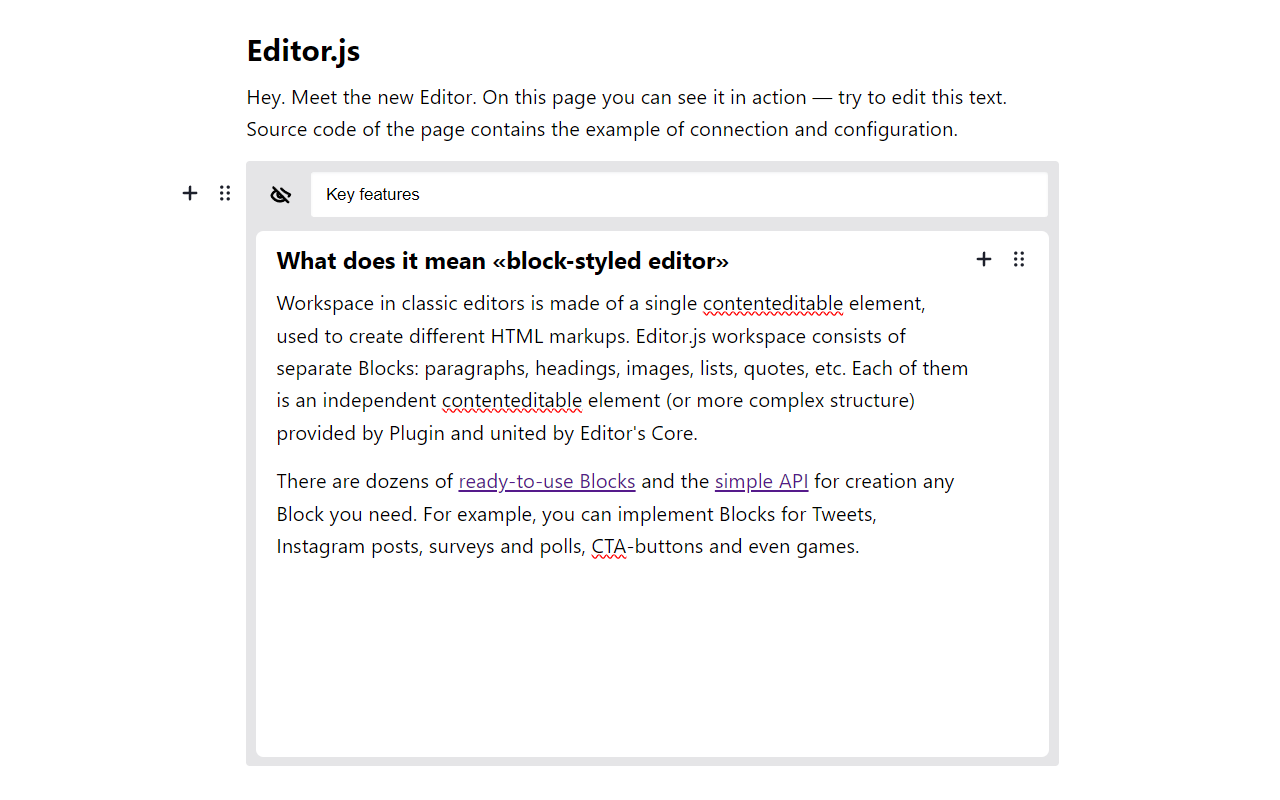
Get the package
$ npm i editorjs-spoilerInclude module at your application
import Spoiler from 'editorjs-spoiler';You can load a specific version of the package from jsDelivr CDN.
Require this script on a page with Editor.js.
<script src="https://cdn.jsdelivr.net/npm/editorjs-spoiler"></script>- Upload folder
distfrom repository - Add
dist/editorjs-spoiler.bundle.jsfile to your page.
const editor = EditorJS({
  // ...
  tools: {
    // ...
    spoiler: {
      class: Spoiler,
      config: {
        editorLibrary: EditorJS,
        editorTools: {
          header: {
            class: Header,
            inlineToolbar: false,
            config: {
              placeholder: 'Header'
            }
          },
          checklist: Checklist,
          delimiter: Delimiter,
          // ...
        }
      }
    },
  }
  // ...
});| Field | Type | Description |
|---|---|---|
| editorLibrary | object |
EditorJS library |
| editorTools | object[] |
Configuration of editor blocks to be available in spoiler |
| editorTunes | object[] |
Configuration of editor block tunes to be available in spoiler |
This Tool returns data with following format
| Field | Type | Description |
|---|---|---|
| caprion | string |
Spoiler caption |
| content | object |
Saved EditorJS data in spoiler |