- Javascript React✨
- Mongoose Mongodb✨
- TypeScript NodeJS✨
- State Managment Redux✨
I used SPA React Application, thus I chose to use Redux to mange State.
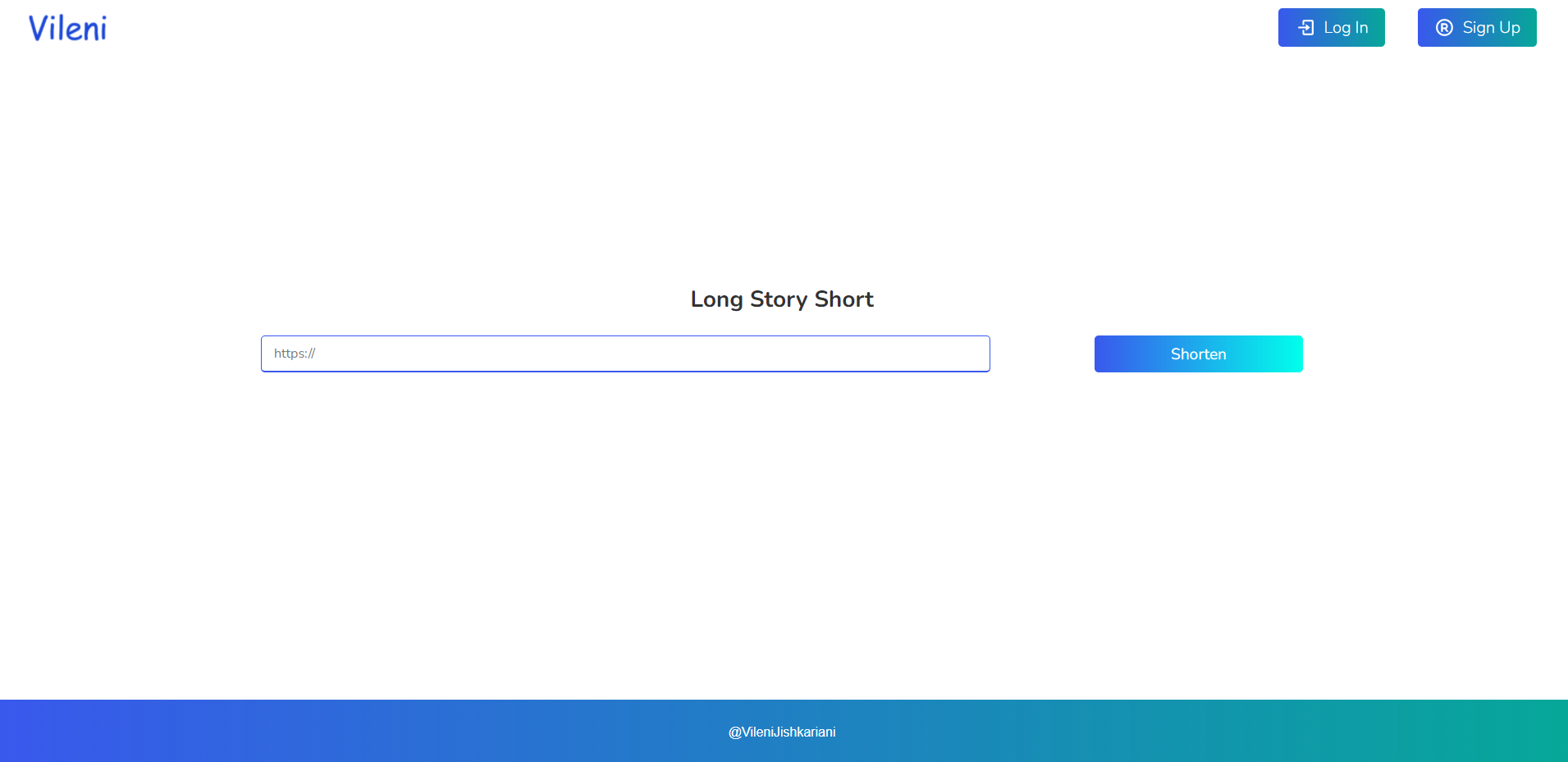
on Front-end there are 4 pages.
- Signup page You can register there.
- Login page You can login there.
- Mystats page You can track your links there.
- Main page You can create links there.
On main page you can create short links, but as long as you are not authenticated you can't create short link. If you do authenticate then every link, created by you will be tracked by you (check mystats page). Using Mongodb and Mongoose I managed to impliment user authorization and authentication. I made relation beetween Users and Links, so all link belongs to user who created it. About unique visits and just visits. if there is visit on link the visits field of links in database incriments by 1, then server checks in database URL's visitorsIP field, if it don't contain user ip, it incriments uniqueVisitors field by 1, then ip will be push to VisitorsIP array field. So, application checks unique visits by Ip.
#I recommend to install Node.js v14+ to run.
Firt you need to create your own MongoAtlas database and fill required fields in ./server/.env file.
- NODE_ENV="development"
- DB="MongoDB string here" Create your Private MongoDB database.
- SECRET_KEY="Create hashed key for Json Web Token"
- BASE_URL="http://localhost:3000/" Use Frontend Server Address.
- IP="128.0.0.2" As long as you test applications locally, you need to change ip by hand and restart Node js Server, if you want to check unique users feature!
git clone https://github.com/Vileni/link_shortener.gitcd link_shortener npm installnpm run start:devcd link_shortener cd client npm installnpm run startNavigate to local server address in your preferred browser.
127.0.0.1:3000