Tetris was created with Pygame
git clone https://github.com/Veter-ok/pygame-tetris.gitcd pygame-tetrispip install -r requirements.txtpython3 main.pyFirst of all you`ll see main screen, where you need enter your name to remember score
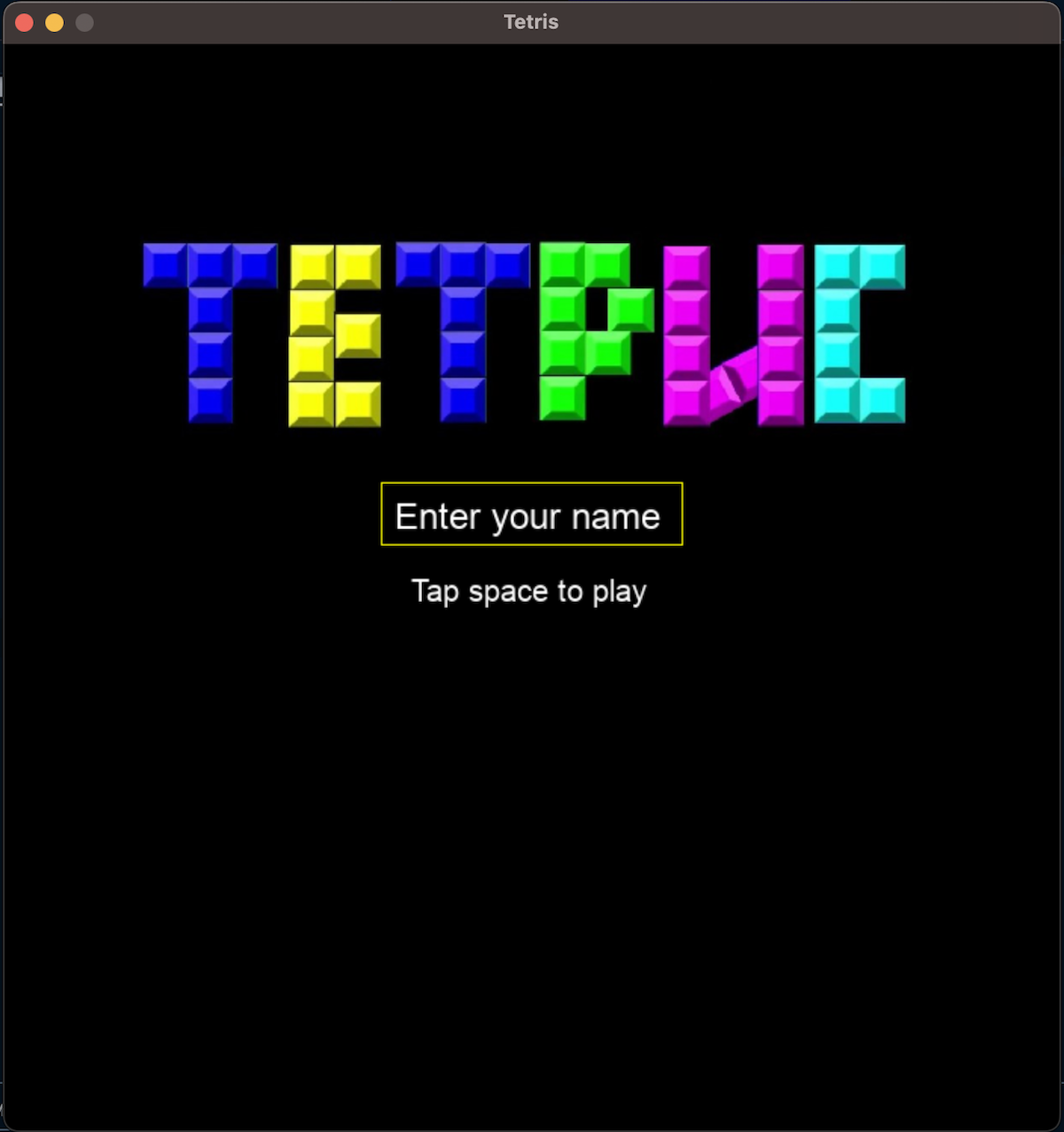
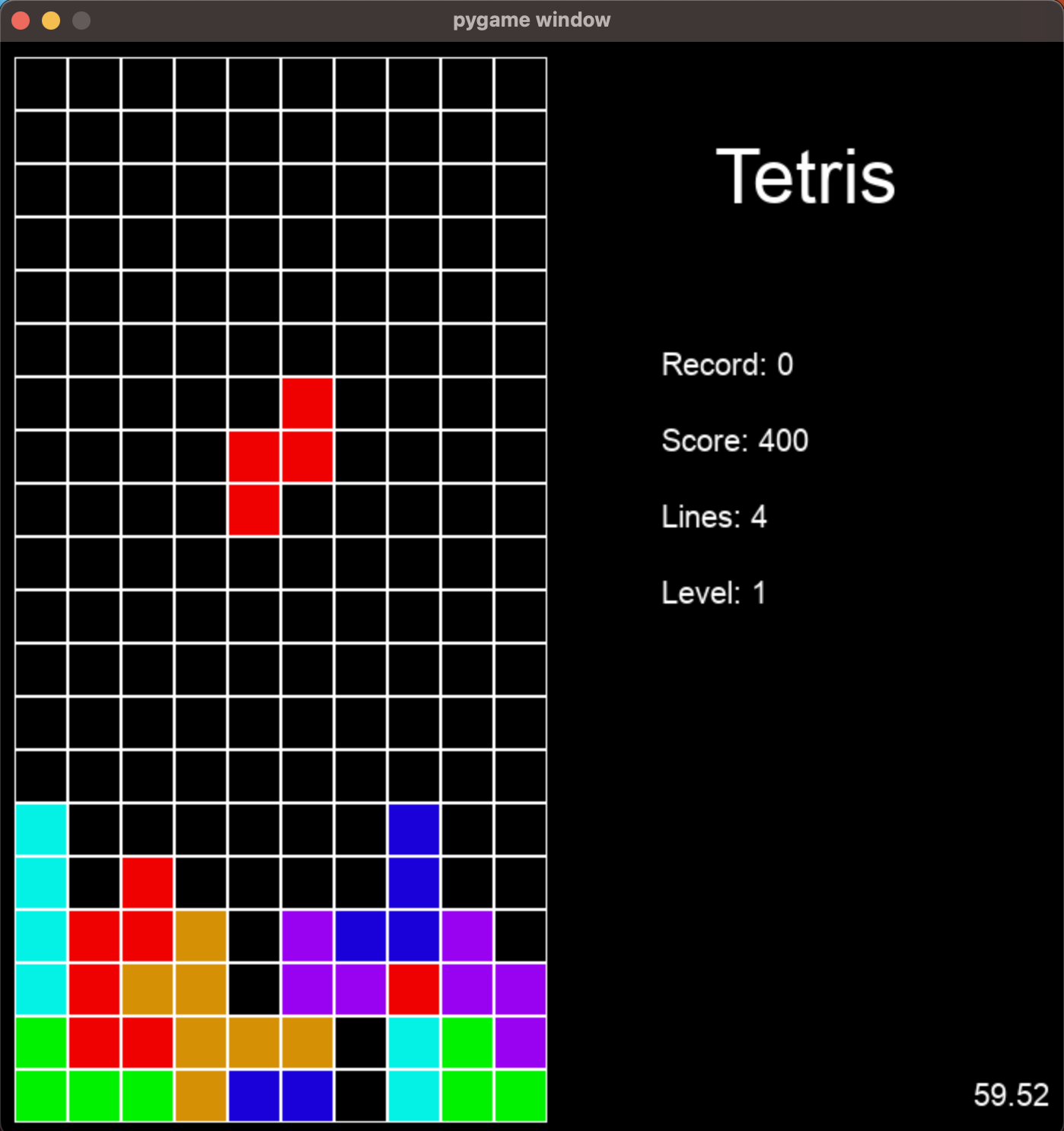
Then tap to space and start to play
pip install py2apptouch setup.pyPut this code to setup.py
from setuptools import setup

APP = ['main.py']
DATA_FILES = [('imgs', ['./imgs/logo.jpg'])]
OPTIONS = {
	'packages': ['pygame'],
	'argv_emulation': True
}
PY_MODULE = ['blocks.py', 'board.py', 'tools.py', 'constants.py']

setup(
	app=APP,
    data_files=DATA_FILES,
	py_modules=PY_MODULE,
	name="Tetris",
	options={'py2app': OPTIONS}
)
And run build
python setup.py py2appTetris.app will be in ./dist