Denver Endeavors is an app that facilitates vacation rentals around Denver, Co.
This was a paired project, and the second project of Module 3. It's main focus was to work with asynchronous JavaScript and using nested fetch calls.The objectives of this project was to keep state based components to a minimum and leverage more functional components, and become familiar with promises, nested fetch request and handle UI based on acceptance of data.
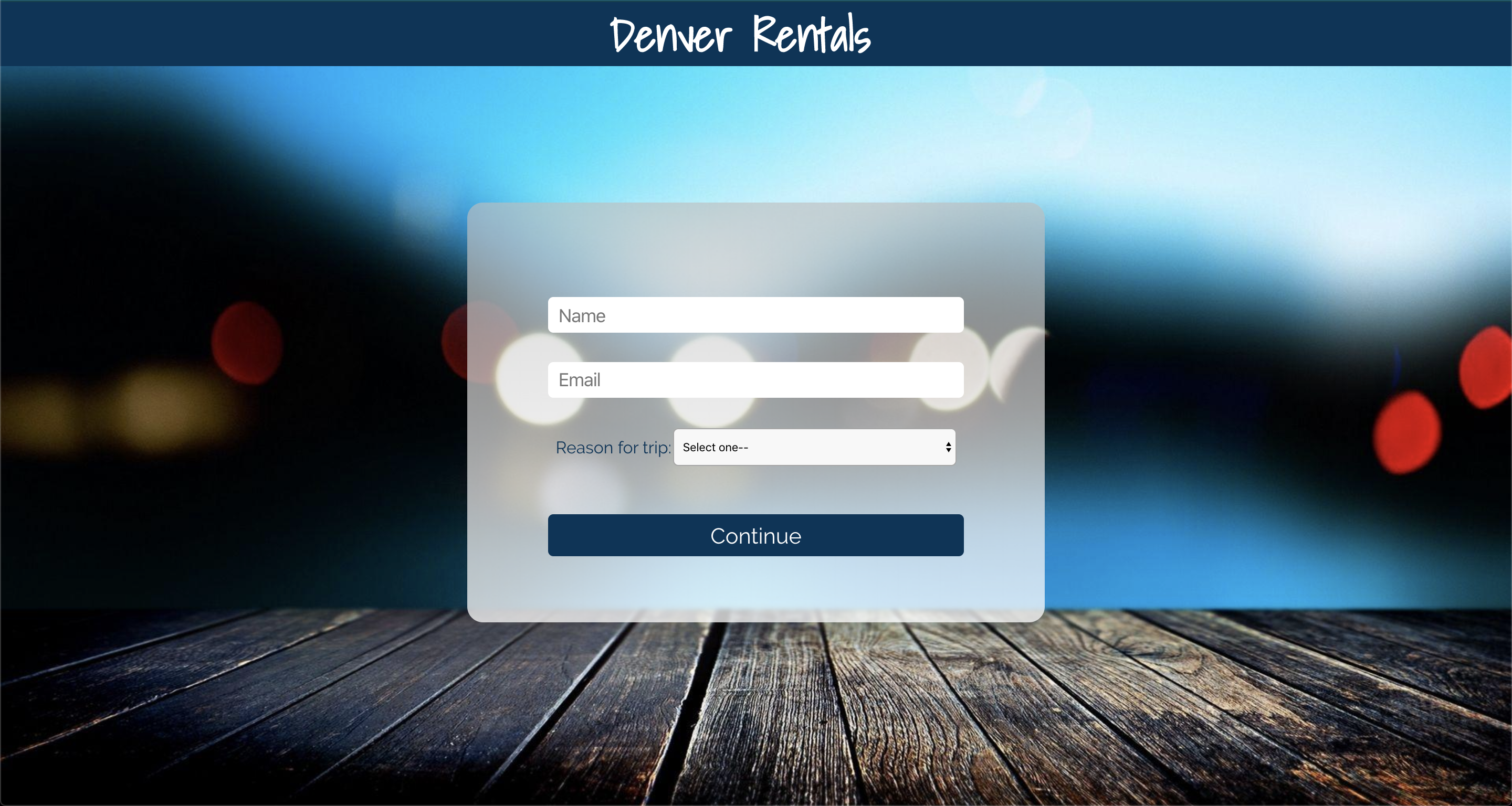
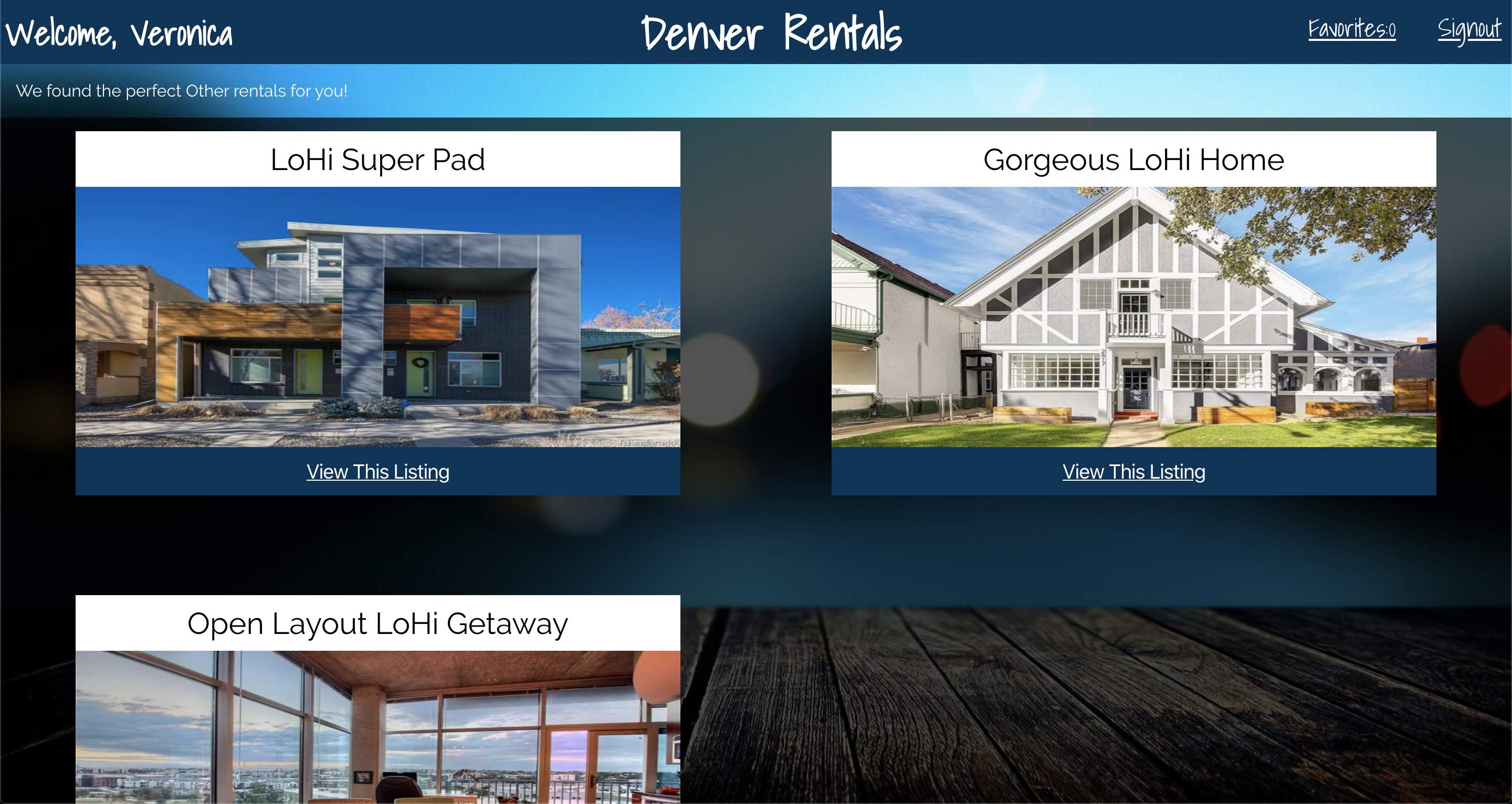
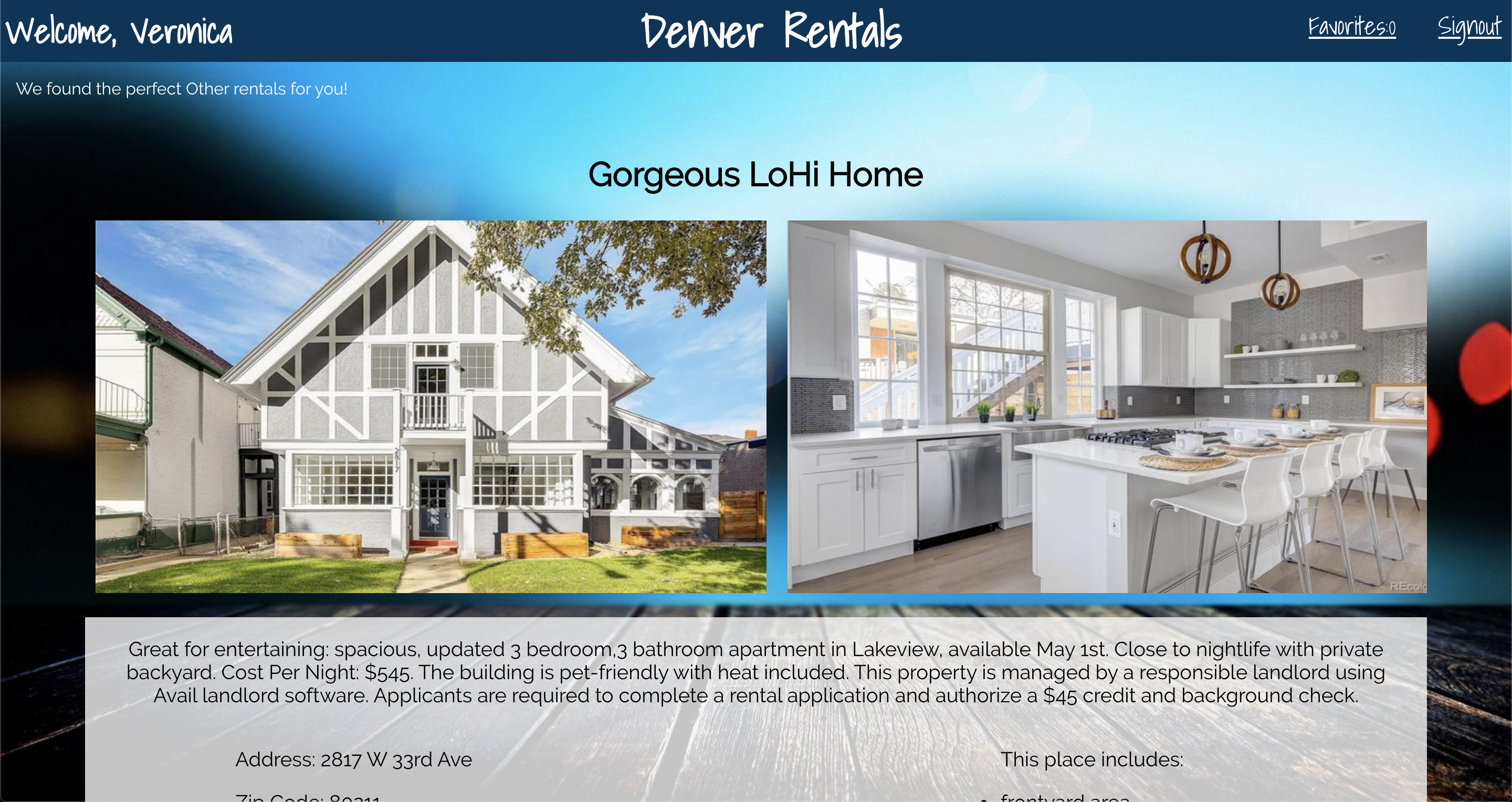
- On page load you will see a login screen requiring the user to input their name, email, and select their reason for using the app (i.e. 'Business', 'Recreational', or 'Other')
- After selecting the
Continuebutton, four cards are displayed, each correlating to a different neighborhood in Denver. - The user can then select the
View Listingsbutton to see all available listings in the selected area. - There is a
View This Listingon each displayed card that will take you to a page that has more pictures of that particular listing as well as necessary details. It also includes a button that can be used to favorite a particular listing. - The favorite listings page can be viewed by clicking on the button in the header. The number on the button describes how many listings a user has in their favorites.
- Write squeaky clean, well refactored code using ES6 syntax.
- Make informed design decisions to create a user-friendly application.
- Keep state based components to a minimum and leverage more functional components.
- Use a modular architecture for your application file structure.
- Think deeply about React Lifecycle Methods.
- Become familiar with promises, nested fetch requests, and handling the UI based on acceptance of data.
- Become familiar with routing and how to handle dynamic routes.
- Use propTypes for every component receiving props.
- Write tests for React components and some asynchronous functionality.
- HTML
- CSS
- React
- Jest
- Enzyme
- NPM
- Git
- shut down any live servers you currently have running (
control+c) - clone down this repo to desired location
- cd to the directory where you cloned the repo
- run
npm install - clone down this repo link to a directory outside of the directory from the first repo you cloned.
- repeat steps 3 & 4 for this new repo
- clone down the image files from this repo link and extract the
imagefolder and place it into thepublicfolder within the app's directory. - cd back to the main app's root directory and run
npm start - cd to the API Data root directory and run
npm start - you should now be able to use the Denver Endeavors app
Veronica Andrade https://github.com/VeeAndrade
Johnny Cassidy https://github.com/pJanks