Made for Engineering 551 - Advanced Geospatial Topics Winter 2020
Lab 2 - Geoweb Application
- Building Permit Date Range Query: This allows users to select a date range and display all permits within the date range.
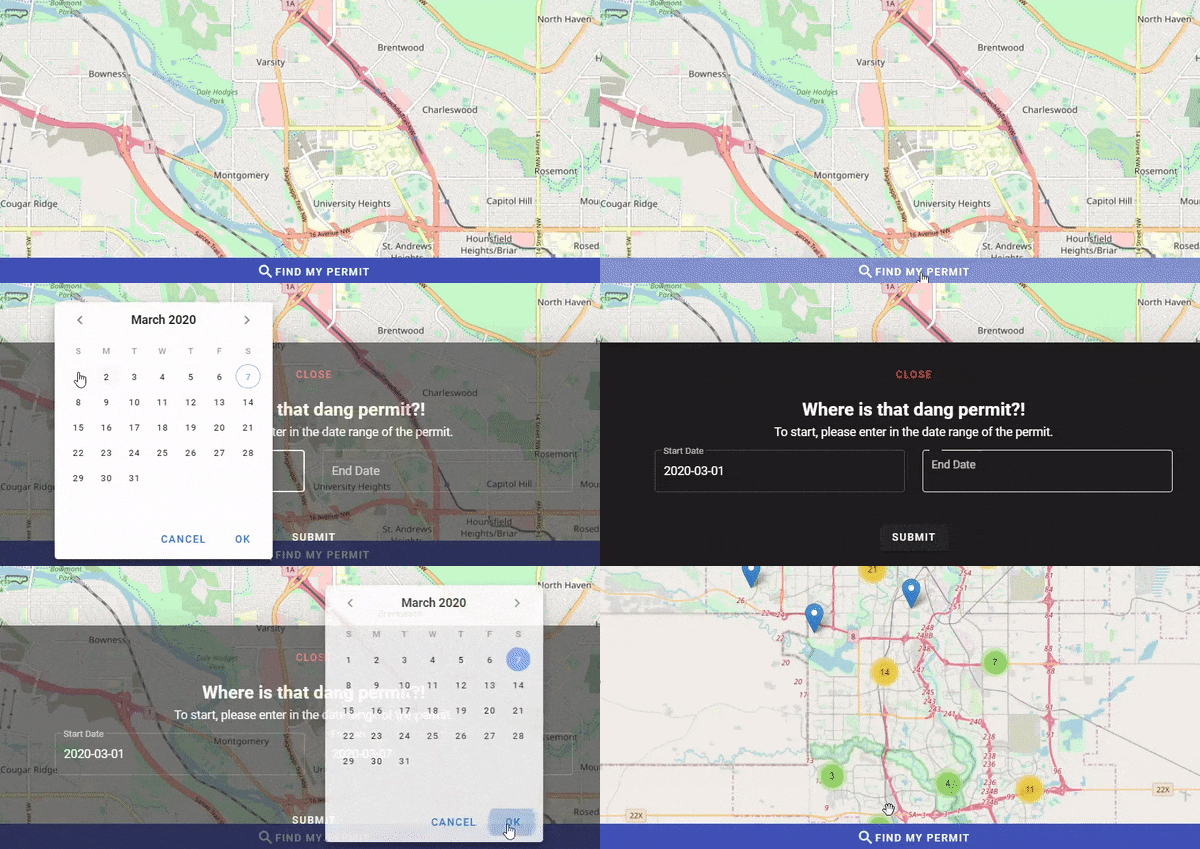
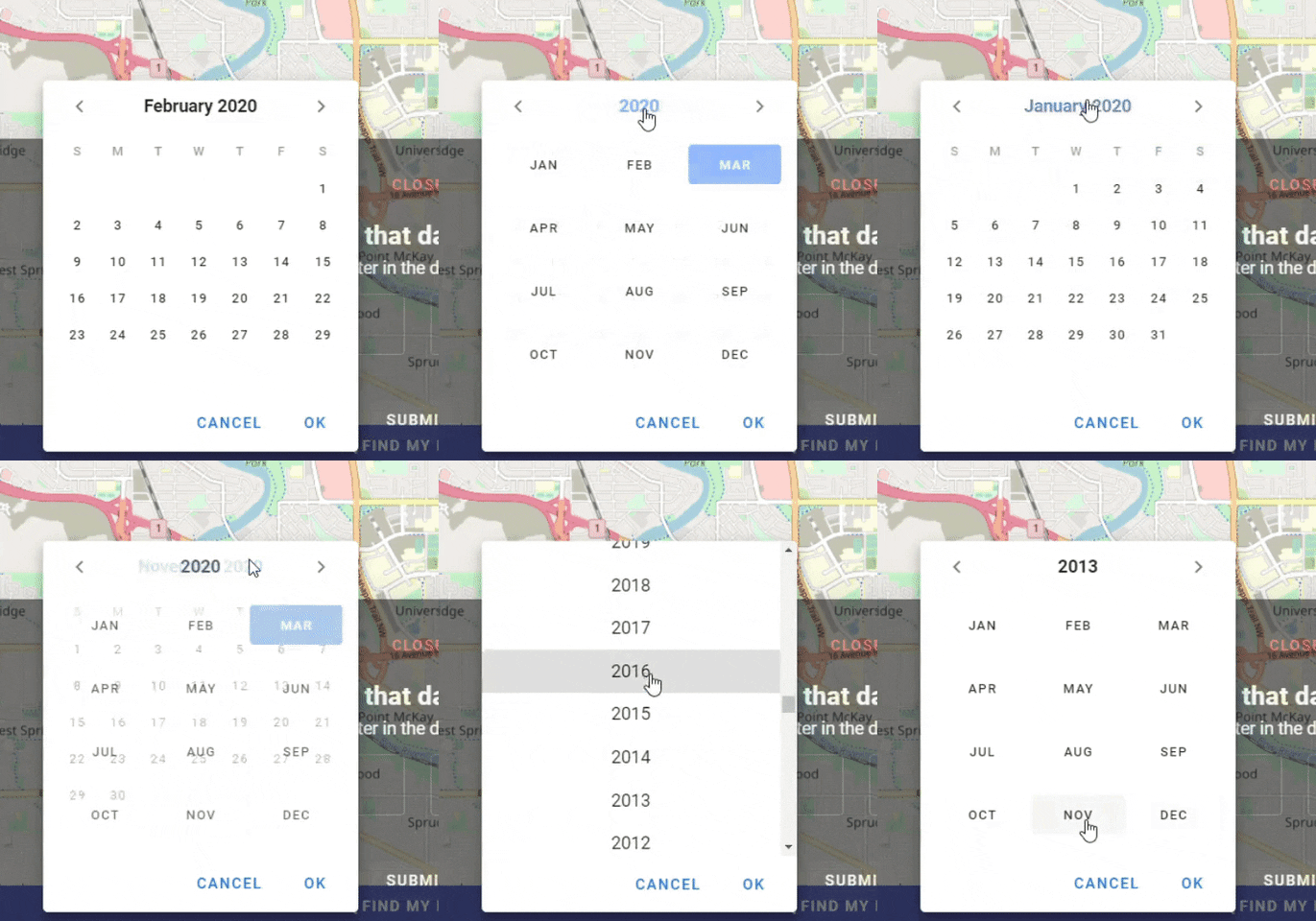
We change the month and year like so:
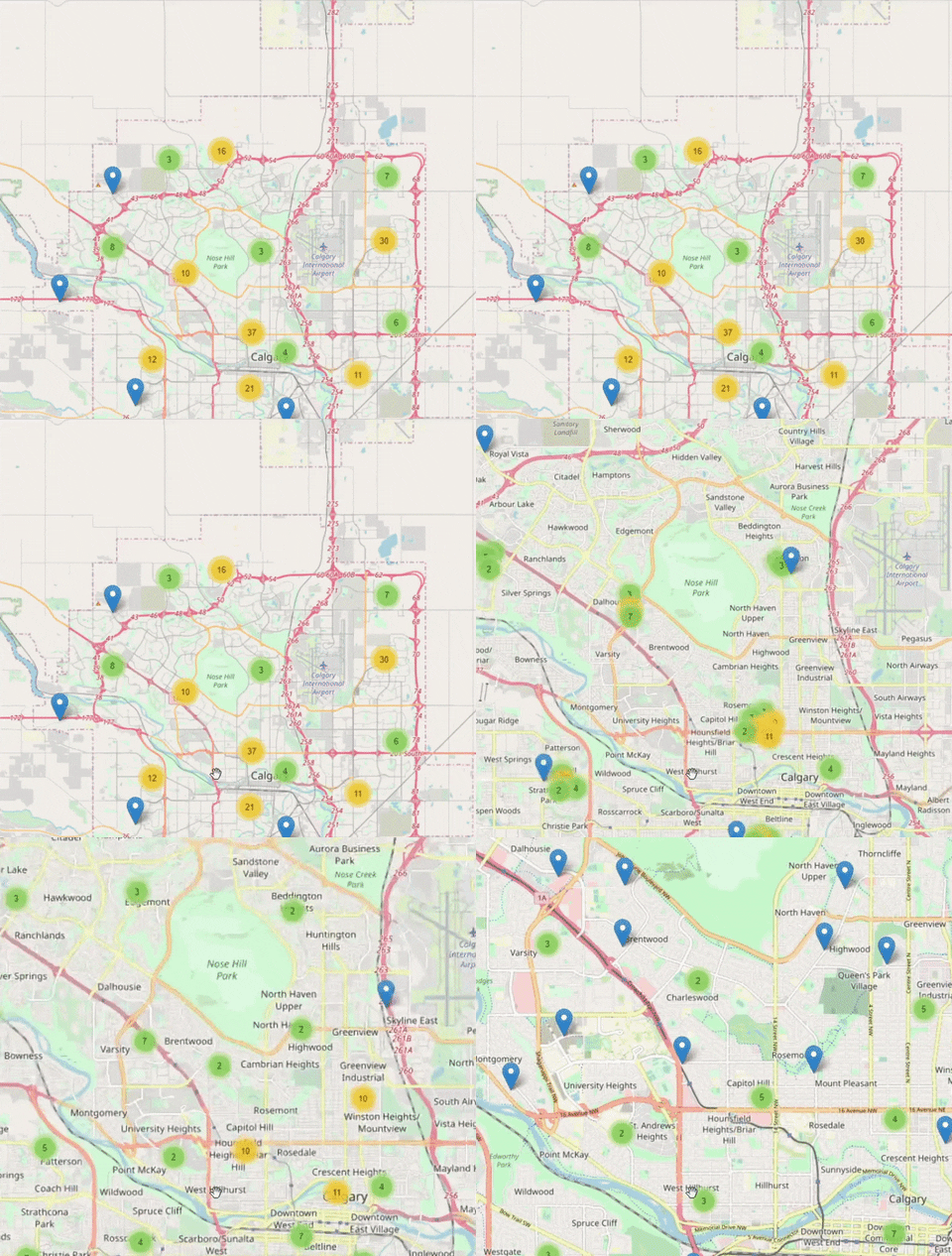
- Marker Clusters: Once permits are found, they are visualized on the map. Groups of markers will cluster together and clicking on the cluster will expand the marker group.
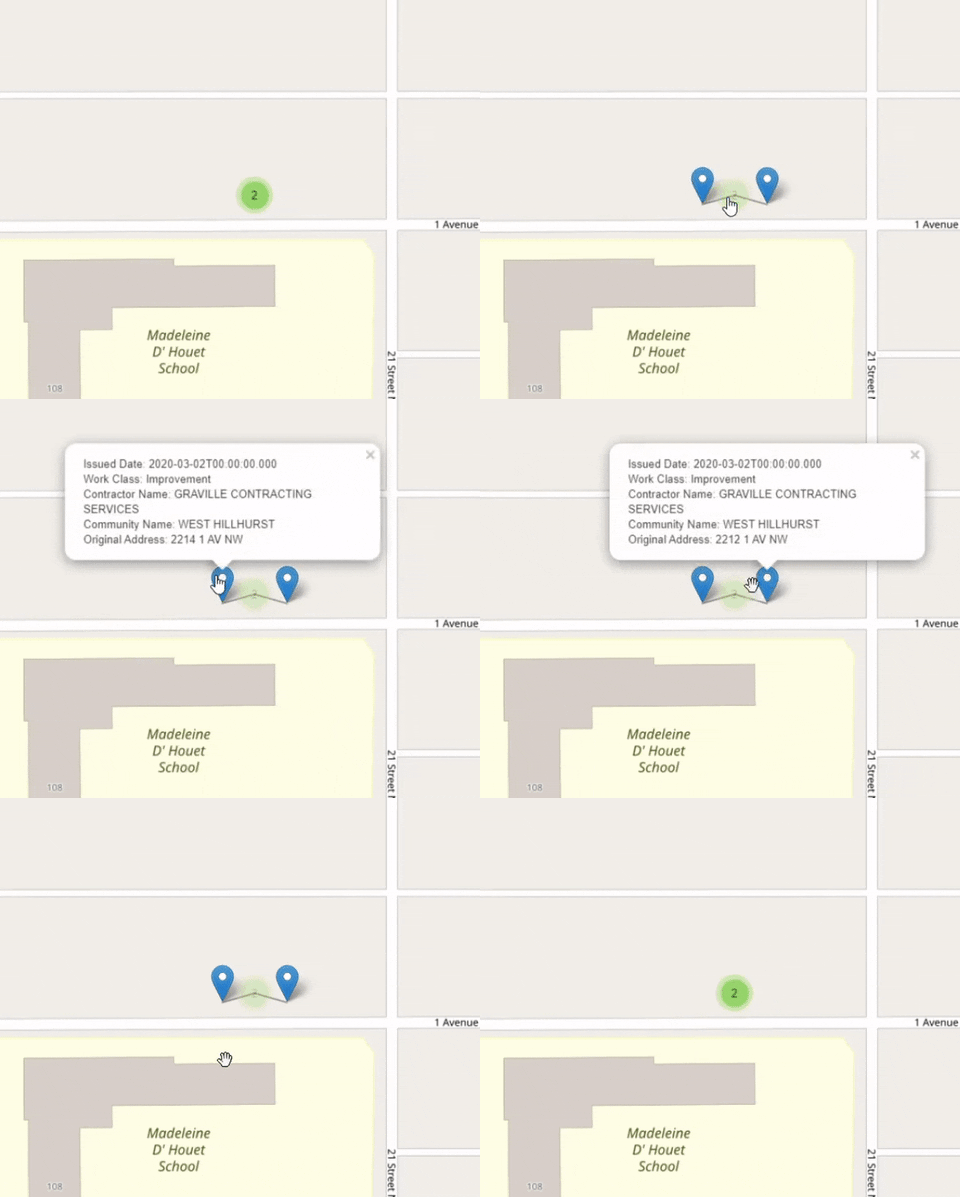
- Marker Spiderfier: If there are several markers that are overlapping, they will be clustered and clicking on it will display all overlapping markers. Users can click on the markers to display information about the permit.
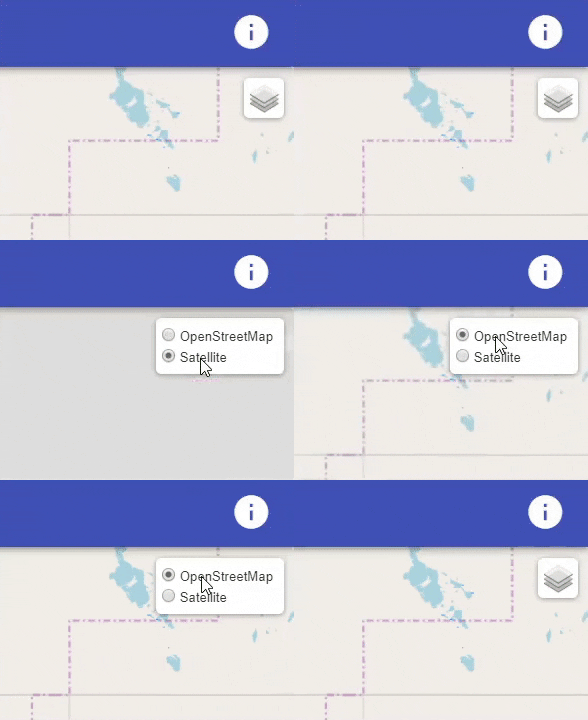
- Layer Control: Users can switch between the standard map view from OpenStreetMap or satellite view courtesy of Mapbox.
- Vue: While in the directory, run the command "npm install" to install all the required dependencies used in this project. Once that is finished installing, run the command "npm run serve". This will host the website on your local machine and you can access it by going to "localhost:8080" which is the default address.
-
.gitignore - This file is used to ignore directories or files when pushing/ committing changes. In this case we are ignoring node modules that have been installed for the website. To install these dependencies and modules, we can use the command "npm install".
-
package.json/ package-lock.json - These files describe what dependencies and modules that the website uses.
-
/public - Here you can find the index.html used for the website.
-
/src/App.vue - This file contains the vue application that uses the components.
-
/src/components - This app uses two components. The toolbar.vue component contains the code for the UI including the app bar and search tool. The leaflet.vue component contains the code for the map and implementing data visualization.