
Skip to content

Vara-Lab/Smart-Program-Template

Folders and files

NameName
Last commit message
Last commit date

Latest commit


History

15 Commits


Repository files navigation

Open in Gitpod

Smart Program Template

Deploy the Contract on the IDEA Platform and Interact with Your Contract

Step 1: Open Contract on Gitpod

Gitpod

Step 2: Compile and Deploy the Smart Contract

Rust: You need to have rust 1.80 or newer to be able to compile your contract:

rustup toolchain install 1.83.0
rustup default 1.83.0
rustup component add rust-src --toolchain 1.83.0
rustup target add wasm32-unknown-unknown --toolchain 1.83.0
rustup toolchain install nightly
rustup override set nightly
rustup component add rust-src --toolchain nightly
rustup target add wasm32-unknown-unknown --toolchain nightly
rustup target add wasm32v1-none

Compile the smart contract by running the following command:

cargo build --release

Once the compilation is complete, locate the *.opt.wasm file in the target/wasm32-unknown-unknown/release directory.

Step 3: Download Your Substrate Wallet.

  1. To interact with the Gear IDEA and deploy your contract, you will need to download a wallet extension such as Polkadot-JS, Talisman, or Subwallet to interact with Substrate-based chains.
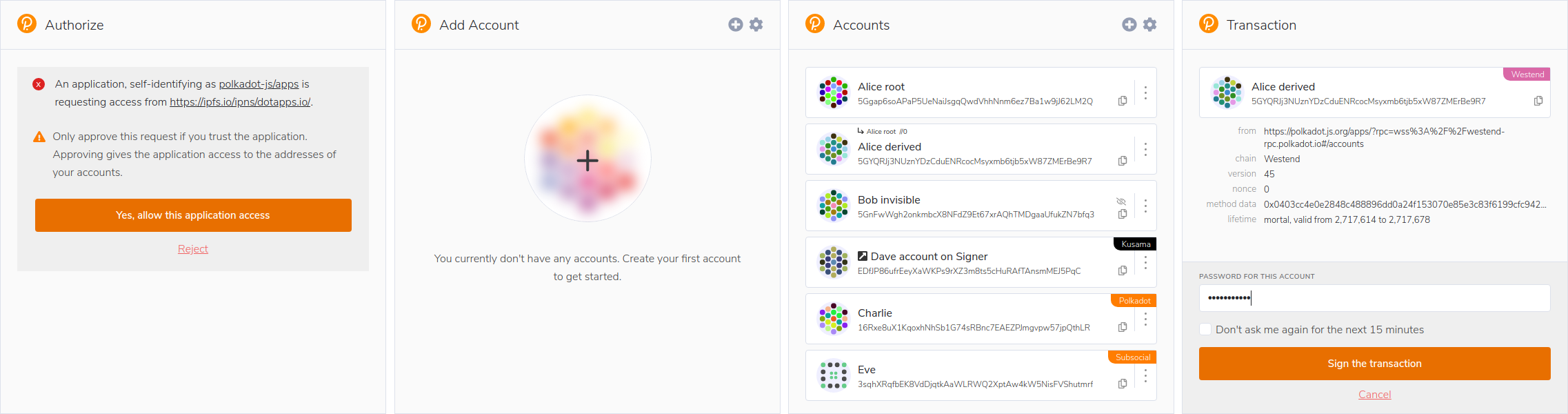
Polkadot-JS Extension

Step 4: Deploy Your Contract on Vara Network

  1. Access Gear IDE using your web browser.
  2. Connect your Substrate wallet to Gear IDEA.
  3. Upload the *.opt.wasm and *.Idl files by clicking the "Upload Program" button.

Standards: Standards

About

No description, website, or topics provided.

Resources

Stars

Watchers

Forks

Releases

No releases published

Packages


Contributors

Languages