
Base smart contract for Vara Network using Sails.
Note: GitPod will automatically execute these commands.
- Install necessary rust version and components:
rustup install 1.91.0
rustup default 1.91.0
rustup target add wasm32v1-none- Install the wasm-opt for contract compilations:
sudo apt install binaryenThe contract works under a workspace which helps with the management of crate versions.
Contract crates:
-
client: This crate generates the contract client and incorporates it in its code, it can be used in tests. -
app: Here goes all the business logic of the smart contract.Note: To avoid conflicts, it is recommended that you keep the "program" name (ContractProgram), everything else, such as services, state, etc. can change.
when you compile your smart contract, it will generate some files inside an target/wasm32-gear/release directory that you will need:
contract_client.rs: File to be used to send message to this smart contract.contract.idl: File that contains detailed information about the application, including:- Types: Custom types used within the program.
- Constructors: The program's constructor.
- Services: Commands and queries for all the services exposed by the program.
- Events: Events utilized within the program.
contract.opt.wasm: optimized WASM smart contract code.contract.wasm: WASM smart contract code (use only the optimized one).
-
🏗️
Compilation: To build the contract execute:cargo b -r
-
✅
Tests: to tests your contract code you can execute:-
To do unit testing with Syscalls mocks (and cfg(test) in each service):
cargo test -p contract-appor
cd app
cargo test
-
To run tests with gtest:
cargo test -r -
To test your contract in Vara Network testnet:
cargo test -r -- --ignored -
In case that you write "println" macros in your gtest and gclient tests, to see your logs in your terminal you have to add the flag
-- --no-capture, example:cargo test -r -- --no-capture cargo test -r -- --ignored --no-capture
-
You can also program your smart contract from GitPod by clicking the following button (The necessary packages and dependencies will be installed automatically):

cargo b -rOnce the compilation is complete, locate the contract.opt.wasm and contract.idl file in the target/wasm32-gear/release directory.
- To interact with the Gear IDEA and deploy your contract, you will need to download a wallet extension such as Polkadot-JS, Talisman, or Subwallet to interact with Substrate-based chains.
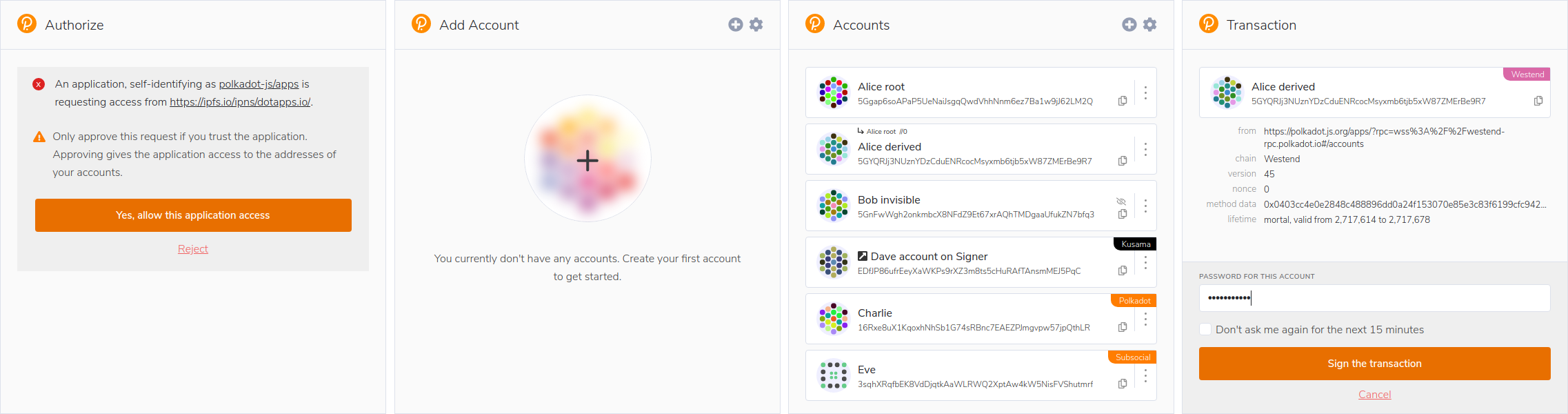
- Access Gear IDE using your web browser.
- Connect your Substrate wallet to Gear IDEA.
- Upload the
contract.opt.wasmandcontract.idlfiles by clicking the "Upload Program" button.