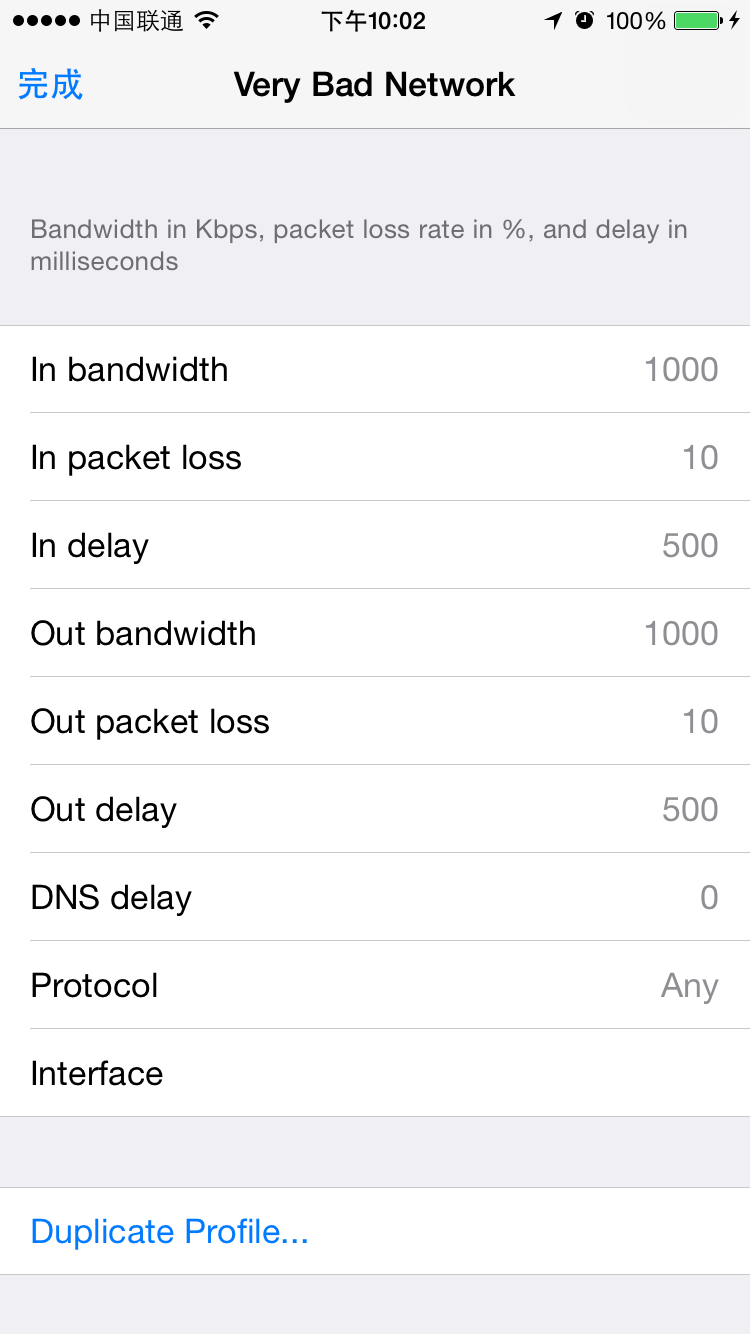
##题目1 ####给出iOS开发者设置中的网络模拟的详情数据
如图
##题目2 ####使用任意的抓包工具对任意的APP进行抓包,并给出抓包截图 ####Charels:
####设置
如图
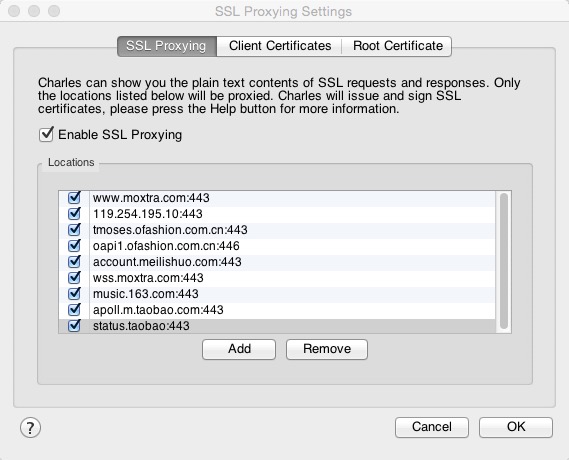
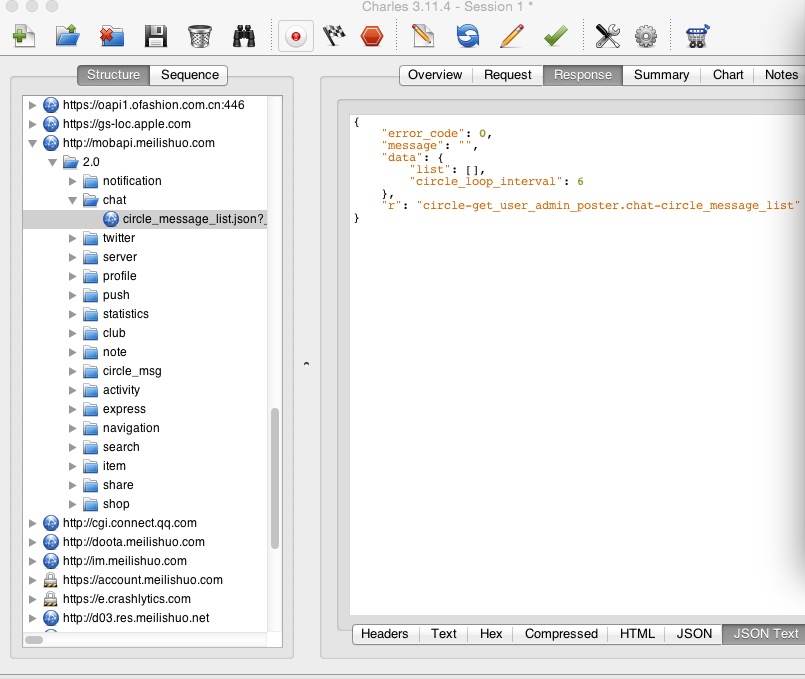
####抓取美丽说数据(http): ####设置抓取地址:
见图
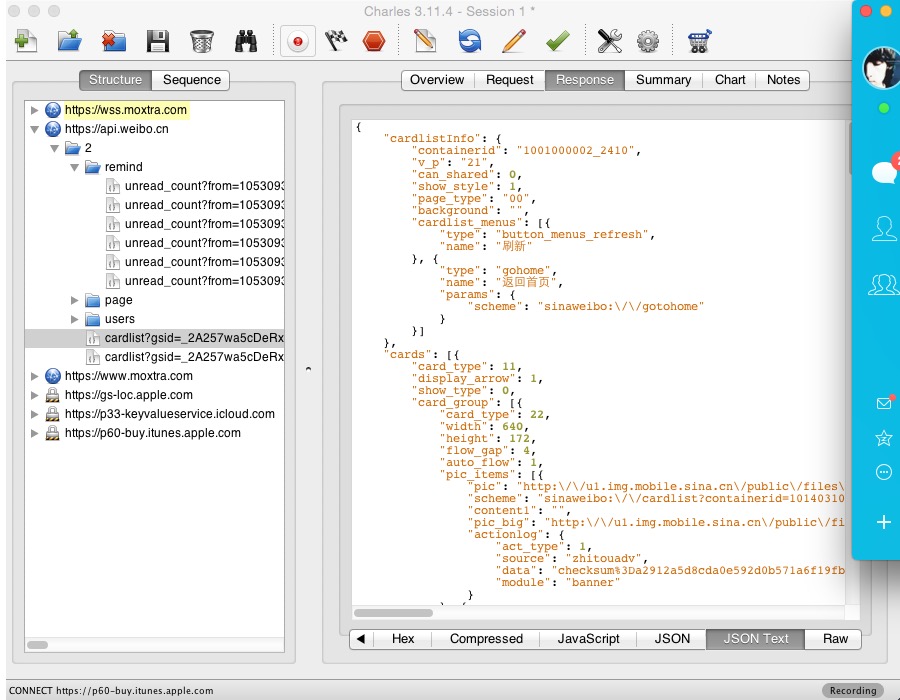
####抓取Sina Weibo(https): #####设置抓取地址: 如图
##题目3 #####获取proxy tool 的默认的ssl证书,并在iOS上安装
######1.首先在charels官网的ssl证书,下载地址 http://www.charlesproxy.com/getssl
IOS DEVICES
First set your iOS device to use Charles as its HTTP proxy in the Settings app > Wifi settings. Then open Safari and browse to http://www.charlesproxy.com/getssl. Safari will prompt you to install the SSL certificate. Now you should be able to access SSL websites with Charles using SSL Proxying.
(PS)这里一定要看原文档写的First set your iOS device to use Charles as its HTTP proxy in the Settings app > Wifi settings. 当时就因为没有细看,未设置手机代理,半天无法下载。
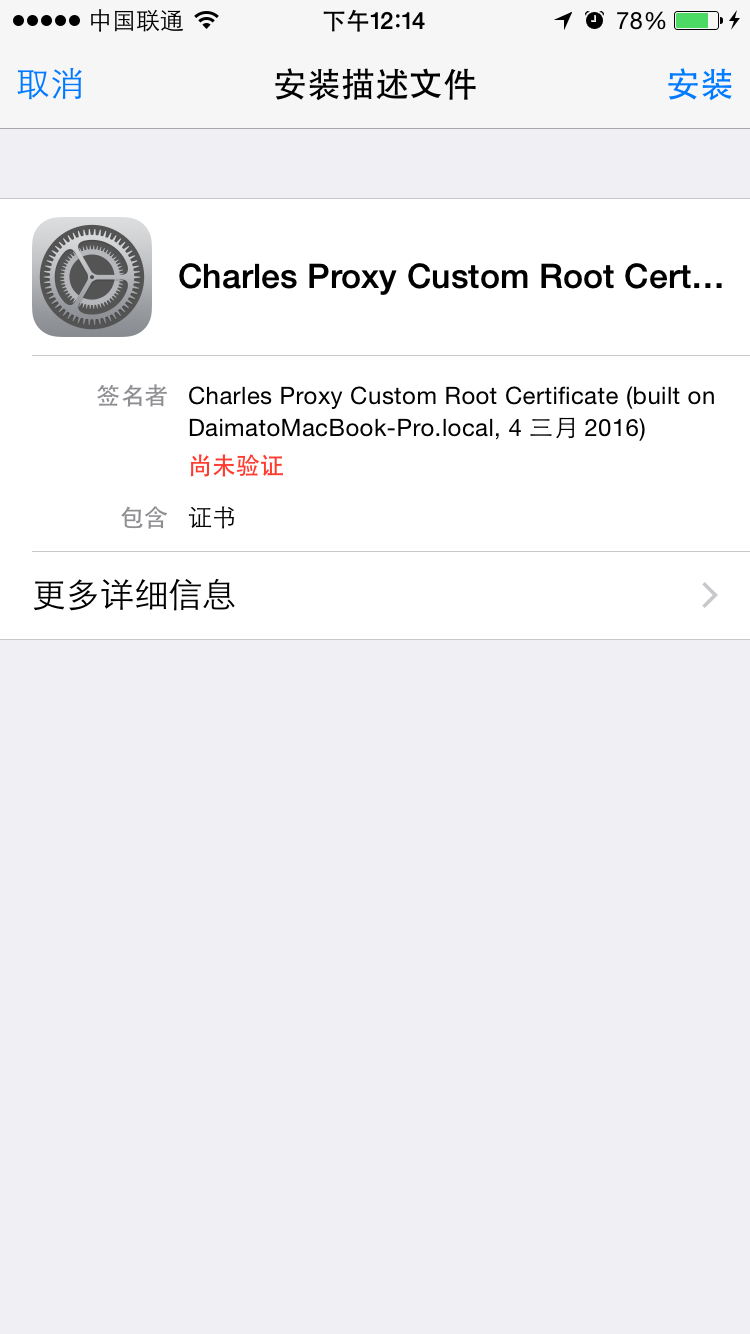
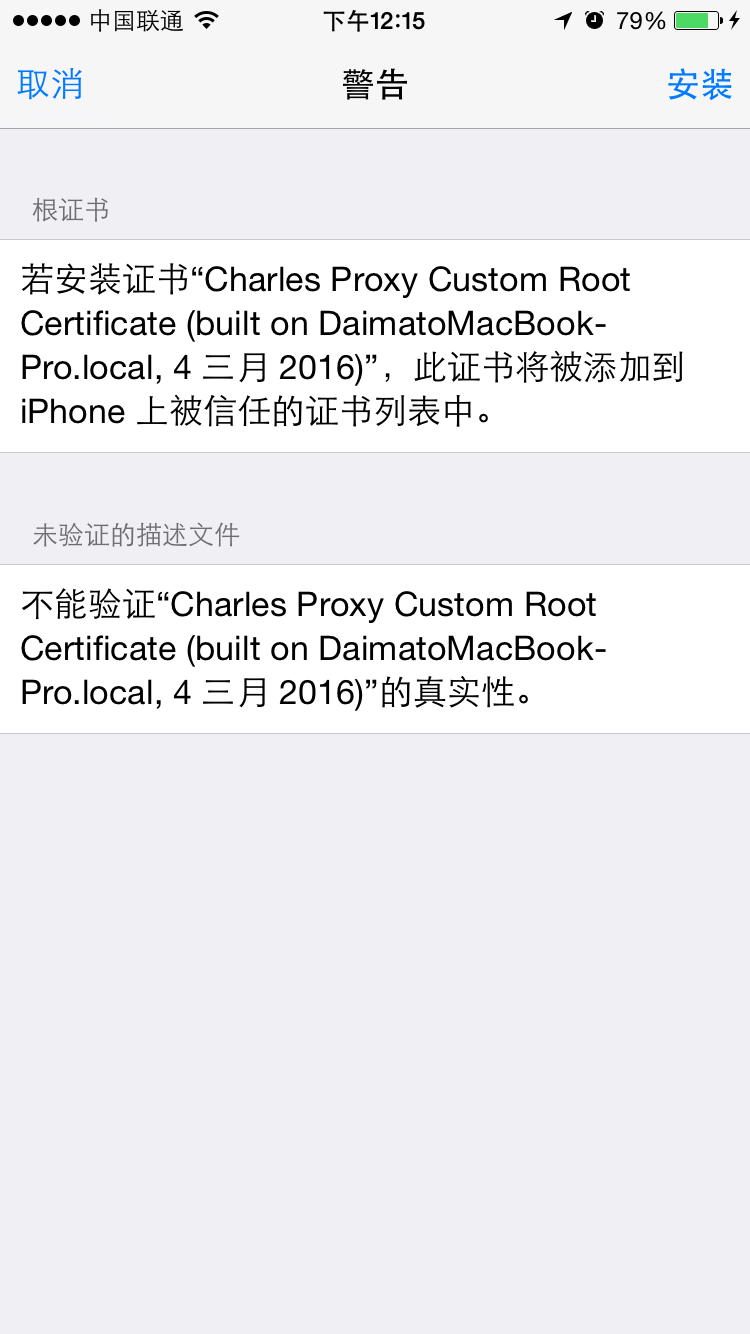
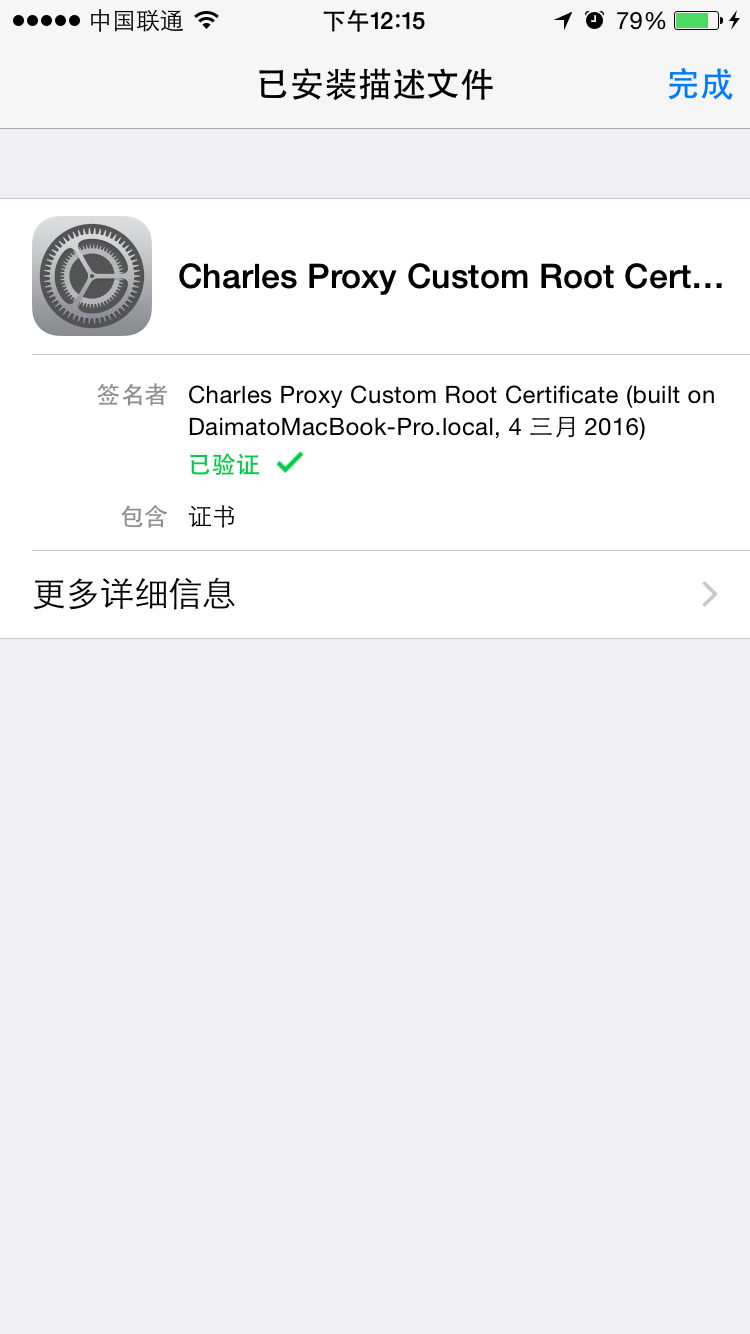
######2.接下来就直接安装啦!!!!见图
##题目4 ####编译打包任意一个iOS的debug的APP,并给出debug APP路径
#####打包出来的ipa上传至pre.im上,地址:pre.im/sellerTest