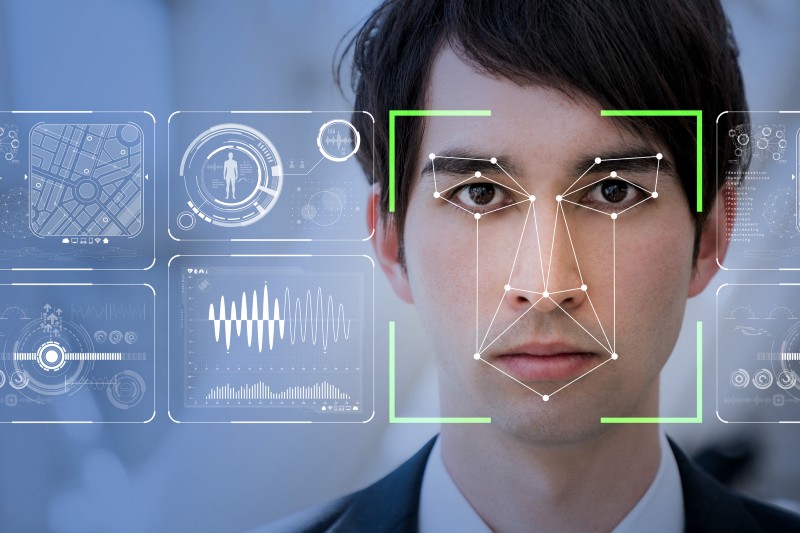


A fast and accurate face recognition system that requires very little data to train on. The faces in the input images are first converted into a set of 128 features using Open Face, as it is always easier to train on tabular data compared to images. This data is then trained on a simple ANN to obtain a test accuracy of about 96%.
The current code is trained on 5 famous people (/train folder) namely: Arnold Schwarzenegger, Bill Clinton, Carlos Menem, Ricardo Lagos and Vladmir Putin. The dataset contains around 30 images of each person.
It can identify between these 5 people and additionally, if a test input of a person not among these 5 people is provided, it gives the output as "random".
The training images are located in the /img/ folder of the project.
Python Libraries used
dlib: dlib is a toolkit for making real world machine learning and data analysis applications in C++cv2: OpenCV-Python is a library of Python bindings designed to solve computer vision problems.numpy: NumPy arrays facilitate advanced mathematical and other types of operations on large numbers of data.face_recognition: This is a Python API of facial recognition/identification.- os: The OS module in Python provides functions for interacting with the operating system.
pathlib: The Pathlib module in Python deals with path related tasks, such as constructing new paths from names of files and from other paths, checking for various properties of paths and creating files and folders at specific paths.pandas: Pandas is an open source Python package that is most widely used for data science/data analysis and machine learning tasks.PIL: Python Imaging Library is a free and open-source additional library for the Python programming language that adds support for opening, manipulating, and saving many different image file formats.
Be sure to install the required libraries using pip.
For installing dlib, it is necessary to install cmake first by the command
pip install cmake. Then executepip install dlibin the command prompt.
face_recognition library is installed using the command
pip install face_recognition.
Also make sure you are working on GPU (recommended) to make calculations of extracting features faster.
Then run the cells one by one and confirm the output.
Be Sure give the right path variable (as per your system) when you run the code.
Link to the video can be found here!
Check out our medium blog!
Hope You Liked the project!