Mehedi Hasan(Registration Number:2017331043),Sukanto Kumar Das(Registration Number:2017331091)
We did this project as a part of our academic cousres which are Database Management System and Software Engineering.Our idea was to develop a system where student can see which books are available in the library.The students can see the rivews of the books and can rivew or rate books according to their choices.The student can notify the authority about new collections of book they need.The authority can take action of adding new books,notify students about late submission of books.
In our project we developed two different sites for the user(Students) and for the admin(library authority).
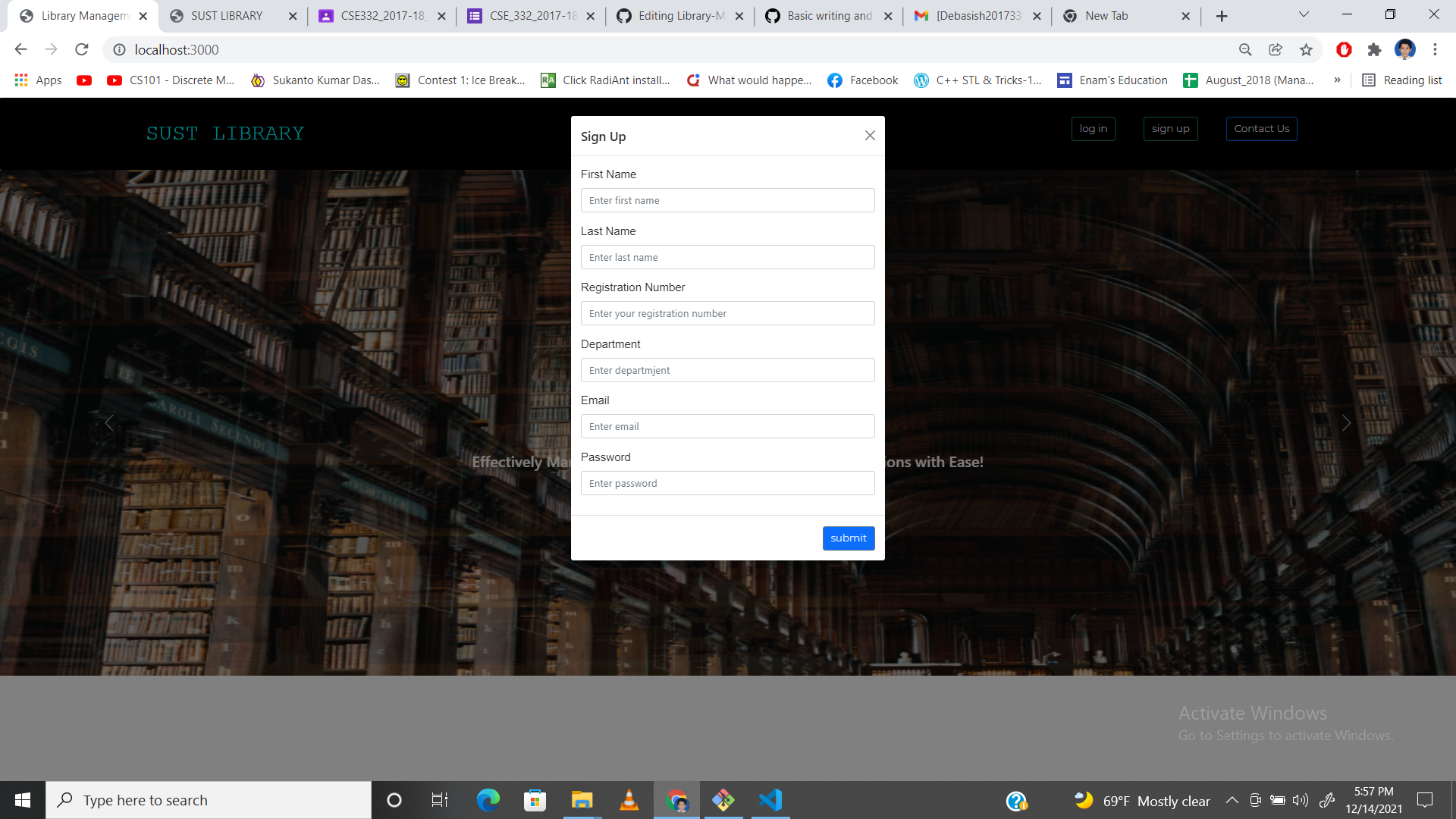
- Anyone can signup with their email id and become a user.
- User can browse book all book.
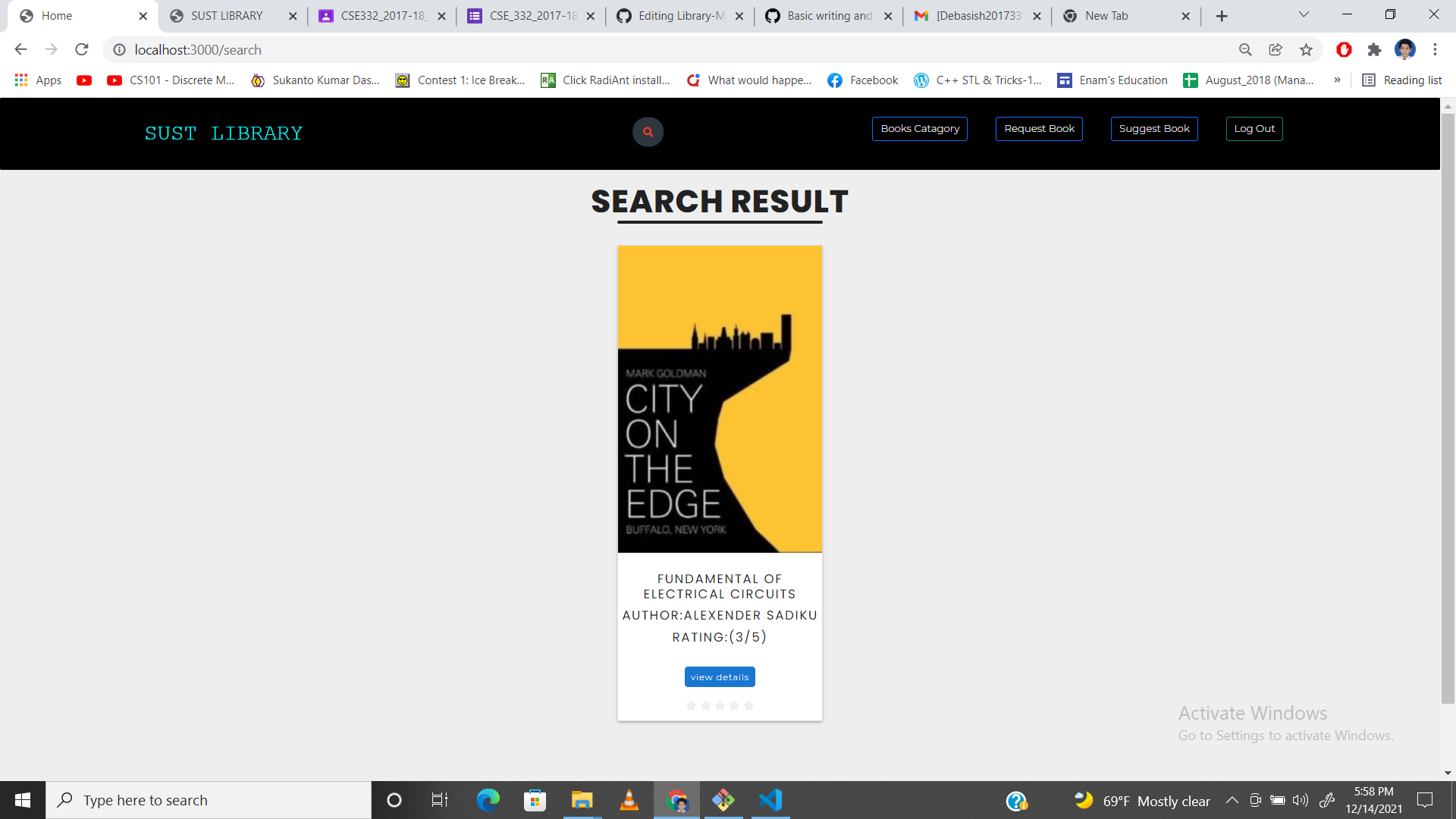
- User can search book by book title.
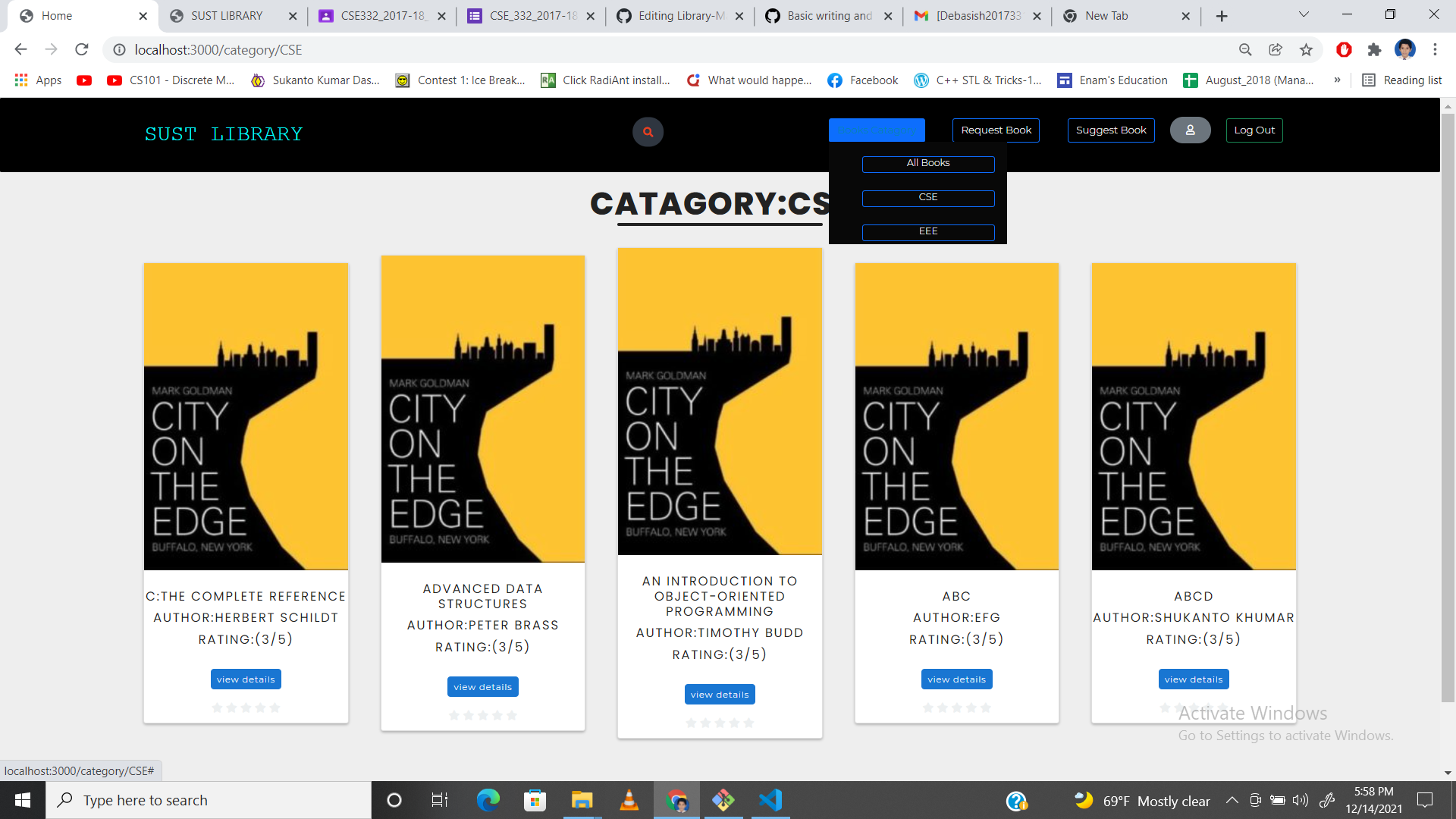
- User can browse book by book category.
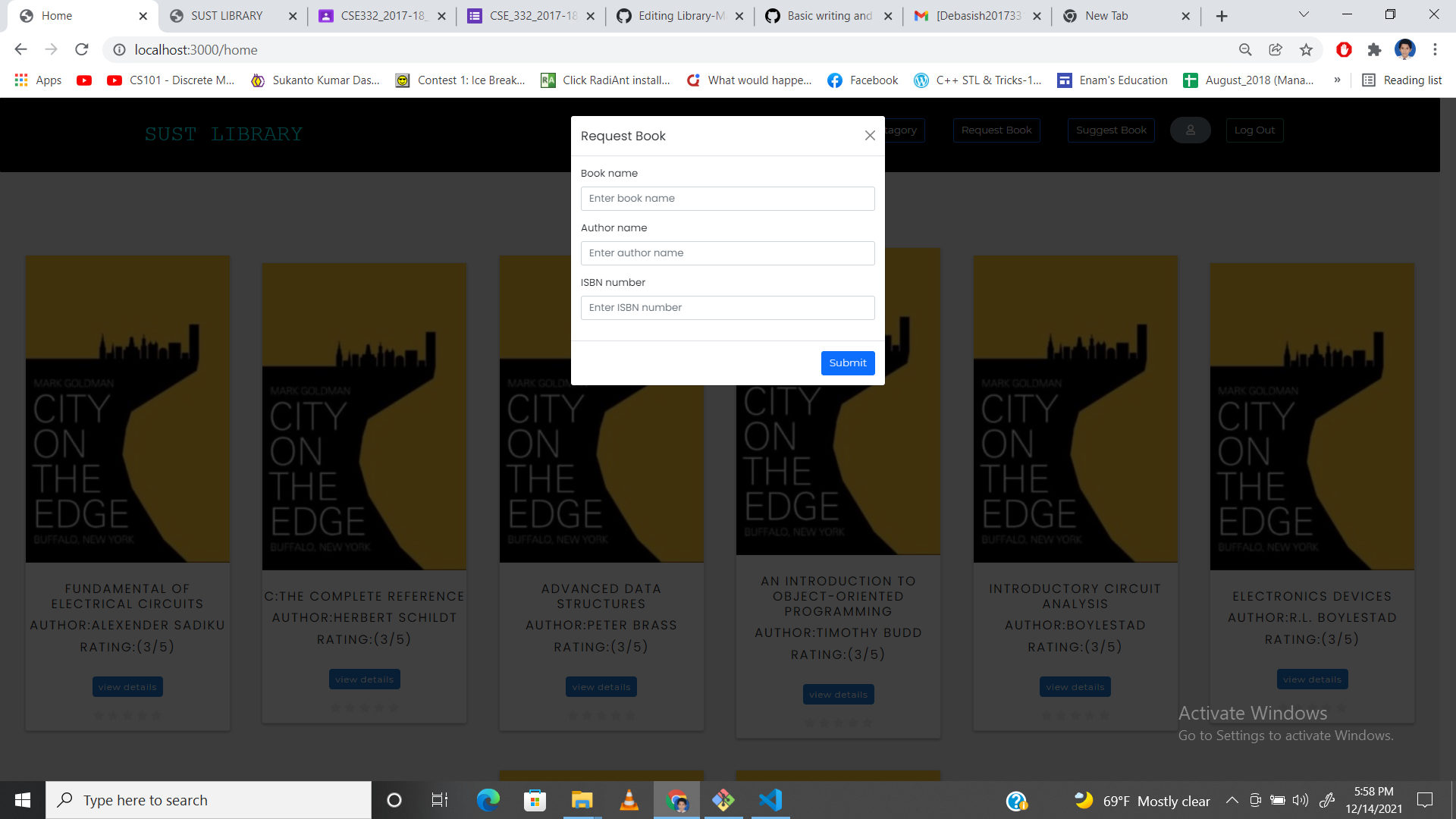
- User can request for new book.
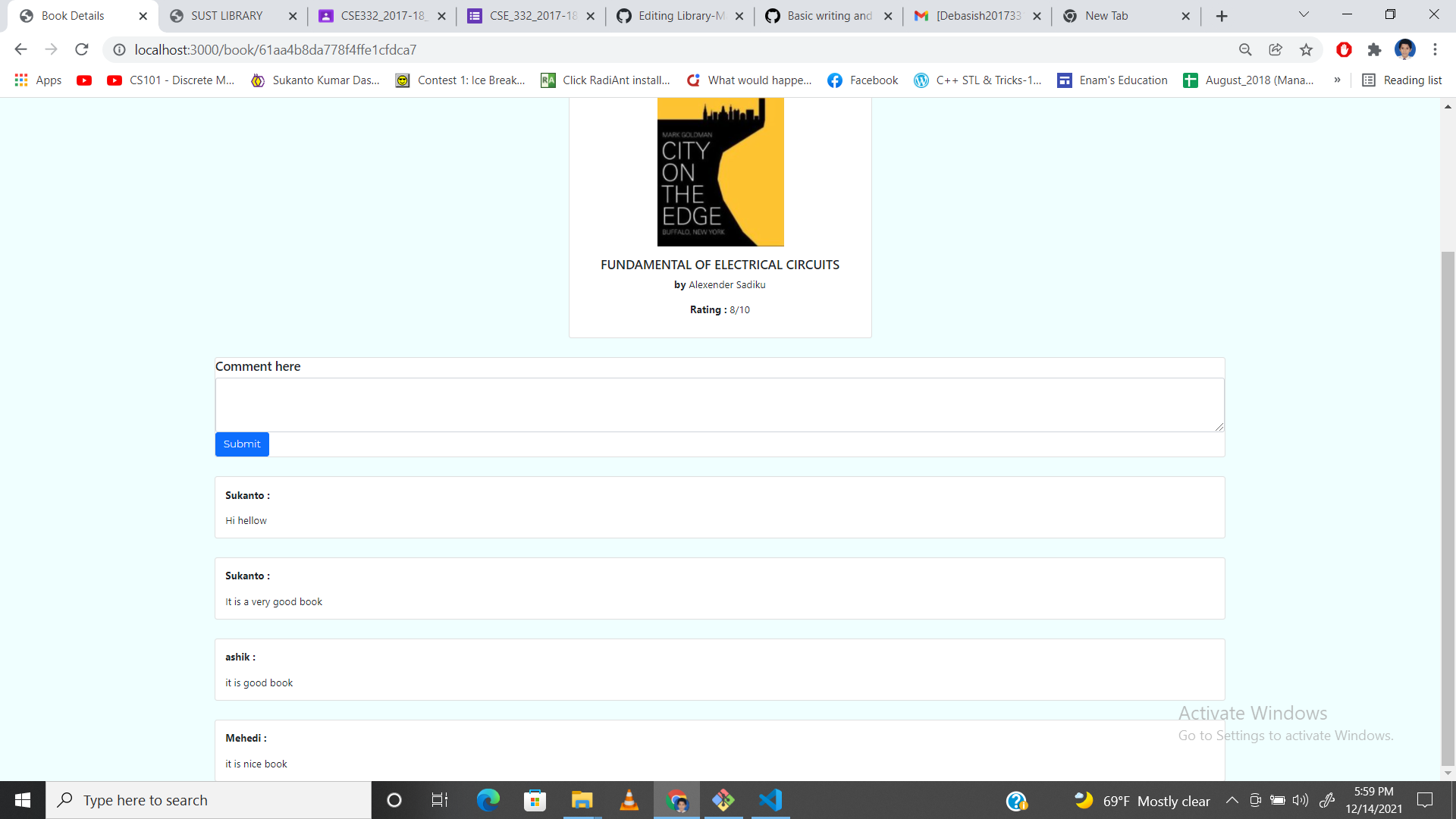
- User can can see the book ratings and comment.
- User can comment on any book.
- Admin have to log in with valid email and password.
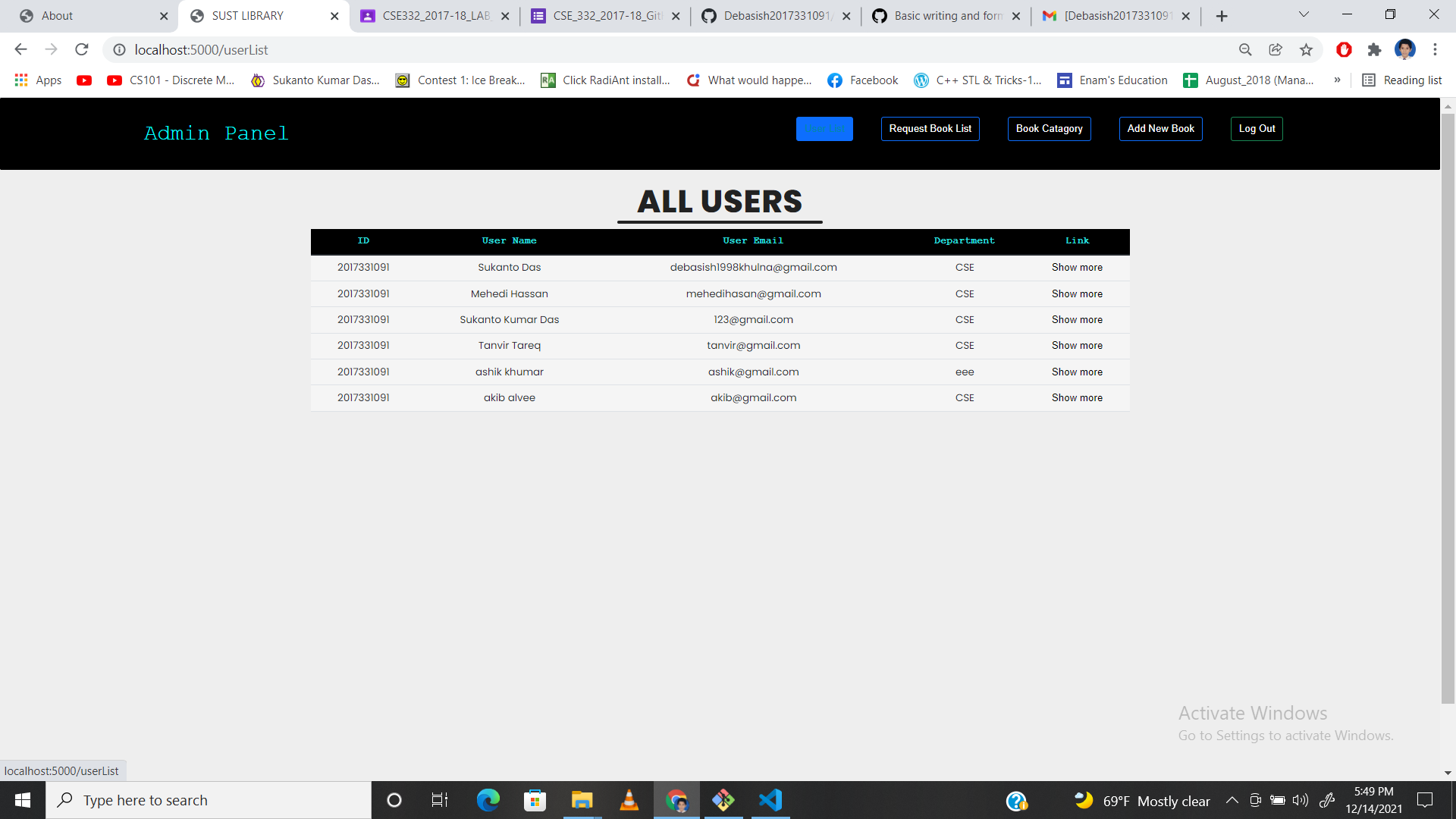
- Admin can browse all the users and notify the by mail.
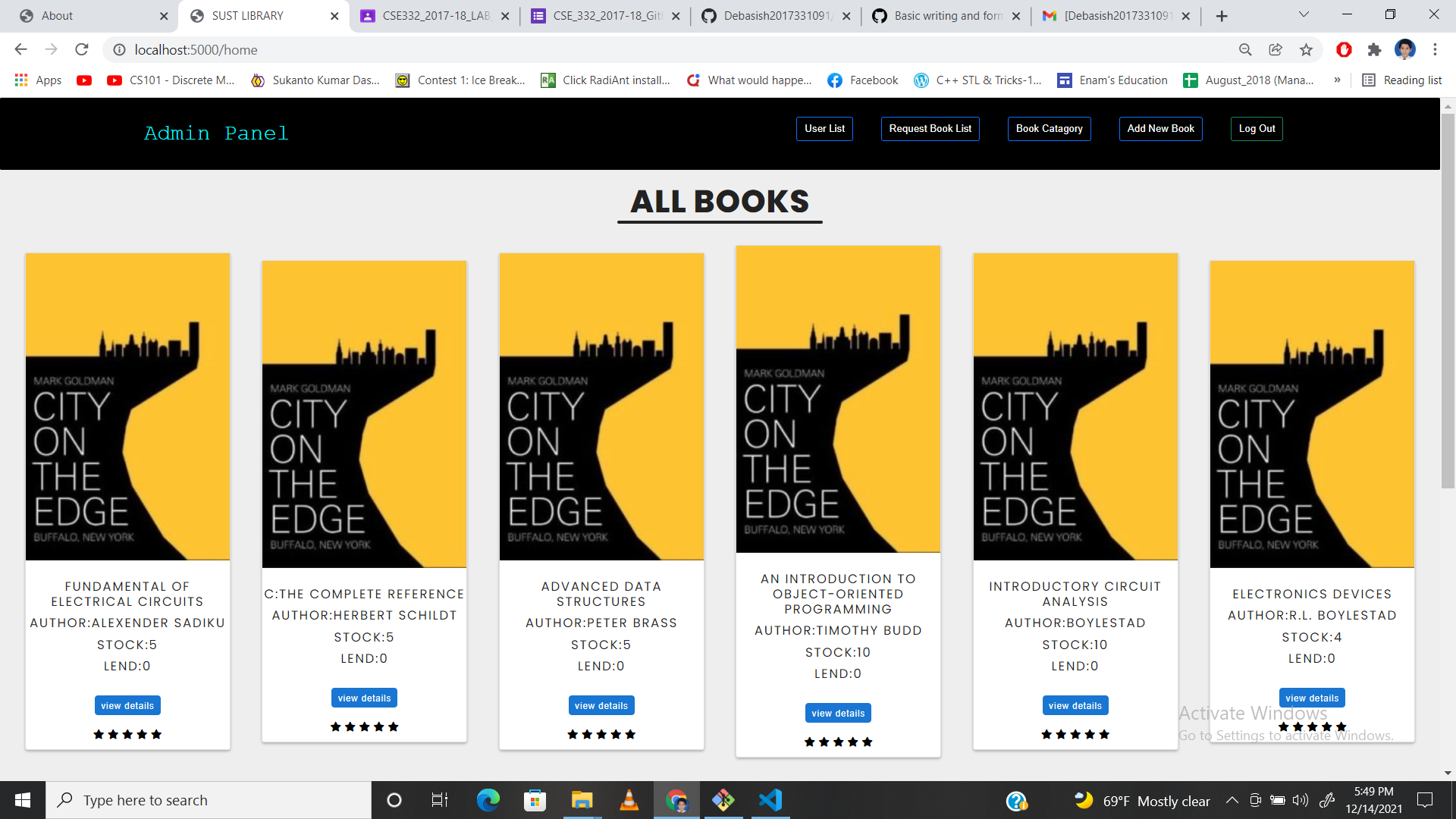
- Admin can browse book all book.
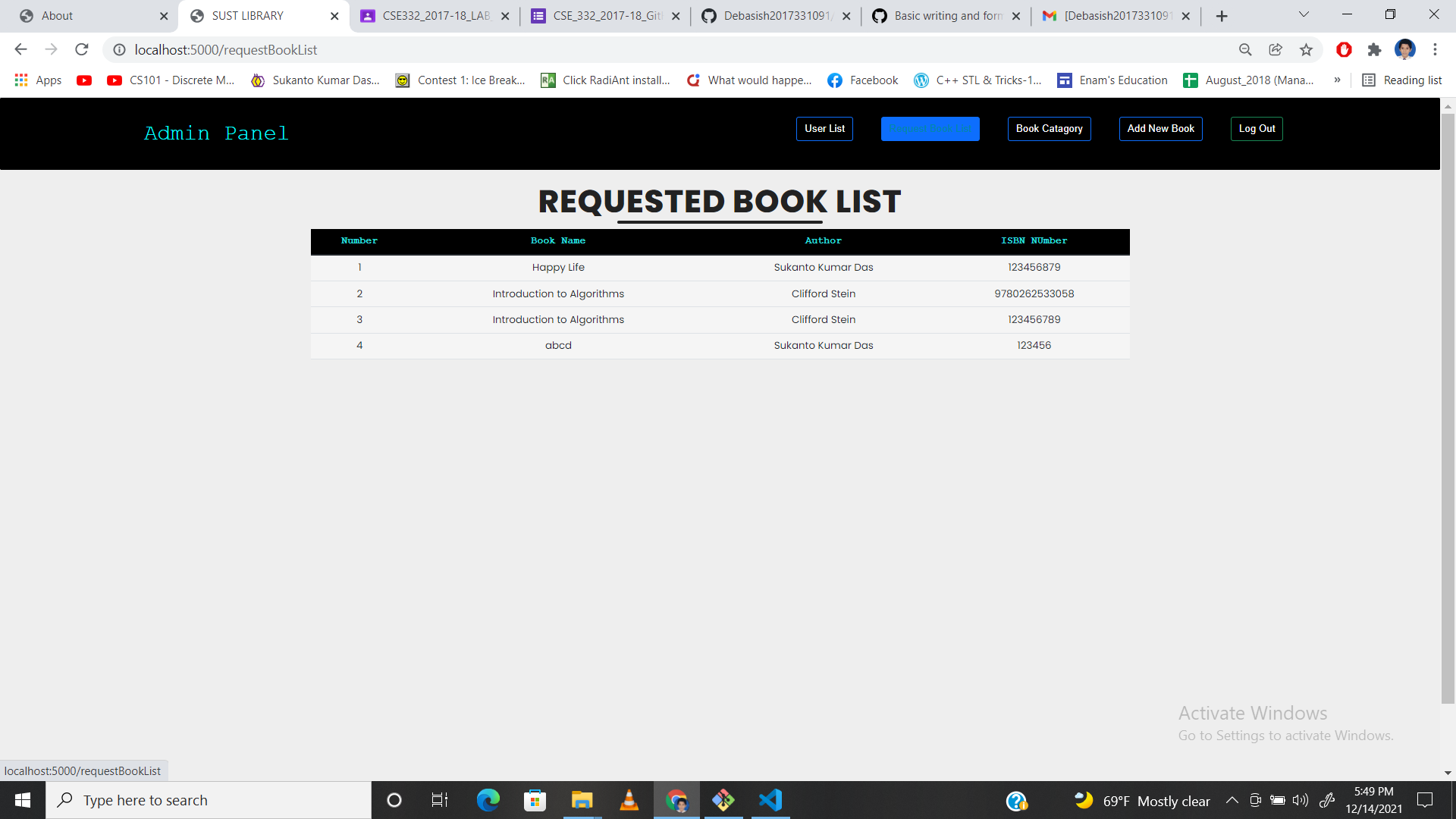
- Admin can see the requested book by user.
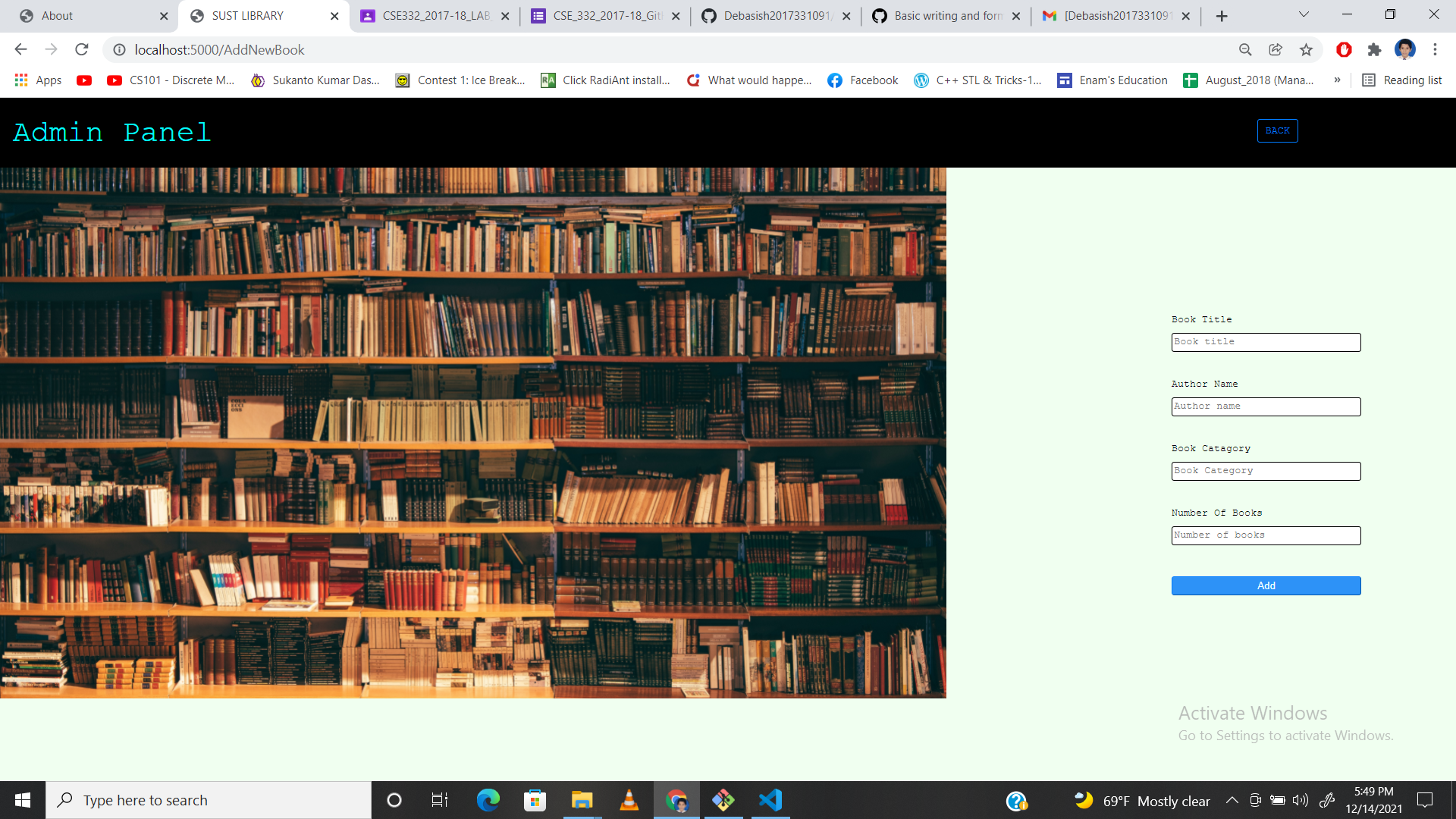
- Admin add new book.
- Clone the project in your machine.
- There are two folder named "LibraryManagementUser" and "LibraryManagementAdmin".
- Open the seperately with vscode.
- Press ctrl+~ key for terminal.
- Run the following command in both project's terminal one by one.
- npm install ejs
- npm install body-parser
- npm install express
- npm install loadash
- npm install lodash
- npm install md5
- npm install mongoose
- npm app.js
- Open your browser and go to "http://localhost:3000/" for user site and "http://localhost:5000" for admin site.