


Clean Bubble is a complete one-product e-commerce website with all essential features, including order-slip printing and advanced store analytics.
Full Project Overview: https://youtu.be/8kkdYQgnLtY
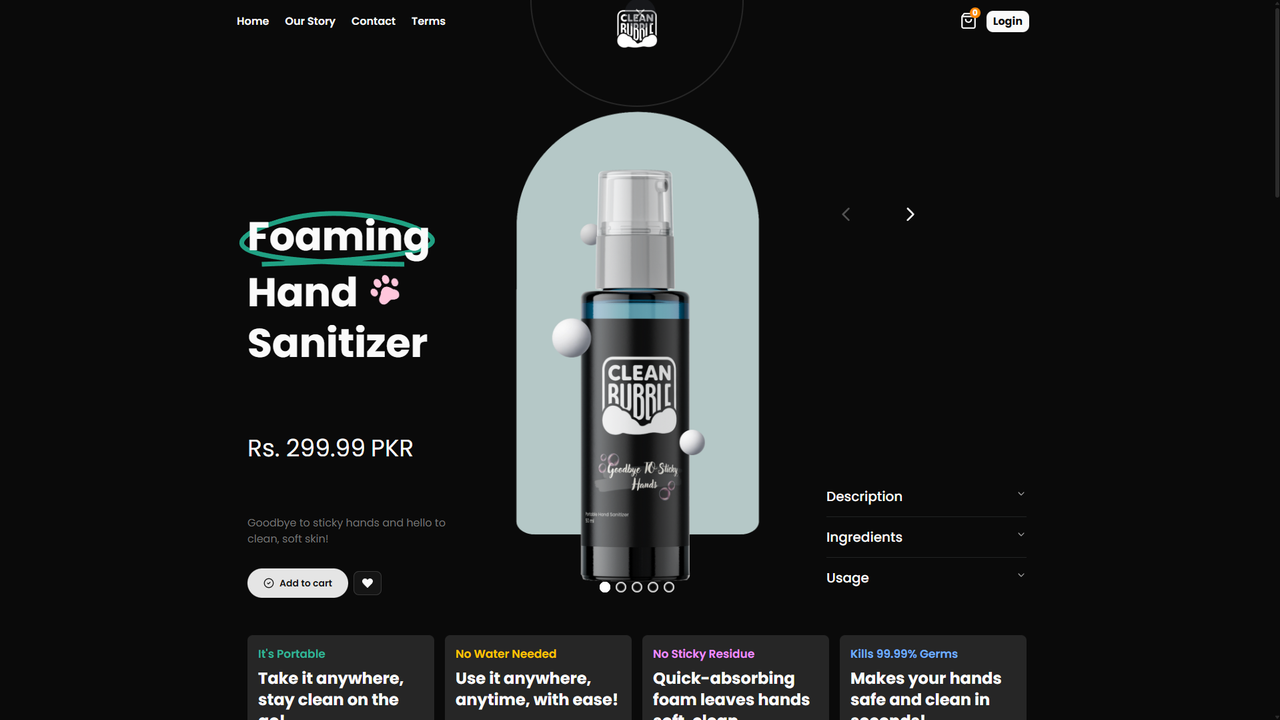
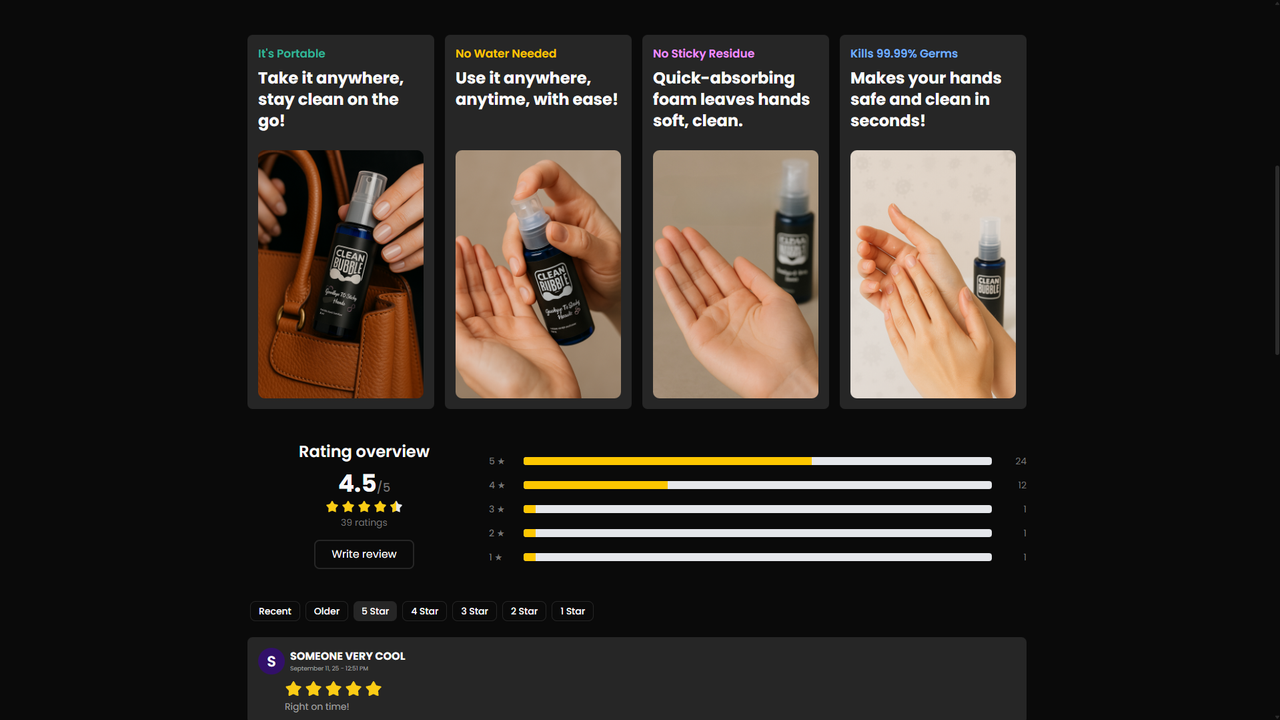 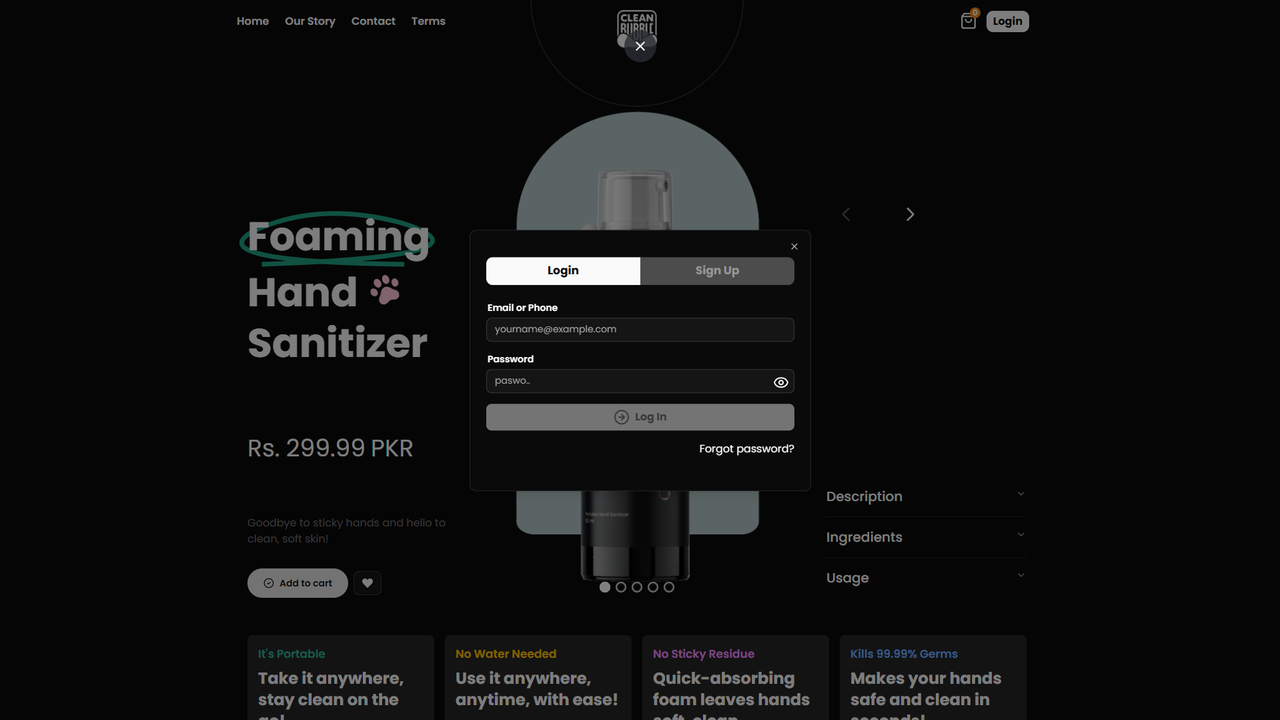 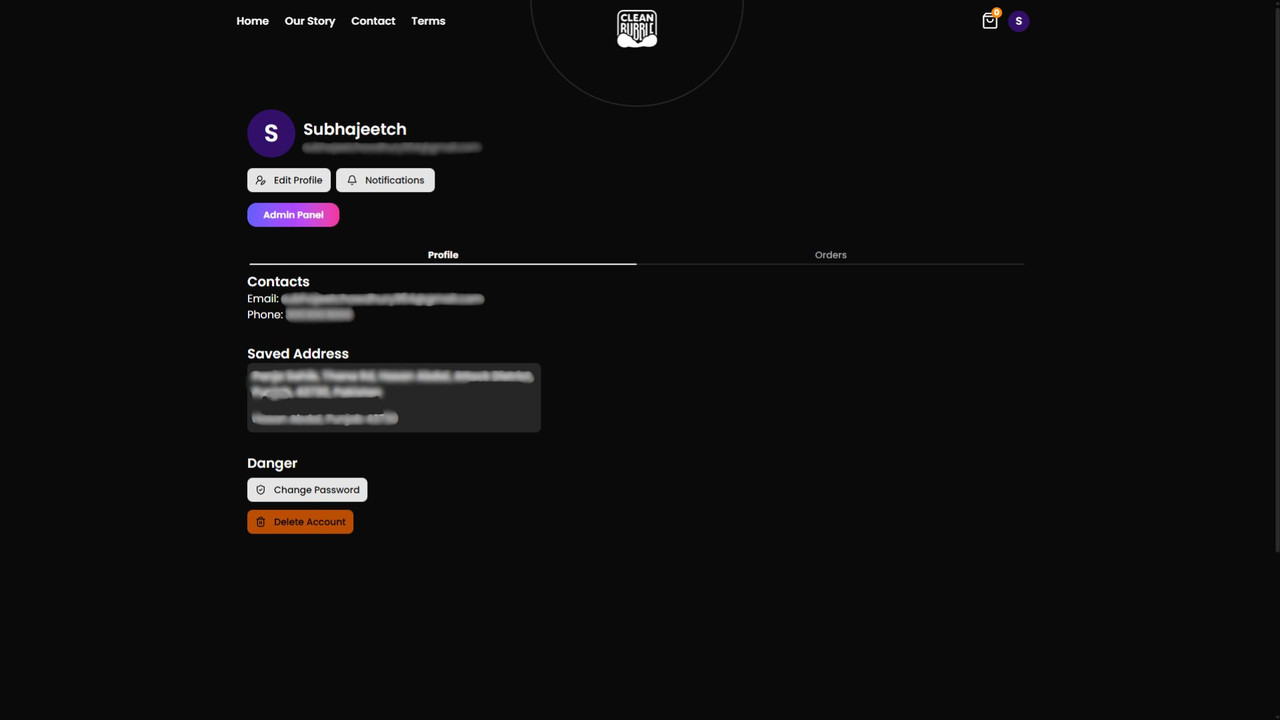 .jpg) 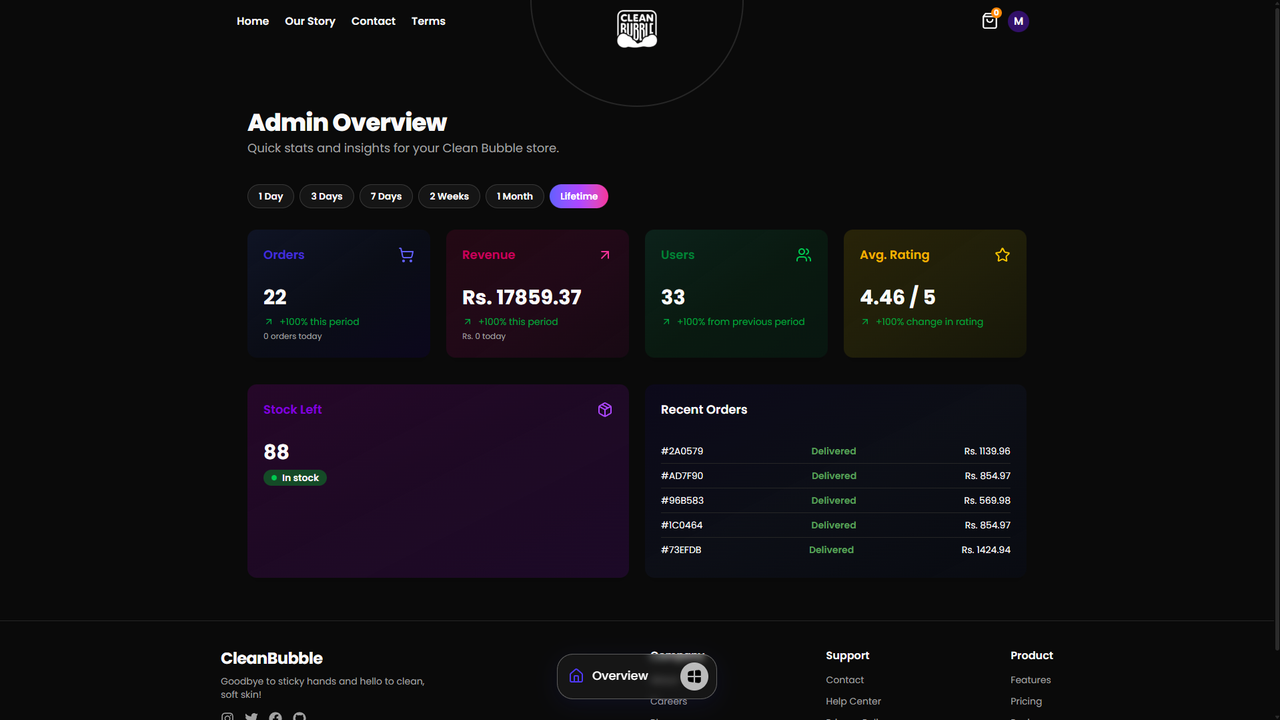 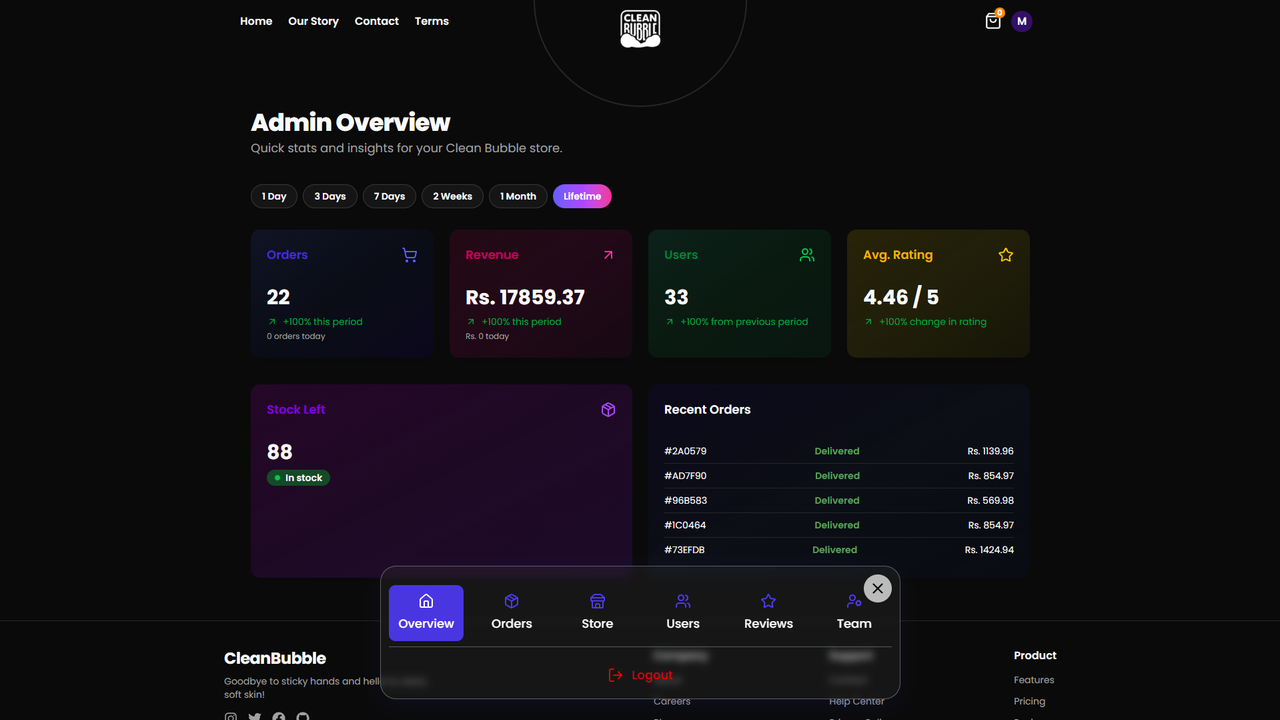



.jpg)


 .jpg)
.jpg)
.jpg)

Clean Bubble is a demo web app showing a production-like split between a Next.js (React) frontend and an Express/MongoDB backend. The frontend uses modern patterns (App Router, server and client components, shadcn/ui-like components, Tailwind CSS). The backend exposes REST endpoints and uses cookies / JWTs for auth.
- Frontend: Next.js (app dir), React 19, Tailwind CSS, sonner (toasts), axios, zustand, shadcn/ui, lucide-react
- Backend: Node + Express, Mongoose (MongoDB), dotenv, cookie-parser, JWT
- Dev tools: nodemon (backend), Next dev (frontend)
Open two terminals: one for backend, one for frontend.
Backend (from project root):
cd backend
npm install
# Create a .env file (see example below)
npm run dev
Notes:
- The backend
devscript runsnodemon api/index.js. If you prefer a one-off run usenpm startornode api/index.js.
Frontend (from project root):
cd frontend
npm install

# Create a .env.local file (see example below)
# Update fronted/mine.config.js with your backend url

npm run dev
Open your browser at http://localhost:3000 (Next.js dev server).
Frontend (build):
cd frontend
npm run build
# For production start (this repo's package.json defines a `start` script)
npm run start
Note: The
frontend/package.jsonstartscript sets NODE_ENV in its command. On Windows you may need to adapt or usecross-envif you change that script.
For Backend:
Create a .env file in the backend/ folder with at least:
MOMGO_URI=your_mongo_uri_here
ACCESS_TOKEN_SECRET=your_access_token_secret_here
REFRESH_TOKEN_SECRET=your_refresh_token_secret_here
EMAIL_API_KEY=brevo_api_key
EMAIL_API_URL=https://api.brevo.com/v3/smtp/email
EMAIL_SENDER_EMAIL=email_that_you_used_in_brevo_must_be_verified
check backend/env.example for full information
If your frontend communicates with a backend running locally, ensure CORS / allowed origins include http://localhost:3000 (see backend/api/index.js).
For Backend:
Create a .env.local file in the frontend/ folder with:
LOCATION_IQ_API_KEY=your_locationiq_api_key_here

# same as backend
MONGODB_URI=your_mongodb_uri_here
ACCESS_TOKEN_SECRET=your_access_token_secret_here
REFRESH_TOKEN_SECRET=your_refresh_token_secret_here
check frontend/env.local.example for full information
Feel free to contribute.
Project is licensed under the MIT License. Feel free to use, edit, and build upon the code however you wish.