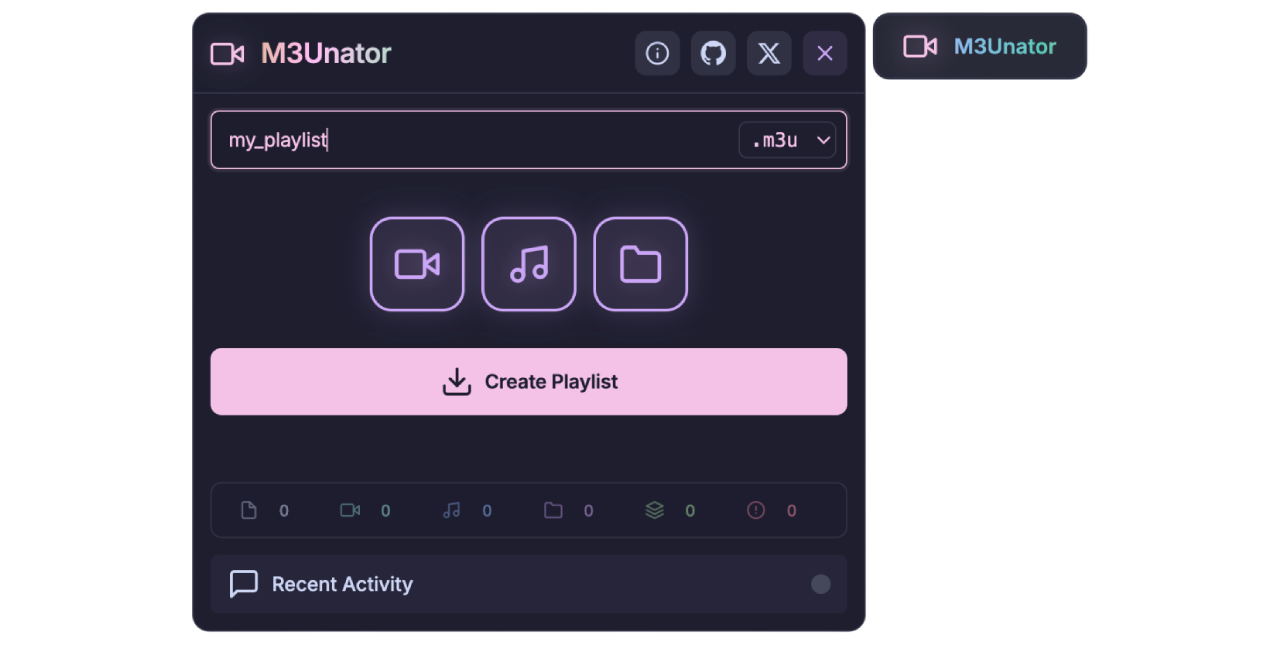



M3Unator is a powerful tool designed to turn any open web directory into a beautifully organized M3U/M3U8 playlist. This enhanced fork adds deeper metadata support and broader compatibility for modern server environments.
- Extended M3U Support: Full support for
#EXTM3Uand#EXTINFtags, including group titles and channel IDs. - Enhanced Server Detection: Improved recognition for a wider variety of open directory server types (Apache, Nginx, LiteSpeed, Caddy, HFS, and more).
- Smarter Parsing: Optimized regex for extracting media from messy or non-standard directory listings.
- Smart Media Detection: Automatically identifies 40+ video and audio formats.
- Recursive Scanning: Deep-scan subdirectories with configurable depth (0-99).
- Real-time Progress: Modern UI with live status updates, toast notifications, and scanning stats.
- Ultrafast System: Parallel request handling (up to 15 concurrent scans) for lightning-quick results.
- Privacy First: Everything happens in your browser. No data is sent to external servers.
You will need one of the following browser extensions:
- Tampermonkey (Recommended)
- Violentmonkey
Click the link below to install the script:
Note: For Tampermonkey v5.0+, ensure "Developer Mode" is enabled in your browser's extension settings.
- Navigate to any open directory page (e.g., a page titled "Index of /").
- Click the M3Unator button that appears in the top-right corner of your browser.
- Configure your settings (Depth, Media Types, Format).
- Hit "Create Playlist" and wait for the magic to happen! 🎉
| Category | Extensions |
|---|---|
| Video | mp4, mkv, avi, webm, mov, flv, wmv, m4v, ts, mts, m2ts, hevc, vob, etc. |
| Audio | mp3, m4a, wav, flac, aac, ogg, wma, opus, aiff, ape, mka, ac3, etc. |
| Option | Description | Default |
|---|---|---|
| Media Types | Choose to scan for Video, Audio, or both. | Both |
| Scan Depth | How many folder levels deep to scan. | Unlimited |
| Format | Choose between standard M3U or M3U8 (UTF-8). | M3U |
| Parallel Requests | Number of simultaneous directory scans. | 15 |
| Retry Mechanism | Exponential backoff for failed server requests. | Enabled |
Found a bug or have a suggestion for a new server type to support? Feel free to open an issue or submit a pull request!
This project is licensed under the GNU General Public License v3.0. See the LICENSE file for details.
Happy Hoarding! 🎬🎵
