Shiva Taghizadeh's Portfolio
For challenge 2 homework we were asked to create a portfolio web application.
Here are an example of what My page looks like.

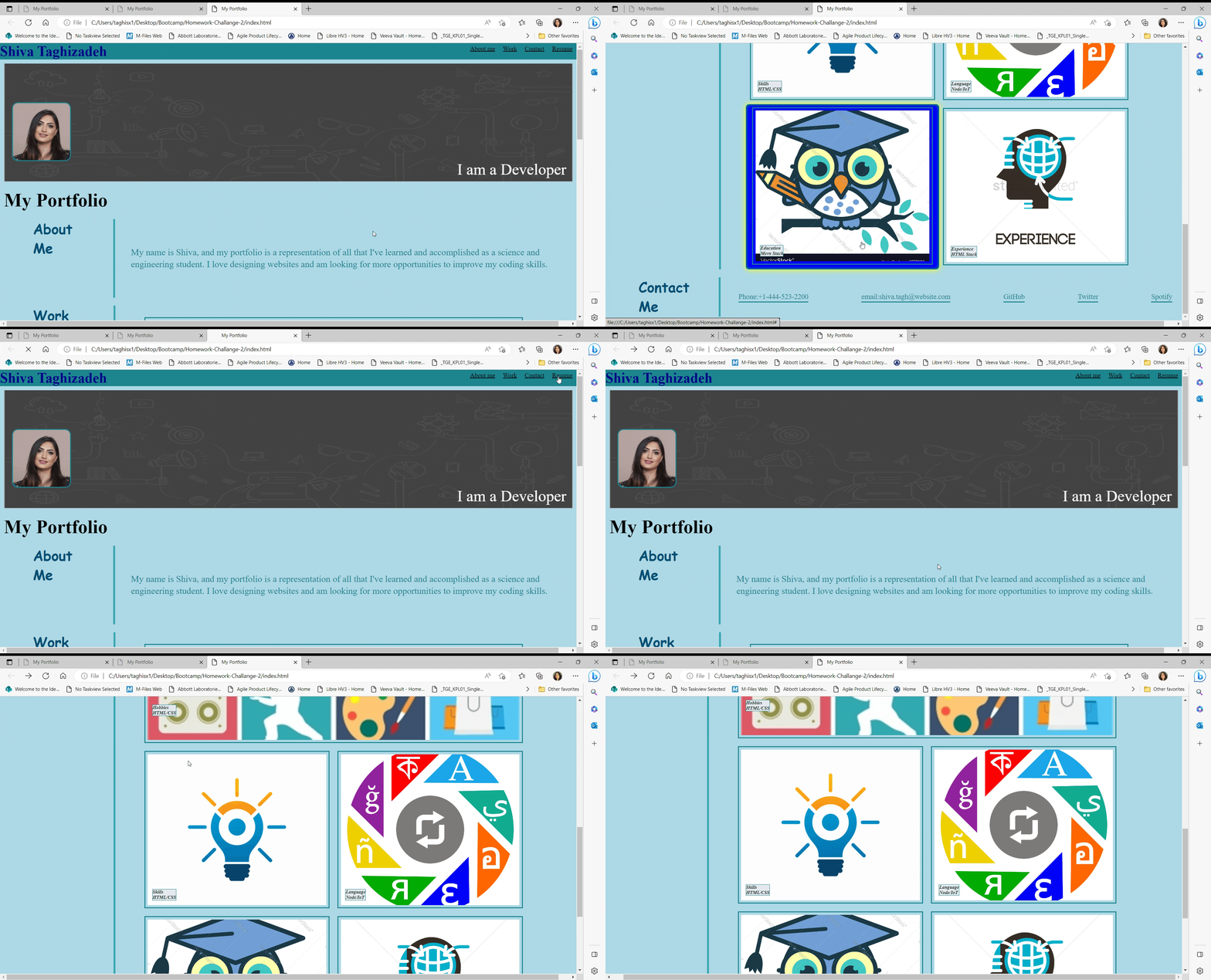
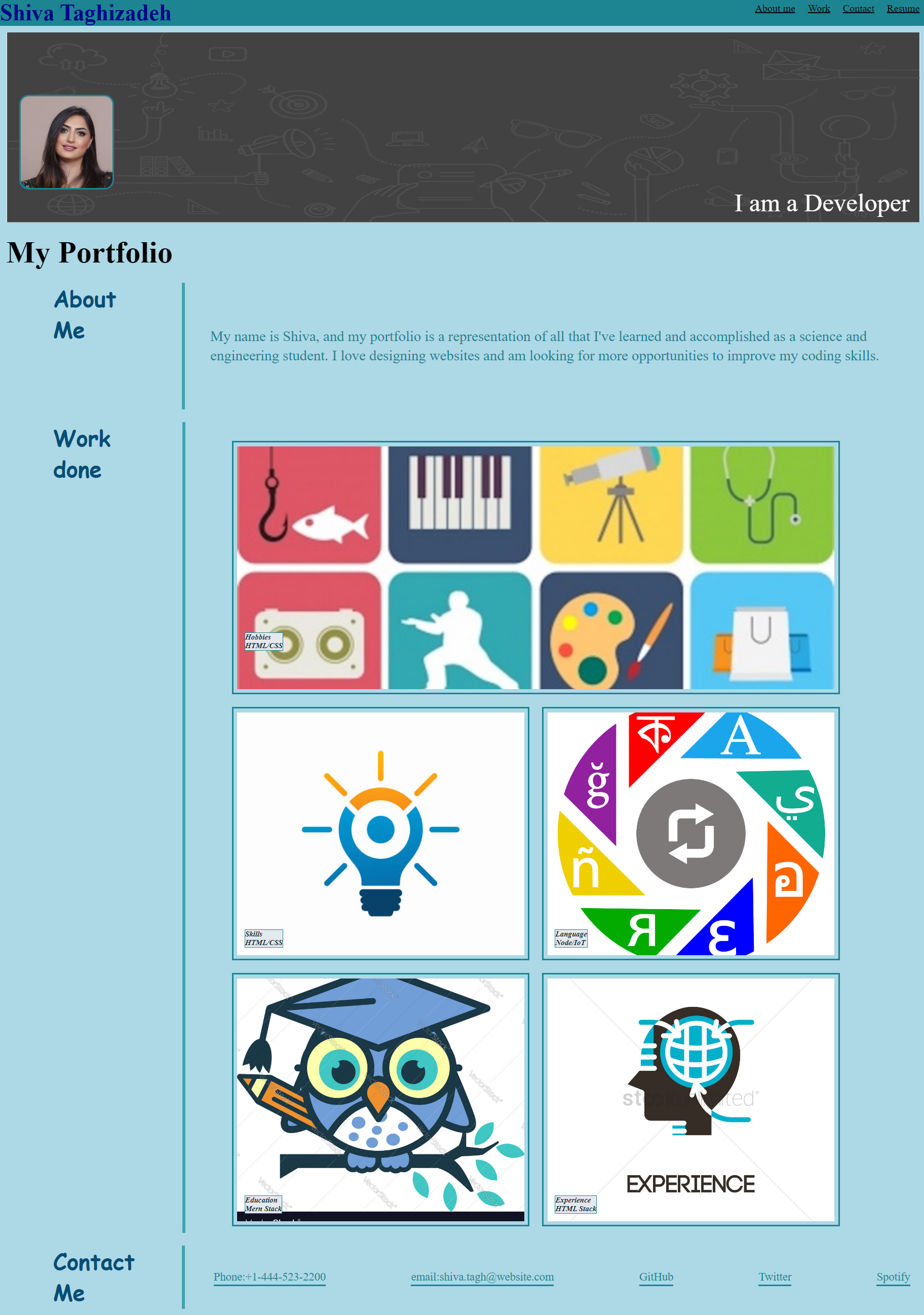
GIVEN I need to sample a potential employee's previous work WHEN I load their portfolio THEN I am presented with the developer's name, a recent photo or avatar, and links to sections about them, their work, and how to contact them WHEN I click one of the links in the navigation THEN the UI scrolls to the corresponding section WHEN I click on the link to the section about their work THEN the UI scrolls to a section with titled images of the developer's applications WHEN I am presented with the developer's first application THEN that application's image should be larger in size than the others WHEN I click on the images of the applications THEN I am taken to that deployed application WHEN I resize the page or view the site on various screens and devices THEN I am presented with a responsive layout that adapts to my viewport
In this homework I took inspiration from my previous homework and class materials and built on top of that to create my Portfolio. I added all requested information. changed up the back layout and margins so it can be visible and adjusted through various types of screens. The page contains a section about me, how to contact me, previous home work examples (skills) and a link to my github.All links on site work and all info is up to date.Added link to 3 images. In orther to accomplish the challege, the following steps were done: -Understand clearly the purpose of creating Portfolio webpage. -Research sources to understand key concepts. -Added profile pictures. -Added links to the sections. -Added image to each section of the developers app and hover over them. -Resized the page or view the site on various screens and devices
- GitHub:[https://github.com/ShivaTagh/Homework-Challange-Portfolio]
- GitHub deployed application:[https://shivatagh.github.io/Homework-Challange-Portfolio/]
- Clone GitHub repository provided
- Open with VScode
- Right click file index.html and select "open with live server"
Contributions and help was provided from the following:
- Instructor: Samantha Randolph