For challenge 3 homework we were asked to create a Password Generator.
Here are an example of what My page looks like.
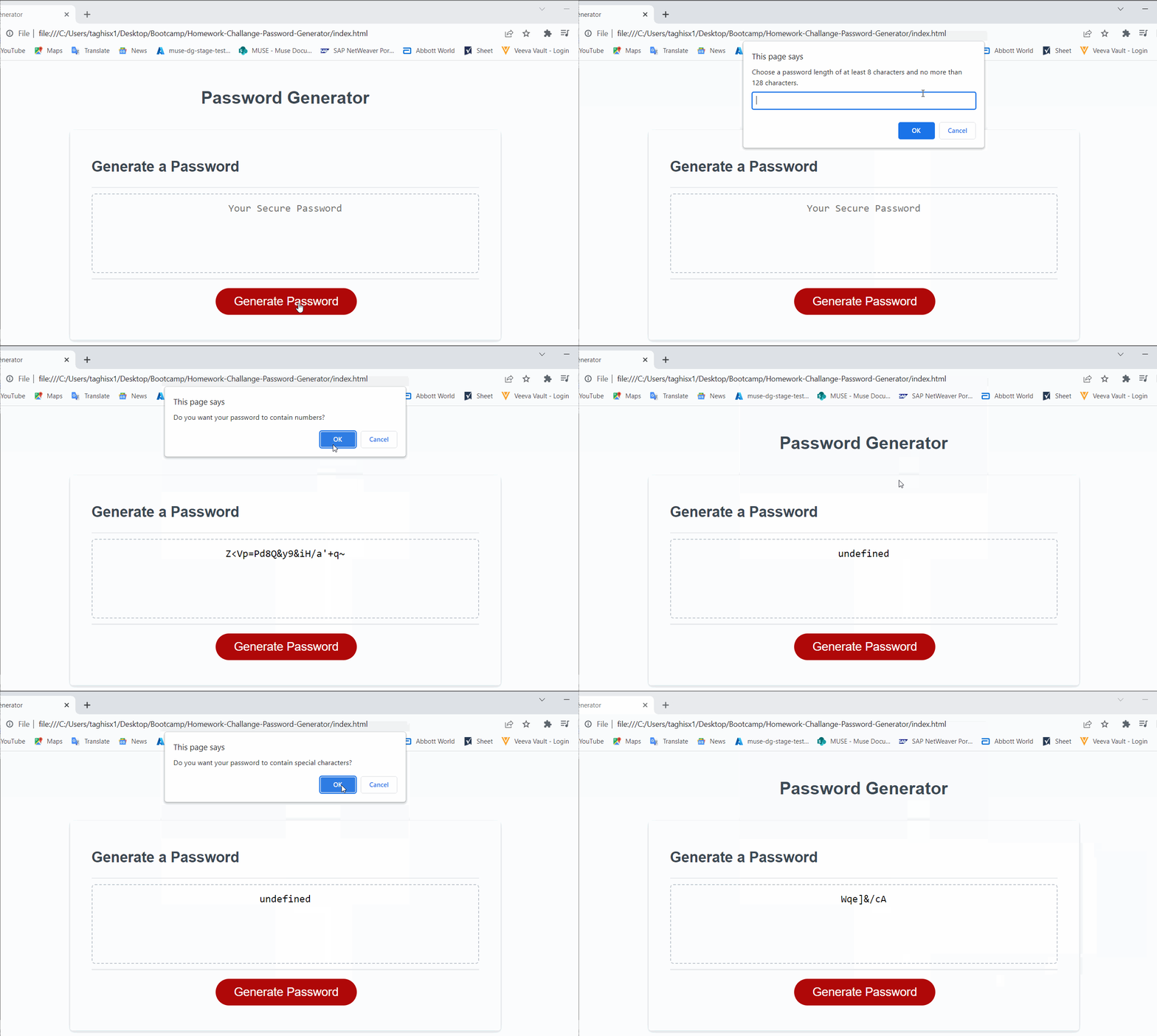
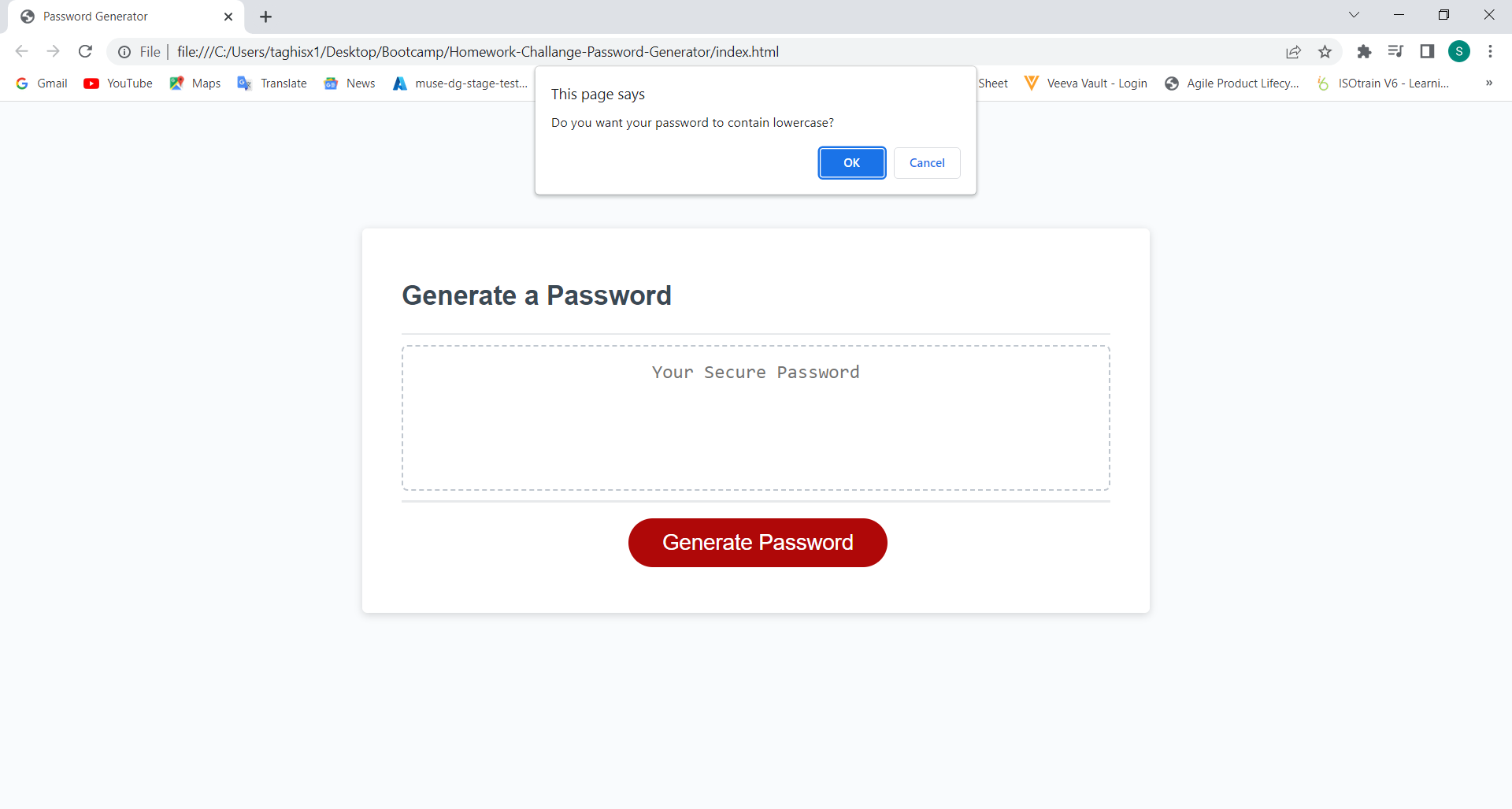
GIVEN I need a new, secure password
WHEN I click the button to generate a password
THEN I am presented with a series of prompts for password criteria
WHEN prompted for password criteria
THEN I select which criteria to include in the password
WHEN prompted for the length of the password
THEN I choose a length of at least 8 characters and no more than 128 characters
WHEN asked for character types to include in the password
THEN I confirm whether or not to include lowercase, uppercase, numeric, and/or special characters
WHEN I answer each prompt
THEN my input should be validated and at least one character type should be selected
WHEN all prompts are answered
THEN a password is generated that matches the selected criteria
WHEN the password is generated
THEN the password is either displayed in an alert or written to the page
I created a random password generator by adding scripts to the json file. For this assignment, I used:
-
Prompts that allow users to determine their preferred password length (on the condition that it is between 8 and 128 characters)
-
Confirms that determine what types of characters user would like to use (lowercase letters, uppercase letters, numbers, and/or special characters).
-
A function that would generate a password based on the information returned from these prompts and confirms.
- In order to run the application, click on the https://shivatagh.github.io/Homework-Challange-Password-Generator/
- Once you have been redirected to the web-page, click on the "Generate Password" button
- You will be prompted with a series of questions regarding your password criteria (note, at least one must be selected, or else an error will pop up and the prompts will restart), including:
- The desired password length (on the condition that it is between 8 and 128 characters long)
- Whether you want the password to contain uppercase letters
- Whether you want the password to contain lowercase letters
- Whether you want the password to contain numbers
- Whether you want the password to contain special characters
- When all prompts are answered, you will be provided with a password which is generated according to your responses
- HTML
- CSS
- JavaScript
- Deployed URL Link: https://shivatagh.github.io/Homework-Challange-Password-Generator/
- GitHub Repository Link: https://github.com/ShivaTagh/Homework-Challange-Password-Generator.git
Contributions and help was provided from the following:
Instructor: Samantha Randolph