Developed with Unreal Engine 4.25.0
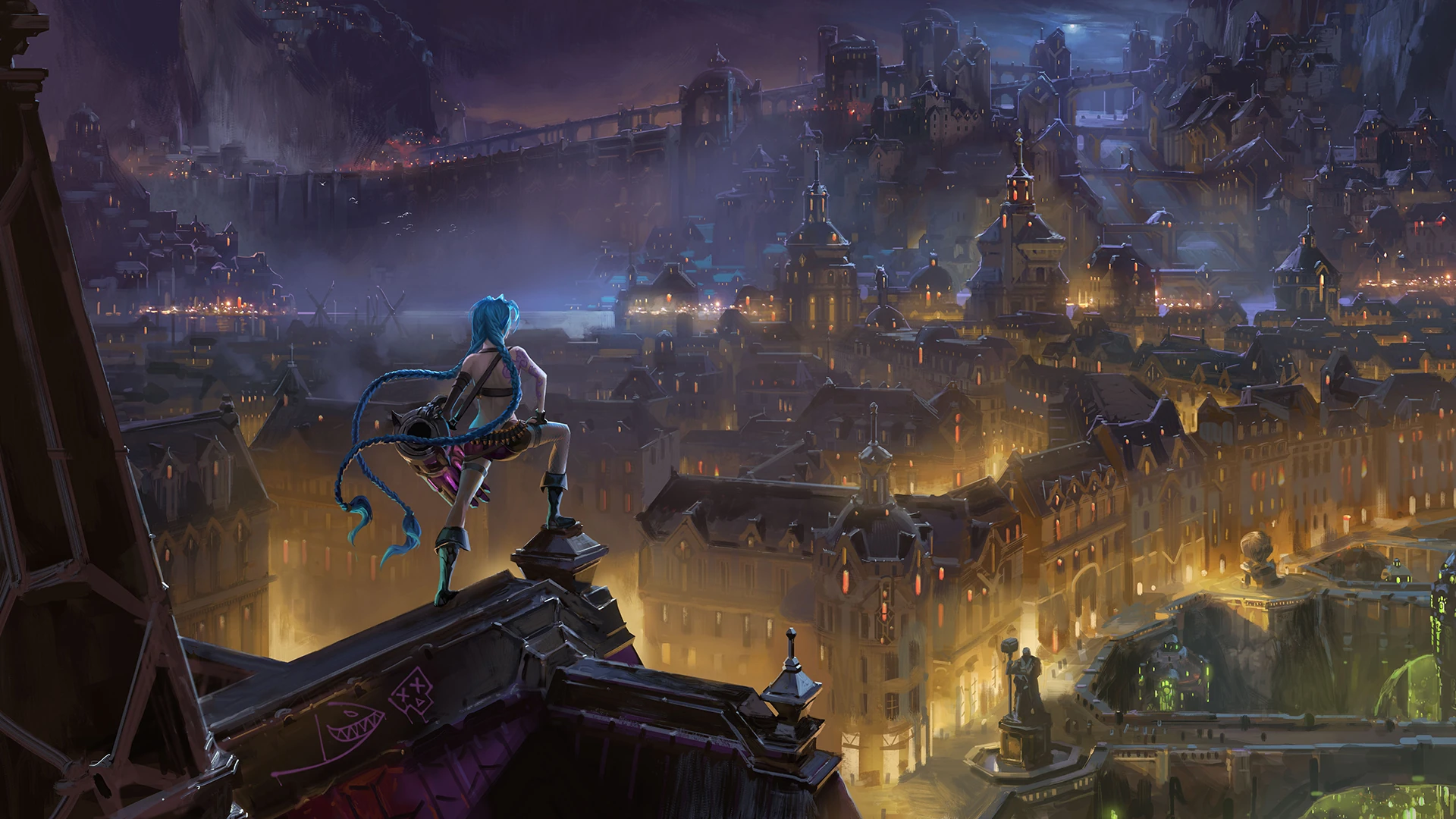
Playing Legends of Runterra, I fall in love with the background image where Jinx is standing in front of a very nice looking city.
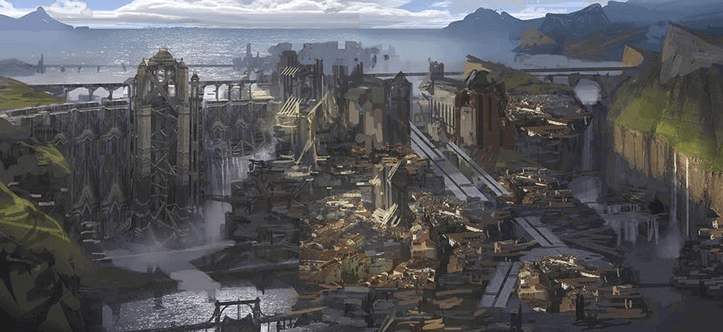
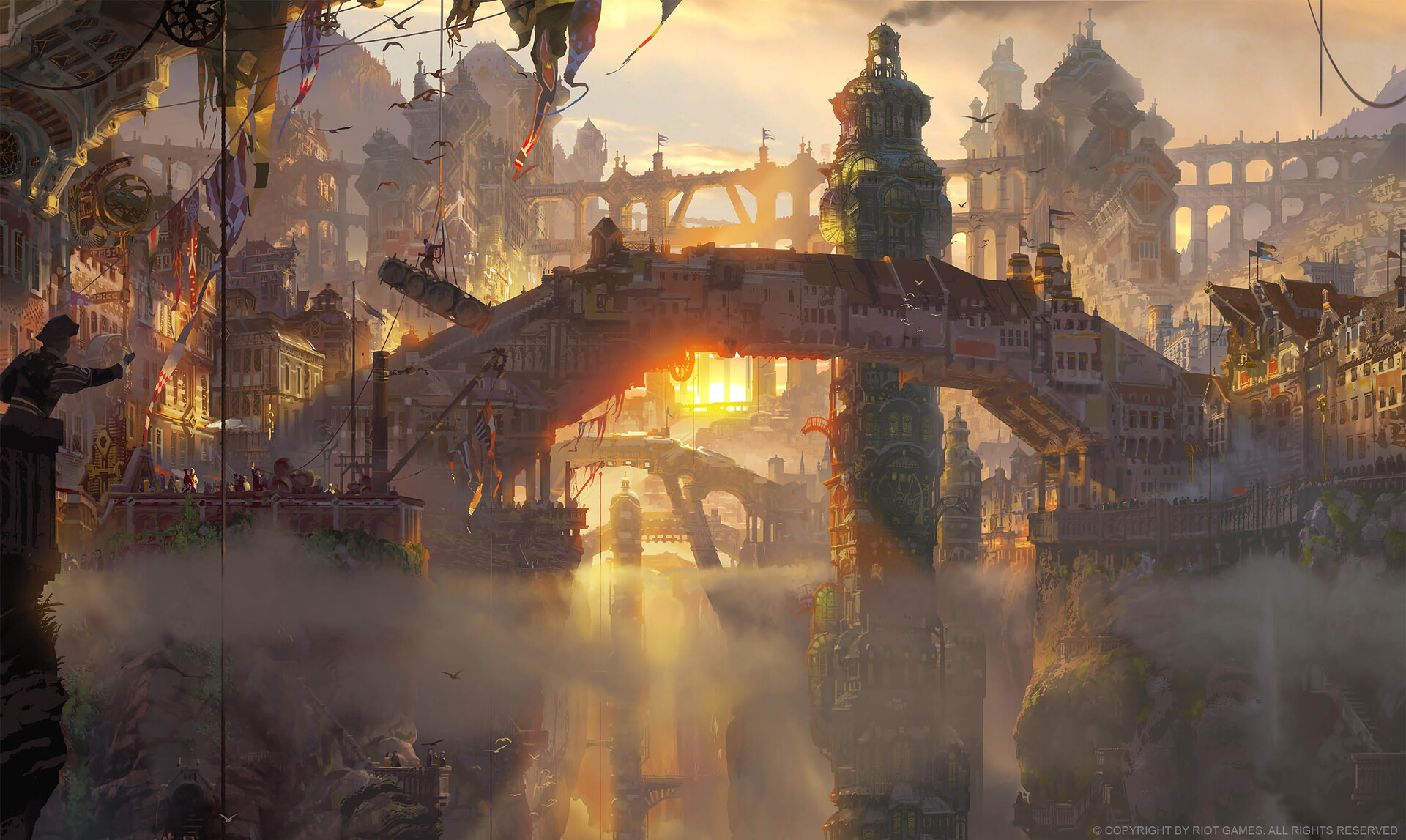
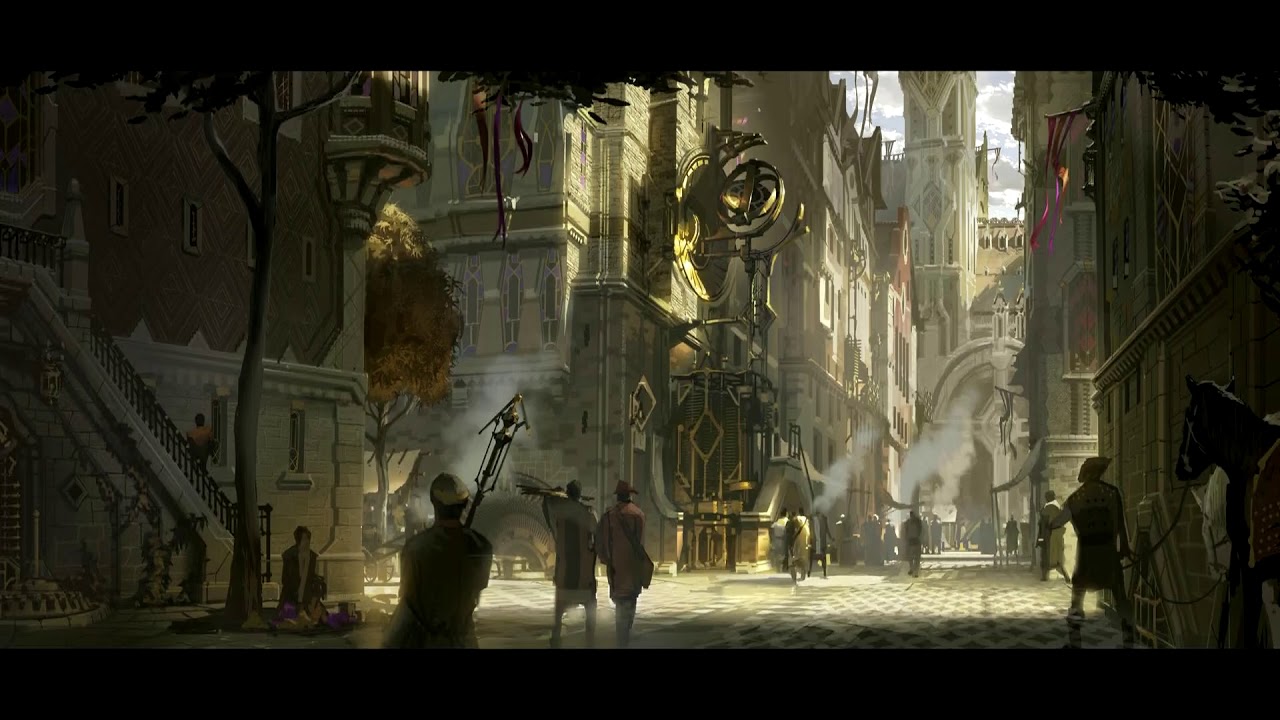
I didn't know what this city was and started searching the internet and found out that it was Piltover (& Zhaun).
With this information, I found more and more pictures of this city and thought that there is something like a 3D environment for it, so that it can be used for the Wallpaper Engine, for example.
It turns out: No 😔
About me and some background:
I'm not very experienced in creating 3D environments and in my daily work I'm a frontend developer using Vue and TypeScript.
So this journey may take a long time and may not lead to a final end result.
I do it in my free time and for fun.
| Session | Date | Duration | Summary | Commit |
|---|---|---|---|---|
| 1 | 2020-05-10 | ~3h | Initiate the project Create greybox pivot building |
166990a..6f14db4 |
| 2 | 2020-05-11 | ~6h | Find camera position Add whitebox buildings in right bottom area |
6f14db4..97bdc83 |
| 3 | 2020-05-16 | ~3h | Improve camera angle and position Add more whitebox buildings, ramp and wall |
97bdc83..master |




I created a basic pivot building to orient myself and get a feel of scaling.
So I picked the building down there next to the fountain.
I created a simple tower, a box building and a roof. Some windows and lights added.
I also made a hole in the ground to simulate Zhaun. (I may never add Zhaun fully to this project 🤣)

To create other buildings around my pivot building, I added a camera to take the position of the view of the reference image.
It turned out to be very difficult and I had to learn a few things about perspective. I found that a 60° field of view works well.
I took the reference image and my camera view and tapped between the image and the engine to match the view. I went crazy and used some post-its to get some anchor points.
Because of the light coming from behind in this scene, I added two lights and a shiny golden material to improve the process.


After finding a good camera angle and position, I started adding the front right buildings and expanded Zhaun's abyss.
I also used post-its for them, building by building, working my way to the rear right building.
Then I rebuilt the pivot building based on my measurements with improved scaling.
I started baking lights and it already took about 5-10 minutes to bake 😮
I was confused why the light on the ground floor of the tower no longer casts shadows 🤔
Then I made a real stupid mistake 😣 I forgot that I controlled the reference camera and looked at the result with normal engine controls.
So I lost the angle and position of the view for the reference image... CTRL + Z was too late.
So I had to find the position again, but because of the progress in real time, I just found a rather poor similar position. So I have to fix this next session.
To avoid this mistake again, I created a backup camera at the exact position of the reference camera with CTRL + C CTRL + V.
Final result of this session:
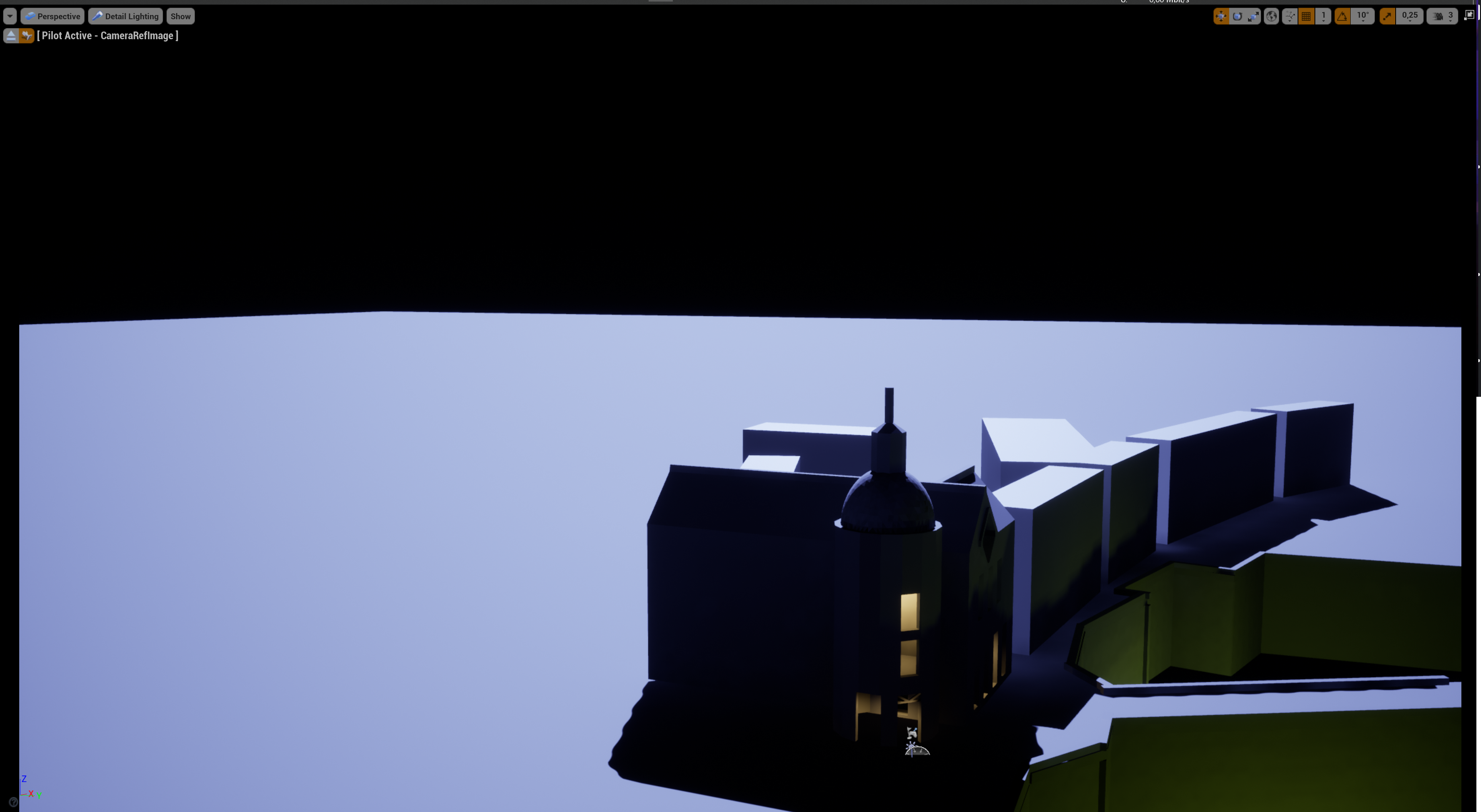
I improved the angle and camera position and then adjusted the existing whitebox buildings. Then I added more whitebox buildings, the ramp and the wall in the background.
Unfortunately I cannot find the absolutely perfect viewing angle. Therefore: The further the buildings are in the background, the less precisely the building positions deviate from the reference image.
So I have to limit myself to scaling and freestyle.
It was also a very good decision to create the backup camera (where I sometimes save the updated viewing angle and position), since when I steer the camera for screenshots and measurements it happens very quickly that I pull the view and therefore rotate the camera.
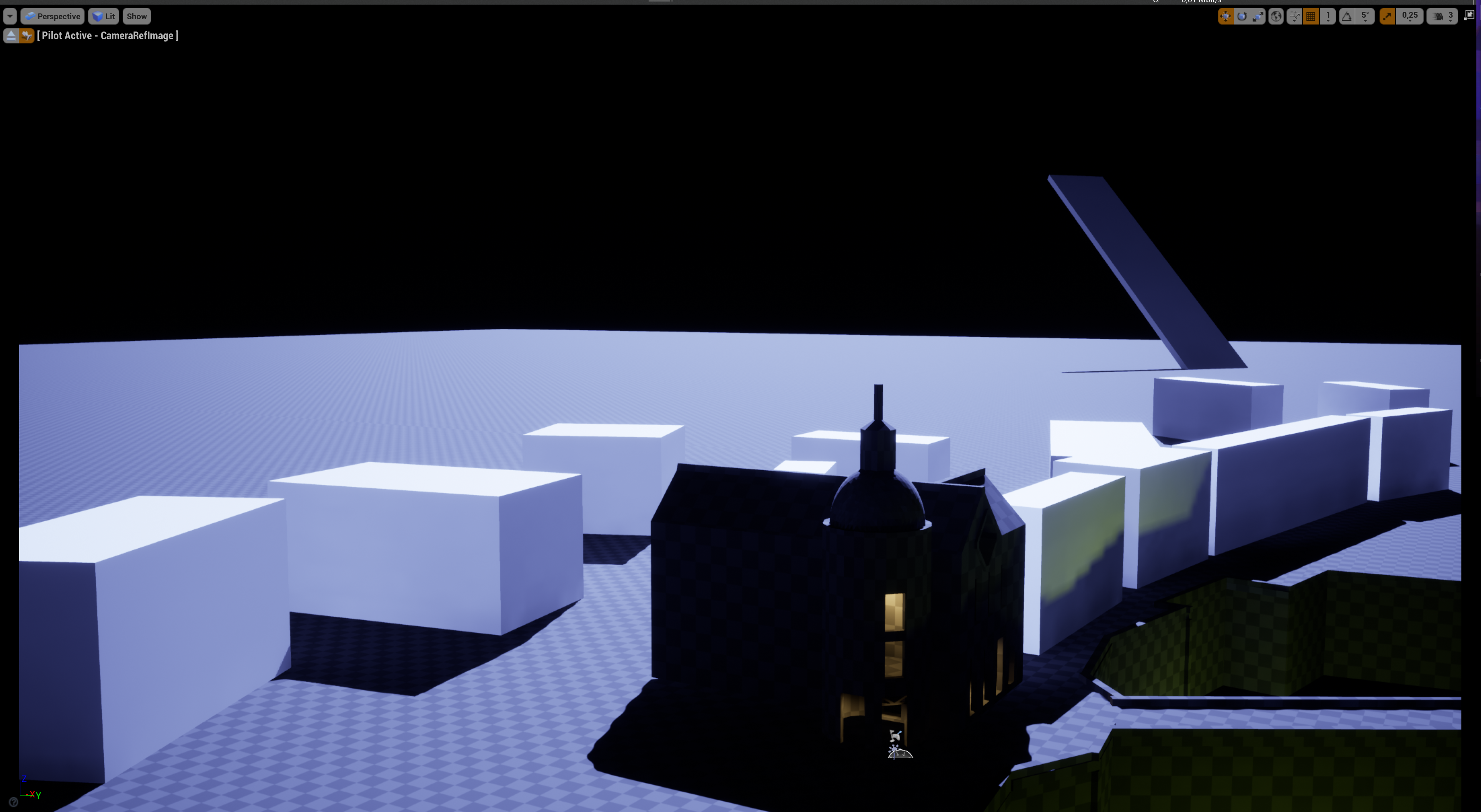
In order to cheat back the lighting of the pivot building, I added some rect lights.
