study frontend in traum info tech
[ webpack으로 타입스크립트 빌드 ]
webpack 모듈 설치
$ npm install -D webpack webpack-cli webpack-dev-server html-webpack-plugin $ npm install -D @babel/core @babel/preset-env babel-loader
-D : devDependencies 로 설정하여 배포 서버에서는 해당 모듈들을 설치하지 않을 수 있다. webpack : 번들러 모듈 webpack-cli : webpack 명령어를 사용할 수 있게해주는 모듈 webpack-dev-server : 실시간으로 변경사항을 보여주는 live server html-webpack-plugin : template html 파일에 번들 파일을 자동으로 추가해주는 플러그인 @babel/core : 트랜스파일러 모듈 @babel/preset-env : 트랜스파일링 기본 preset 모듈 babel-loader : 트랜스파일링 하기위한 파일 loader
webpack 설정 파일 생성
$ touch webpack.config.js
// webpack.config.js 파일
const path = require("path"); const HtmlWebpackPlugin = require("html-webpack-plugin");
module.exports = { entry: "./src/index.ts", // 번들링 시작 위치 output: { path: path.join(__dirname, "/dist"), // 번들 결과물 위치 filename: "bundle.js", }, module: { rules: [ { test: /[.js]$/, // .js 에 한하여 babel-loader를 이용하여 transpiling exclude: /node_module/, use: { loader: "babel-loader", }, }, { test: /.ts$/, // .ts 에 한하여 ts-loader를 이용하여 transpiling exclude: /node_module/, use: { loader: "ts-loader", }, }, ], }, resolve: { modules: [path.join(__dirname, "src"), "node_modules"], // 모듈 위치 extensions: [".ts", ".js"], }, plugins: [ new HtmlWebpackPlugin({ template: "./src/index.html", // 템플릿 위치 }), ], devServer: { host: "localhost", // live-server host 및 port port: 5500, }, mode: "development", // 번들링 모드 development / production };
typescript 모듈 설치
$ npm install -D typescript ts-loader
typescript 설정 파일 생성
$ touch tsconfig.json
// tsconfig.json { "compilerOptions": { "module": "ES6", // 모듈 형식 ES6 "moduleResolution": "Node", // 모듈 해석 Node "esModuleInterop": true, // commonJS 모듈을 ES6로 import "sourceMap": true, // 디버깅 맵 } }
package.json 스크립트 수정
// package.json "scripts": { "test": "echo "Error: no test specified" && exit 1", "start": "webpack serve --open", // live server 명령어 "build": "webpack" // build 명령어 },
live server : $ npm start build : $ npm run build
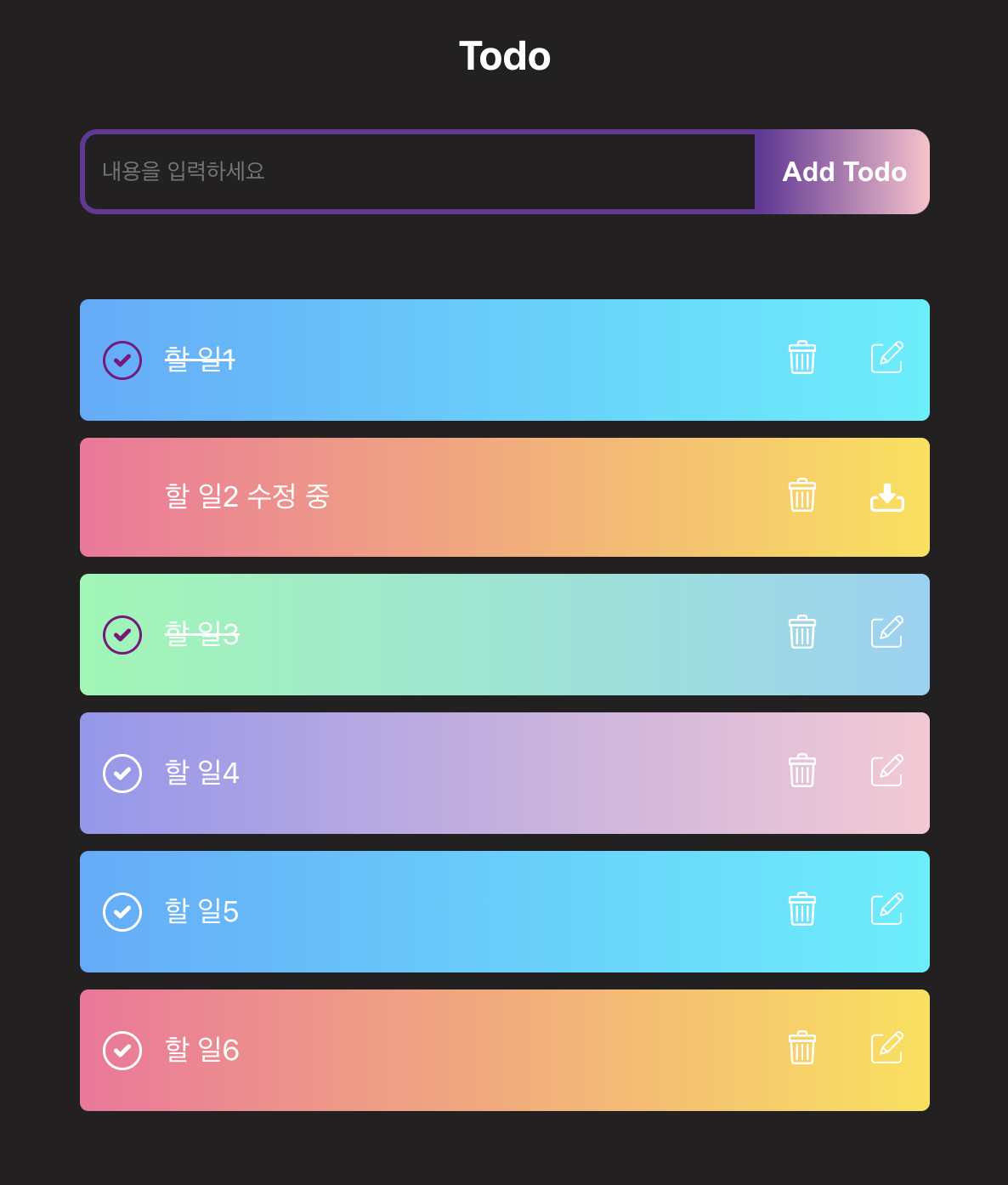
- 할일 추가, 수정, 삭제 기능
- 항목 완료 시, 체크박스 토글 및 토스트 알림
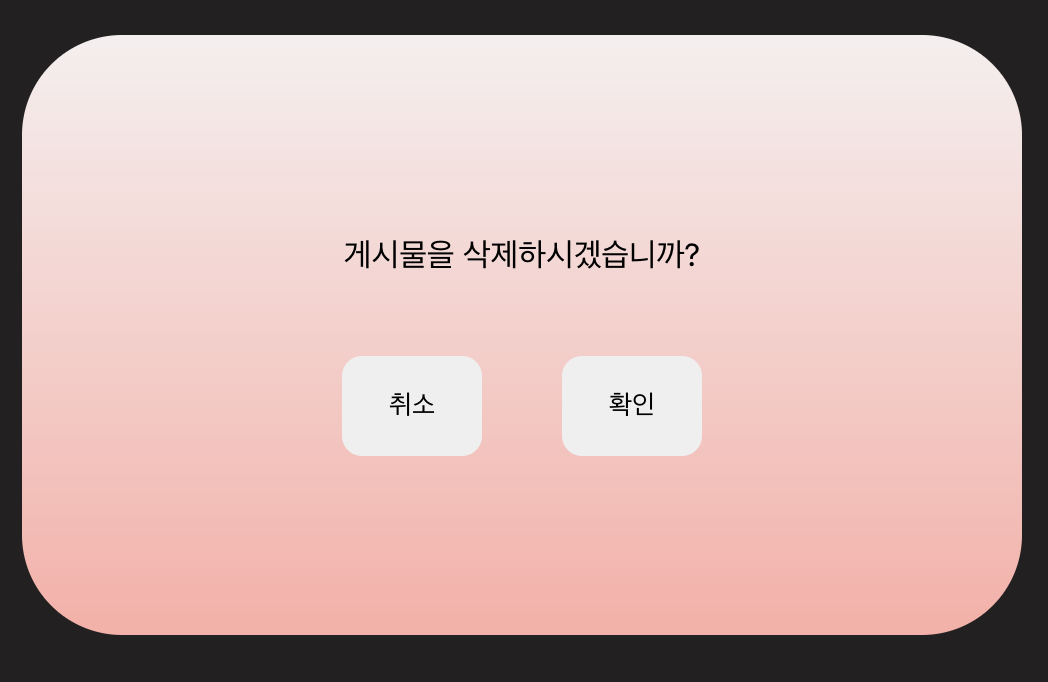
- 항목 삭제 시, 확인 모달 창 팝업
- React, TypeScript, styled-components사용, Redux상태관리