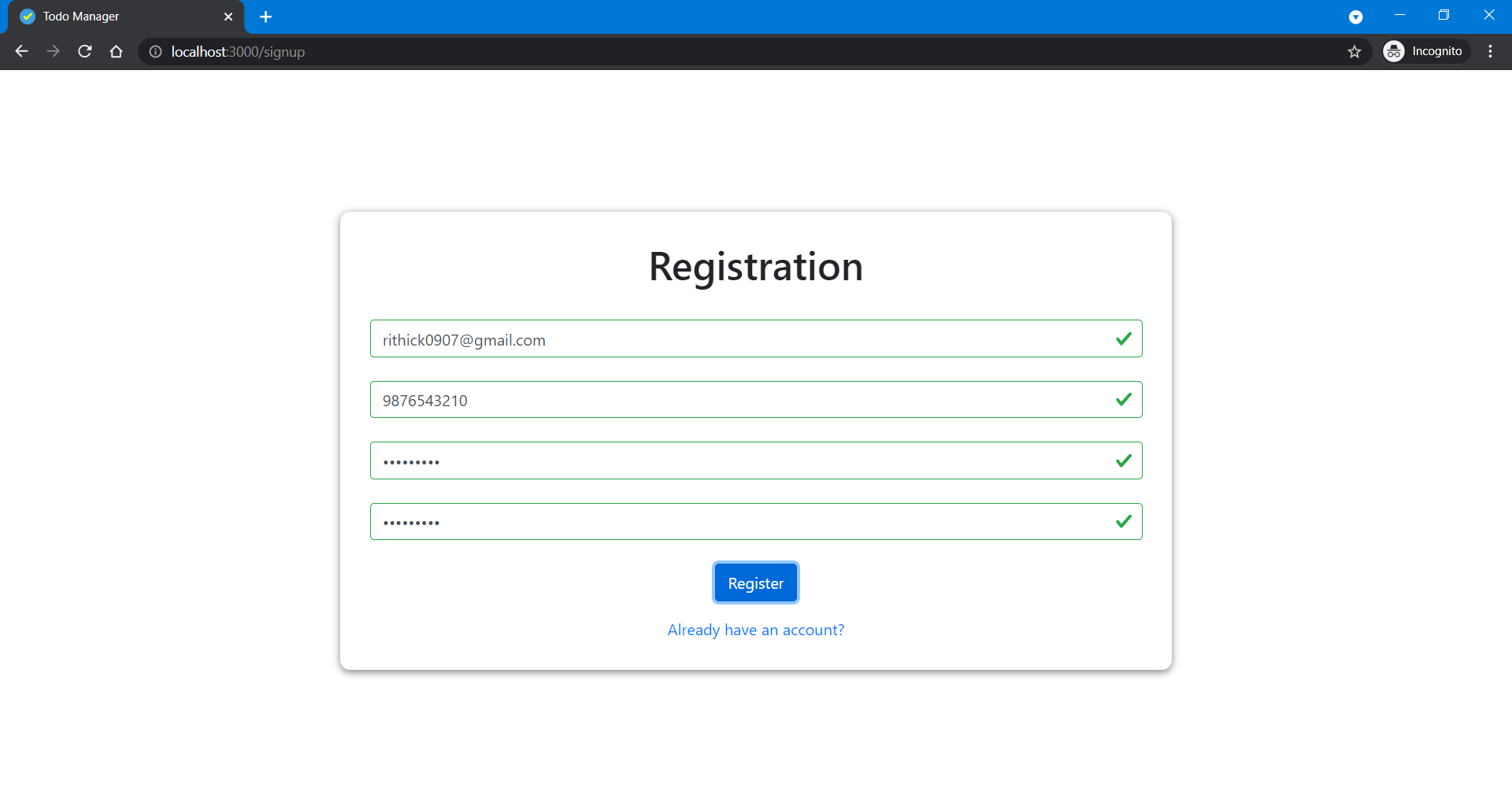
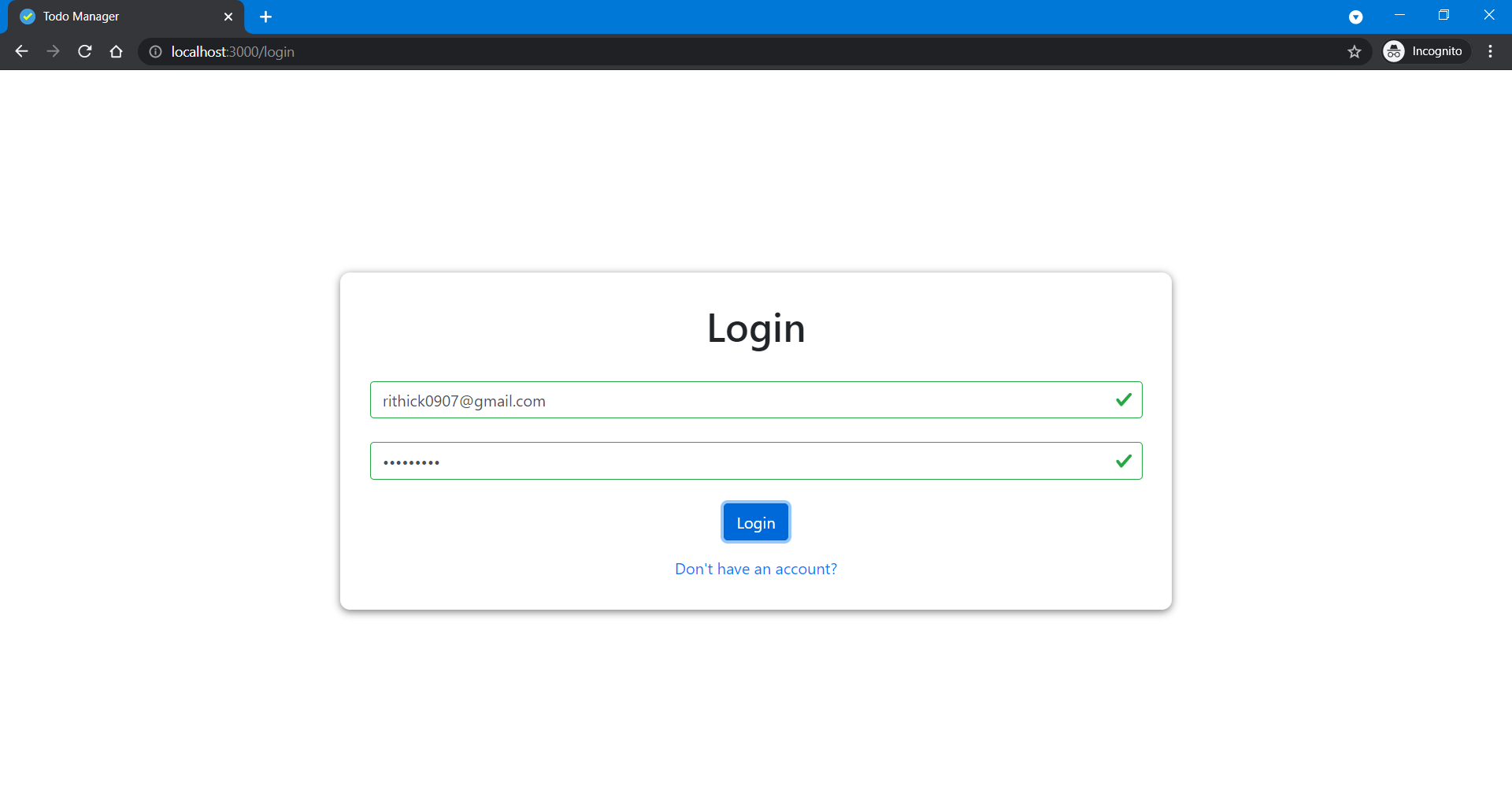
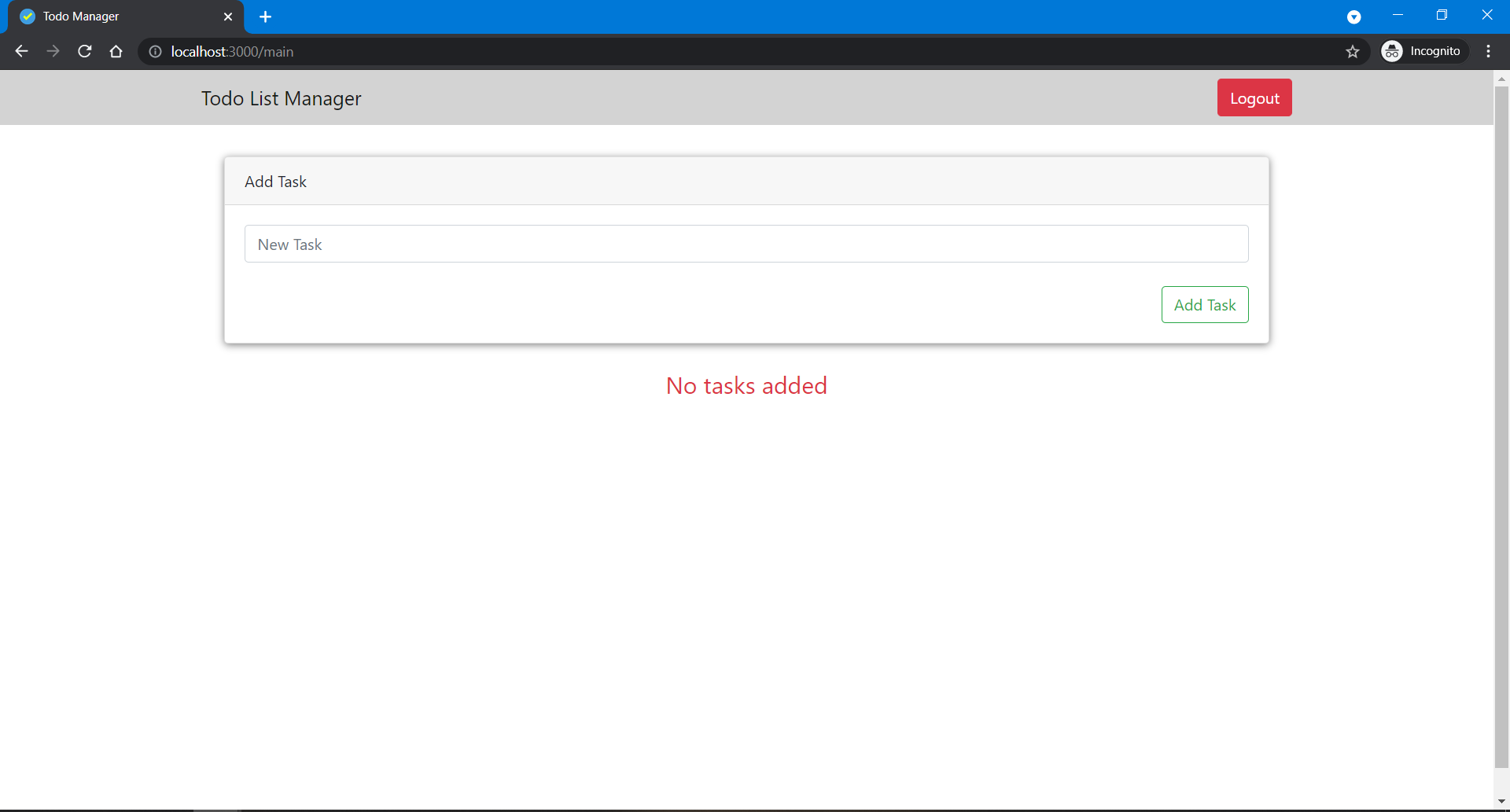
Todo List Manager is a web application used to track your todo tasks online. This application uses Firebase backend and Firebase Real Time DB to store your todo tasks and build with React and Redux. Visit this application at https://todo-app-372c1.web.app/
Follow these steps to setup and run the quickstart:
- Create a Firebase project in the Firebase Console.
- In the Firebase console, enable Anonymous authentication on your project by doing: Authentication > SIGN-IN METHOD > Anonymous > Enable > SAVE
- In the Firebase console, enable RealTime Database on your project by clicking Create Database in the RealTime Database section of the console and answering all prompts.
- Select testing mode for the security rules
- Either Fork or Clone this project and open the folder in CLI.
- Install all the dependencies using the
npm installcommand. - In this project, open httpConfig.js file inside service directory.
- Add your firebase RealTime DB endpoint for baseURL in httpConfig File.
- As indicated, open http://localhost:3000 in your browser and try out the app.
- Initially register your account using your Email.
- Login with registered email to use this app.
- Add your first task in the input field and Click add Task Button.
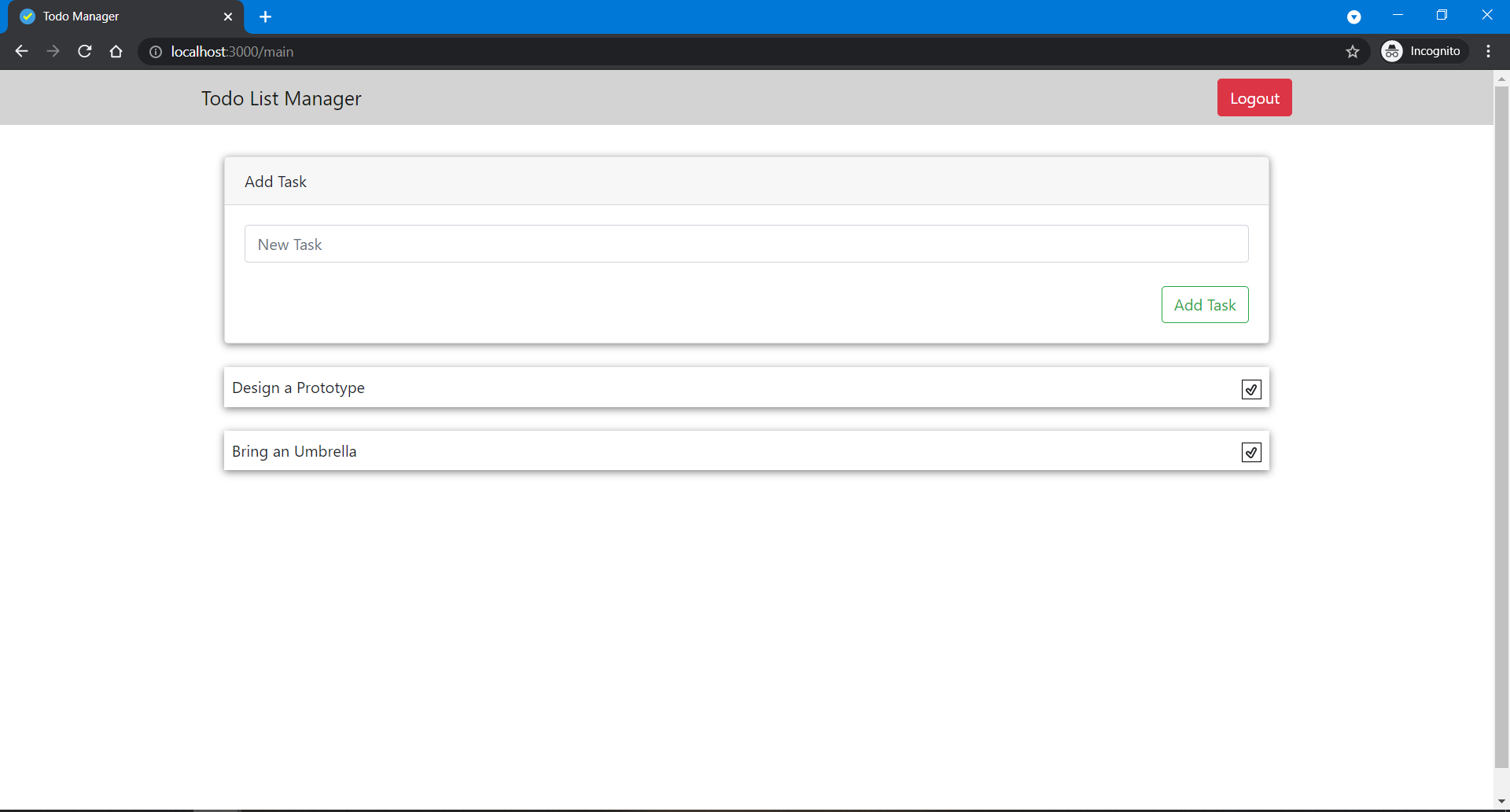
- Your added task is displayed below your Add Task card component.
- After completing the task, you remove that task by clicking the tick icon at the end of each task.