Discussion Forum is a e-learning platform that provides user with privilege to post questions to the forum, interact and receive answers from other users.
Tech Stack: React JS, React-Boostrap, Redux, Firebase.
Visit this application at https://discussion-forum-61117.web.app/
Follow these steps to setup and run the quickstart:
- Create a Firebase project in the Firebase Console.
- In the Firebase console, enable Anonymous authentication on your project by doing: Authentication > SIGN-IN METHOD > Anonymous > Enable > SAVE
- In the Firebase console, enable Firestore on your project by clicking Create Database in the Cloud Firestore section of the console and answering all prompts.
- Select testing mode for the security rules
- Clone/Download this repo and open this folder in a Terminal.
- Install the Firebase CLI if you do not have it installed on your machine:
npm -g i firebase-tools
- Set the CLI to use the project you created on step 1:
firebase use --add
- Deploy the Firestore security rules and indexes:
firebase deploy --only firestore
- Run a local server:
firebase serve
- As indicated, open http://localhost:5000 in your browser and try out the app.
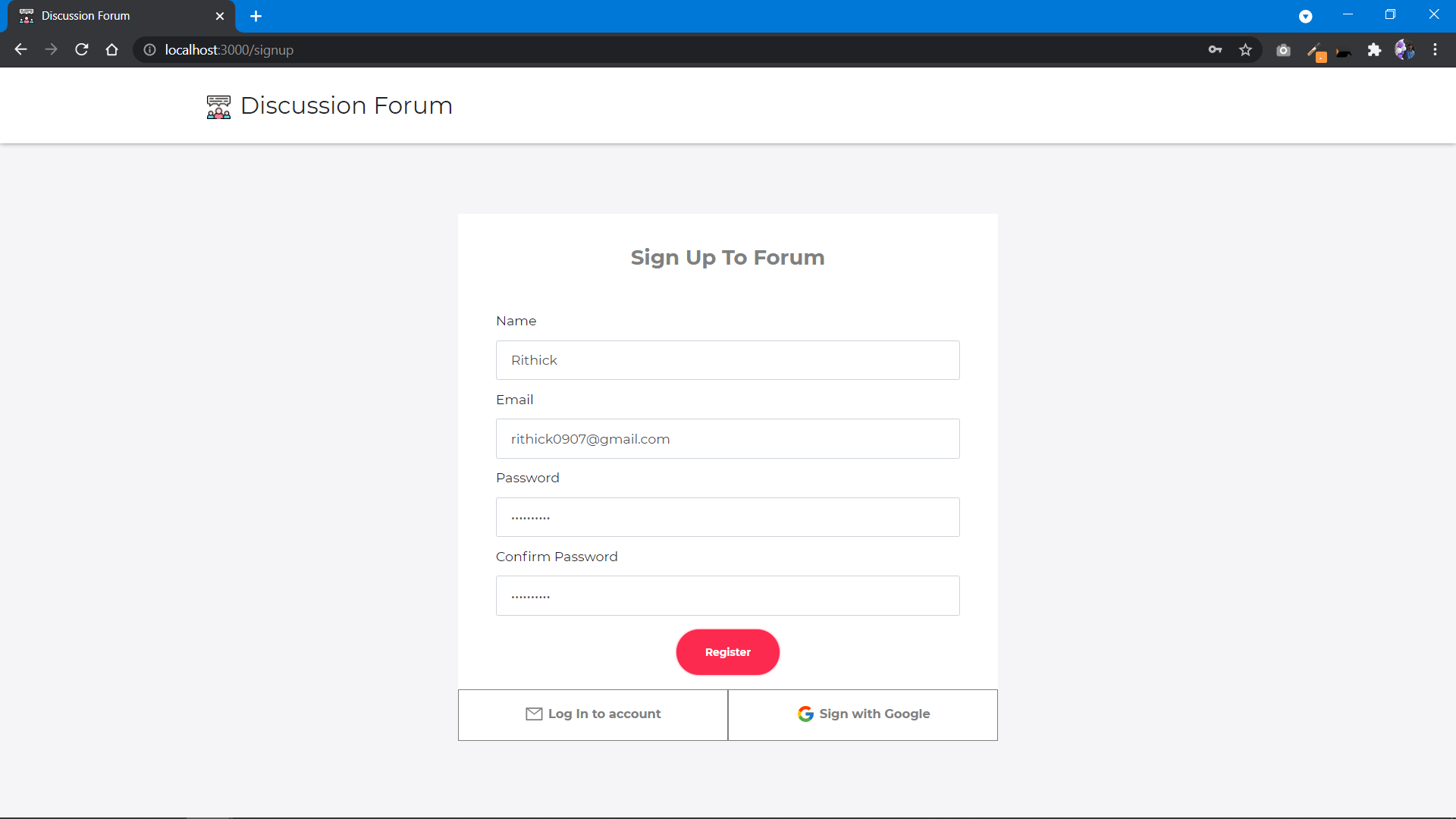
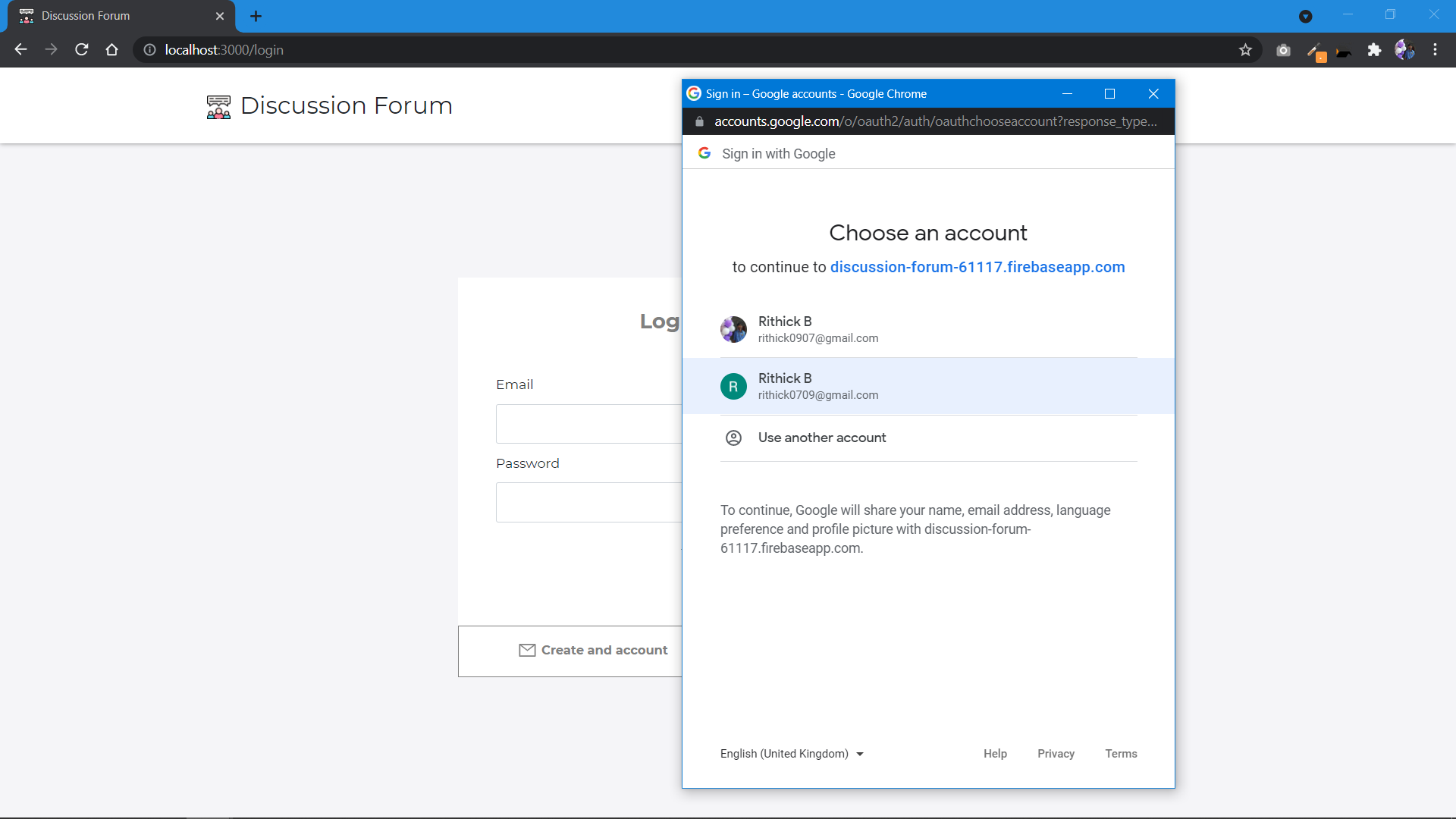
- Initially register your account using Email or google account.
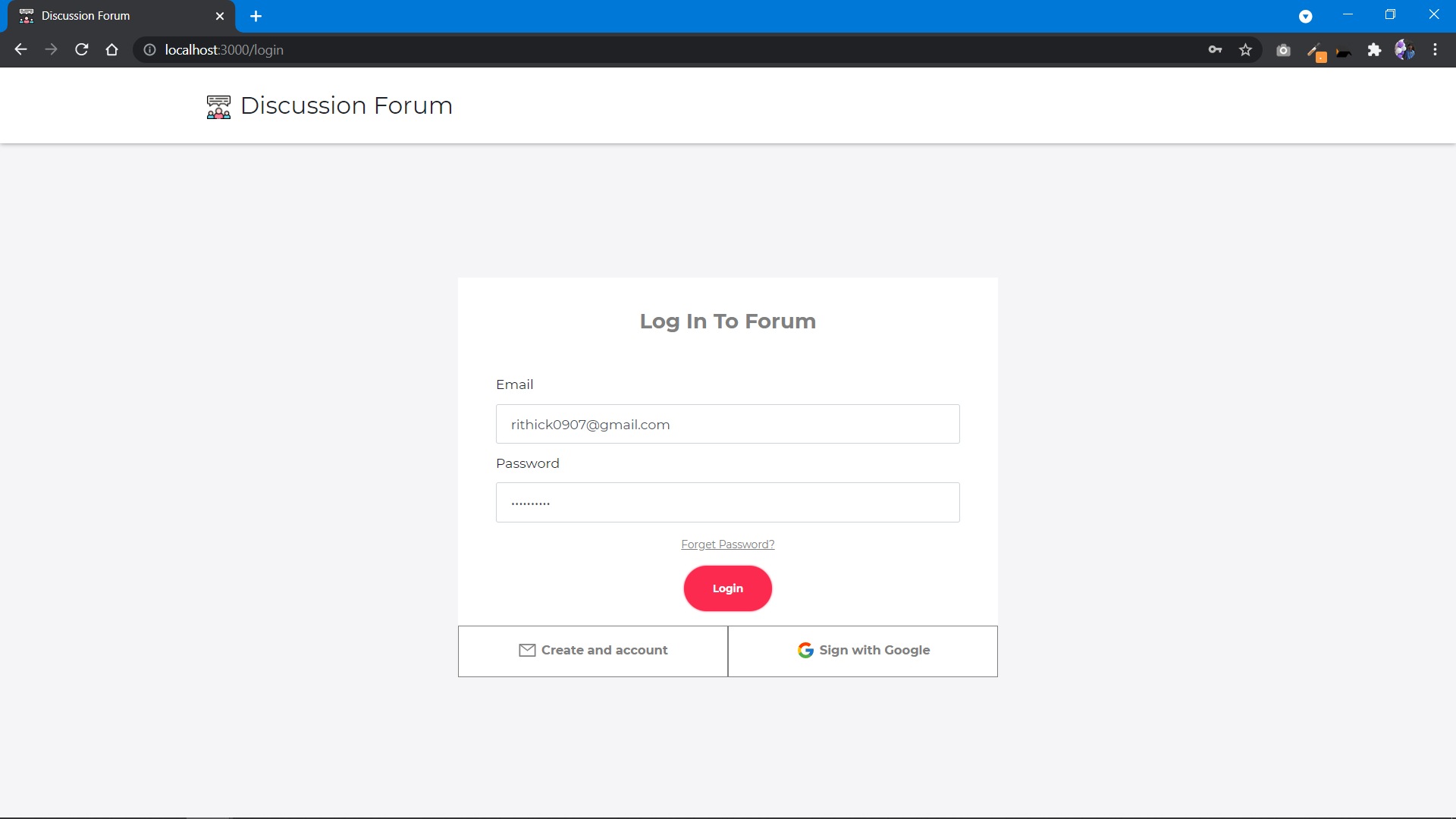
- Login with registered email (or google account) to view the posted questions.
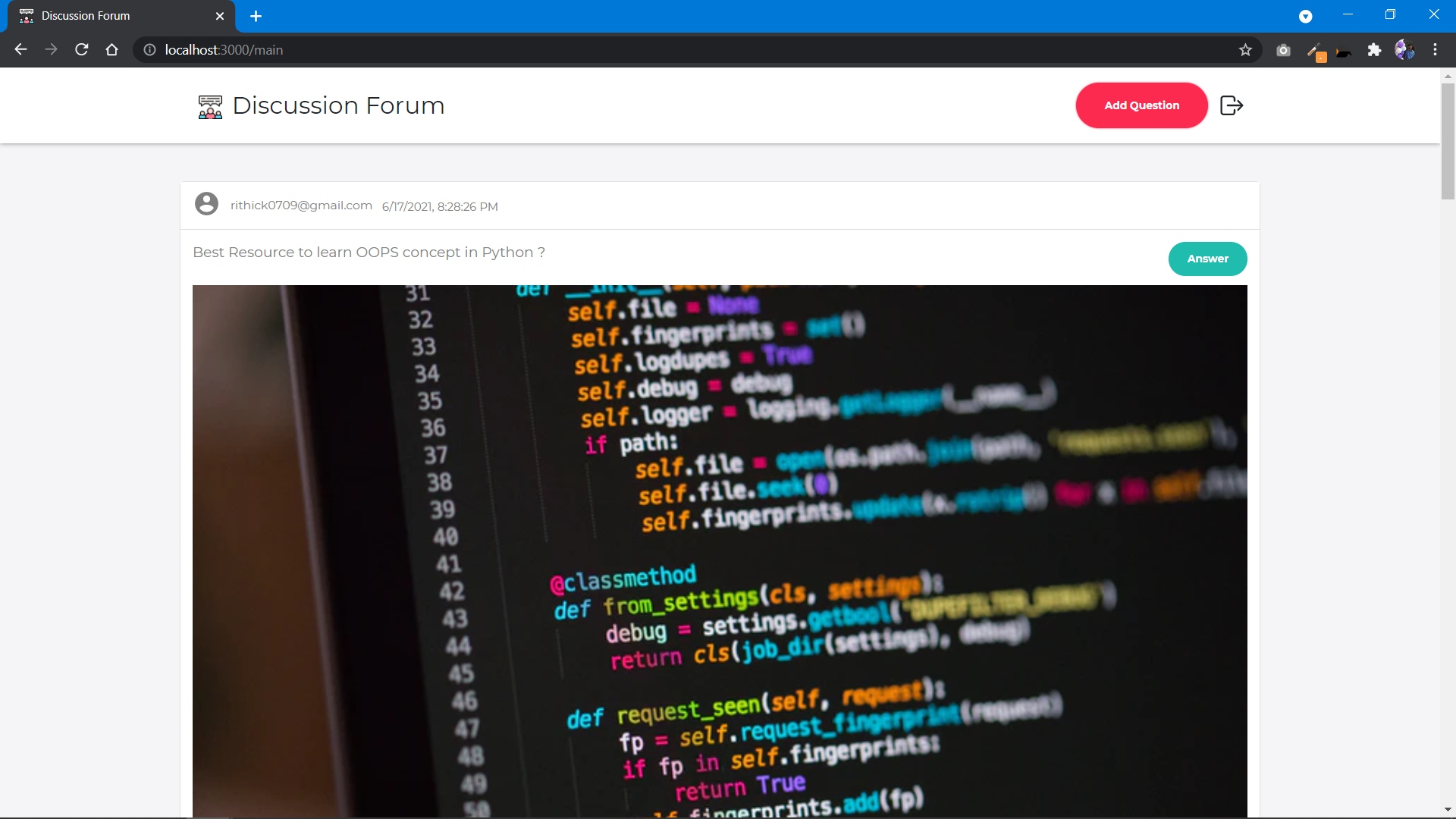
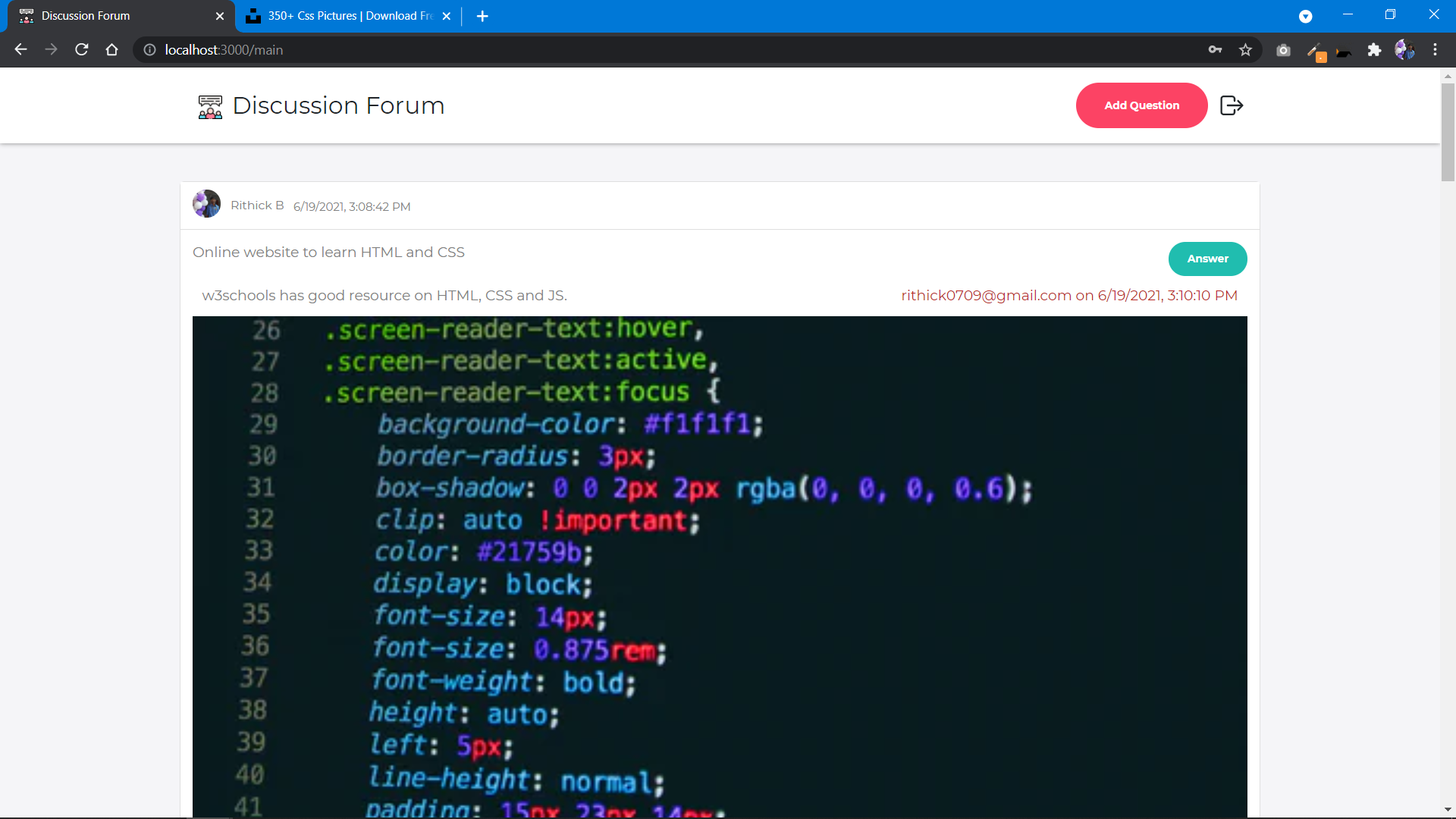
- To view answers of the question click the question.
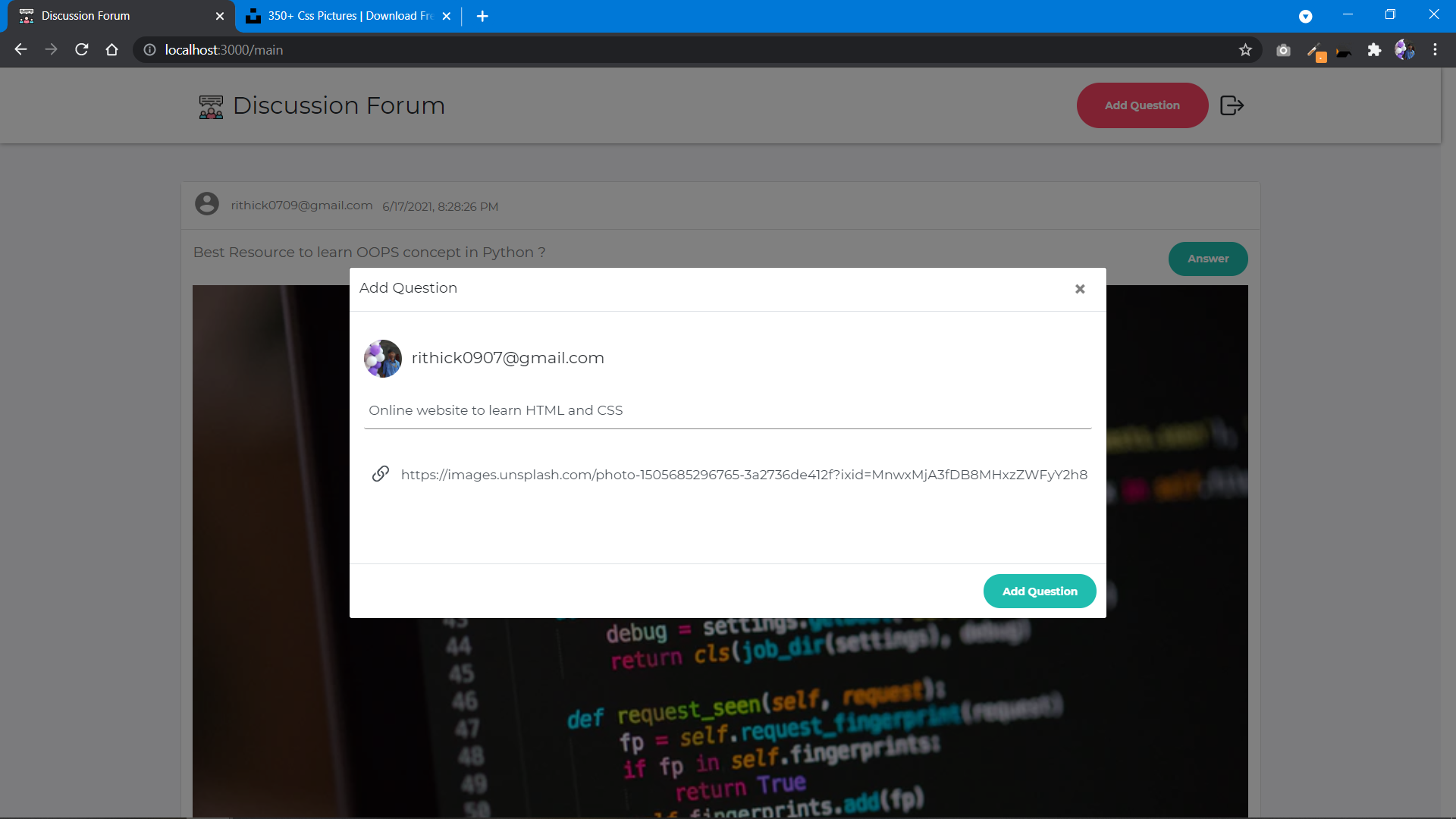
- To add your question, click Add Question button on the top right corner in the navbar.
- Add image link to the question while posting if needed(optional).
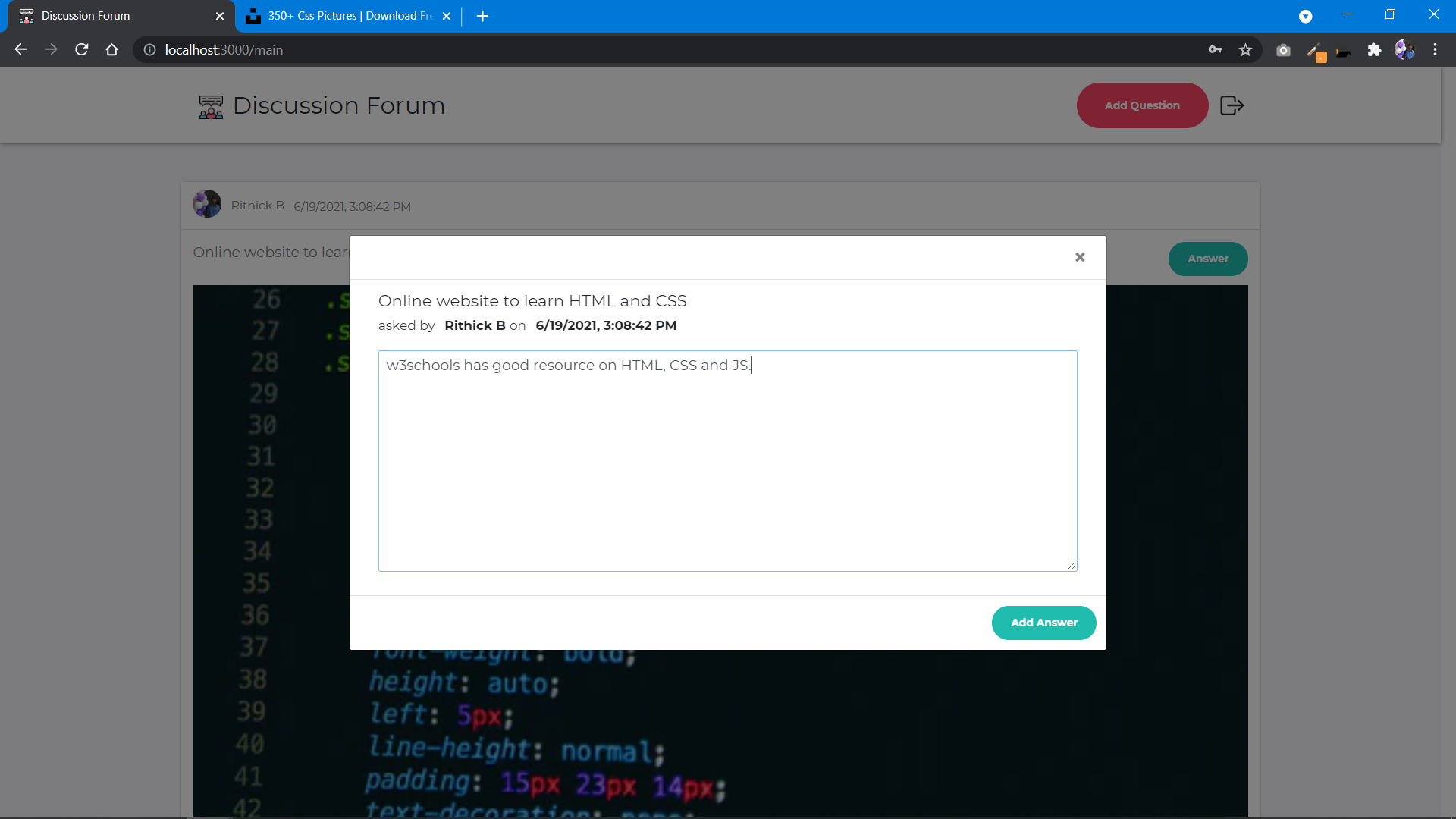
- To add answer to the question, click the Answer button on the right side of the question.
- To logout from application click logout on the top right corner in the navbar.
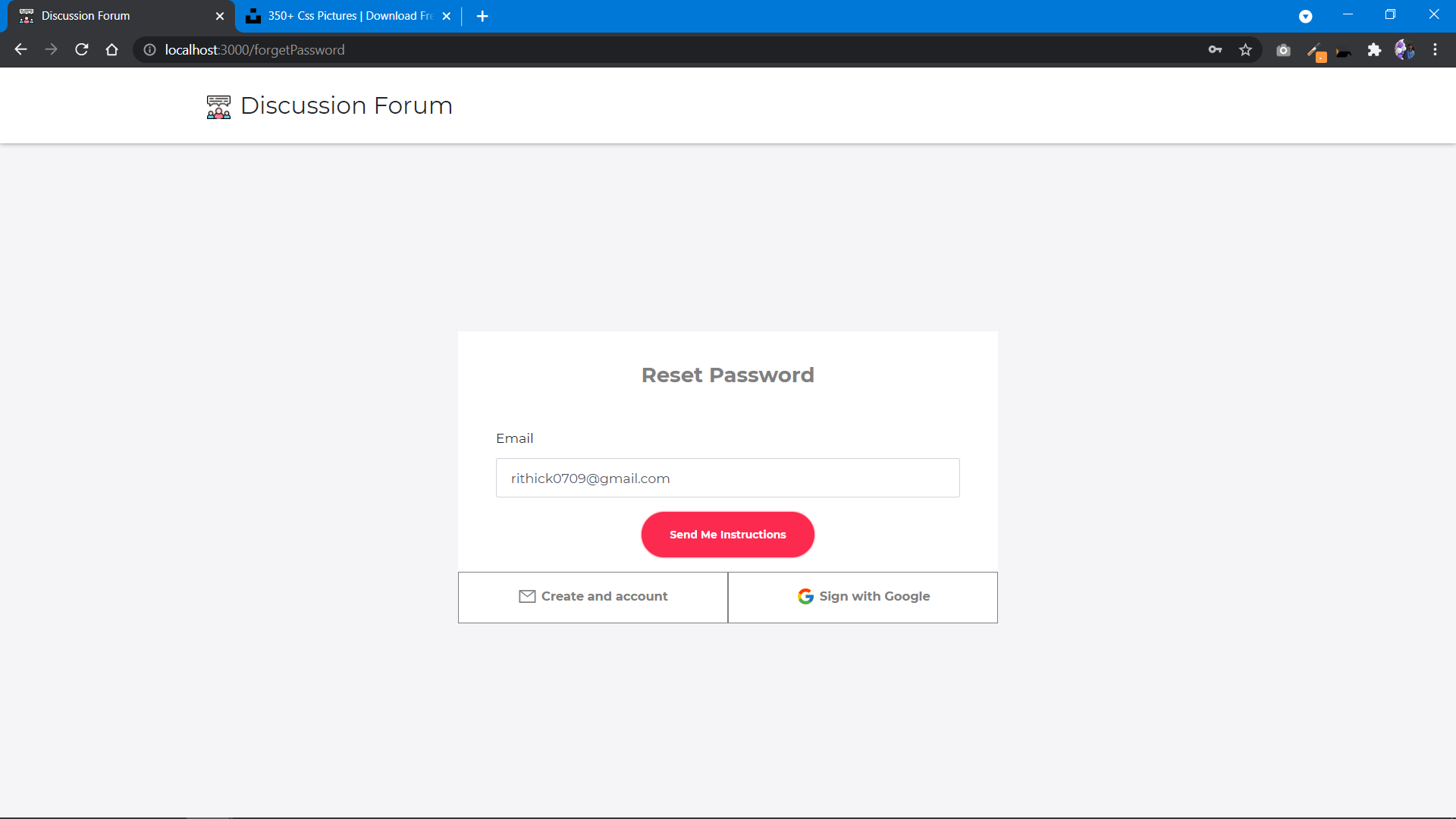
- You can reset your password by clicking forget password link in Login page.
- You can get email to reset your password.