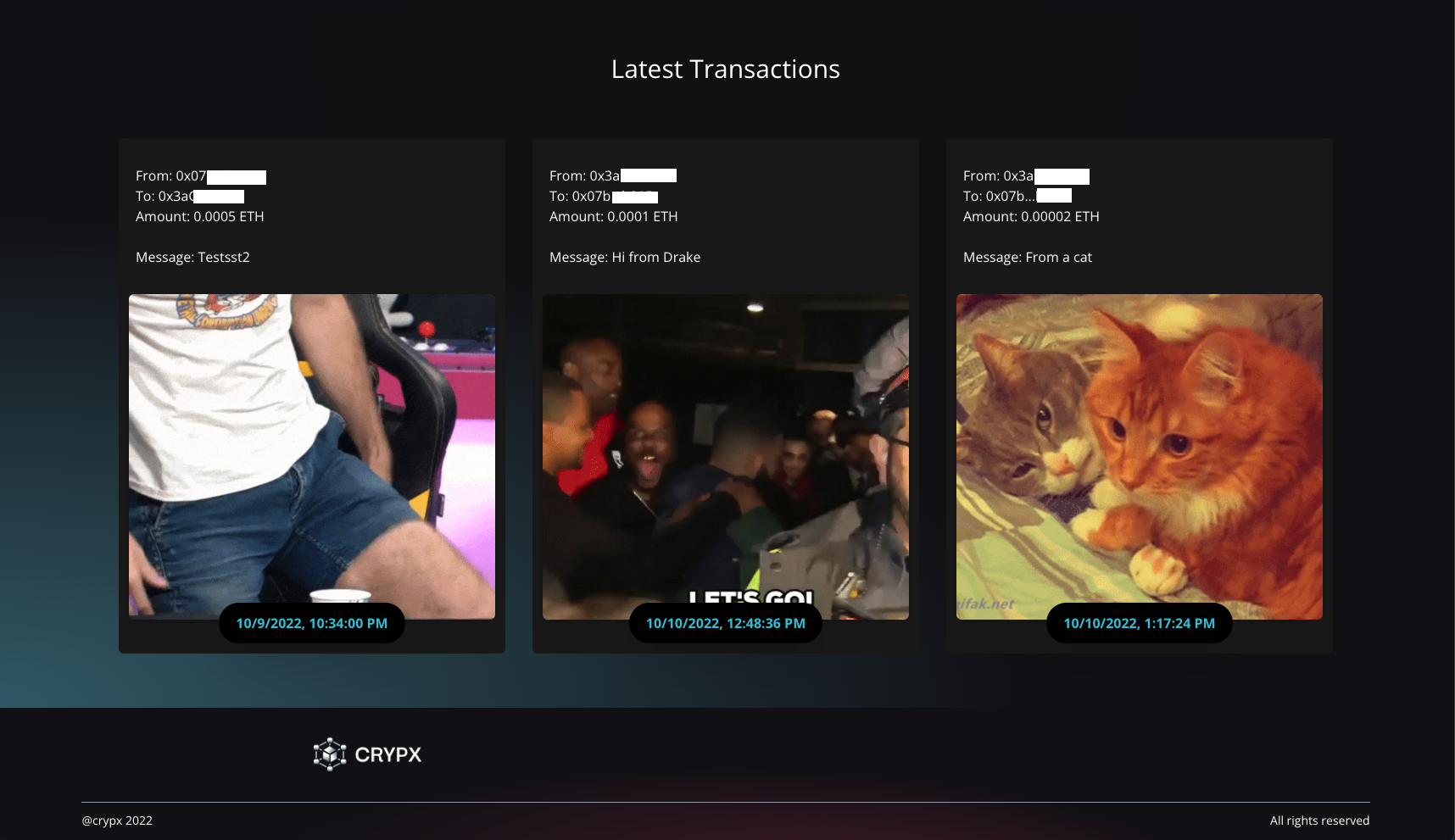
View it here: https://crypx-app.netlify.app/
I created this project to get a better understanding of emerging technologies being used in the blockchain/crypto sphere. In this guide I'll walk you through the flow of the app. If you follow along with the content of this readme (it's quite short), you'll be able to send GoerliETH test currency through the Ethereum network. Please pick up some GoerliETH through this faucet, and download the Metamask wallet before continuing.
Goerli Faucet (you may have to sign up for Alchemy for this): https://goerlifaucet.com/
Metamask extension download: https://metamask.io/
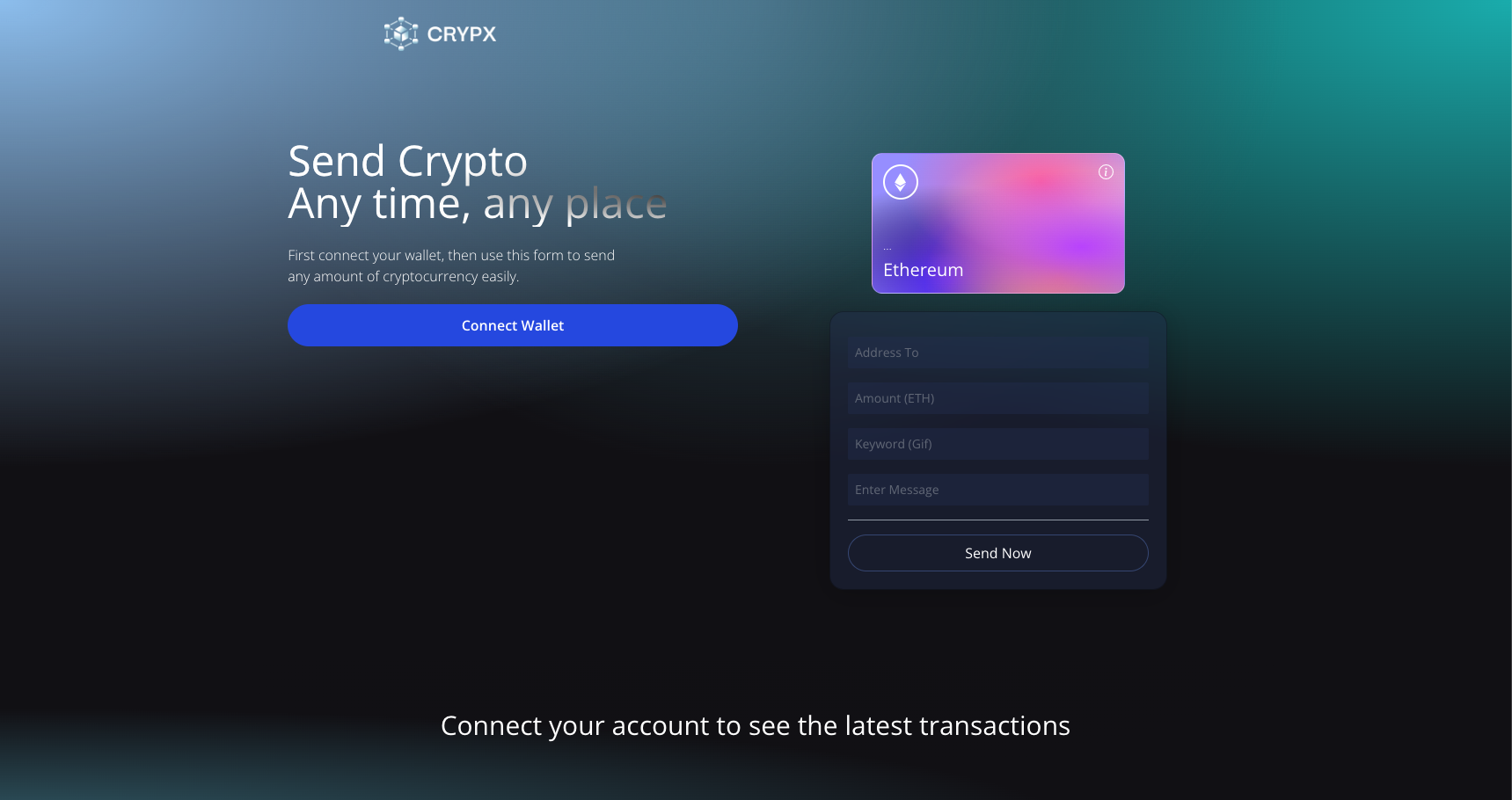
This is the home page, if you have already downloaded Metamask and acquired the GoerliETH, you can click the "Connect wallet" button to link your wallet and start the process of sending crypto.
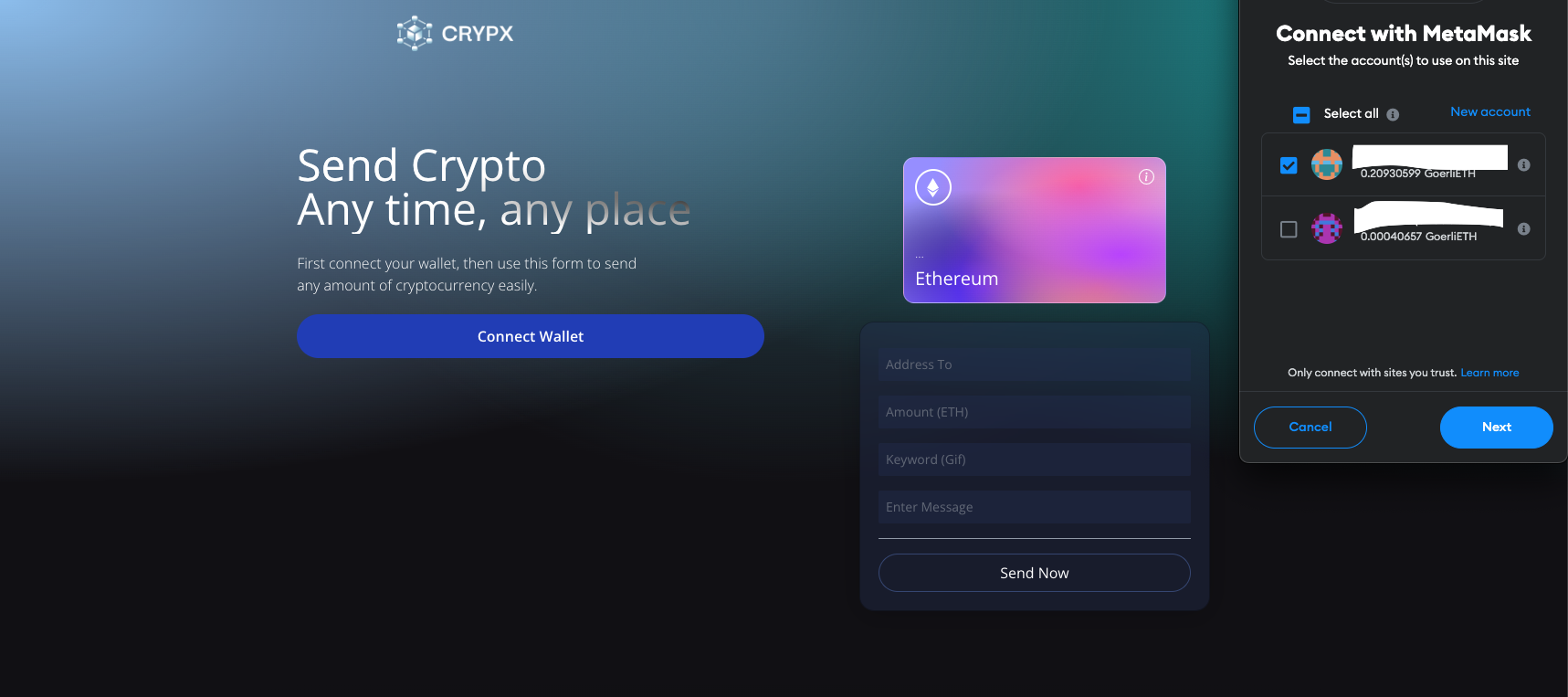
When prompted, choose the wallet you'd like to connect with. The "Connect wallet" button will dissapear if you've connected successfully.
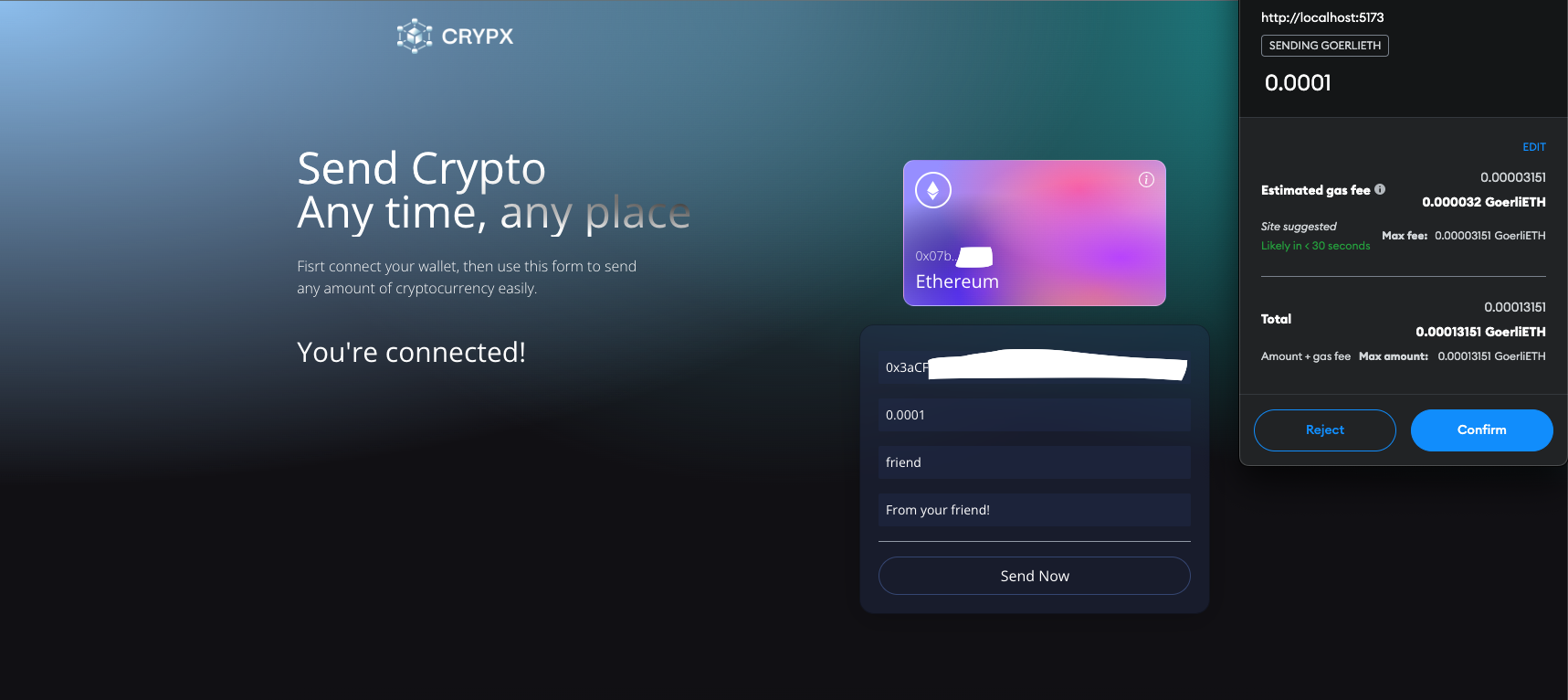
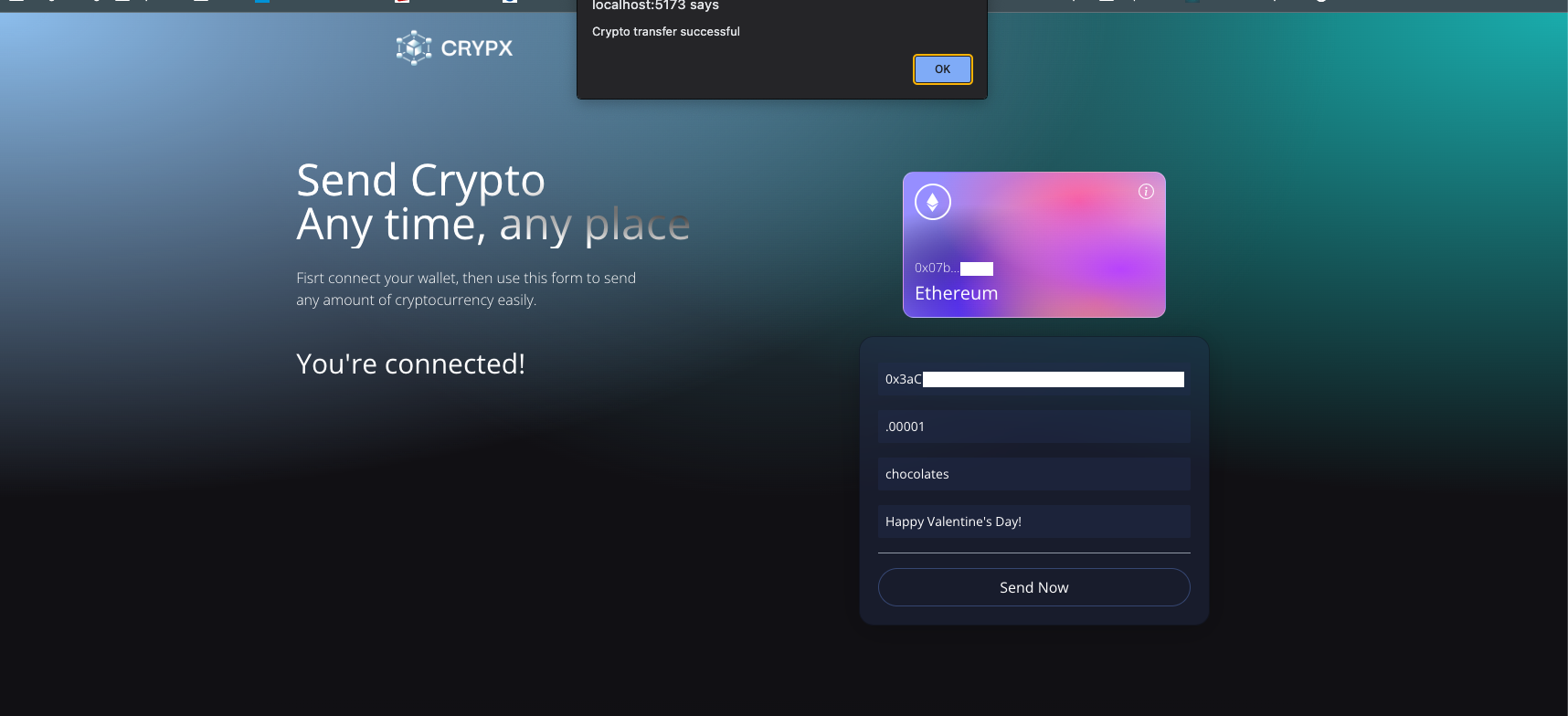
Now you can enter the wallet address that you'd like to send your crypto to as well as fill out the amount, a keyword (which will be used to personalize your message with a GIF), and a message to the recipient. After confirming the transaction, press "Send now".
If everything was successfull you will see an alert popup, after which the page will reload. In your Metamask wallet, you can find the transaction and then look it up on Etherscan (https://etherscan.io/).
All of your successfull transactions (along with the GIF's and other info) can be found in the recent transactions section.