This is the part of ReLearn that handles all backend parts! It uses Python as it's main technology and is part of a web application.
Team BLNZ (creators of the ReLearn) were motivated to create a solution to the tutoring crisis we are currently undergoing. The tutoring crisis I described is that there is a plethora of tutors and more than enough students to match, but finding a compatible tutor-student match is hard. Students might end up getting overwhelmed and not getting the help they need for their education.
Built with
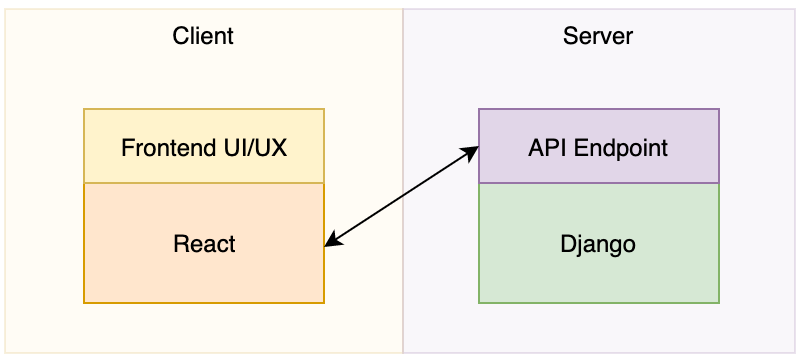
- - [Django] - Web framework for the backend
- - [spacy] - Natural Language Processor
- - [Google Cloud] - Used as our primary database
This repository serves as the backend as well as the connection to the google cloud database.
The algorithm first takes the request from the front end and parses out the requested user's type, whether it be for student or tutor. Then, the algorithm takes the subject the student/tutor, and finds the tutor/student in the Google SQL database who has the matching subject. The algorithm then weeds out anyone whose personalities would not match up well, according to the Myers Briggs Compatibility Chart. Finally, we use Spacy, a free software library for natural language processing, to compare the description of the student/tutor and the found tutors/students, and see who matches best. They are then organized by how similar their descriptions are, and the algorithm returns as a json format to whoever requested.
Install the necessary dependencies using pip/python command.
pip install django
pip install spacy
pip install pymysql
pip install django-rest-framework
python -m spacy download en_core_web_md
You will also need to install Google Cloud SDK in order to contact the Google SQL database, which installation instructions can be found here. You will want to place it in the outer tutor_app folder, and not the inner folder.
Install the repository in a selected folder of choice. Next, use the runserver command (django manage.py runserver) to deploy the application. The list of commands is documented in the code snippet below.
Commands:
git clone https://github.com/Knighthacks-2020-Team-BLNZ/BackEnd.git
cd tutor_app
./cloud_sql_proxy -instances=<GOOGLE CLOUD SQL INSTANCE>=tcp:3306
python manage.py runserver