Install aws client for on your OS (click here) and run:
aws configure
npm install --g yarn
yarn install
yarn dev
All merges made to the dev branch, will deploy automatically to the dev environment living in this URL
https://xkfvqk07j4.execute-api.us-east-1.amazonaws.com
All merges to main will deploy automatically to the production server via Github Actions (configuration file on .github/workflows/main.yml).
https://4bwgh31qeh.execute-api.us-east-1.amazonaws.com
The databa consist in DynamoDB tables, accesed with the dynamoose npm package. All tables will be suffixed with the corresponding enrivonment (dev or prod)
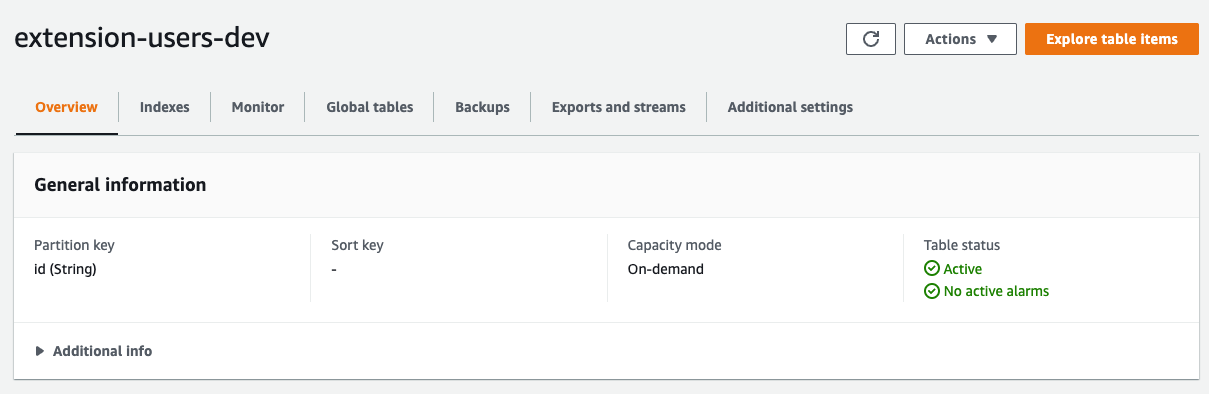
User: extension-users-(dev|prod)
{
  id: string,
  passcode: string,
  cretedAt: timestamp,
  udpatedAt: timestamp,
}
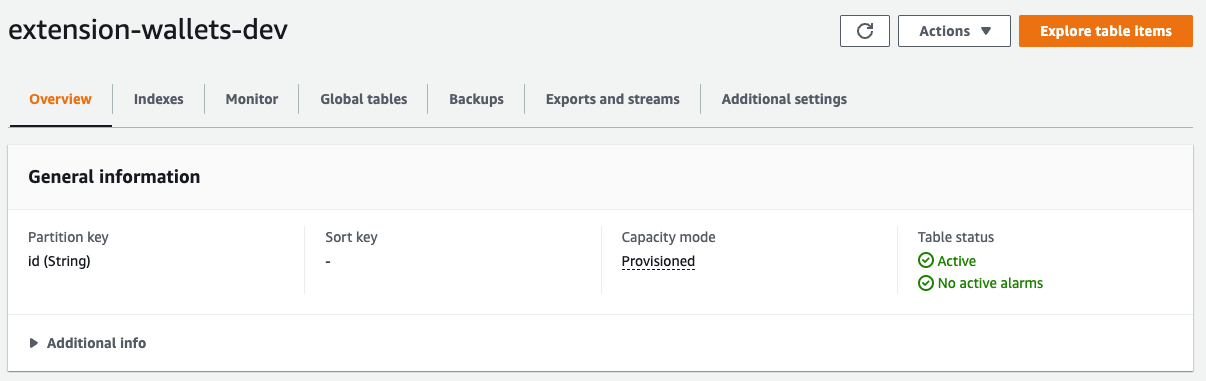
Wallets: extension-wallets-(dev|prod)
{
  id: String,
  userId: String,
  walletName: String,
  email: String,
  phone: String,
  fullName: String,
}
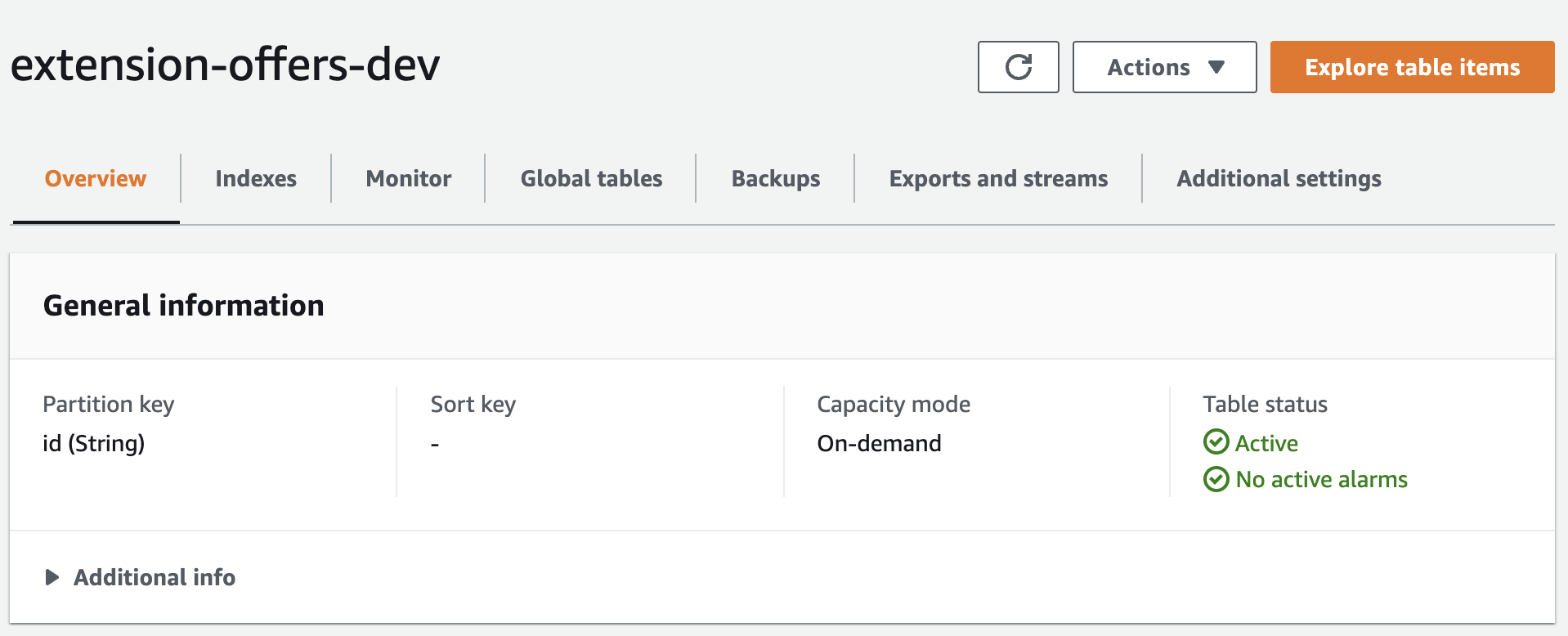
Offers: extension-offers-(dev|prod)
{
  id: String,
  nft_id: String,
  owner_id: String,
  user_id: String,
  expire_in: Date,
  days_to_expire: Number,
  amount: Number,
  status: {
    type: String,
    enum: [
      OFFER_STATUSES.Sent,
      OFFER_STATUSES.Accepted,
      OFFER_STATUSES.Rejected,
      OFFER_STATUSES.Revoked,
      OFFER_STATUSES.CounterOffer,
    ],
  },
  details: Object,
}
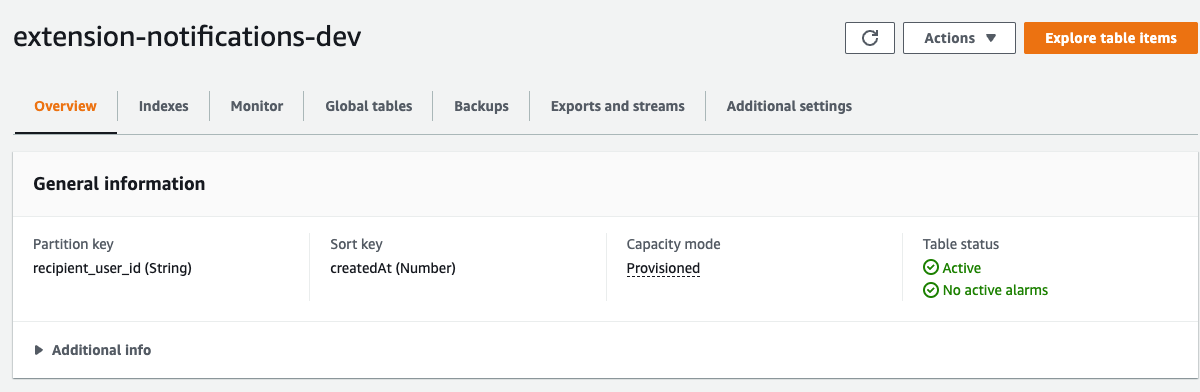
Offers: extension-notifications-(dev|prod)
{
  id: String,
  sender_user_id: String,
  recipient_user_id: String,
  type: {
    type: String,
    enum: [
      NOTIFICATION_TYPES.OfferSent,
      NOTIFICATION_TYPES.OfferUpdated,
      NOTIFICATION_TYPES.OfferCounterOffered,
      NOTIFICATION_TYPES.OfferRejected,
      NOTIFICATION_TYPES.OfferRevoked,
      NOTIFICATION_TYPES.OfferAccepted,
    ],
  },
  read: Boolean,
  data: Object,
}