Join and Contact us on Discord
Firstly, we need to set up the libraries that in requirements files.
after we need to set up this project.
pip install -r requirements.txt
pip install steemconnect_auth
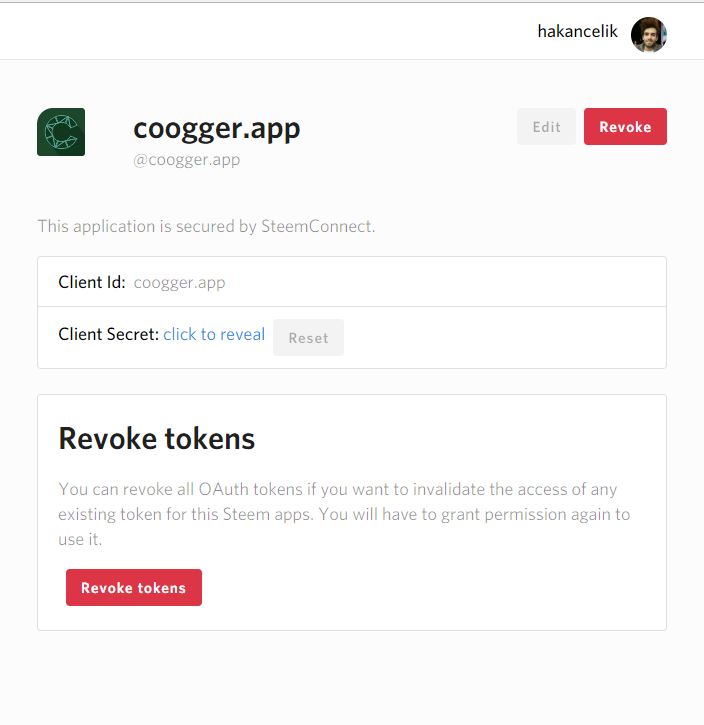
open a new steem application in this address, https://v2.steemconnect.com/apps/me like this
Set up your Django project and open your project's settings.py file, you must set the following codes by your project, django_steemconnect uses these settings.
##steemconnect settings
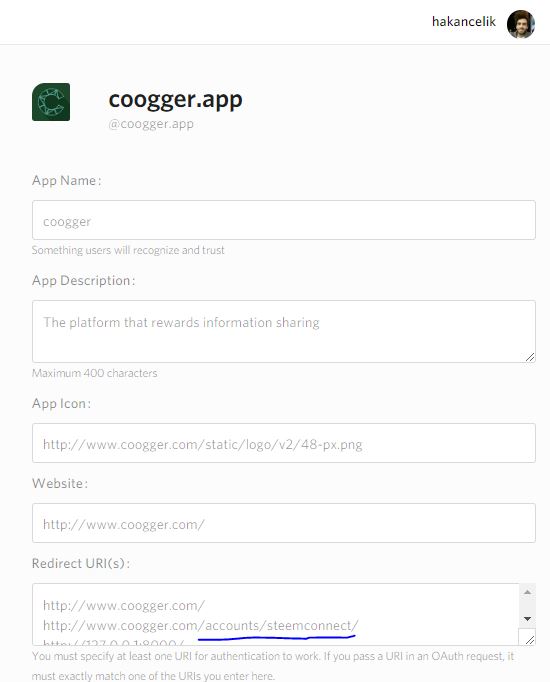
REDIRECT_URL = "http://www.coogger.com/accounts/steemconnect/"
CLIENT_ID = "coogger.app"
APP_SECRET = "your app secret"
SCOPE = None
# default scopes ="login,offline,vote,comment,delete_comment,comment_options,custom_json,claim_reward_balance"
CODE = True
LOGIN_REDIRECT = "/web/feed/"
##steemconnect settings
AUTHENTICATION_BACKENDS = [
    "steemconnect_auth.auth.steemconnect.SteemConnectBackend",
    "django.contrib.auth.backends.ModelBackend",
]
You should type REDIRECT_URL as in the photo below.
LOGIN_REDIRECT, after the user logged in, you should write it to which page you want to redirect it to.
access_token has a limited lifetime, thus if you need to refresh them in your own without authenticating the user again, you can set CODE = True.
then, add the django_steemconnect to the list of applications.
INSTALLED_APPS = [
    "myapp",
    "django_steemconnect",
    'django.contrib.admin',
    'django.contrib.auth',
    'django.contrib.contenttypes',
    'django.contrib.sessions',
    'django.contrib.messages',
    'django.contrib.staticfiles',"
]
and finally, add the django_steemconnect URLs to the list of your project URLs.
# /urls.py
from django.conf.urls import include, url
from django.conf.urls.static import static
from django.contrib import admin
import steemconnect_auth

urlpatterns = [
    url(r"^",include("myapp.urls")),
    url(r"^accounts/", include('steemconnect_auth.urls')), # signup, login or create new user
    url(r'^web/admin/', admin.site.urls), # admin panel
]

if settings.DEBUG:
urlpatterns += static(settings.MEDIA_URL, document_root = settings.MEDIA_ROOT)from steemconnect_auth.models import SteemConnectUser
steem_connect_user = SteemConnectUser.objects.filter(user="username")
new_access_token = steem_connect_user.update_access_token("your app secret"){% url 'logout' %}
{% url 'login' %}
After all these operations, we must do them for the database settings.
python manage.py makemigrations
python manage.py migrate
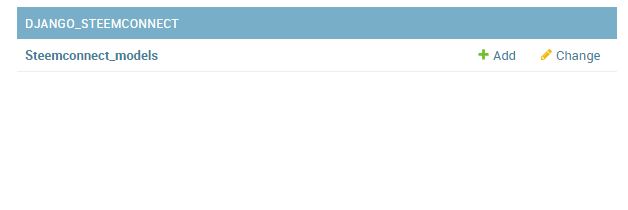

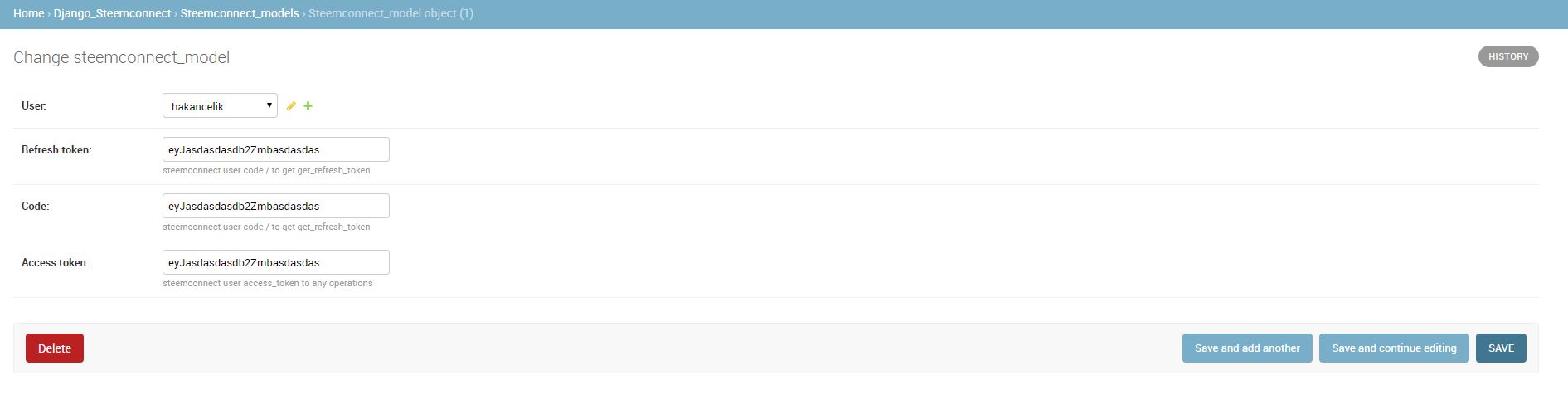
It's all that.