
A modern web based tool for monitoring & administrating Asynq queues, tasks and message broker
☝️ Important Note: Current version of Asynqmon is compatible with Asynq
v0.18.xor above.
You can download the release binary for your system from the releases page.
To pull the Docker image:
# Pull the latest image
docker pull hibiken/asynqmon

# Or specify the image by tag
docker pull hibiken/asynqmon[:tag]To build Asynqmon from source code, make sure you have Go installed (download). Version 1.16 or higher is required. You also need Node.js and Yarn installed in order to build the frontend assets.
Download the source code of this repository and then run:
make buildThe asynqmon binary should be created in the current directory.
To build Docker image locally, run:
make dockerTo use the defaults, simply run and open http://localhost:8080.
# with a local binary
./asynqmon

# with docker
docker run --rm \
    --name asynqmon \
    -p 8080:8080 \
    hibiken/asynqmon
By default, Asynqmon web server listens on port 8080 and connects to a Redis server listening on 127.0.0.1:6379.
Pass flags to specify port, redis server address, etc.
# with a local binary
./asynqmon --port=3000 --redis-addr=localhost:6380

# with Docker (connect to a Redis server running on the host machine)
docker run --rm \
    --name asynqmon \
    -p 3000:3000 \
    hibiken/asynqmon --port=3000 --redis-addr=host.docker.internal:6380

# with Docker (connect to a Redis server running in the Docker container)
docker run --rm \
    --name asynqmon \
    --network dev-network \
    -p 8080:8080 \
    hibiken/asynqmon --redis-addr=dev-redis:6379
To see all available flags, run:
# with a local binary
./asynqmon --help

# with Docker
docker run hibiken/asynqmon --help
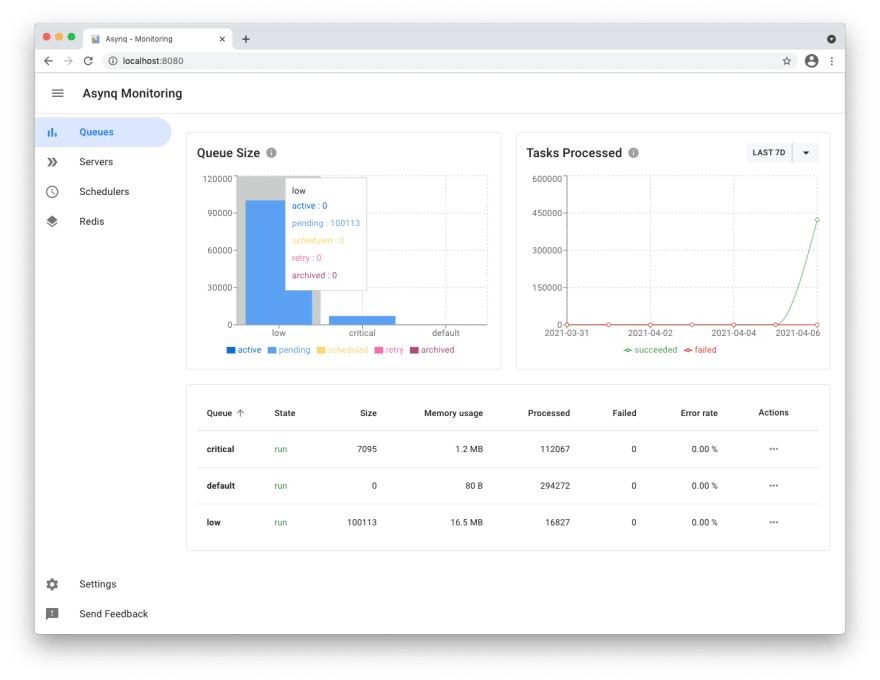
Next, go to localhost:8080 and see Asynqmon dashboard:
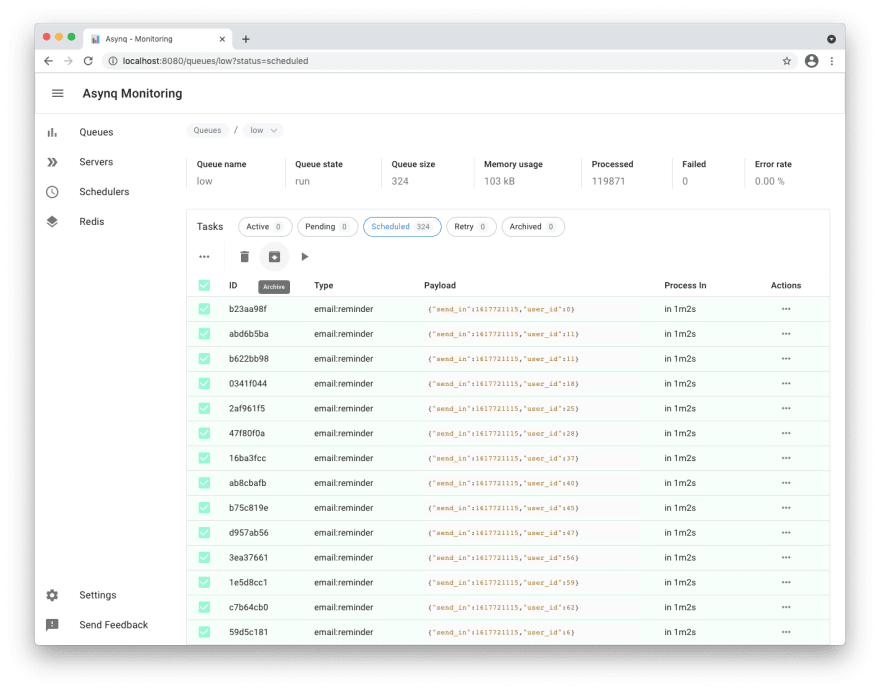
Tasks view
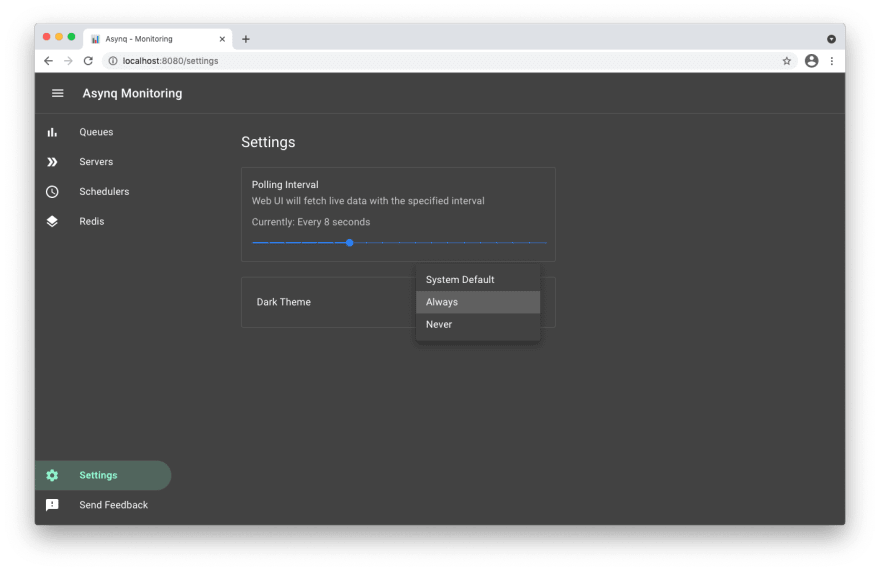
Settings and adaptive dark mode
Copyright (c) 2019-present Ken Hibino and Contributors. Asynqmon is free and open-source software licensed under the MIT License. Official logo was created by Vic Shóstak and distributed under Creative Commons license (CC0 1.0 Universal).