Releases: PawCorp/walltaker-macos
Releases · PawCorp/walltaker-macos
v0.0.2 - Status Bar!

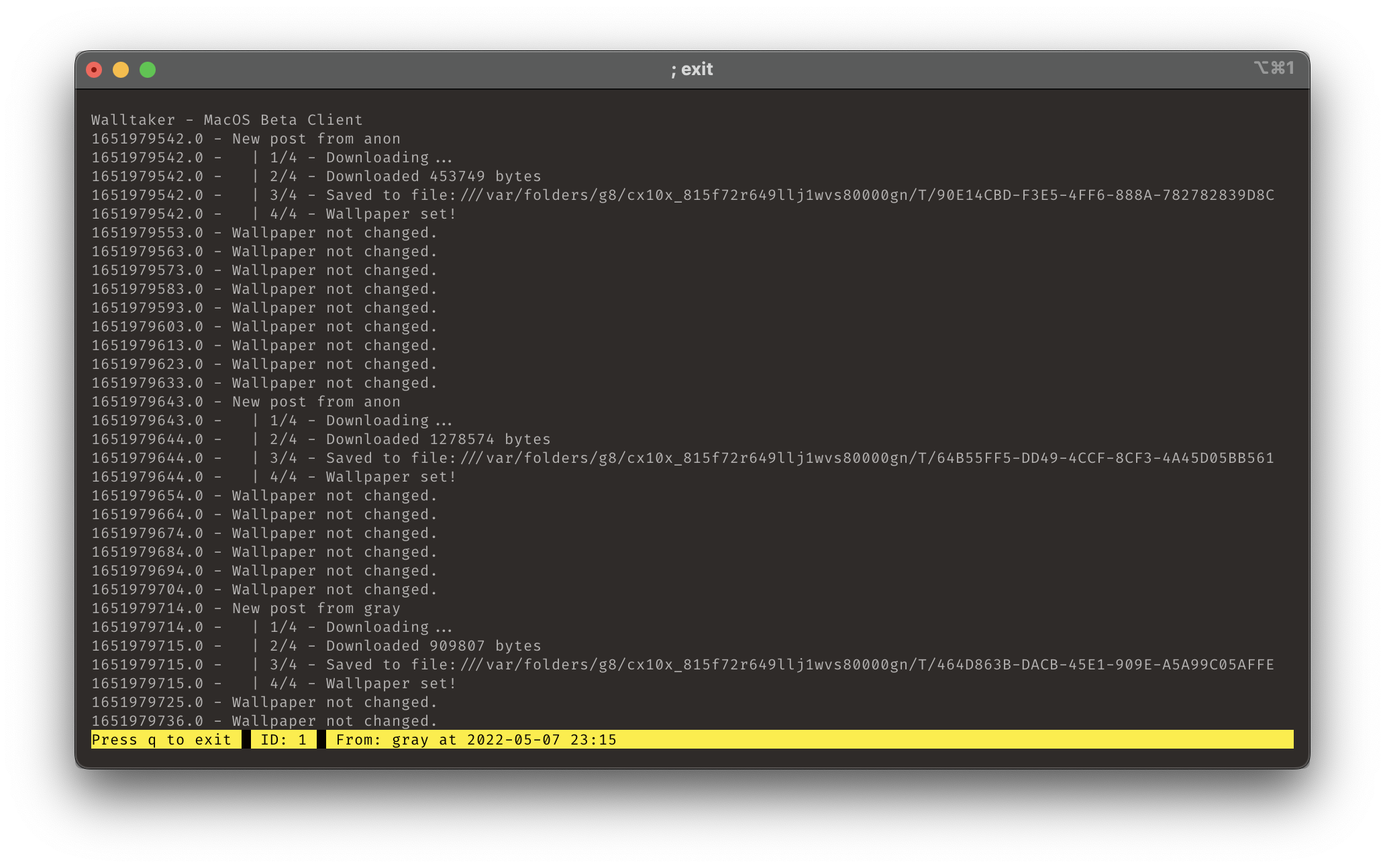
- Adds a new status bar, that makes seeing the most recent change details MUCH easier
How To Use
- Download
walltakerbinary, it's at the bottom of this page under "Assets". - Open a terminal
- Run
chmod +x /path/to/walltaker(you can drag thewalltakerbinary into the terminal to paste it's path) - Run
/path/to/walltakerto try running it. (you can drag thewalltakerbinary into the terminal to paste it's path)
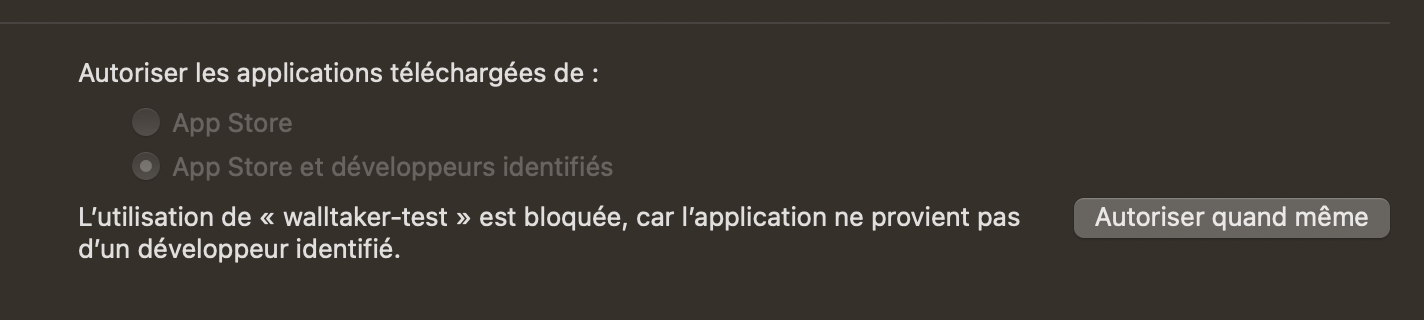
If you get a warning about an unidentified developer on step #4:
- Go to preferences
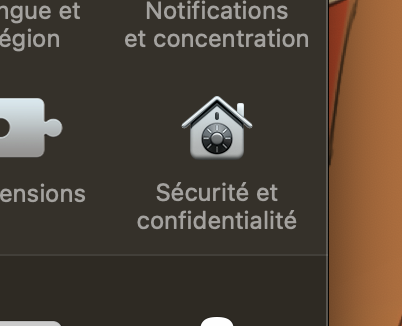
- Click security and privacy
v0.0.1 - Slightly more functional
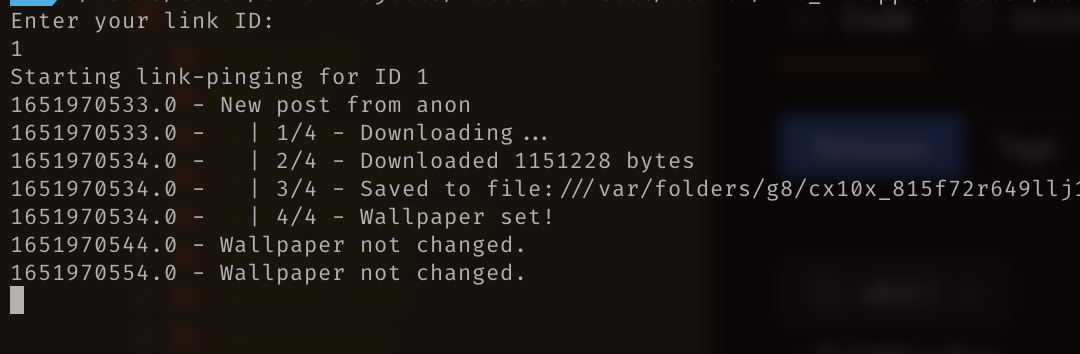
- Improved the output logging
- Tons of under the hood tweaks to make it less embarrasing
How To Use
- Download
walltakerbinary, it's at the bottom of this page under "Assets". - Open a terminal
- Run
chmod +x /path/to/walltaker(you can drag thewalltakerbinary into the terminal to paste it's path) - Run
/path/to/walltakerto try running it. (you can drag thewalltakerbinary into the terminal to paste it's path)
If you get a warning about an unidentified developer on step #4:
- Go to preferences
- Click security and privacy
v0.0.0 - Barely functional
I'm trying out Swift for a MacOS client, since it allows me to use real Apple Cocoa APIs to set the wallpaper, which I think seems to have better luck getting the job done.
This is barely functional. I was enjoying quite a bit of black current beer while making this. You are warned.
Also I think this is the debugger instrumented build????????? Pfffft
How To Use
- Download
walltaker-testbinary, it's at the bottom of this page under "Assets". - Open a terminal
- Run
chmod +x /path/to/walltaker-test(you can drag the walltaker-test binary into the terminal to paste it's path) - Run
/path/to/walltaker-testto try running it.
If you get a warning about an unidentified developer on step #4:
- Go to preferences
- Click security and privacy