Designed as a community-driven platform to streamline the yard sale experience. The application eliminates the tedious need to drive around in search of yard sales by providing a centralized platform where users can find and list yard sales in their area.
Follow the steps below to install this project:
Clonethis repo to your local machine- Open a terminal and navigate to the
rootof the project's directory - Type
npm installand press enter/return on your keyboard to run the command. - Once the installation finishes, type and run
npm run develop. This starts the server and runs the react app. Refer to package.json file in the root for more scripts.
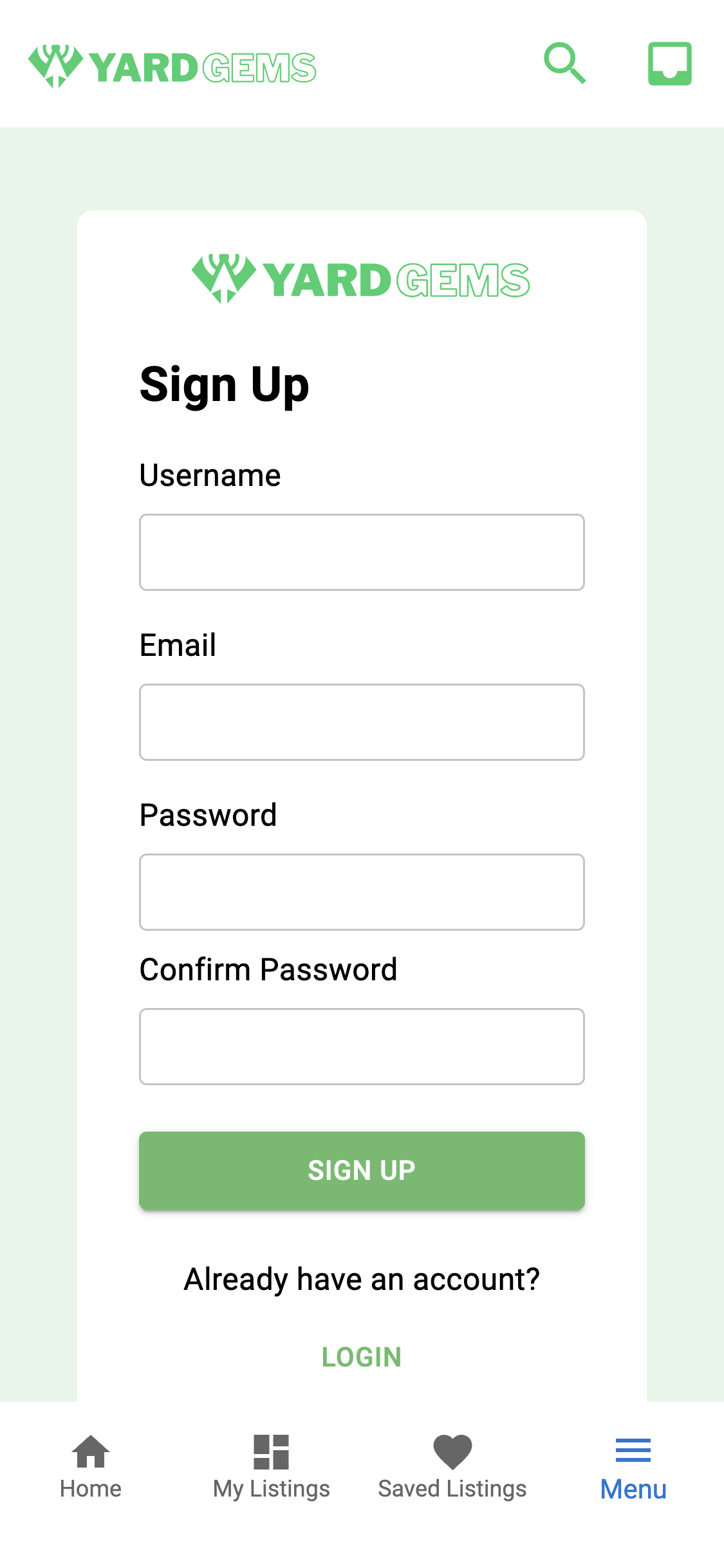
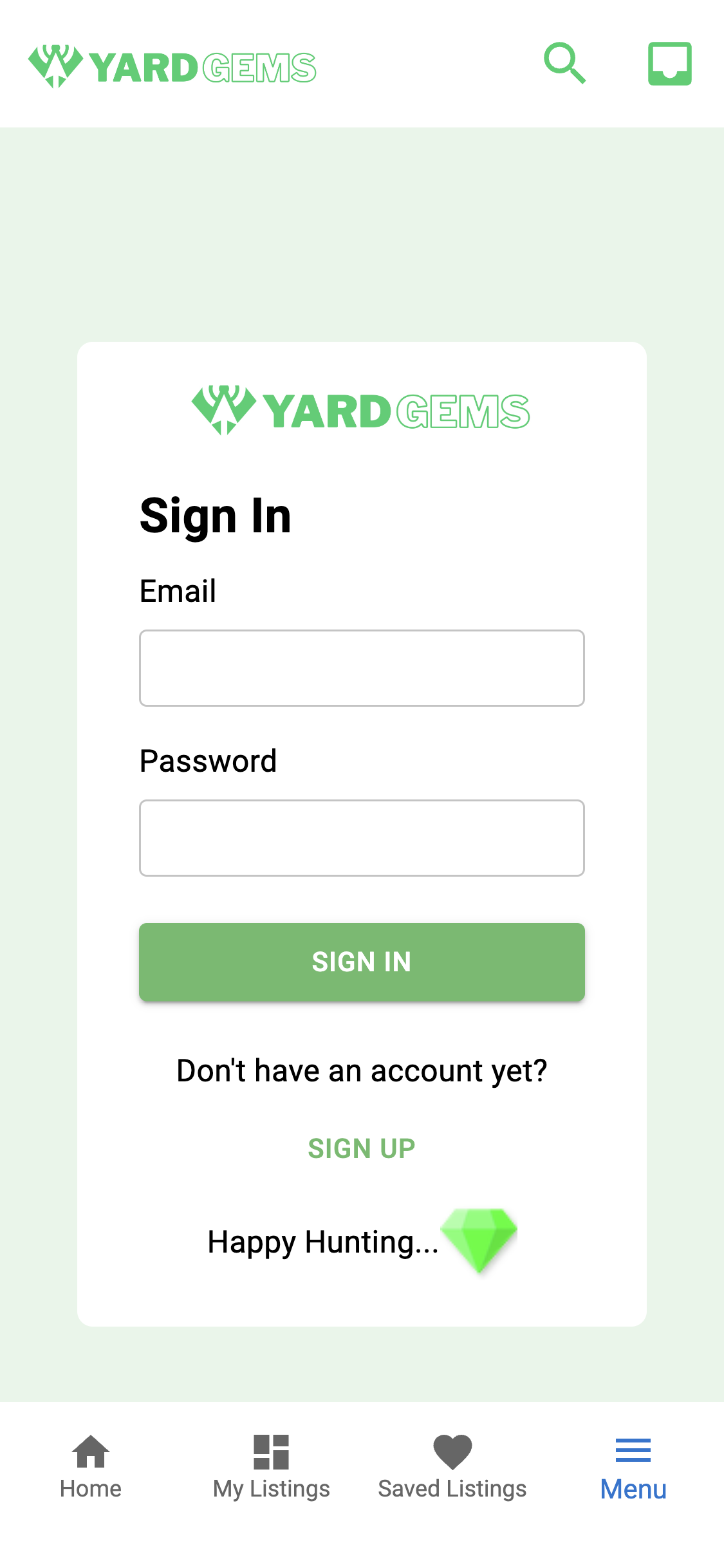
Create an account or use this dummy account to log in:
Email: vintagevicky@email.com
Password: test1234
YardGems was designed using a mobile first approach, but can also be used on a laptop or desktop.
Below are two sections - Mobile View and Standard View.
Mobile View describes usage in a mobile device like a phone or small tablet. Standard View describes usage in a large tablet, laptop, or desktop.
- In mobile view, use the
navigation barat the bottom to navigate through different components. - Use the
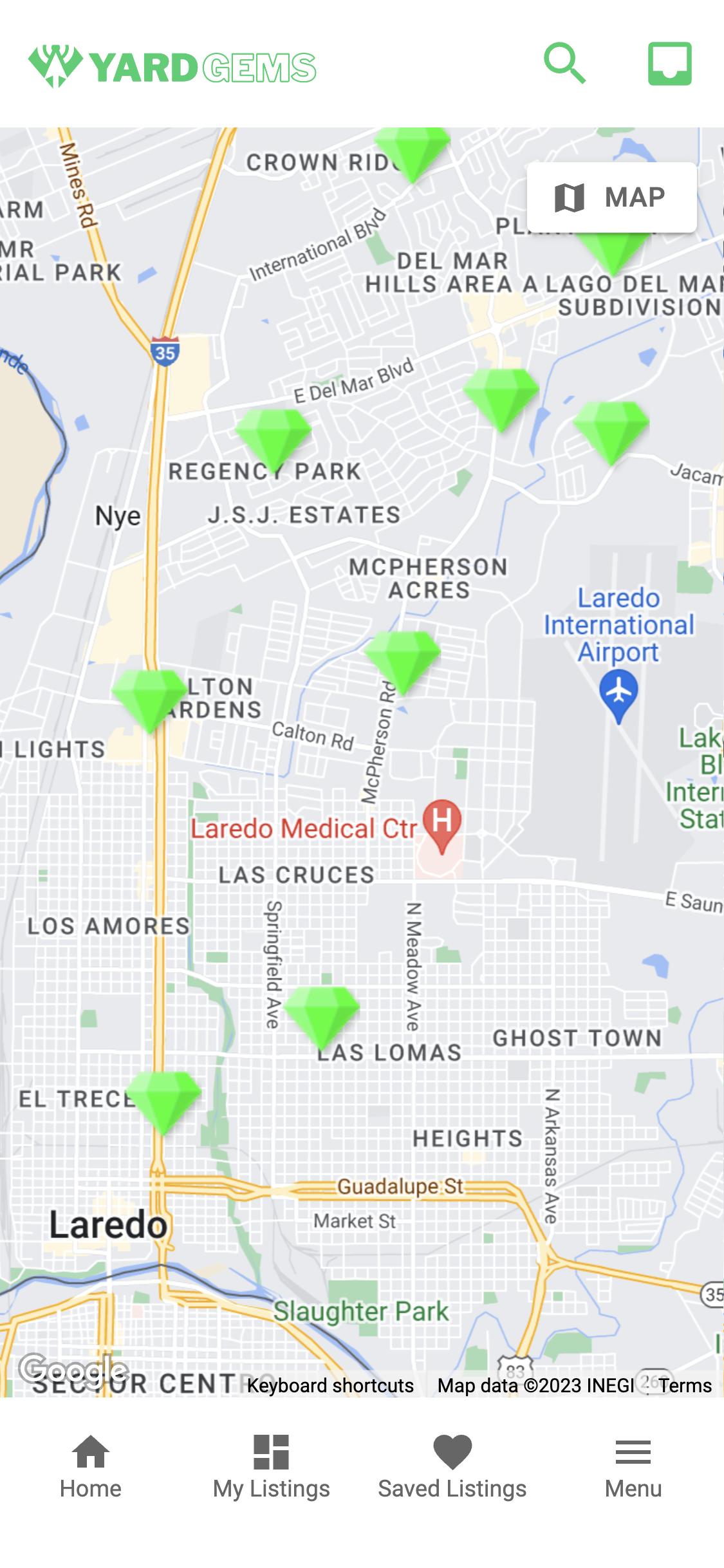
Map componentin theHome sectiontoview listingsin your area. - Each listing is represented by a
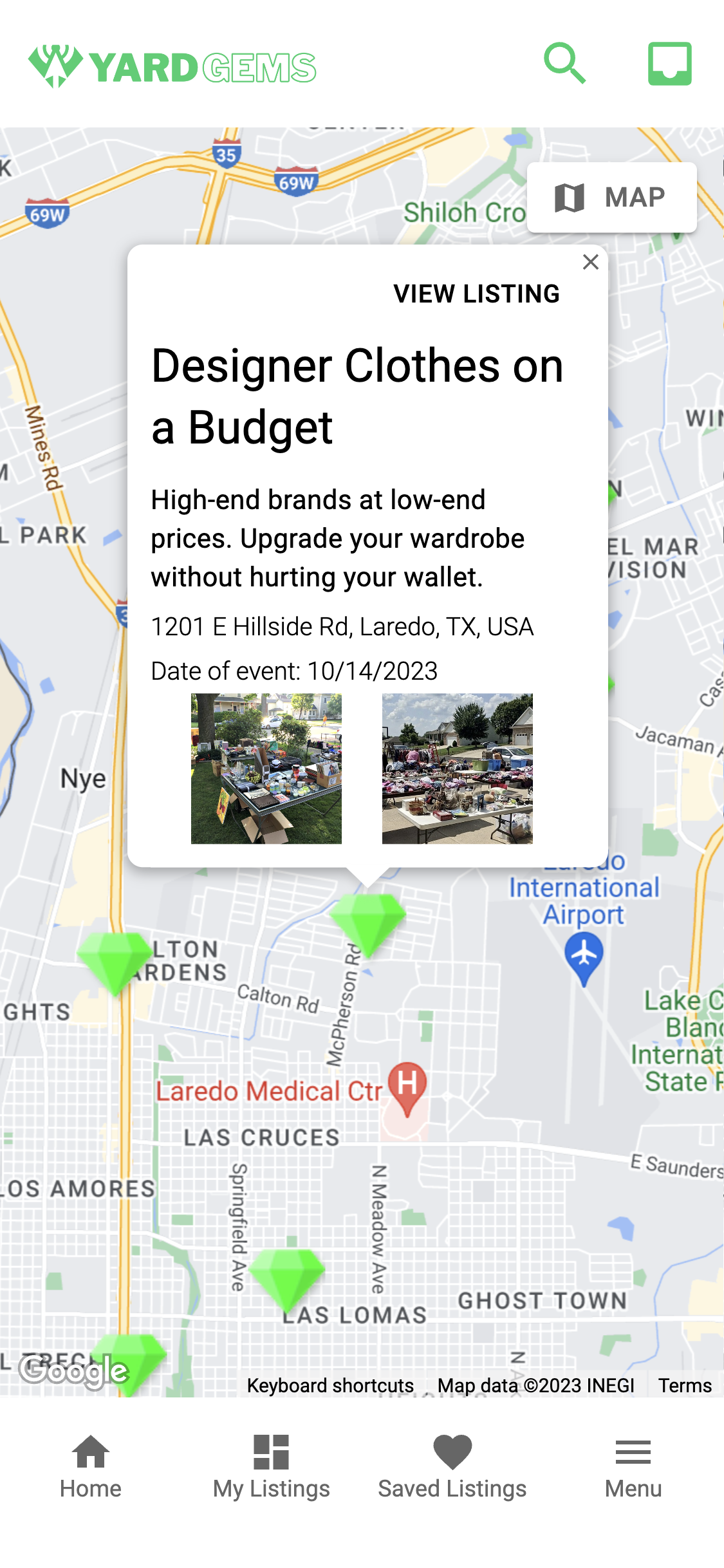
green gem. Click on the gem to see details about the listing. - Click on
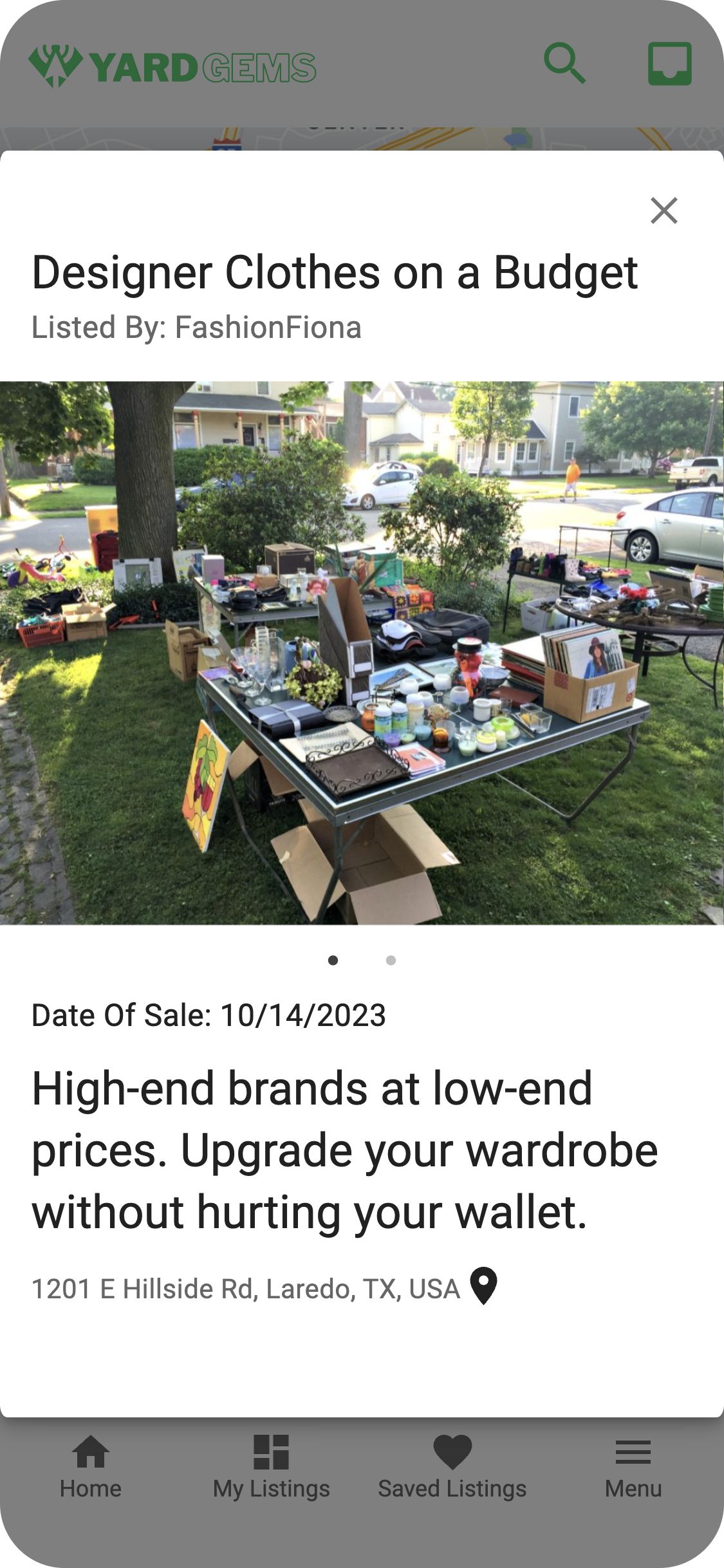
View Listingin the info window to open a modal with more information about the listing. - Use the button at the top right to toggle between
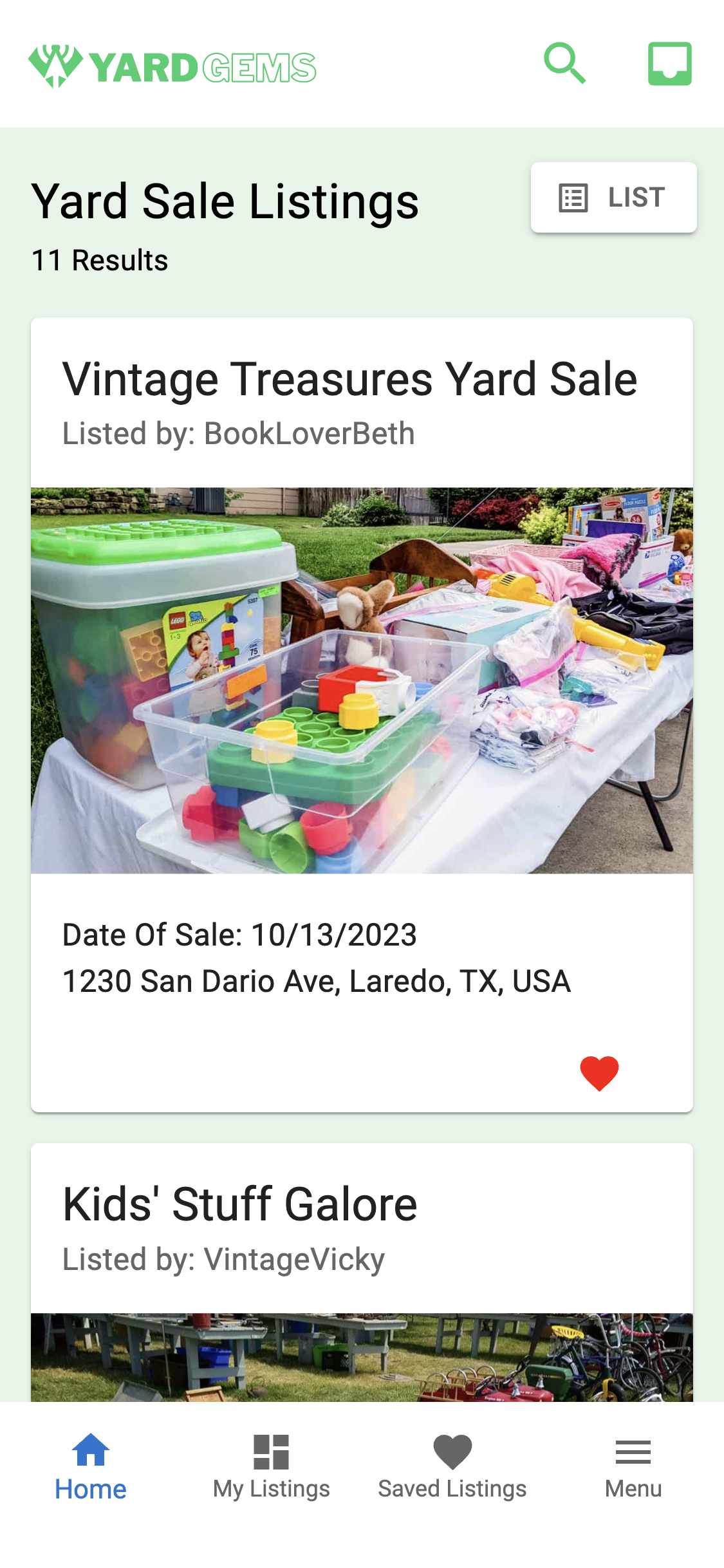
Map and List views. - In List view, click on a listing to open up the
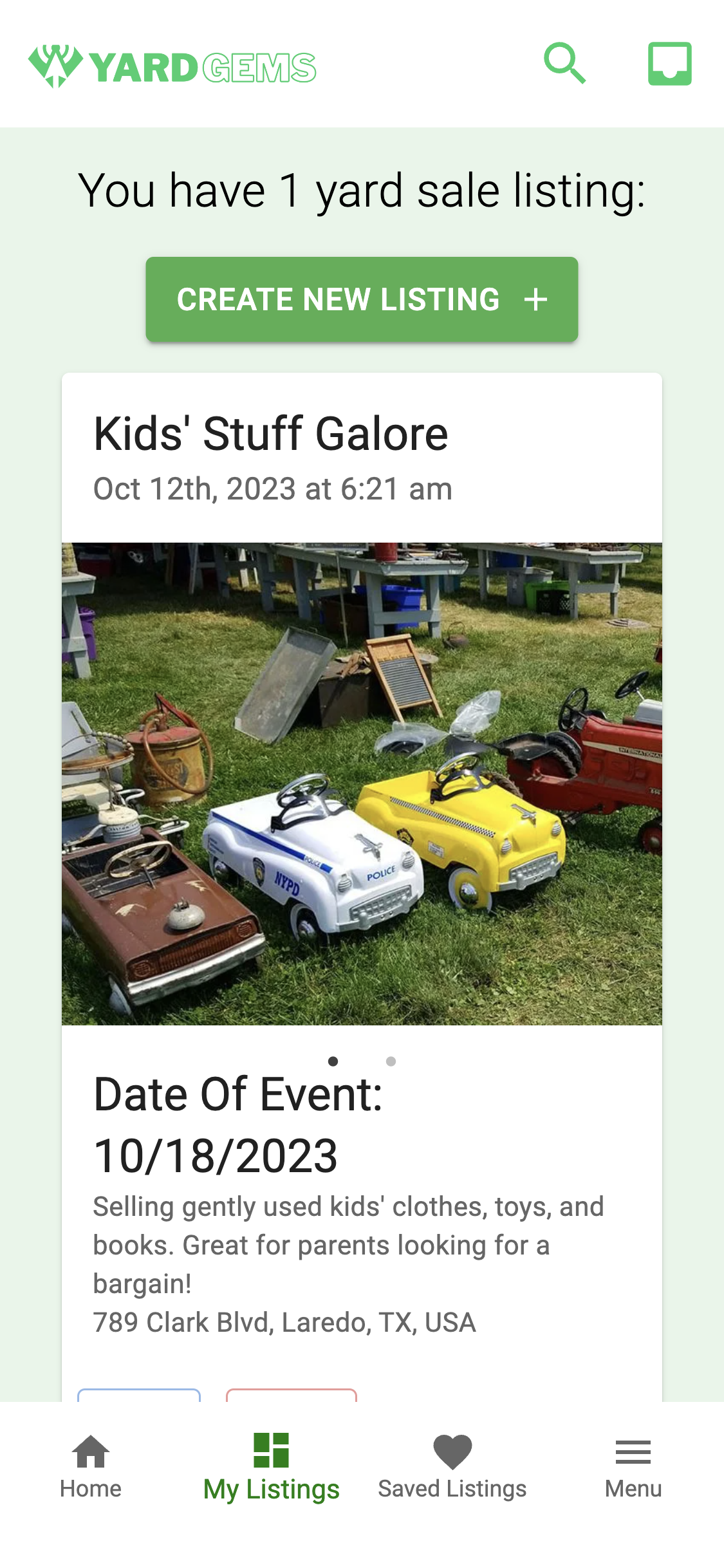
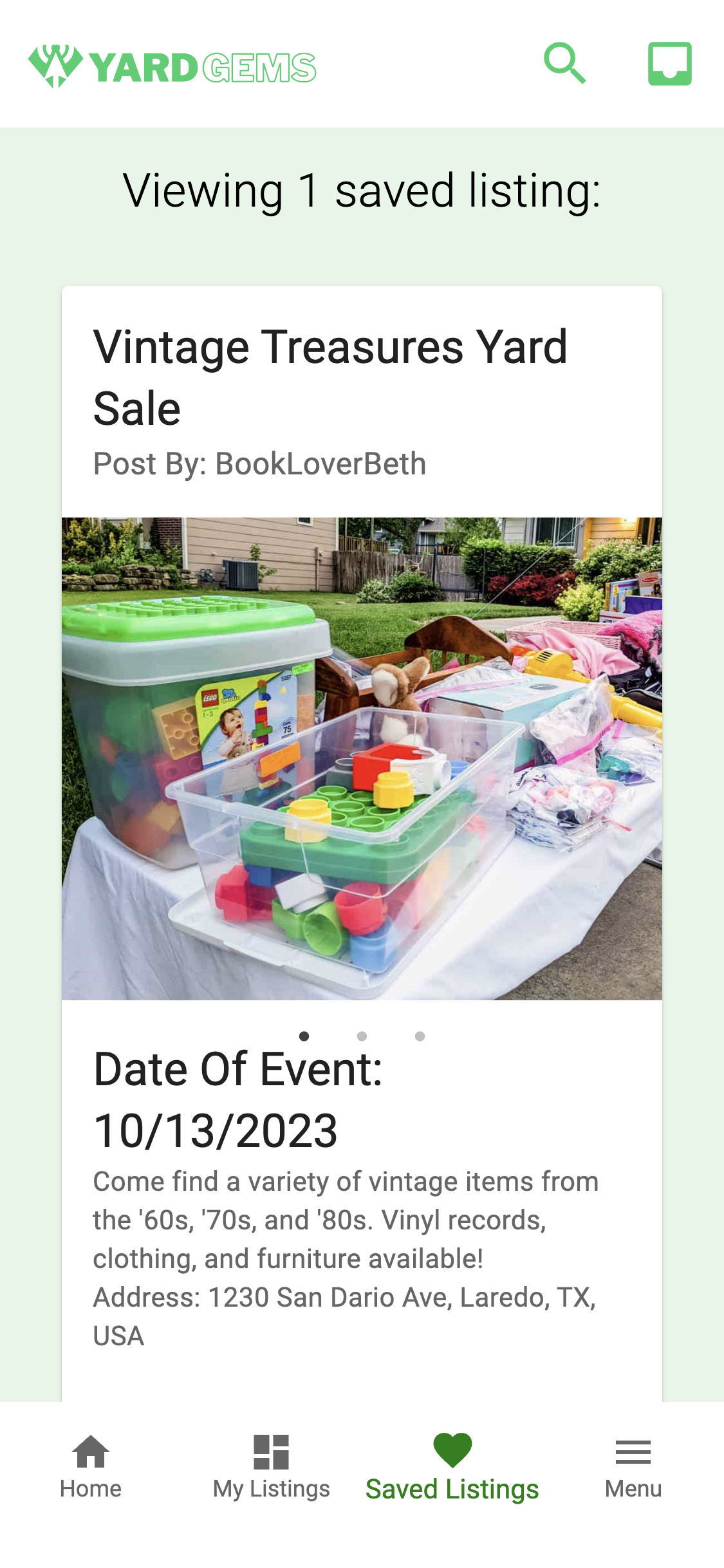
listing modalor click on theheart iconat the bottom right of each listing card tosave/favoritethe listing. - My Listings section displays any listings created by you and features a button for
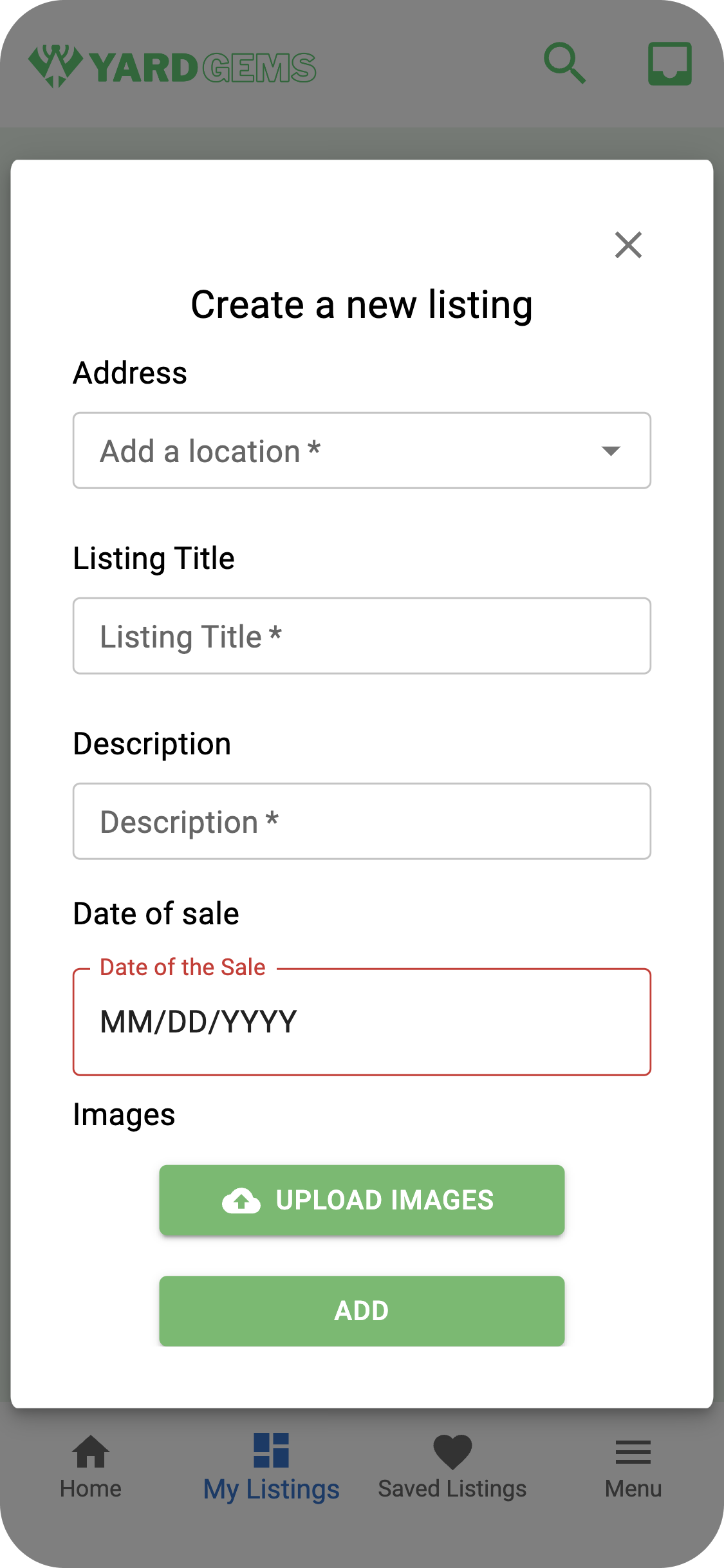
listing creation. - Click on the button to
create a listing. - Each listing
must containa title, description, and date. You may upload up to 5 images with your listing. You can change this limit in ListingModal.js. - Saved Listings section displays any listings you have saved/favorited.
- Click the
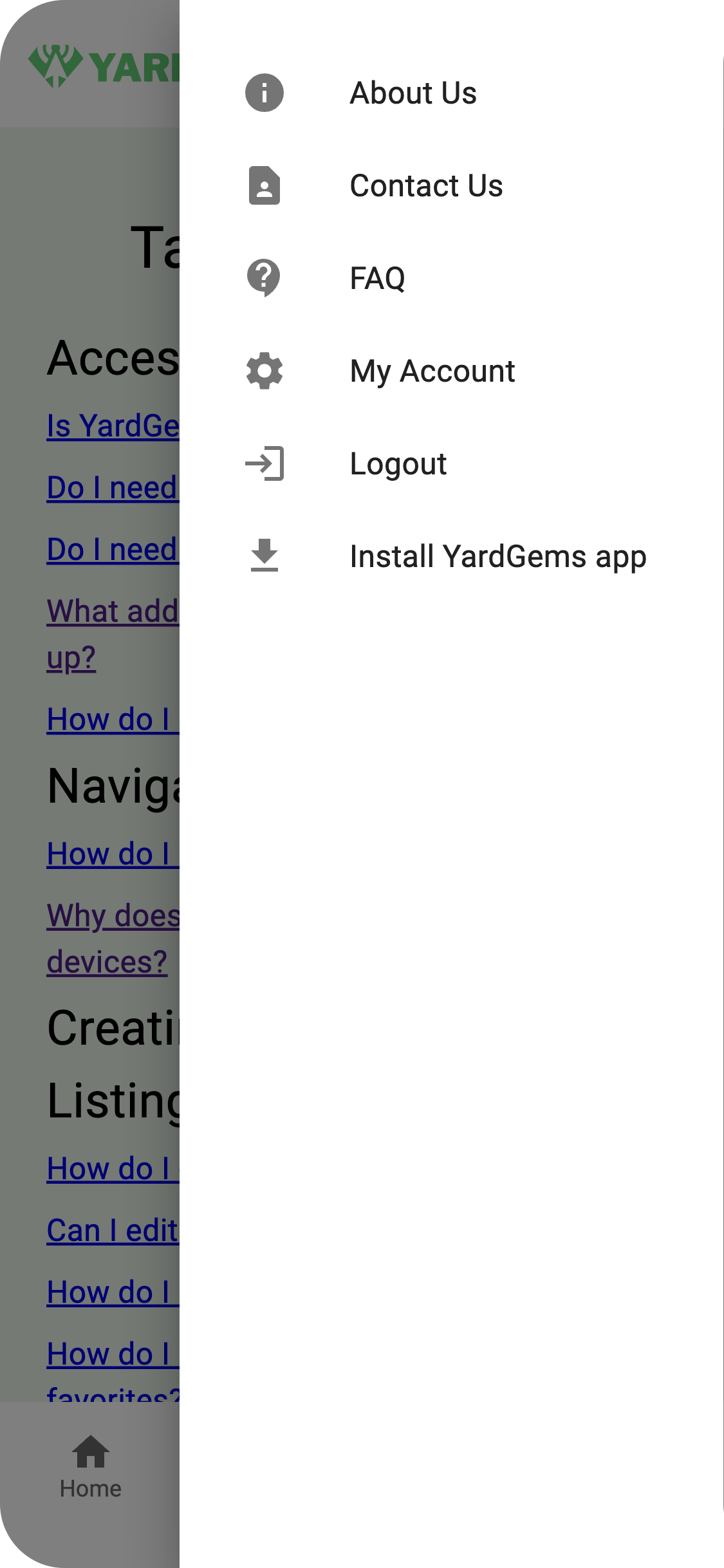
Menu buttonat the bottom right to open up a drawer with options: About Us, Contact Us, FAQ, My Account(if applicable), Login/Logout, Install YardGems (if applicable) - Use
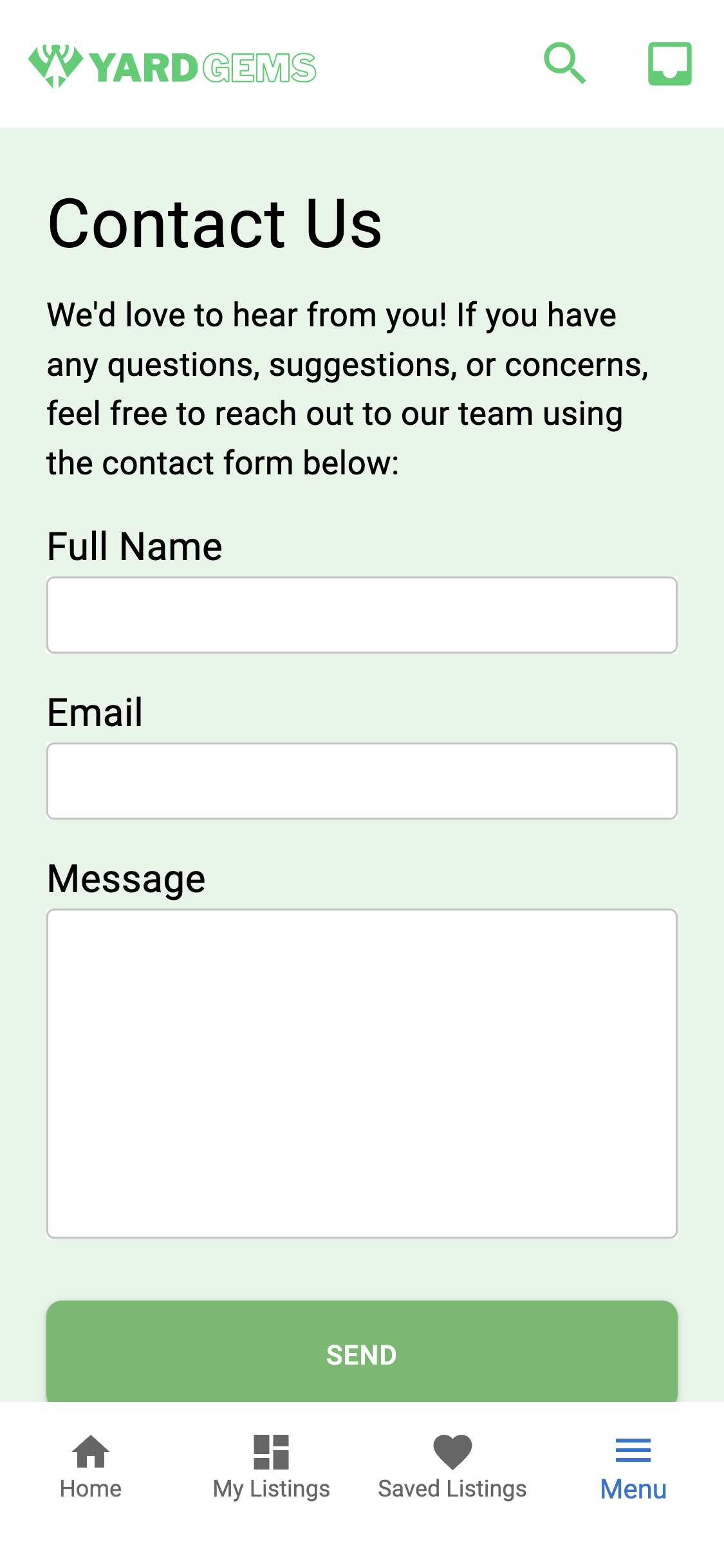
Contact Usto send an email to the email in the original code or any email of your choosing. Refer to the 'Contact Us' component in 'pages' folder. - Use
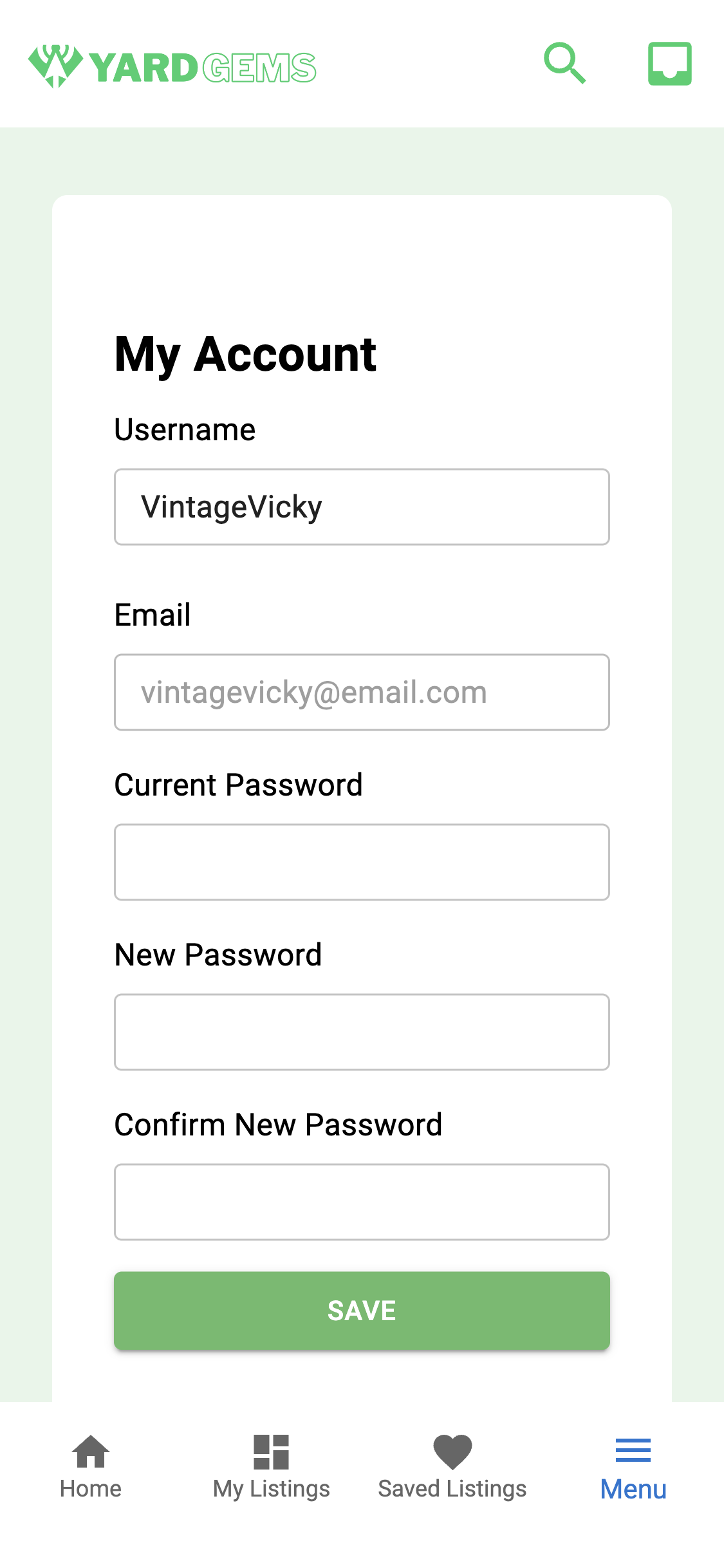
My Accountto update your username or password.
-
In standard view, use the
headerat the top and click on the links tonavigatethrough components. -
Use the
Map componentor theAllListings componentin theHome sectionto find available listings. There is no toggle button in Standard View. -
Use the button in
My Listingssection tocreate a new listing. -
Standard View features a
footerat the bottom instead of a navigation bar. The footer contains: About Us, Contact Us, FAQ.
The following technologies were used to develop YardGems:
Languages
- JavaScript
- Html
- Css
Libraries & Frameworks
- React
- Material-UI
- Express
- GraphQL
- Apollo Client & Apollo Server
Database
- MongoDB
- Mongoose ODM
Tools
- Node.js
- bcrypt
- JWT
- dotenv
- Day.js
- Cloudinary
- Emailjs
APIs
- Google Maps API
https://yardgems-15b0faee737f.herokuapp.com/
If you have any questions about this project, please contact the project owners by visiting their GitHub profiles below.
Omar Zumaya
https://github.com/Omar4589
Kristin De Salme
https://github.com/KR1ISTIN
Taylor Aldridge
https://github.com/Rolyat512