Ready to use “Acknowledgements”/“Licenses”/“Credits” view controller for CocoaPods.
Written in Swift 3 (for Objective-C, you can use VTAcknowledgementsViewController).


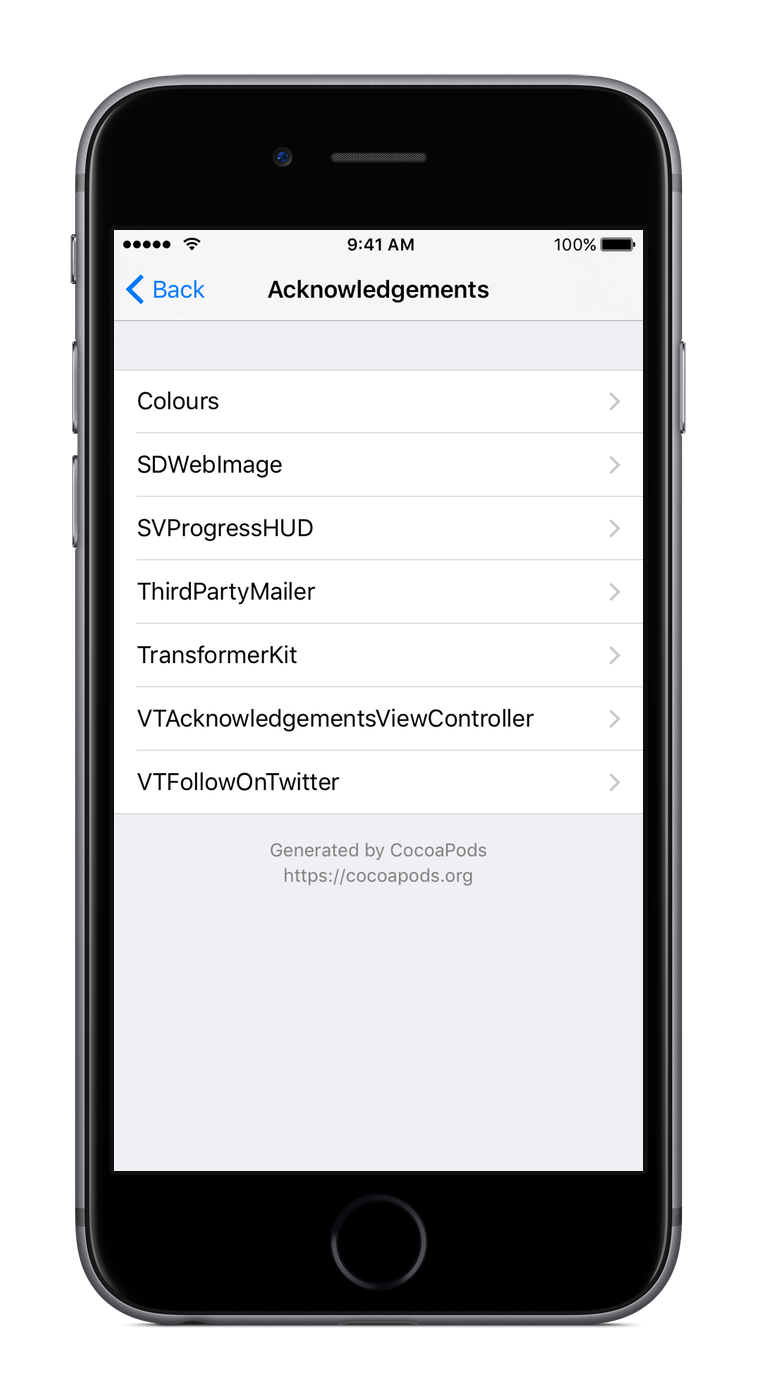
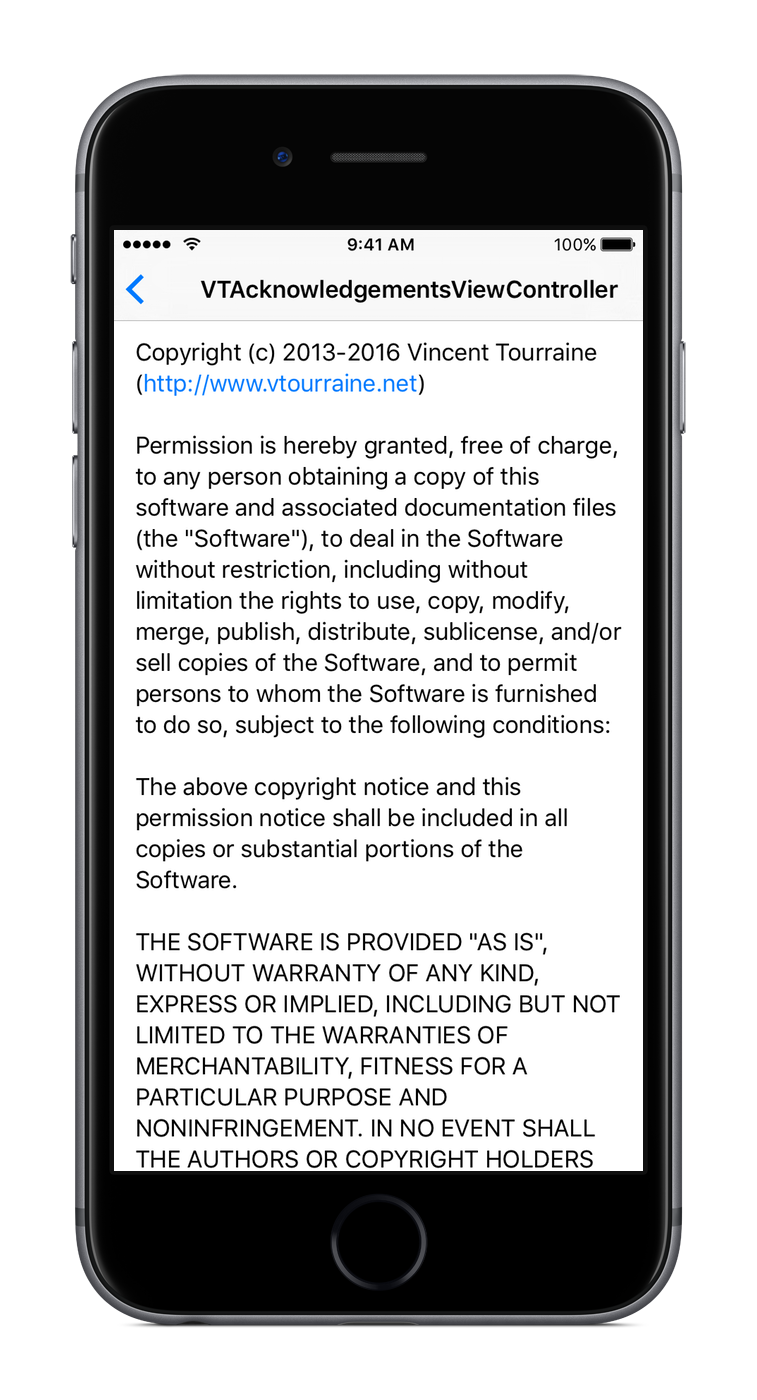
This project is only useful if you use CocoaPods, so let’s assume that you’re indeed using CocoaPods.
- Add
pod 'AcknowList'in yourPodfile. - Import the
Pods-acknowledgements.plistfile from the generatedPods/Target Support Filesfolder to your main app project (so you need to runpod installat least once before using this pod; don’t copy the file itself, just add a reference).
This file is generated atPods/Target Support Files/Pods-{project}/Pods-{project}-acknowledgements.plist.
The AcknowListViewController instance is usually pushed to an existing UINavigationController.
let viewController = AcknowListViewController()
if let navigationController = self.navigationController {
  navigationController.pushViewController(viewController, animated: true)
}If your .plist file is named something other than Pods-acknowledgements.plist (e.g. if you’re using fancy build targets), you can initialize the view controller with a custom path.
let path = NSBundle.mainBundle().pathForResource("Pods-AcknowExample-acknowledgements", ofType: "plist")
let viewController = AcknowListViewController(acknowledgementsPlistPath: path)AcknowList is written in Swift 3, requires iOS 8.0 and above, Xcode 8.0 and above, and uses ARC.
AcknowList was created by Vincent Tourraine, and improved by a growing list of contributors.
AcknowList is available under the MIT license. See the LICENSE.txt file for more info.