[react-restaurant] Created a react app for ramp-up#1
[react-restaurant] Created a react app for ramp-up#1OctaFloare wants to merge 38 commits intomasterfrom
Conversation


 miutamihai
left a comment
miutamihai
left a comment
miutamihai
left a comment
There was a problem hiding this comment.
Before we can talk about the code itself, let's first fix the issues outlined in this review.
src/App.js
Outdated
| const App = () => | ||
| <Provider store={store}> | ||
| <Router> | ||
| <NavBar /> |
There was a problem hiding this comment.
Let's indent these child components, so that it's clear they are contained within the <Router> component.
| <Routes /> | ||
| </Router> | ||
| </Provider> | ||
| export default App; |
There was a problem hiding this comment.
We should always leave an empty line before exports.
| import React, {useEffect, useState} from "react"; | ||
| import {Box, Grid, Toolbar, Badge, IconButton} from "@material-ui/core"; | ||
| import AddShoppingCartIcon from '@material-ui/icons/AddShoppingCart'; | ||
| import 'bootstrap/dist/css/bootstrap-grid.css.map' |
There was a problem hiding this comment.
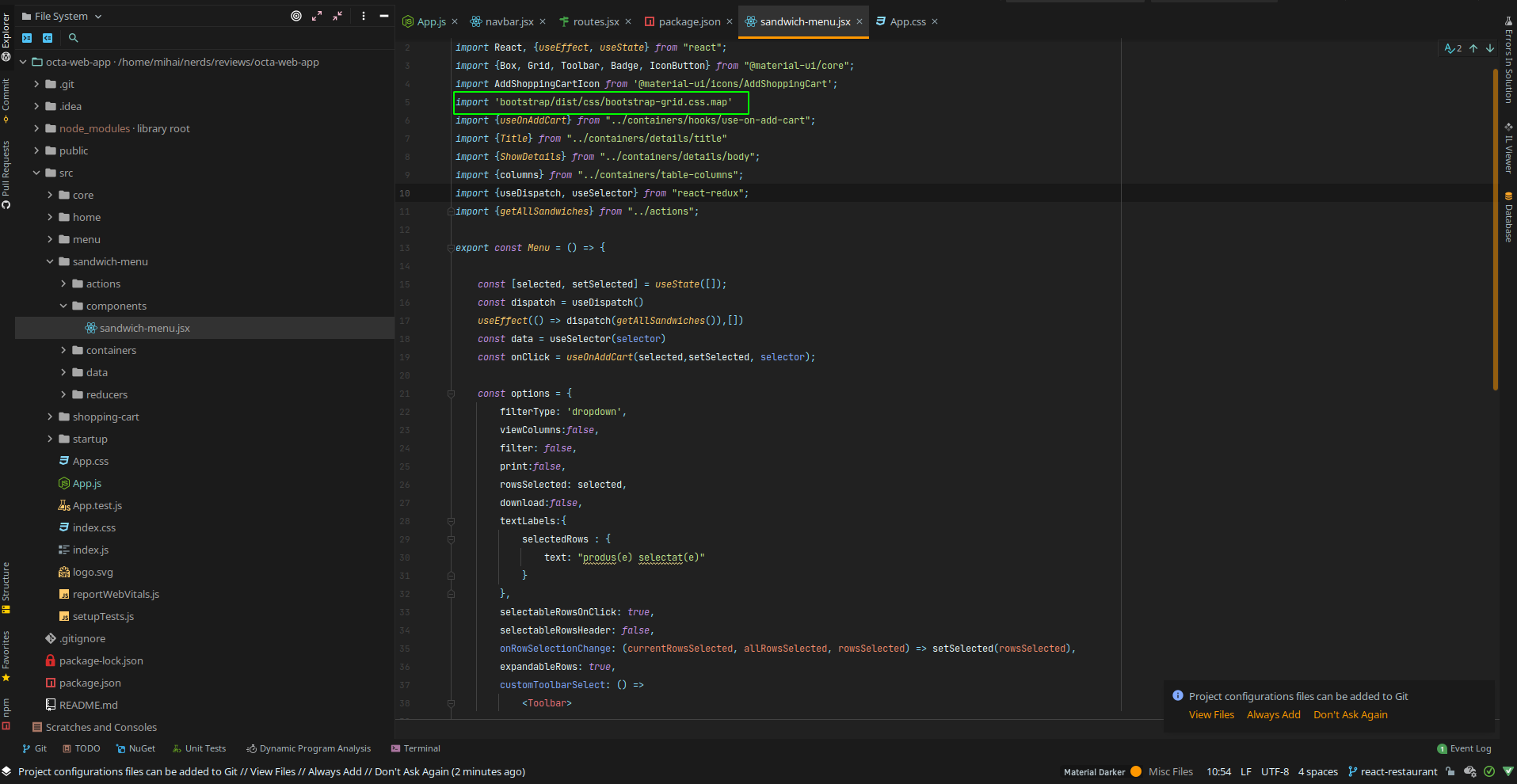
I don't know what this import does for you, but the app wouldn't start on my machine with it. Maybe there's something missing in your package.json ?
There was a problem hiding this comment.
Package removed. It was not used
src/home/home.jsx
Outdated
| <p> | ||
| Welcome to React Restaurant | ||
| </p> | ||
| <a className="App-link" href="http://localhost:3000/menu"> |
There was a problem hiding this comment.
Picture this scenario: I have another app running on port 3000 and so I try to run your app on another port (say 3001). This would lead me to 404 for every <a> tag in your app.
Maybe checkout this for linking in react-router
src/core/navbar/navbar.jsx
Outdated
| export const NavBar = () => | ||
| <AppBar position ='static'> | ||
| <Toolbar variant ='dense'> | ||
| <NavbarIcons link={'/'} icon={<MenuIcon/>} /> |
There was a problem hiding this comment.
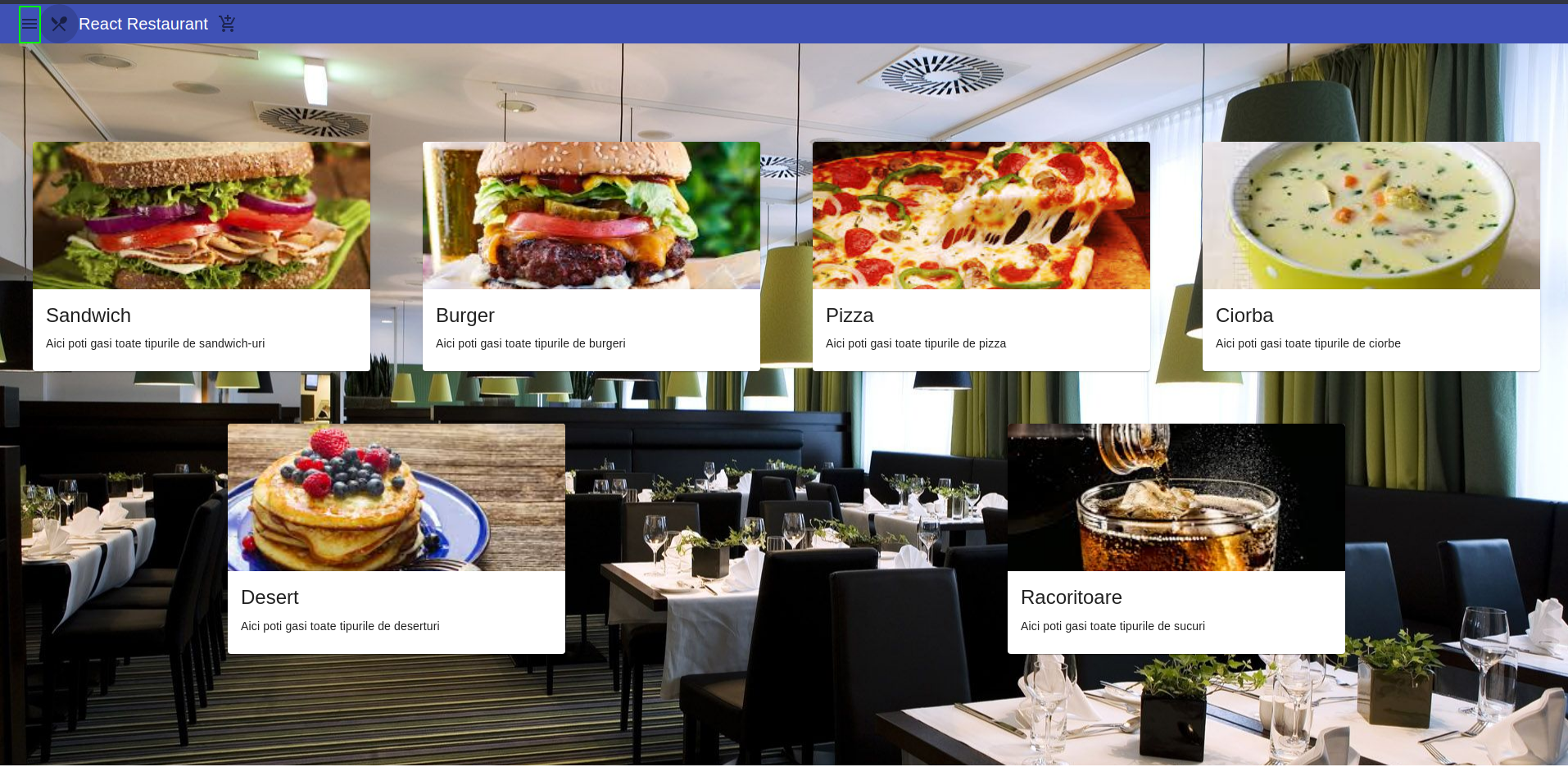
It's maybe a small detail, but this icon is pretty misleading, since before pressing it I thought it's gonna open a menu, but it redirected me to the / route. Maybe choose something else?
There was a problem hiding this comment.
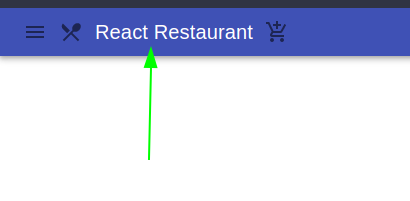
Also is the application's title meant to be between your links? :)))
There was a problem hiding this comment.
Also, the misleading icon has been changed.
| <Box mr={5}> | ||
| <IconButton onClick={onClick}> | ||
| <Badge badgeContent={selected.length} color='secondary'> | ||
| <AddShoppingCartIcon /> |
There was a problem hiding this comment.
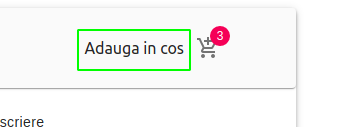
Shouldn't the text be clickable too?
There was a problem hiding this comment.
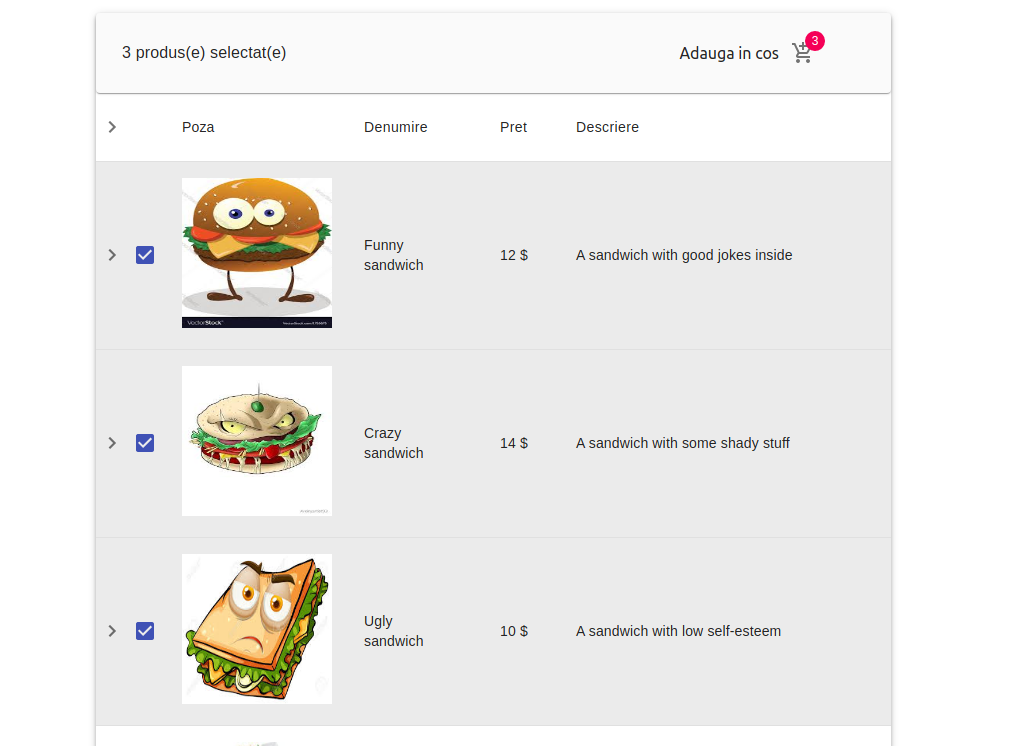
Also clicking the icon while I have selected sandwiches does nothing :))))
There was a problem hiding this comment.
The click on the icon adds them to the shopping-cart. To view the shopping-cart, you have to go to that page from the navbar , by clicking on the shopping-cart icon
There was a problem hiding this comment.
Also, the text is now clickable too.
miutamihai
left a comment
miutamihai
left a comment
There was a problem hiding this comment.
Some more stuff. Do these and we'll take yet another look.
| const data = useSelector(selector) | ||
| const onClick = useOnAddCart(selected,setSelected, selector); | ||
|
|
||
| const options = { |
There was a problem hiding this comment.
We can maybe extract this huge options object in a different hook.
| }; | ||
|
|
||
| return <Box mt={5} mr={2}> | ||
| <Grid container direction='row' justify='center' spacing={2}> |
| } | ||
|
|
||
| const selector = ({ sandwichMenuReducer }) => { | ||
| console.log(sandwichMenuReducer) |
|
|
||
| const [selected, setSelected] = useState([]); | ||
| const dispatch = useDispatch() | ||
| useEffect(() => dispatch(getAllSandwiches()),[]) |
There was a problem hiding this comment.
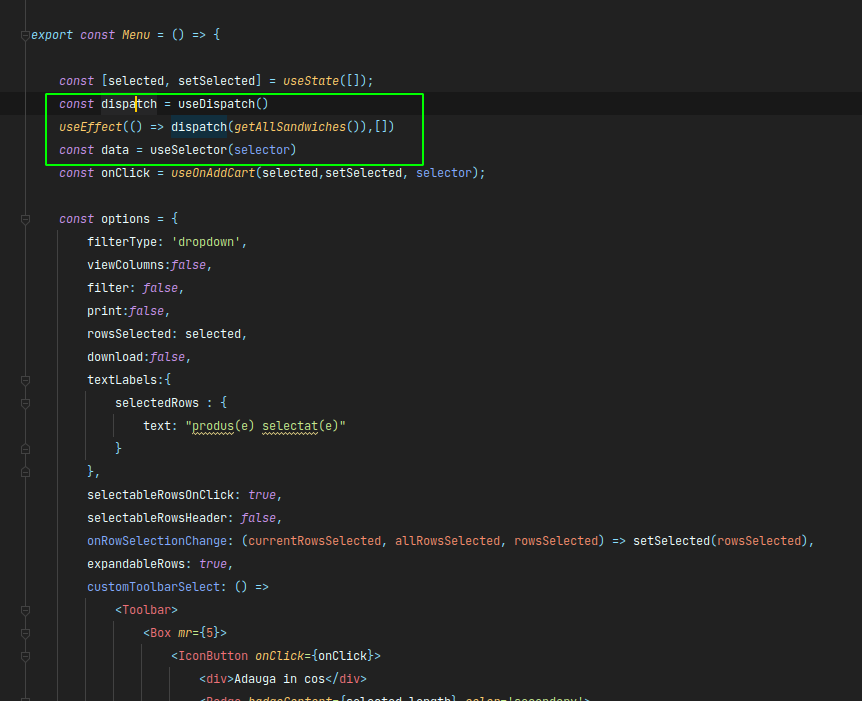
Maybe this is what should happen in the useInit hook :)))
| } | ||
| return <Box m={5}> | ||
| <MUIDataTable | ||
| data={shoppingCartData} |
There was a problem hiding this comment.
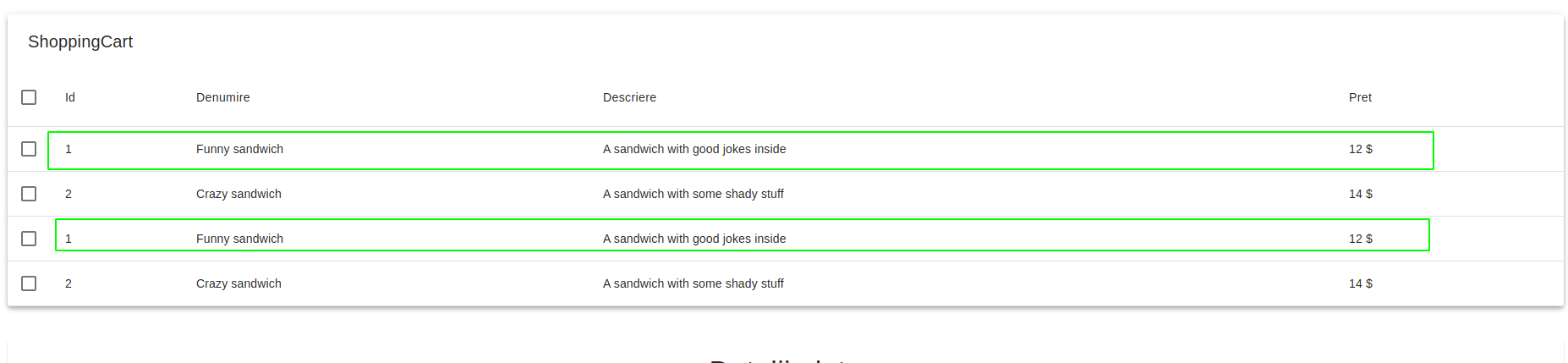
These are duplicate. Maybe we should add a quantity column to the table? Then, if the user adds the same item multiple times, it won't be duplicated like this.
| </Box> | ||
| } | ||
|
|
||
| const selector = ({ shoppingCartReducer }) => { |
There was a problem hiding this comment.
This callback can be rewritten like this:
const selector = ({ shoppingCartReducer }) => shoppingCartReducer.items
This applies to all callbacks that contain just a return statement.
|
|
||
|
|
||
| export const addItemToShoppingCart = item => ({type: ADD_ITEM_TO_SHOPPING_CART, payload: item}) | ||
| export const removeItemFromShoppingCart = remainingItems => |
There was a problem hiding this comment.
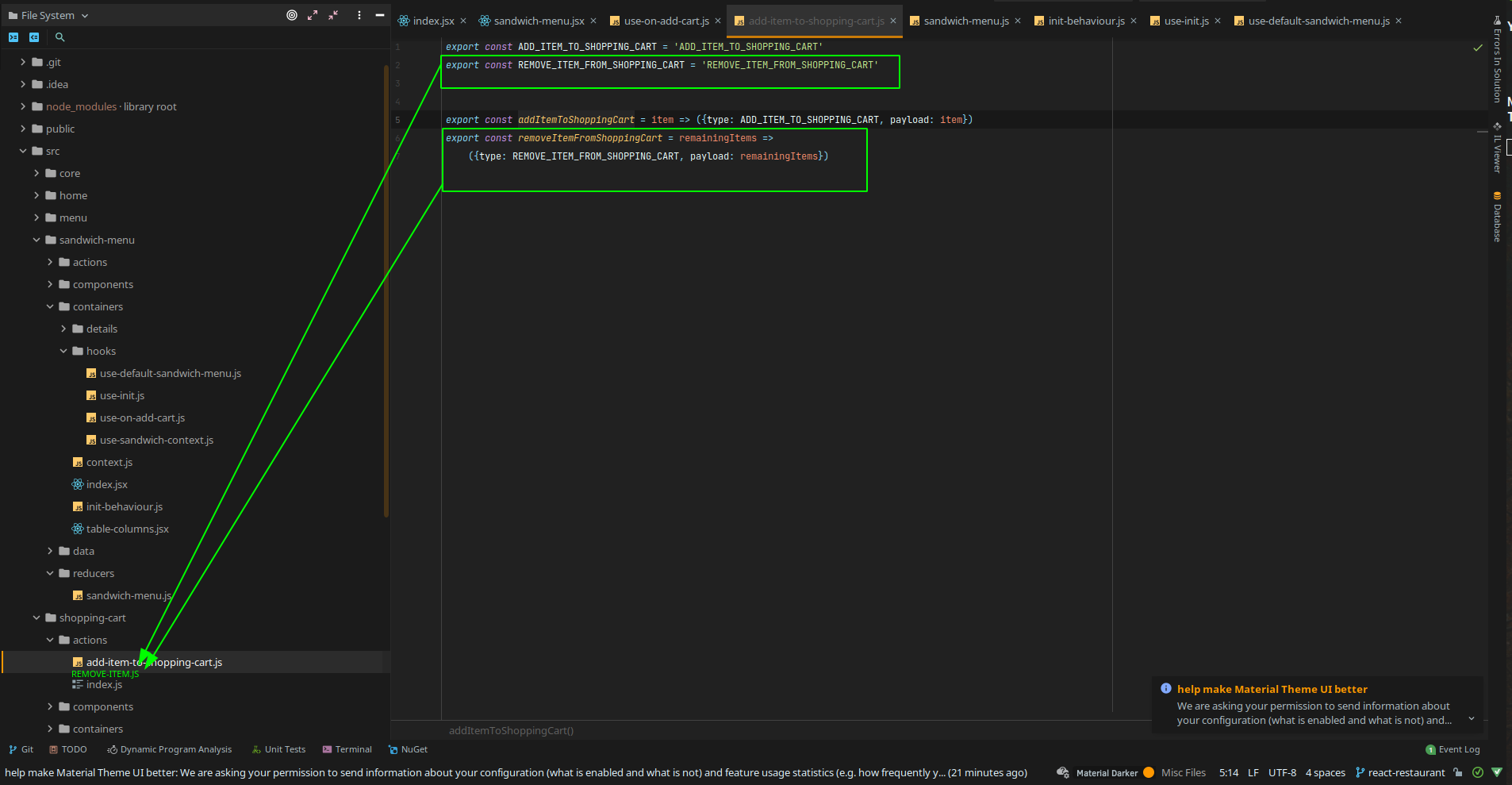
Let's move the remove action to a different file.
There was a problem hiding this comment.

Also, since we pass the items to remove to the action, not the remaining items, maybe rename this parameter?
There was a problem hiding this comment.
Also, since we pass a multitude of items to these afore-mentioned actions, maybe rename them like this:
- addItemToShoppingCart -> addItems
- removeItemFromShoppingCart -> removeItems
We can also omit the ShoppingCart part since we're already in the context of the shopping-cart directory:
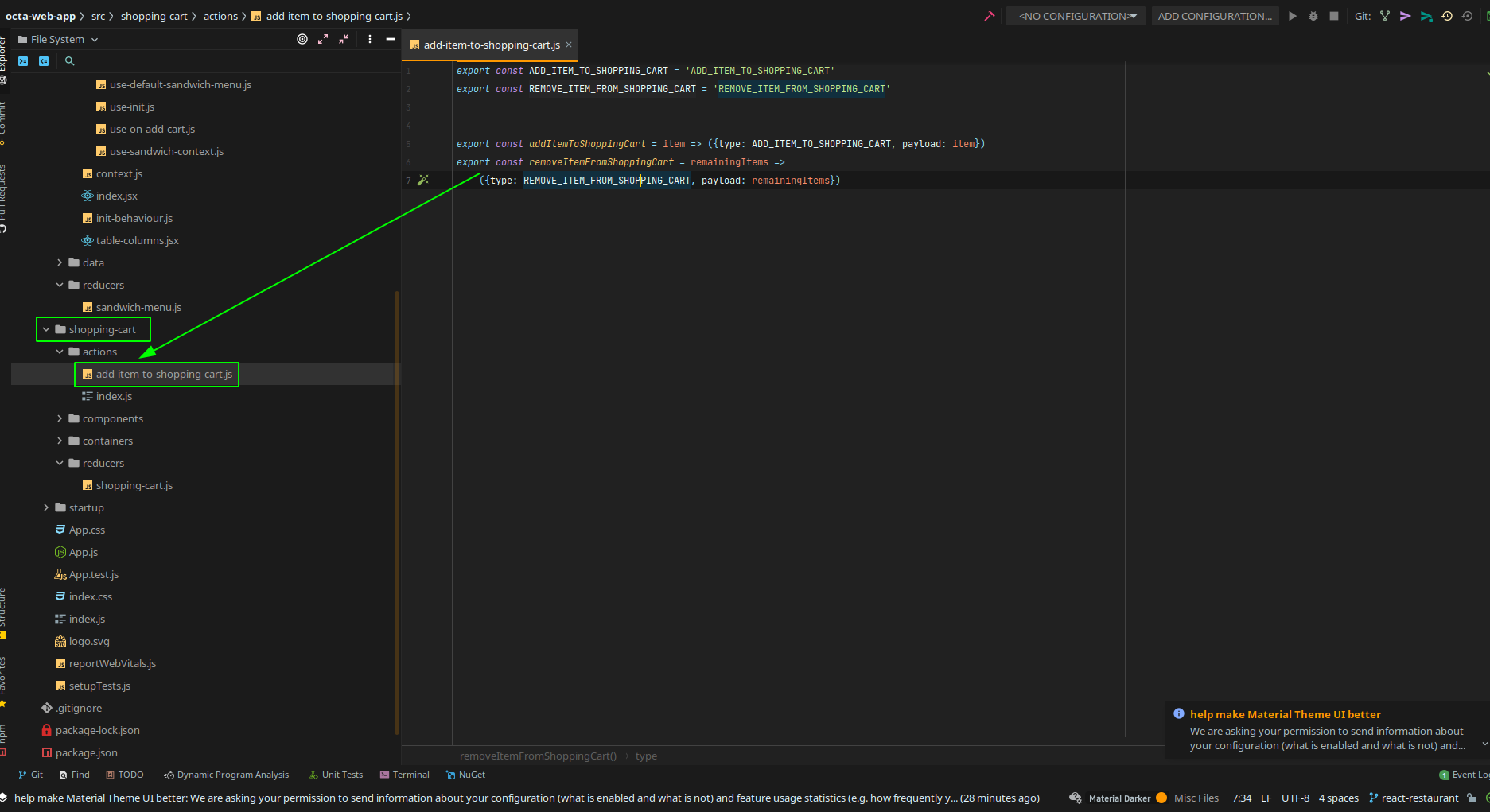
If you really want more context, you can import them using an alias like this:
import { addItems as addItemsToShoppingCart } from 'whatever'
| import {useState} from "react"; | ||
|
|
||
| export const useDefaultSandwichMenu = () => { | ||
| const [data, setData] = useState([]) |
There was a problem hiding this comment.
Do we ever use these data and setData?
| import {useDispatch, useSelector} from "react-redux"; | ||
| import {addItemToShoppingCart} from "../../../shopping-cart/actions" | ||
|
|
||
| export const useOnAddCart = (selected, setSelected, selector) => { |
There was a problem hiding this comment.
This hook looks ...smelly. Let's move the selected, setSelected pair to the sandwich context.
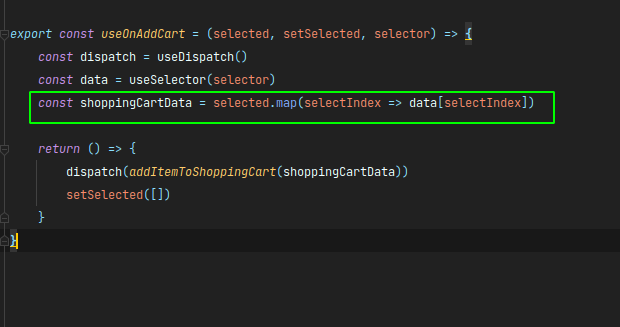
Also this mapping can be done inside the reducer.
2 participants


Description
Web app for a restaurant
Related
no link to Jira