Releases: Nuzza/OneTab-Reborn
Introducing Beta Preview 3 (v0.4)


Long time no see! Sorry it's been quite a while since the last release, I've been really busy with other projects and dealing with some mental health issues, but I finally got the motivation to do some work on this extension. This release mainly focusses on visual tweaks and fixing minor inconsistencies and bugs from the previous release. I've also updated the extension icon, which I hope you guys like. Unfortunately, this doesn't mean that future updates will become more regular, as I'm happy with the current state of it. However, if you guys have any feedback, then I would be open to hear it. Anyway, please see below for the full changelog.
Changelog
General Changes
- Updated icon
- Updated background colours for better contrast and readability.
- Improved hover effects for interactive elements.
- Enhanced layout and spacing for better user experience.
Global Styles
- Body Background Colour: Changed from
rgb(255, 255, 255)to#E6E6E6. - Header and Tab Group Background Colour: Changed from
rgb(248, 248, 248)to#F2F2F2. - Textarea and Tab Options Background Colour: Changed from
rgb(240, 240, 240)to#FFFFFF.
Header
- Box Shadow: Updated to a softer shadow with
0px 1px 5px 0px rgba(0, 0, 0, 0.5). - Z-Index: Set to
2for better stacking context.
Main Page
- Main Margin: Adjusted from
80pxto55px. - Tab Group: Changed to a grid layout for better alignment.
- Tab Width: Set to
100%for full-width tabs. - Icon Font Size: Reduced from
20pxto18px.
Textarea
- Height: Increased from
100pxto200px. - Padding: Added
5pxfor better text spacing.
Tab Options
- Clickable Margin: Adjusted to
margin: 5px 5px 0 0;for better spacing. - Hover Effects: Enhanced hover background colour to
#e6e6e6.
Radio Button Styles
- Added styles for radio buttons, including custom label styles and hover effects.
Media Queries
- Dark Mode Background Colours: Updated to darker shades for better visibility.
- Hover Effects in Dark Mode: Enhanced hover effects for interactive elements.
Miscellaneous
- Removed Unused Styles: Cleaned up unnecessary styles and improved overall organisation.
- Added Comments: Structured the CSS with comments for better readability and maintenance.
Minor Update v0.3.1.1
What's New:
- Changed the icon size for webpages without a favicon to match the size of webpages with a favicon.
Hotfix v0.3.1
NOTE: This version of OneTab Reborn and versions going forward are no longer compatible with having OneTab installed alongside due to the current fix for the 'sharing as webpage' feature. It is highly recommended to uninstall OneTab before installing OneTab Reborn to avoid protentional conflicts (more details below)
What's New:
-
Fixed the bug impacting some buttons not triggering when clicking on the padding part of the button.
-
Fixed
sharing as web page. The 'sharing as webpage' feature now works again for both tab groups (share button) and all tabs (Share all button). However, the downside to this is that OneTab Reborn now uses the same key (specified in the manifest file) in order for the 'sharing as webpage' feature to work. Therefore, it is no longer possible to have both OneTab Reborn and OneTab installed at the same time. -
Made a few tweaks to the styles, made it easier to apply custom colours (if you want) in the CSS file by moving all the background colours to the top.
-
Other under the hood changes and improvements.
Introducing Beta Preview 2 (v0.3)
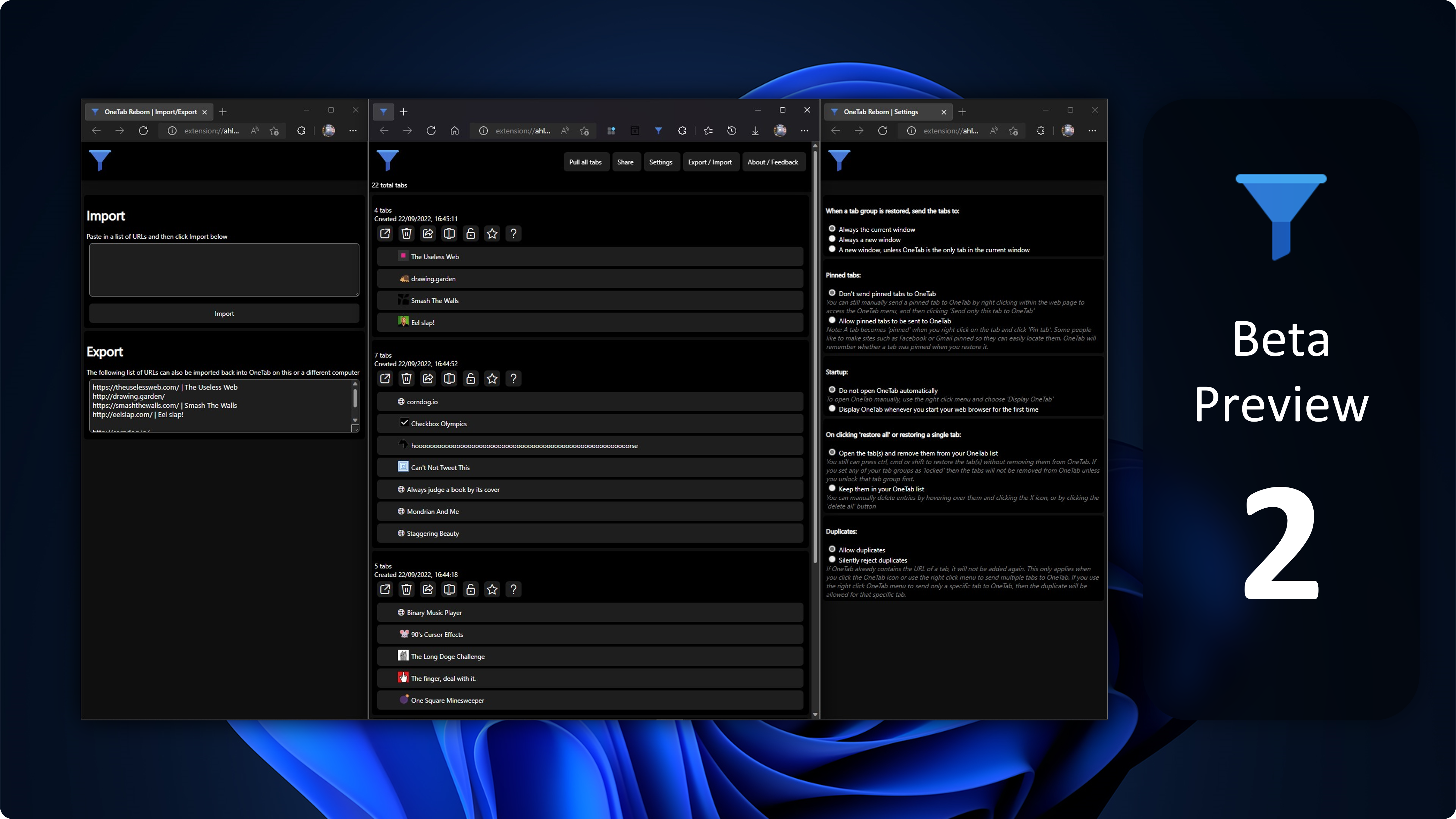
Hello everyone and welcome to the second preview of OneTab Reborn! I know it has been a few months since the first/previous release mainly do the complexity of the JS files, however, I finally found the time to go through the JS files and sort of understand how the files work. Don't get me wrong, the JS files are still a complete nightmare to modify without breaking the entire extension, but I have managed to make some changes with 90% of the extension still working.
This preview is a complete overhaul over the previous preview, built from the ground up using the latest OneTab extension code. Not only have I managed to figure out how to style all the elements, but I have also introduced some much-needed improvements over the original OneTab extension. Because this is beta/preview software, expect some bugs/issues so please refer to Known Issues below for a list of issues that I am currently aware of.
Just to clarify again, OneTab isn't originally owned/created by me, I have simply taken the original files and modified them for a more user-friendly experience so please show the original dev some love and rate their extension 5 stars on the Edge/Chrome web stores.
What's New:
General
- Removed version text from all pages, this may be added back in a different location later.
Header
-
Redesigned OneTab options, they look like actual buttons now.
-
Total tabs are now displayed under OneTab logo.
-
Header button titles have been updated:*
-
Bring all tabs into OneTab Reborn -> Pull all tabs
-
Share all as web page -> Share**
-
Options -> Settings
-
Export / Import URLs -> Export / Import
-
About / Feedback now navigates to the GitHub repo.
-
Removed ugly bottom border.
-
Header is now sticky which means it will stay at the top of the screen even when you scroll down.

Tabs
-
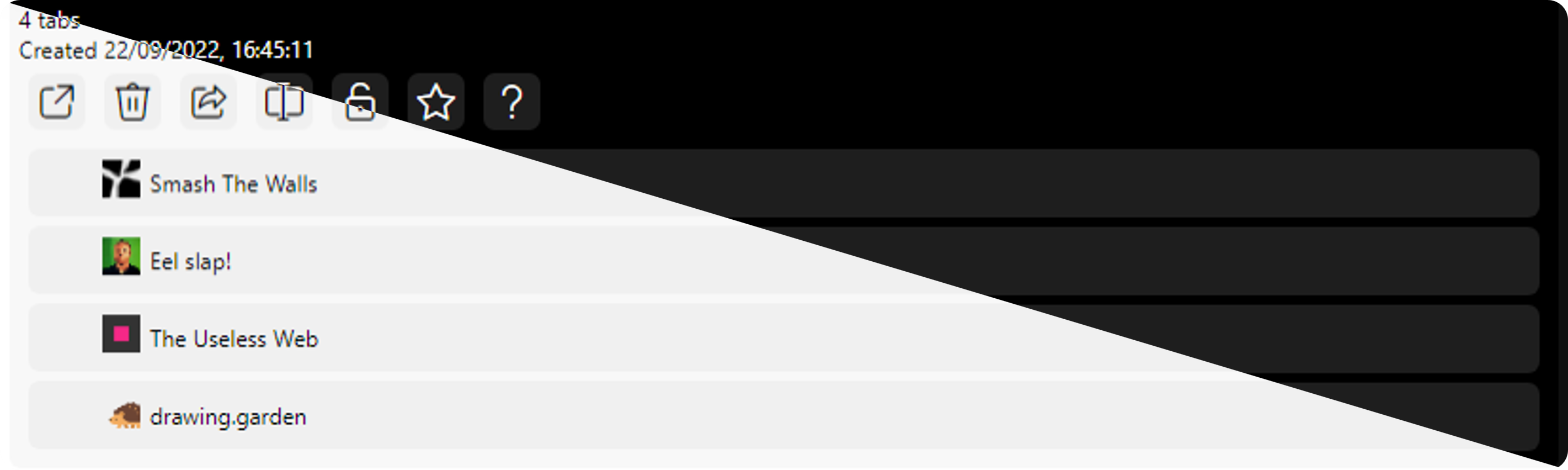
Tabs now have increased padding, rounded corners, and extend to the width of the window.
-
Hovering over tabs now changes the background colour.
-
Fixed the weird visual bug that occurred when dragging tabs.
-
Tabs have a new way of being rearranged, simply drag a tab over another tab and it will appear above it.
-
Replaced tab options with icons instead. In turn, this allowed me to remove the pointless
More...menu. -
Help now navigates to the GitHub repo help page.
-
Fixed the issues impacting tab locking/starring, you will notice the icon change when locking/starring a tab.
-
Replaced ugly
Xdelete button with new bin icon:-
Delete button will still only show when hovering over the tab.
-
Hovering over the delete button now has a red background colour.
-
Import / Export
-
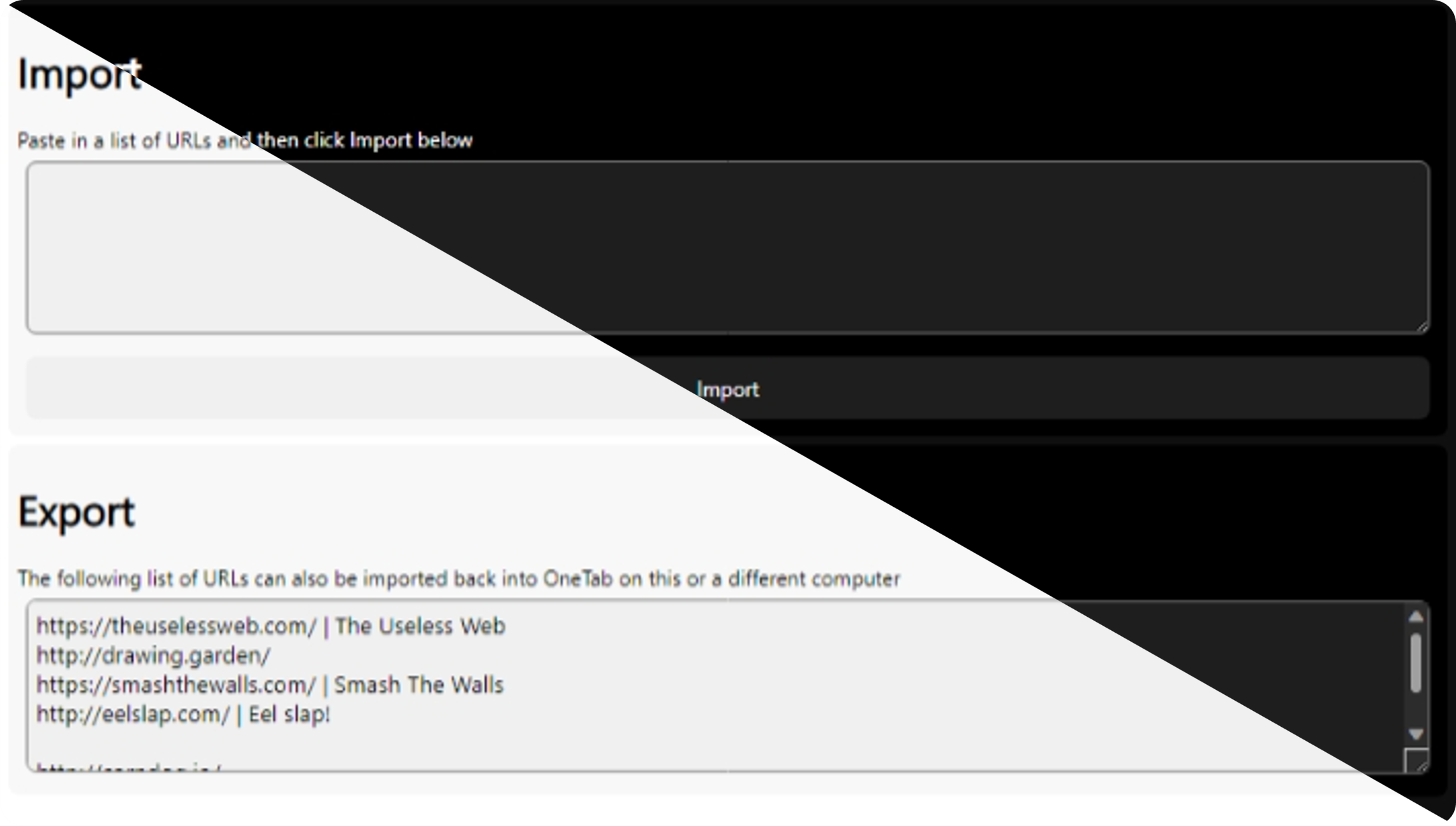
Removed the pointless dropdown buttons, both fields are now displayed.
-
Redesigned the Import button to now extend to the width of the screen.*
Settings (previously Options)
-
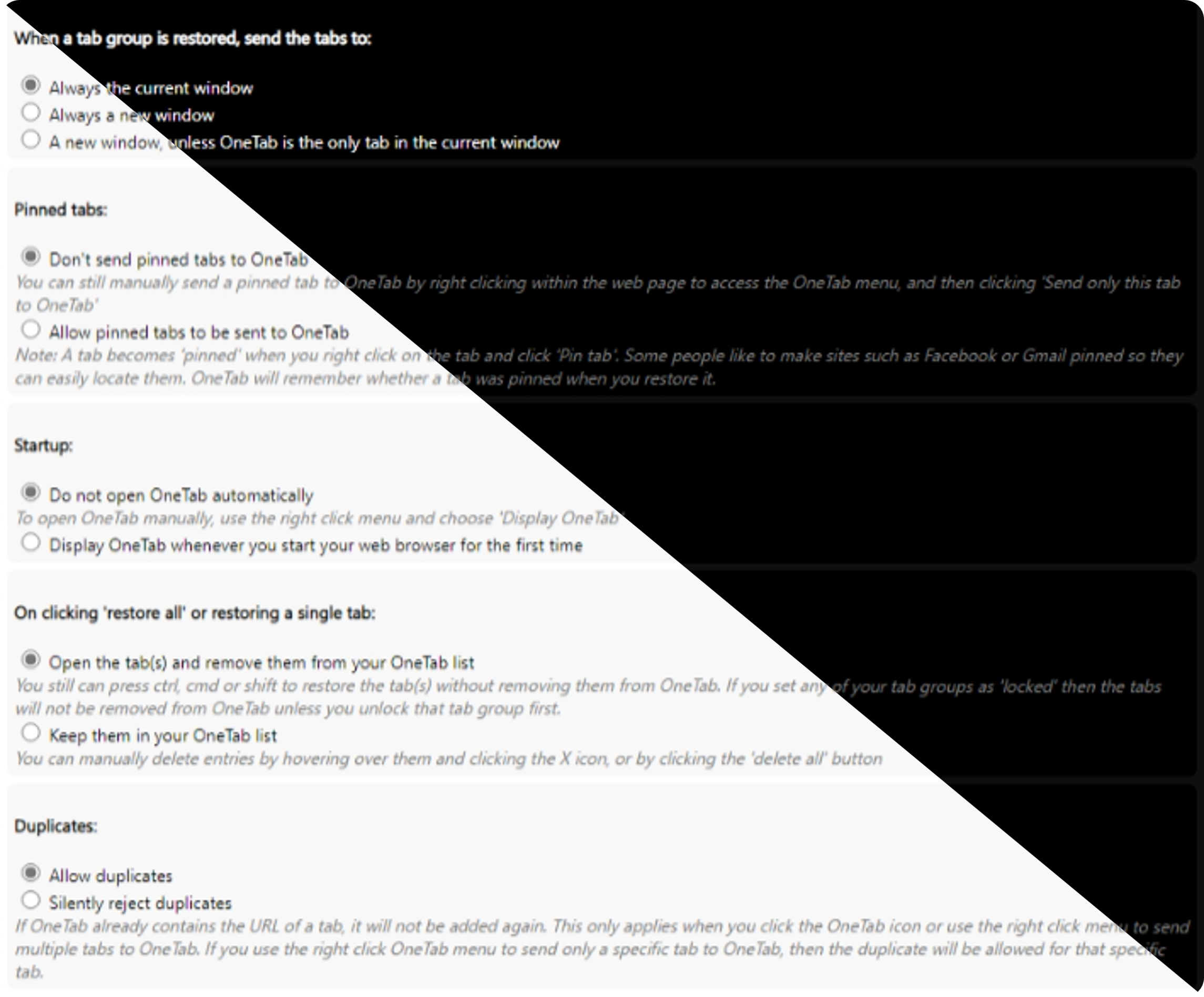
Changed Options to Settings
-
Changed some default settings:
-
Set
Always the current windowas the default option for when tab groups are restored. -
Set
Do not open OneTab automaticallyas the default option for start-up.
-
-
Made the note/description of settings italic.
Known Issues:
-
*Some buttons won't trigger when clicking on the padding part of the button. For a temporary workaround, click directly on the text part of the button.
-
**Sharing as web page is currently not working.
Introducing v0.2
New Features
- Added current version to all pages (main, export/import urls, options)
- Updated tab cell background to make it easier to distinguish from the background
Changed Features
- Removed the custom style of radio buttons from the options page to be more simple
Bug Fixes