
Wirecloak is a modern, native WireGuard VPN client for Nitrux, built with MauiKit.
It provides a user-friendly interface for managing VPN tunnels while securely integrating with the system's immutable root filesystem.
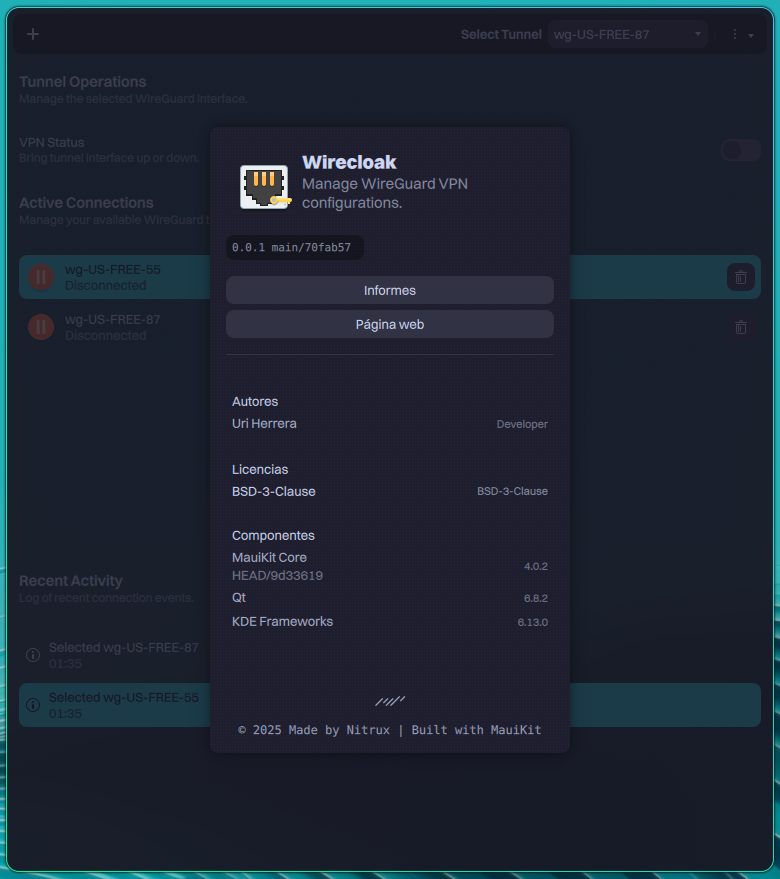
Wirecloak, a GUI for using WireGuard.
Warning
Wirecloak is intended to work exclusively in Nitrux OS, and using this utility in other distributions is not supported. Please do not open issues regarding this use case; they will be closed.
- Profile Management: Easily manage WireGuard configuration files (
.conf). - Tunnel Control: Toggle VPN connections on or off with a simple switch.
- Live Monitoring: View real-time connection statistics, including data received (RX) and transmitted (TX).
- Nitrux 5.0.0 and newer.
mauikit (>= 4.0.2)
mauikit-filebrowsing (>= 4.0.2)
qt6 (>= 6.8.2)
kf6-windowsystem (>= 6.13.0)
kf6-i18n (>= 6.13.0)
kf6-coreaddons (>= 6.13.0)
wireguard-tools
To use Wirecloak, launch it from the applications menu.
- Click the + button in the header to import a .conf file.
- Select a tunnel from the dropdown menu.
- Use the VPN Status switch to connect or disconnect.
The license for this repository and its contents is BSD-3-Clause.
If you find problems with the contents of this repository, please create an issue and use the 🐞 Bug report template.
Before submitting a bug, you should look at the existing bug reports to verify that no one has reported the bug already.
©2025 Nitrux Latinoamericana S.C.