Table of Contents
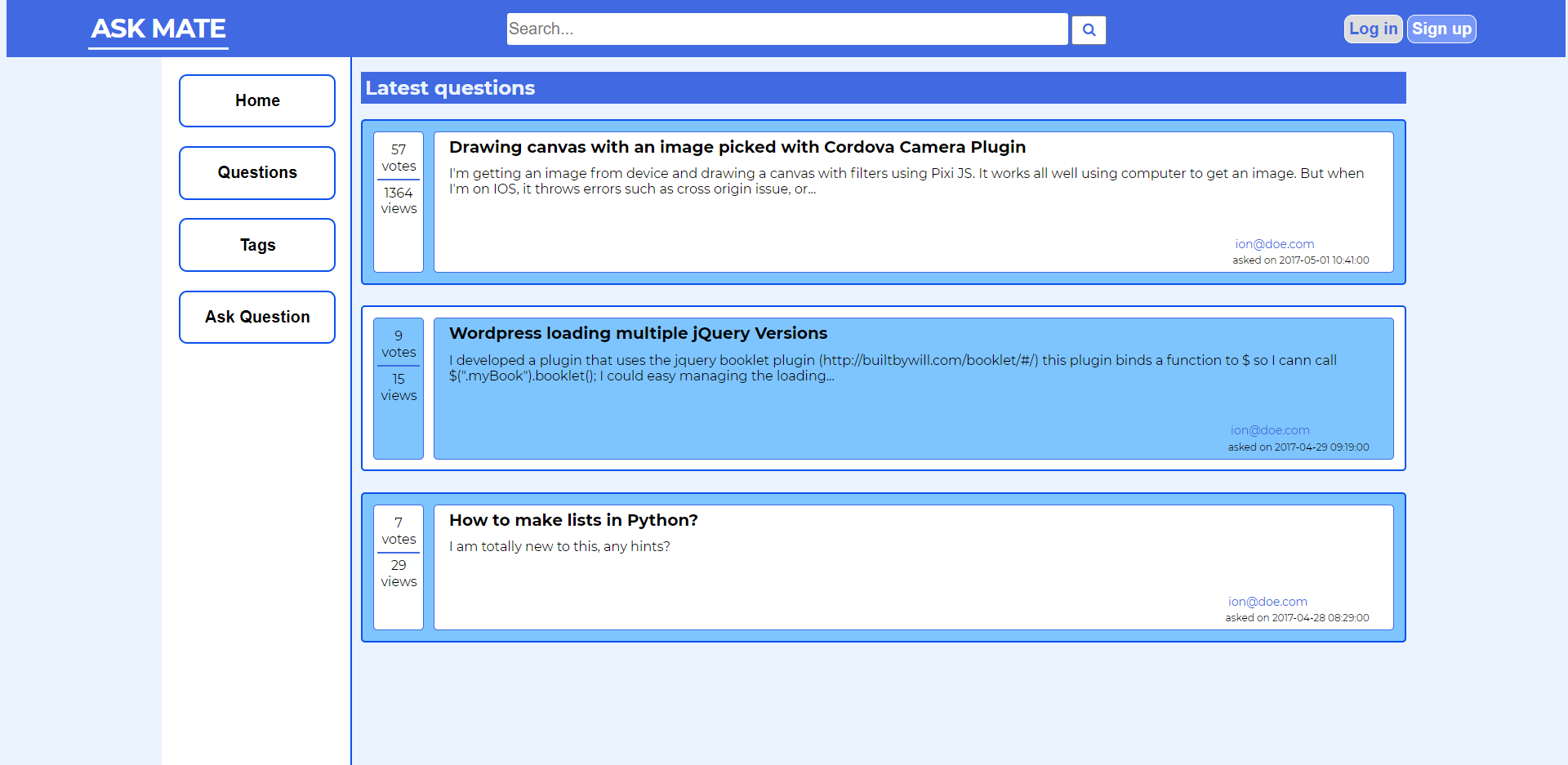
Ask mate is a forum where visitors can register and login, start new discussions on different topics, respond to other topics, comment on questions and answers, and vote for answers as preffered. It's simmilar to let's say...Stack Overflow, but it's low specs version.
- Register
- Login
- Sort questions
- Search key terms/phrases
- Create new question
- Answer questions
- Vote and comment on questions and answers
- Mark questions as accepted
- Delete questions, answers and comments
- Access user dashboard
- Users statistics
Back End:
Front End:
Database Management:
IDE:
Home page:
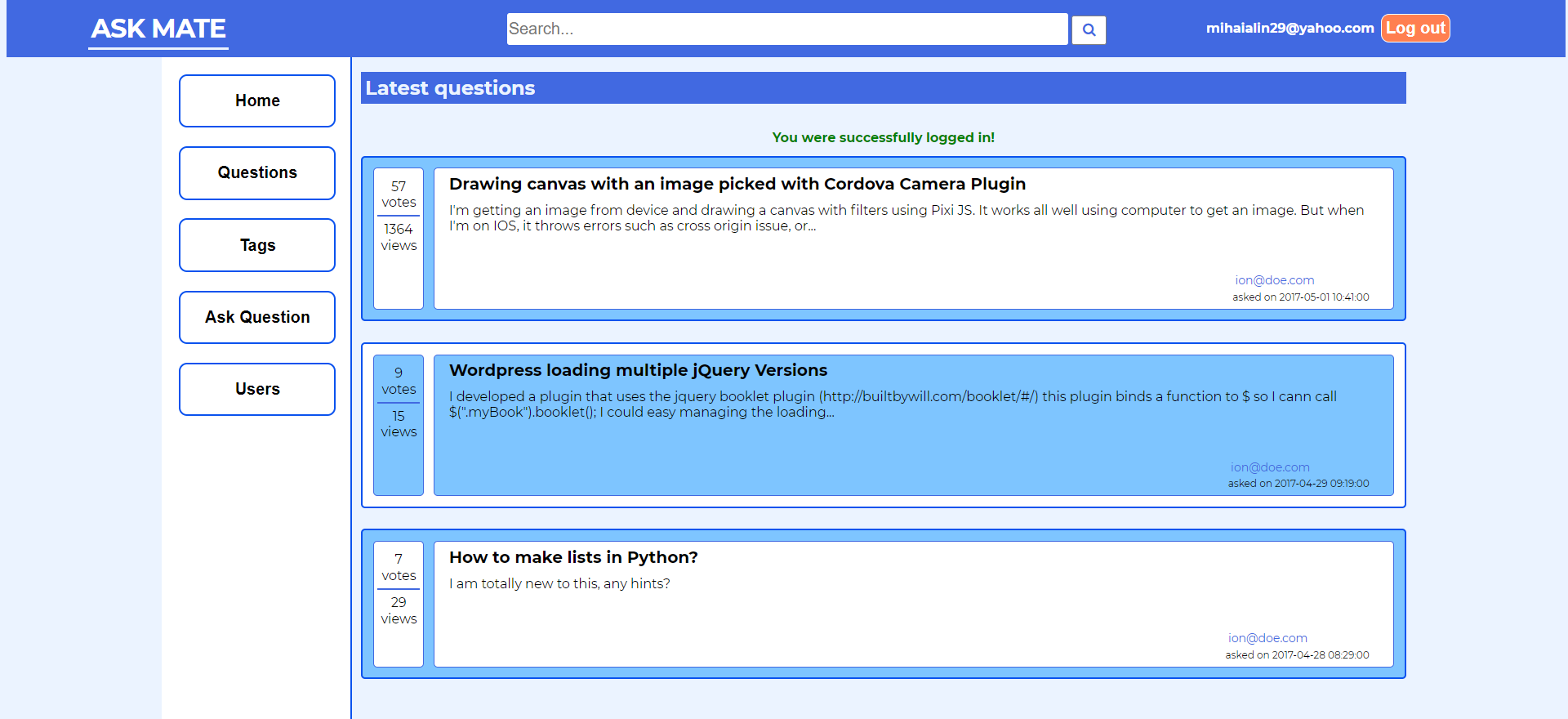
Home Page - Logged in:
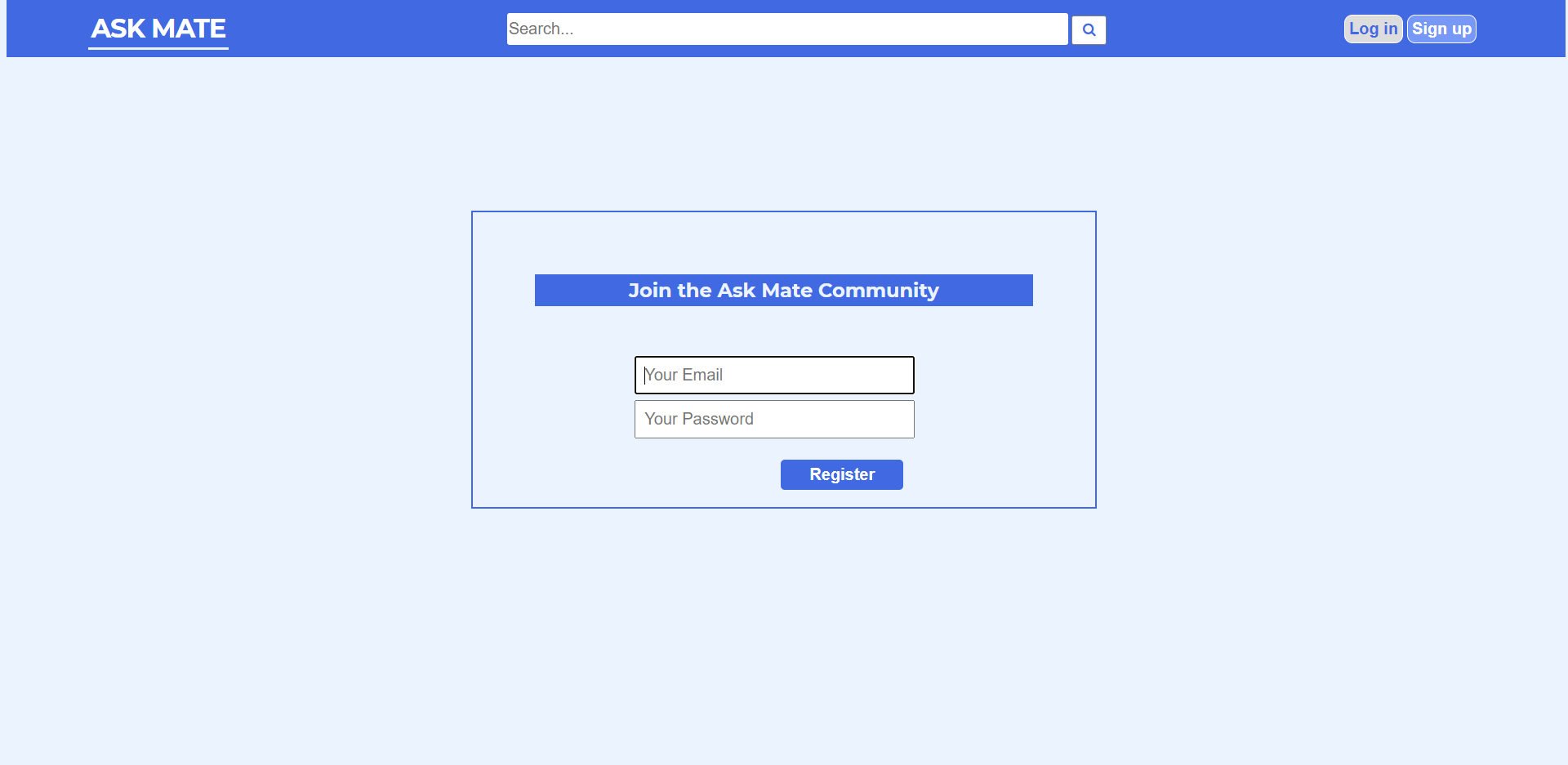
Register Form:
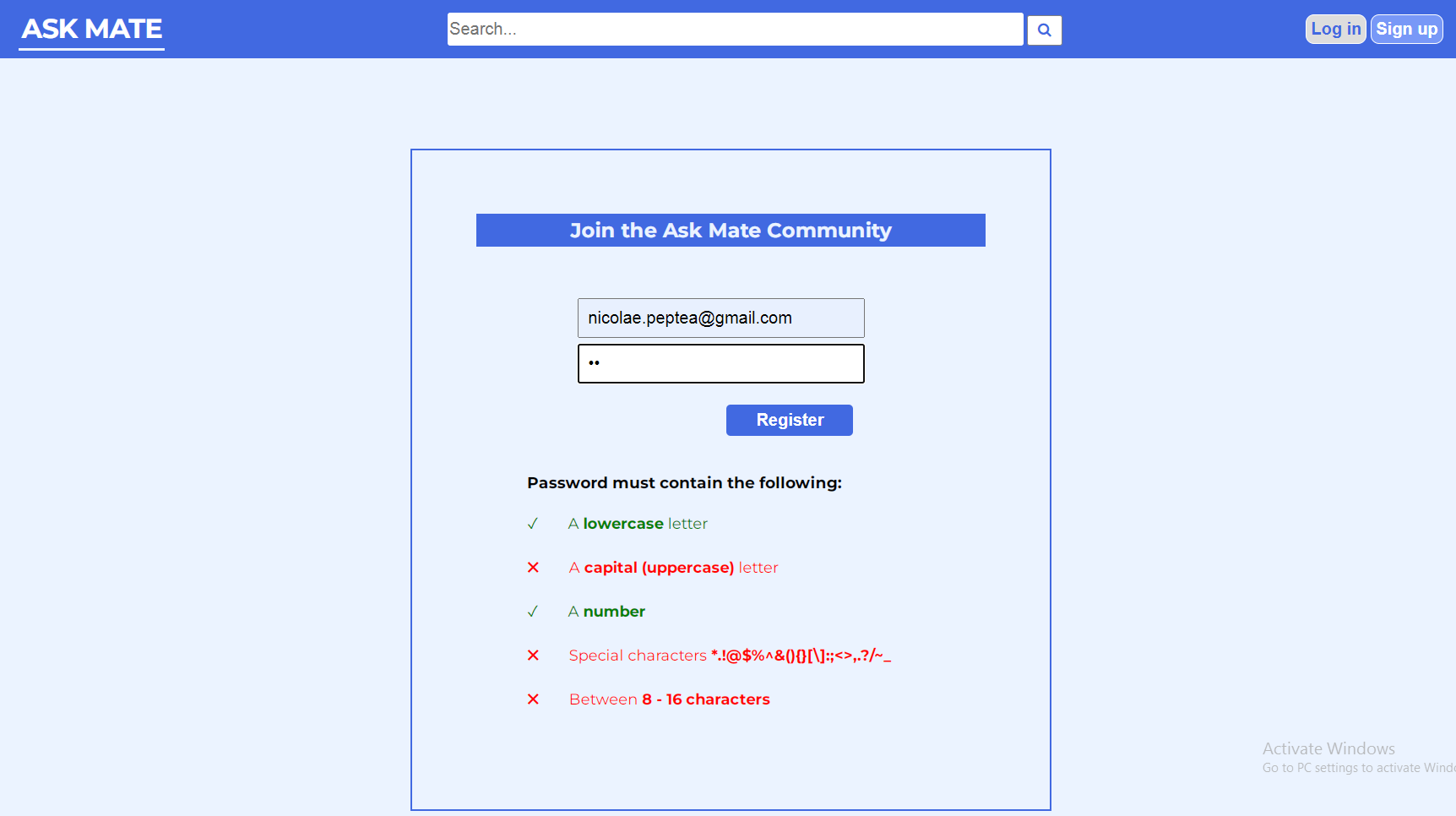
Password validation on client side:
Login Form:

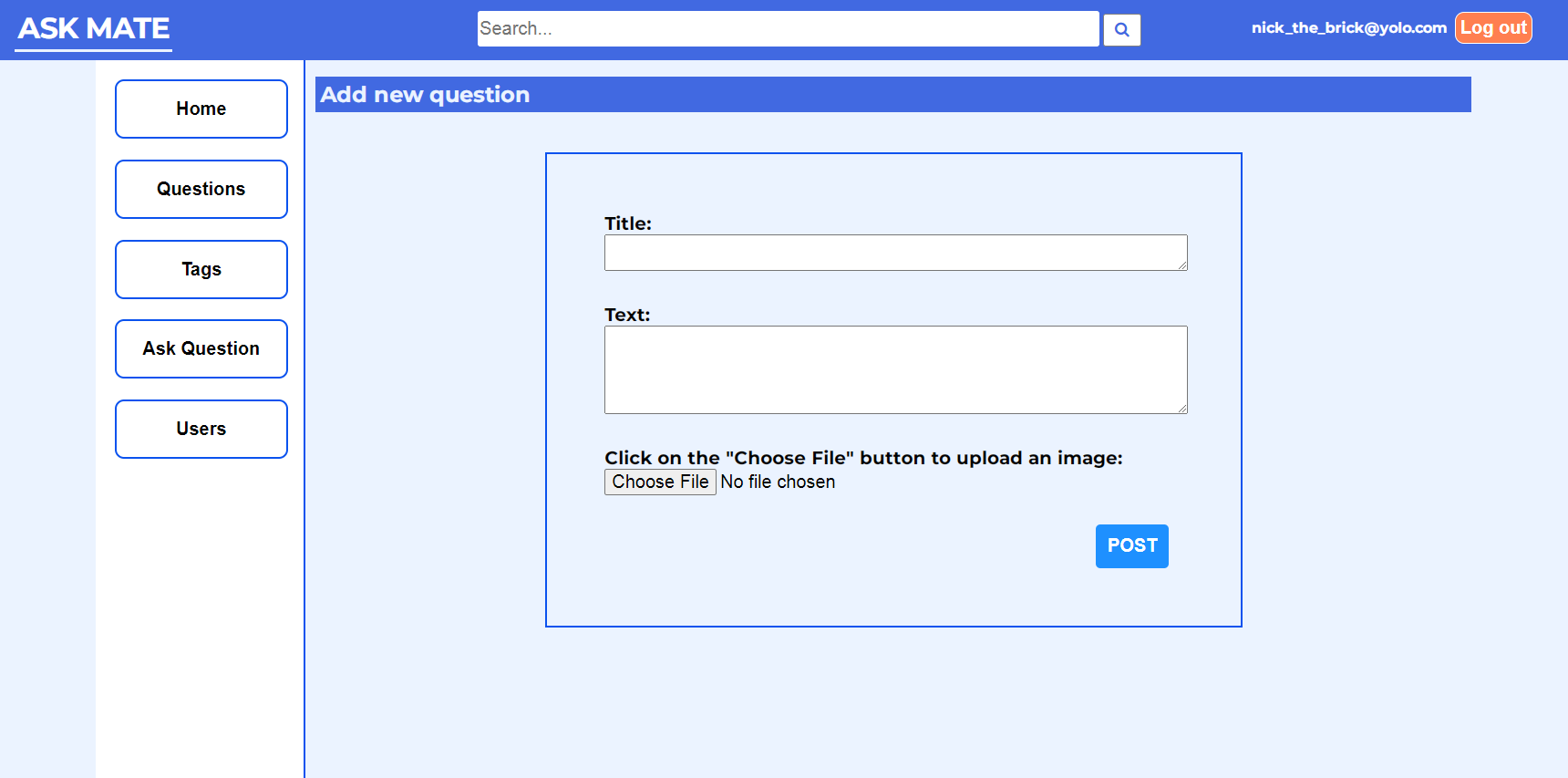
New question from:
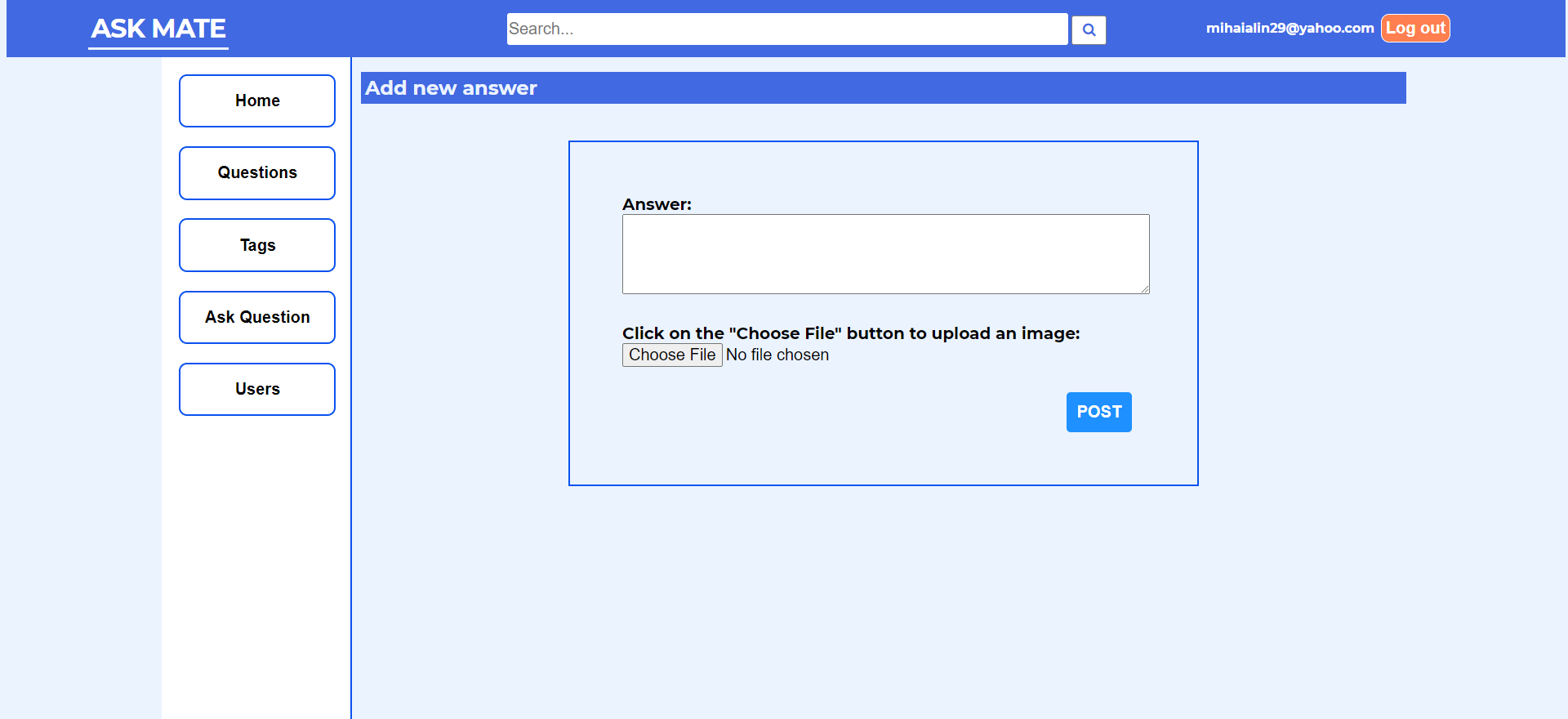
New Answer form:
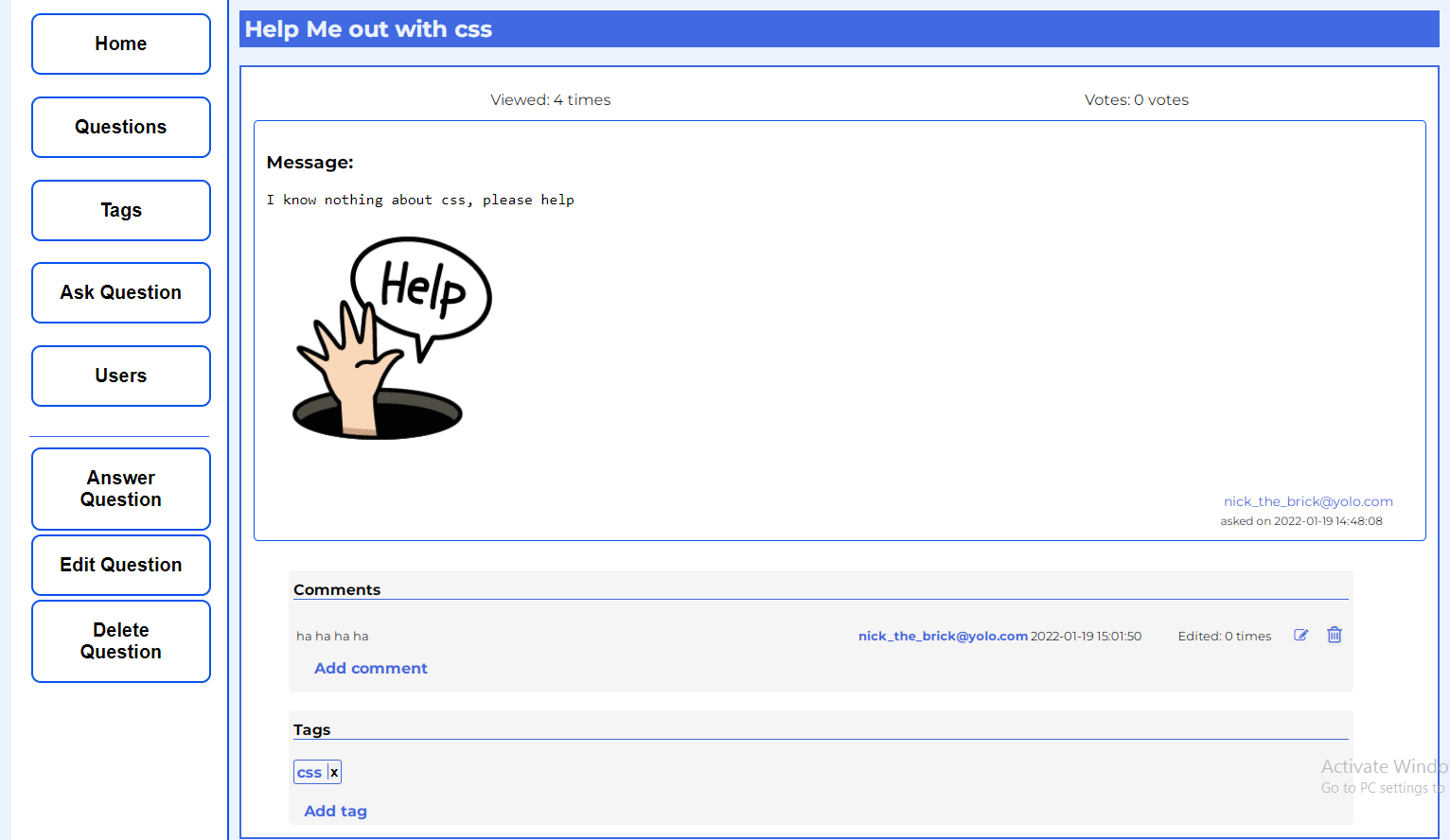
Question Details:
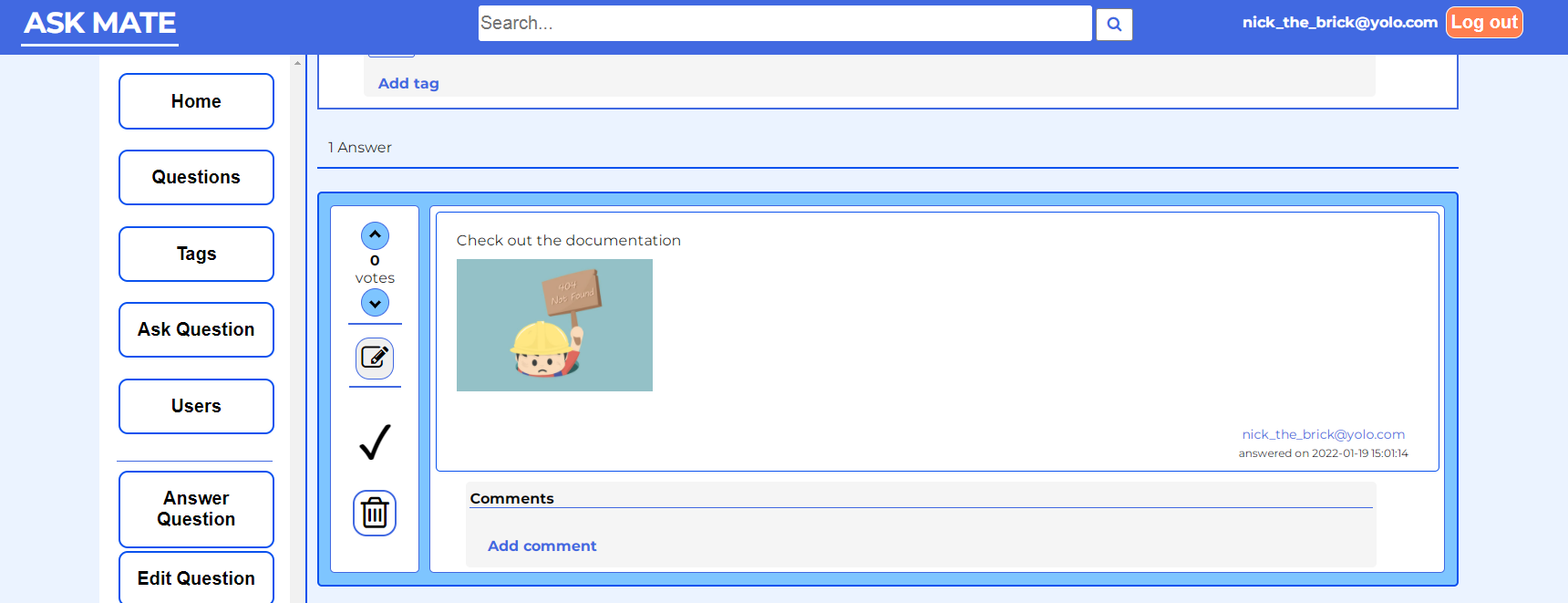
Answers:
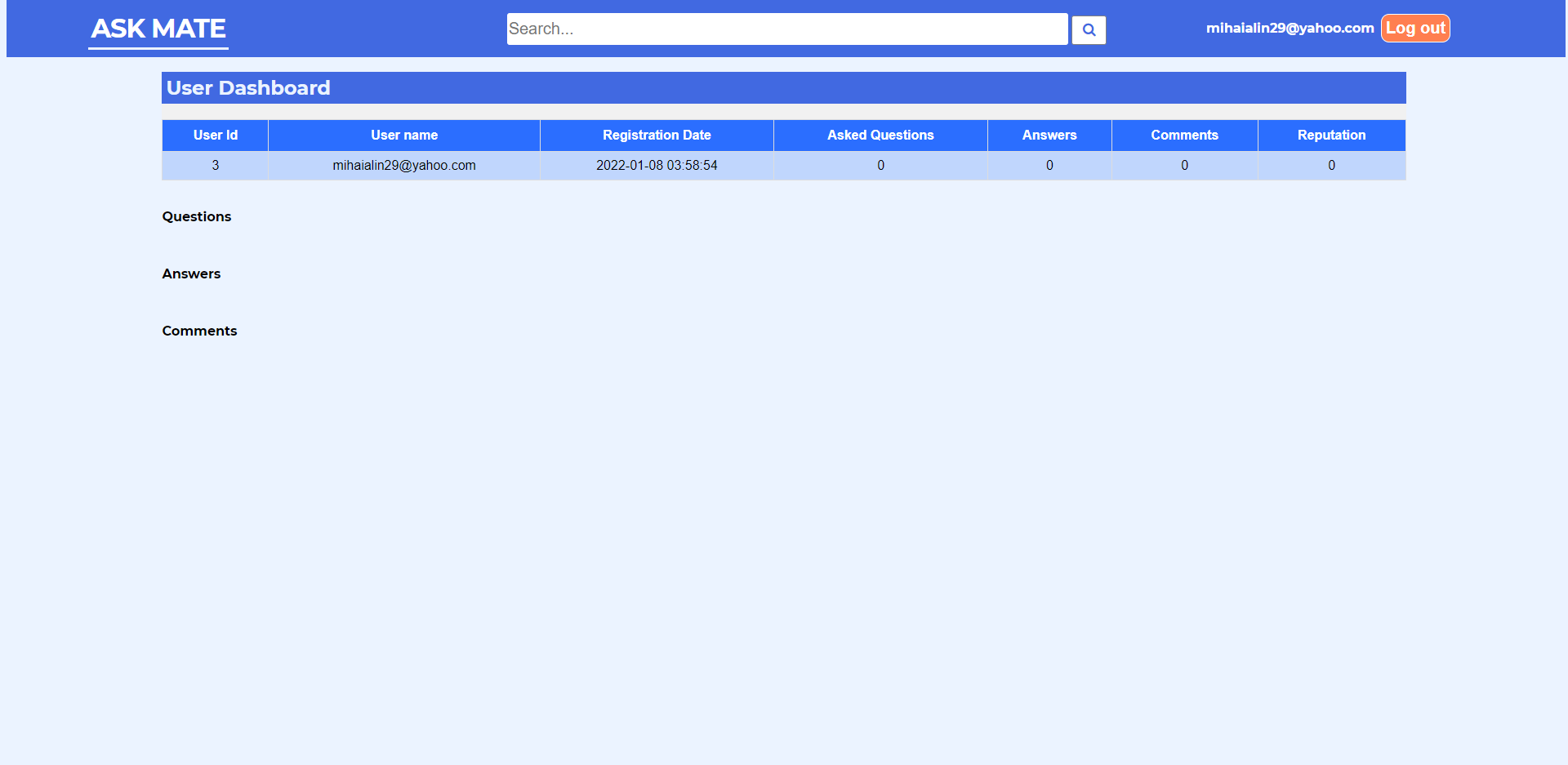
User Dashboard:
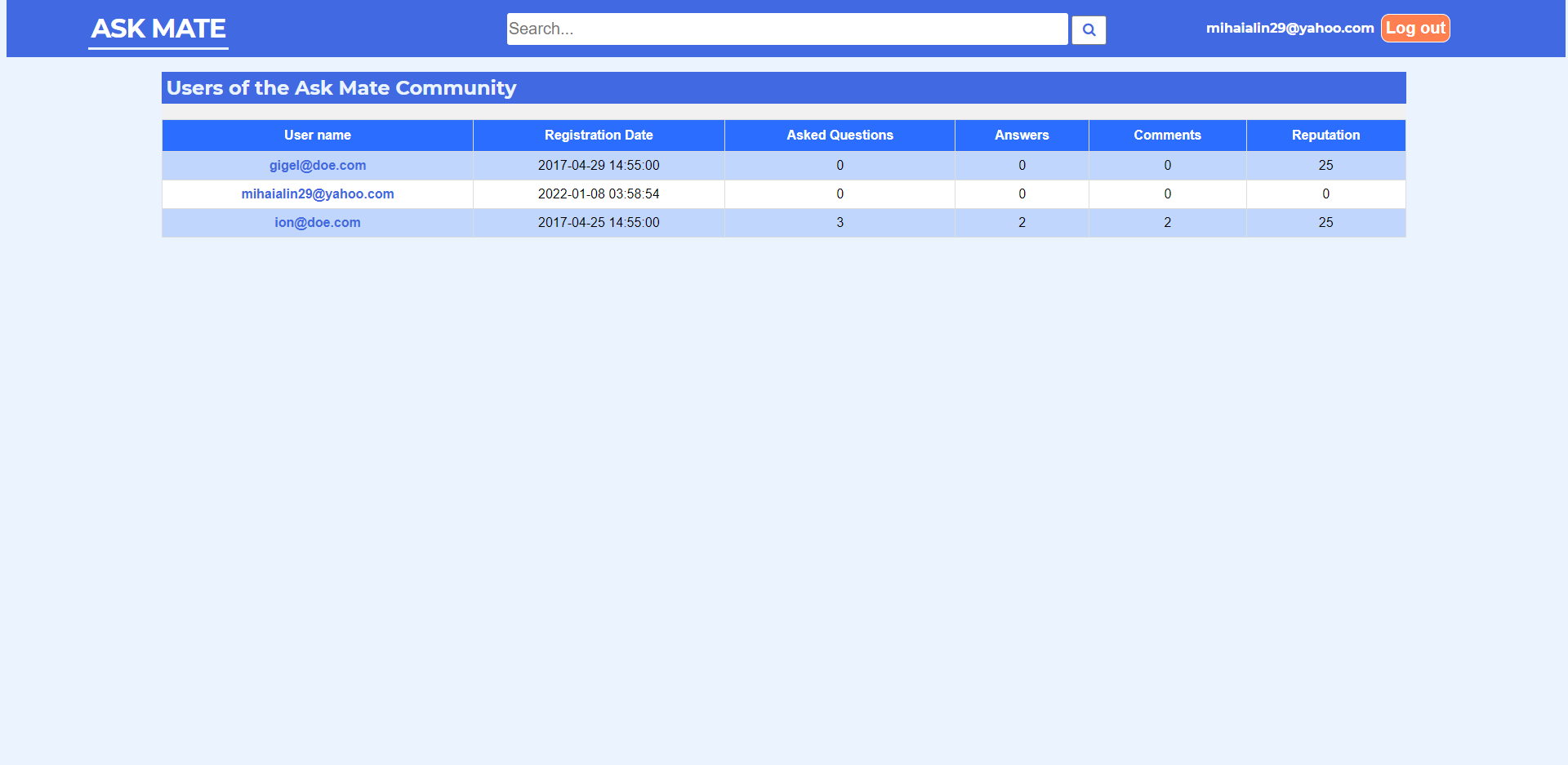
Users Statistics:
Tags Page:

- Go to the web app on Heroku
- Credentials for user login
user_name: nick_the_brick@yolo.com pass: L1nk1np@rk - Enjoy!
-
Install Python 3.8 or higher
-
Install PostgreSQL 14 or higher
-
In order to acccess the PSQL command line, set up the environment variables with the path of the
binandlibfolders of PostgreSQL directory. Maybe this video can give you a hand with this -
Run
psql -U postgresin the command line and add the password you choose when installed PostgreSQL to login -
Create a database
psql CREATE DATABASE <DB_NAME> -
Connect to the database you've just created
psql \c <DB_NAME> -
Seed the database with the data from
\sample_data\askmatepart2-sample-data.sqlby usingpsql \i <Copy realtive path of the askmatepart2-sample-data.sql>change the\path separator with/ -
Duplicate the
.env.templateand rename it to.env -
In the
.envfile fill these fieldsPSQL_PASSWORD=postgres account password PSQL_HOST=localhost PSQL_DB_NAME=db_name_you_created COOKIE_SECRET_KEY=something_random ex: gordgandoibv551150``` -
Go to your Python folder and add both the folder and the subfolder
Scriptspaths to the environment variables -
Install virtualenv with
pip install virtualenvfrom the command prompt -
Open the root directory and create a virtual environment
virtual venv venv -
Activate the virtual environment
venv\Scripts\activate -
Install requirements from the
requirements.txtpip install -r requirements.txt -
Run
server.py
Thanks for all the support to the Codecool mentors that have guided us!