My $ZDOTDIR dotfiles directory, which contains my zsh configuration.
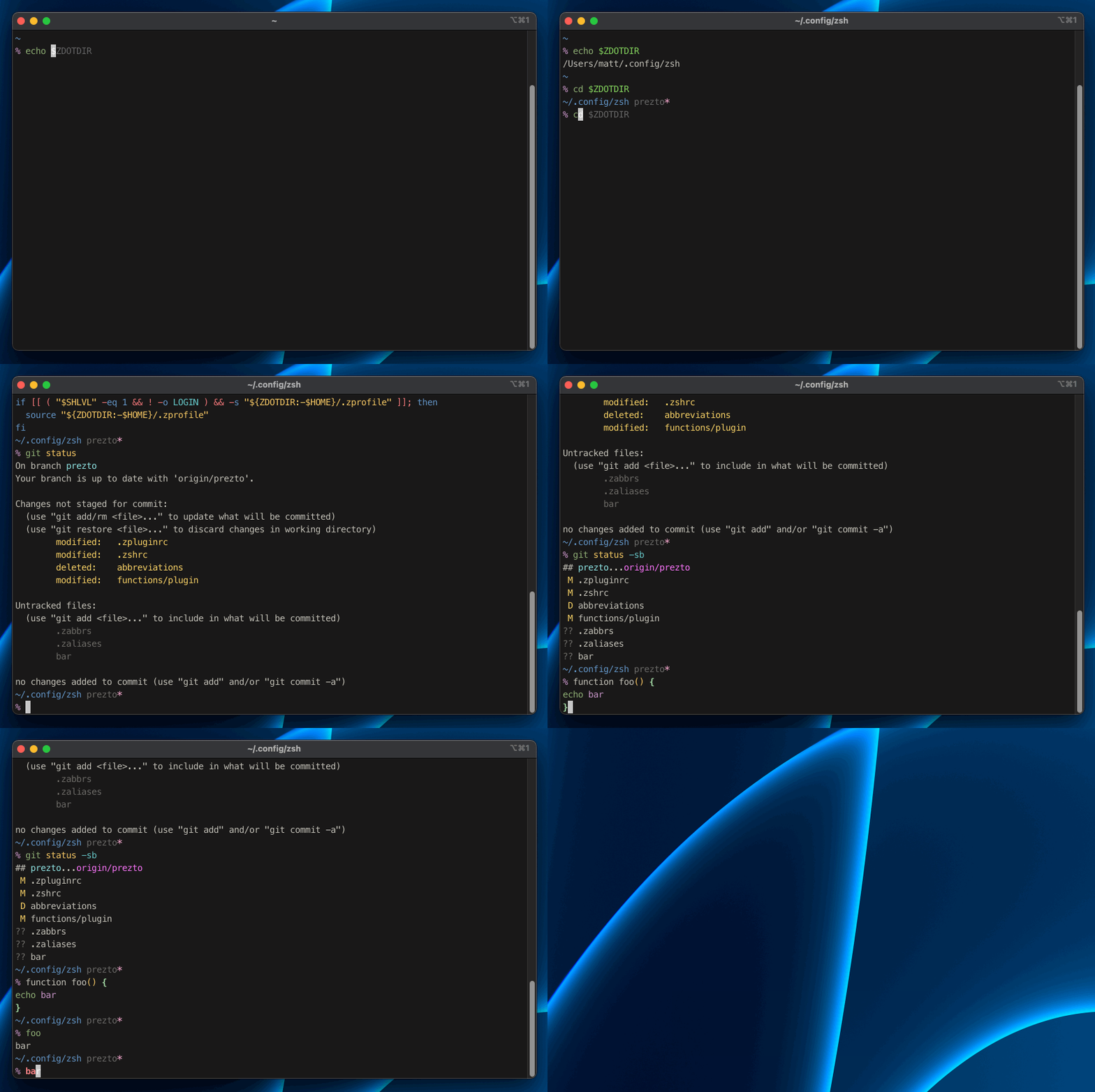
I like my Zsh to behave like Fish, so there's a lot of features that will be very familiar to other Fish users.
- A functions directory for my custom functions
- A completions directory for my custom functions
- A conf.d directory so that .zshrc isn't a cluttered mess
- A plugins directory similar to oh-my-zsh for adding/removing shell features
Since this is my personal $ZDOTDIR, this installation procedure is mostly for my personal use.
It's a good idea to backup existing files first:
setopt extended_glob
zfiles=(
  ${ZDOTDIR:-~}/.zsh*(.N)
  ${ZDOTDIR:-~}/.zlog*(.N)
  ${ZDOTDIR:-~}/.zprofile(.N)
)
mkdir -p ~/.bak
for zfile in $zfiles; do
  cp $zfile ~/.bak
done
unset zfile zfiles
Install this dotfiles repo to your $ZDOTDIR:
# set the amazing ZDOTDIR variable
export ZDOTDIR=~/.config/zsh

# clone this repo
git clone --recursive git@github.com:mattmc3/zdotdir.git $ZDOTDIR

# change the root .zshenv file to use ZDOTDIR
cat << 'EOF' >| ~/.zshenv
export ZDOTDIR=~/.config/zsh
[[ -f $ZDOTDIR/.zshenv ]] && . $ZDOTDIR/.zshenv
EOF

# load zsh
zsh
or simply via the installer
curl -Ls https://raw.githubusercontent.com/NicDom/zdotdir/main/installer | bashA snappy shell is very important. My config includes a zbench alias
that runs zsh 10 times and presents the timings.
The latest benchmark run shows that we load a new shell pretty fast.
% # MacBook Air (M1, 2020)
% for i in $(seq 10); do; /usr/bin/time zsh -lic exit; done
        0.06 real         0.03 user         0.02 sys
        0.04 real         0.02 user         0.01 sys
        0.04 real         0.02 user         0.01 sys
        0.04 real         0.02 user         0.01 sys
        0.04 real         0.02 user         0.01 sys
        0.04 real         0.02 user         0.01 sys
        0.04 real         0.02 user         0.02 sys
        0.04 real         0.02 user         0.01 sys
        0.04 real         0.02 user         0.01 sys
        0.04 real         0.02 user         0.01 sys

% # pure prompt
% zsh-bench
==> benchmarking login shell of user matt ...
creates_tty=0
has_compsys=1
has_syntax_highlighting=0
has_autosuggestions=1
has_git_prompt=0
first_prompt_lag_ms=17.076
first_command_lag_ms=83.892
command_lag_ms=57.657
input_lag_ms=5.708
exit_time_ms=43.770Install nerd fonts via homebrew:
brew tap homebrew/cask-fonts
brew install --cask font-meslo-lg-nerd-font
brew install --cask font-fira-code-nerd-font
brew install --cask font-hack-nerd-font
brew install --cask font-inconsolata-nerd-font
brew install --cask font-sauce-code-pro-nerd-fontiTerm2 has some awesome color schemes. You can use them for more than just iTerm2.
I use Space Gray:
