An E-commerce website for Web Project. This project is separated into two sections: user and admin. In the user section, users can view products in several categories and filter them by color and size. The user can also sort the products from newest to oldest or by price. Users can view product details, add to cart, place order, and track orders on the E-commerce website. To place an order, each user must first register and log in with their credentials. When a user place an order a bank’s payment gateway will appear prompting the user to enter information and a secret key in order to complete the transaction. When all of the requirements are met, the bank will produce a transaction id, and the funds will be transferred from the user’s bank account to the E-commerce bank account. Ecommerce frontend interact with two other api LeatherWallet and a Supplier backend API. Whole workflow can be understand from this PDF.
MongoDB, Expressjs, React, Redux, Nodejs
MERN is a fullstack implementation in MongoDB, Expressjs, React/Redux, Nodejs. The idea is to use Javascript/Node for fullstack web development.
$ git clone https://github.com/NaimulHasanFahim/webproject.git
client/
   package.json
server/
   package.json
   .env (Need to create your own .env for run this project see below for instructions)
...
Note that you need client and server runs concurrently in different terminal session, in order to make them talk to each other. This project is totally modular so you can run the client or server side code after extracting the downloaded folder.
$ cd client   // go to client folder
$ npm i       // npm install packages
$ npm start // run it locally
(You need to add .env File to run the Server side API code)
.env File Structure
PORT = 5000
CONNECTION_URL = Your Url
PASS_SECRET = Your Secret
JWT_SECRET = Your secret
$ cd server   // go to server folder
$ npm i       // npm install packages
$ npm start // run it locally
| Client-side | Server-side |
|---|---|
| axios: ^0.27.2 | bcrypt-nodejs: ^0.0.3 |
| babel-preset-stage-1: ^6.1.18 | body-parser: ^1.15.2 |
| sass: ^1.54.5 | cors: ^2.8.5 |
| react: ^18.2.0 | dotenv: ^16.0.1 |
| react-dom: ^18.2.0 | express: ^4.18.1 |
| react-redux: ^8.0.2 | jwt-simple: ^0.5.1 |
| react-router-dom: ^6.3.0 | mongoose: ^6.3.5 |
| redux: ^4.4.0 | jsonwebtoken : ^8.5.1 |
| redux-thunk: ^2.1.0 | crypto-js : ^4.1.1 |
| redux-persist : ^6.0.0 | nodemon : ^2.0.16 |
| styled-components : ^5.3.5 |
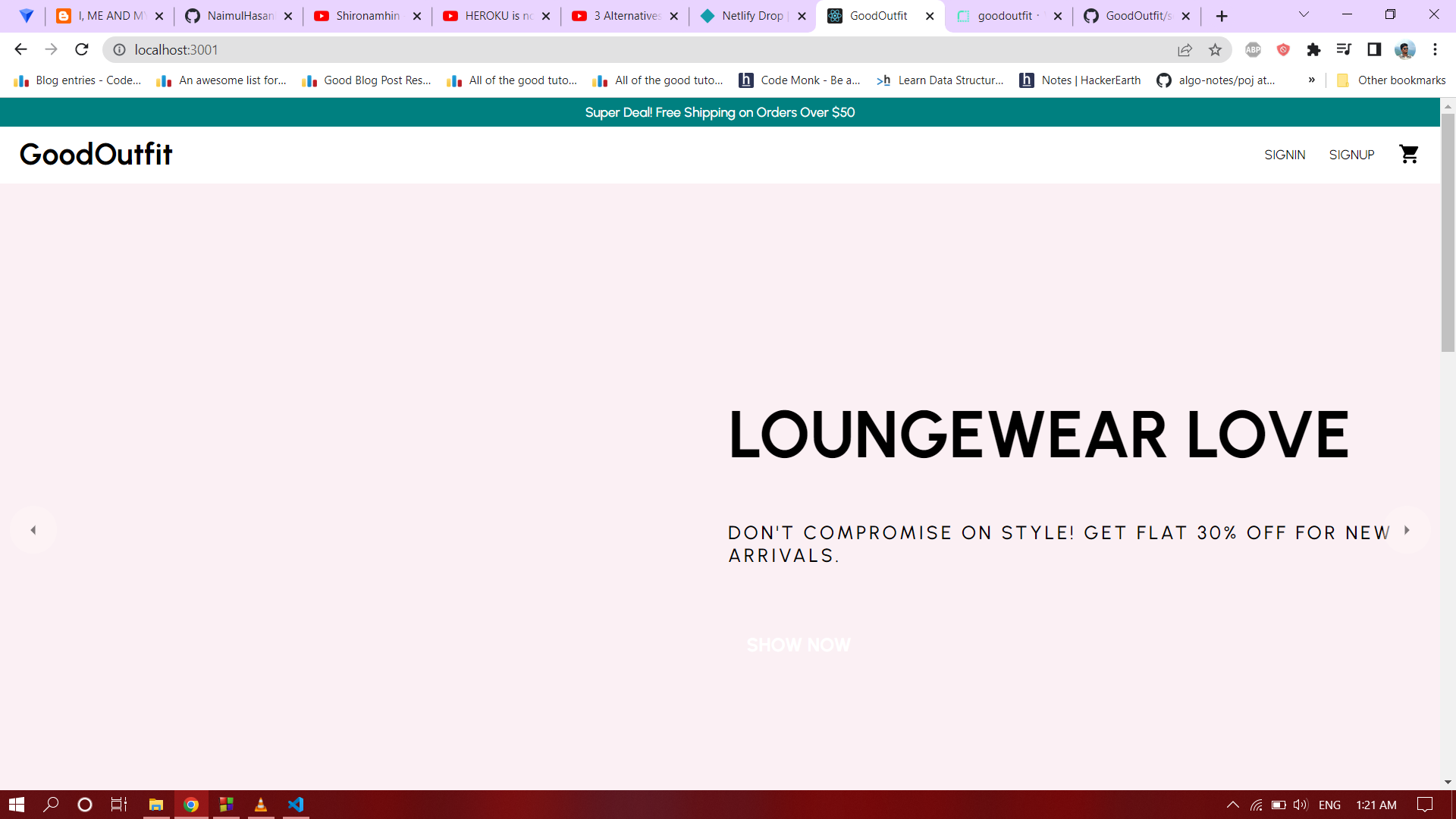
Landing page
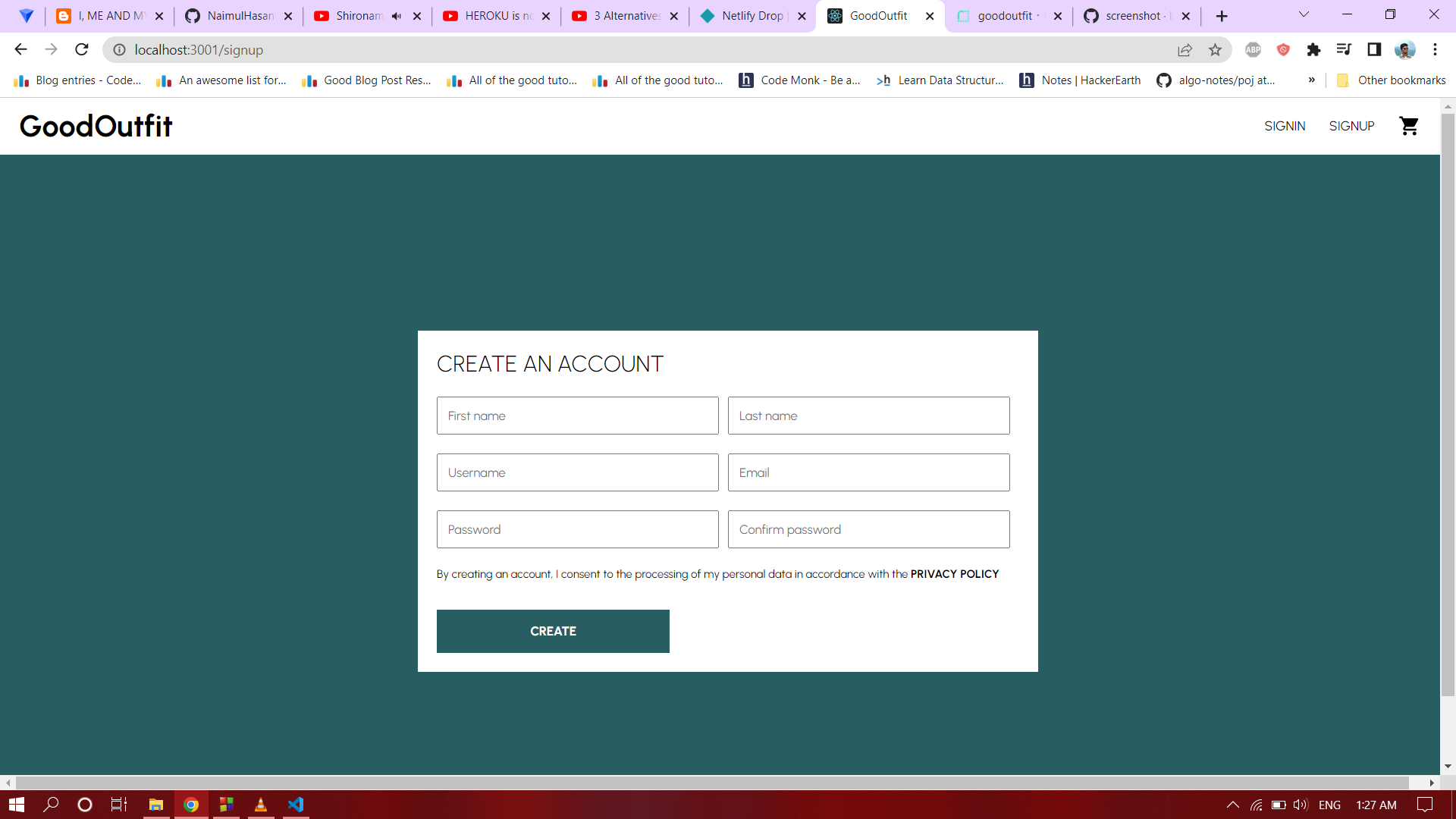
User can sign in or sign up
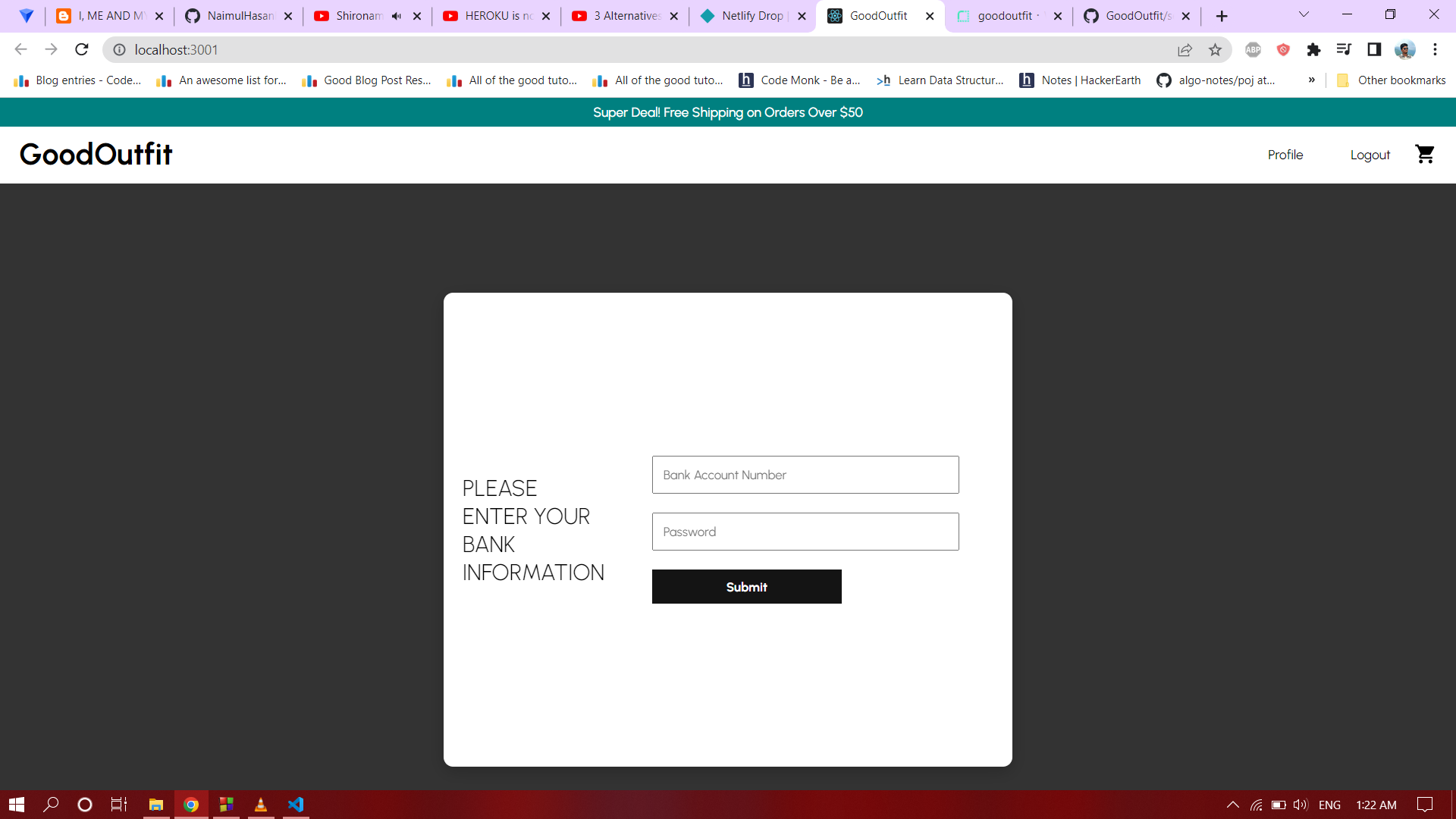
After first time sign in a popup appears to enter user bank information.
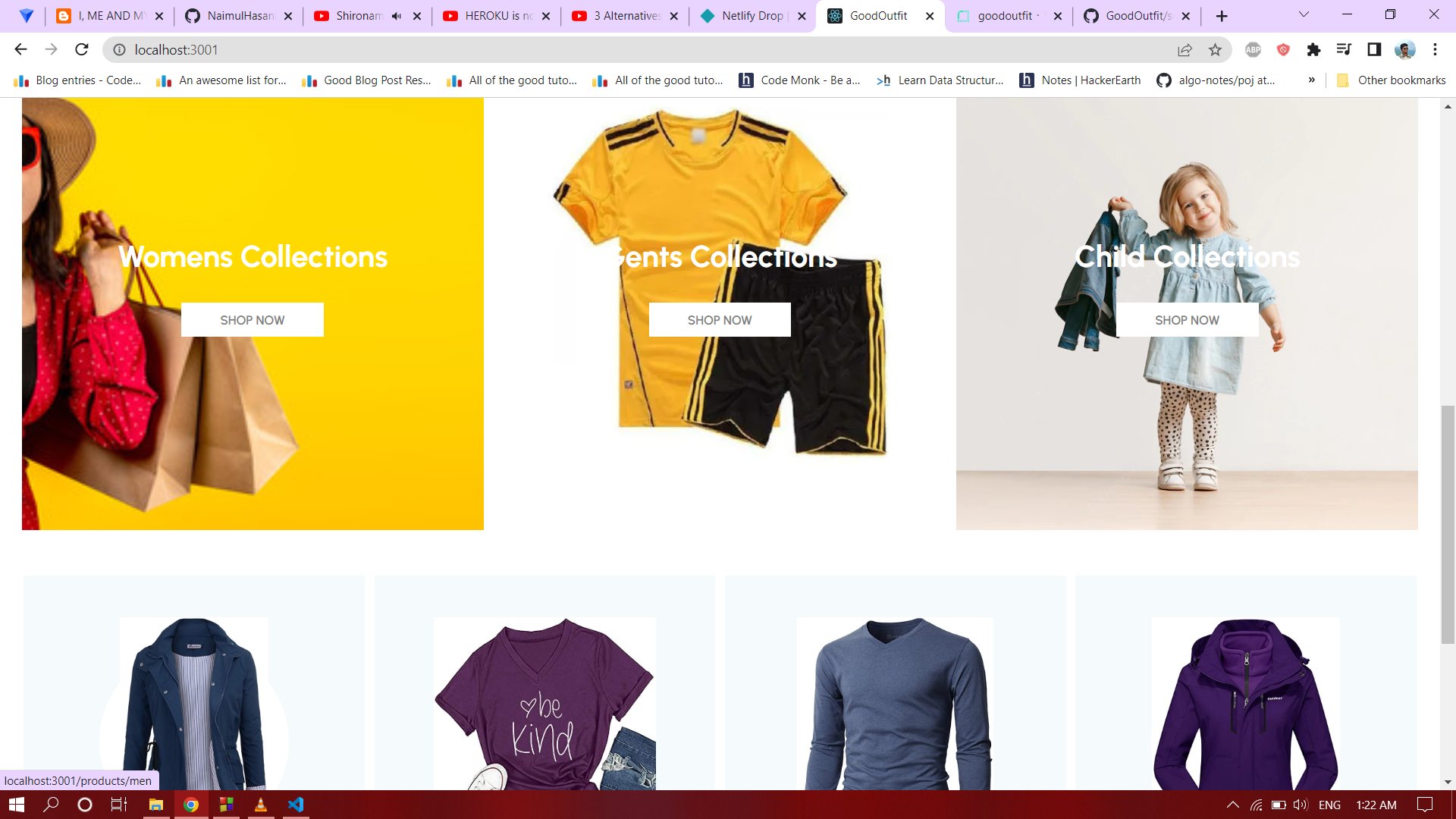
There are three category of products.
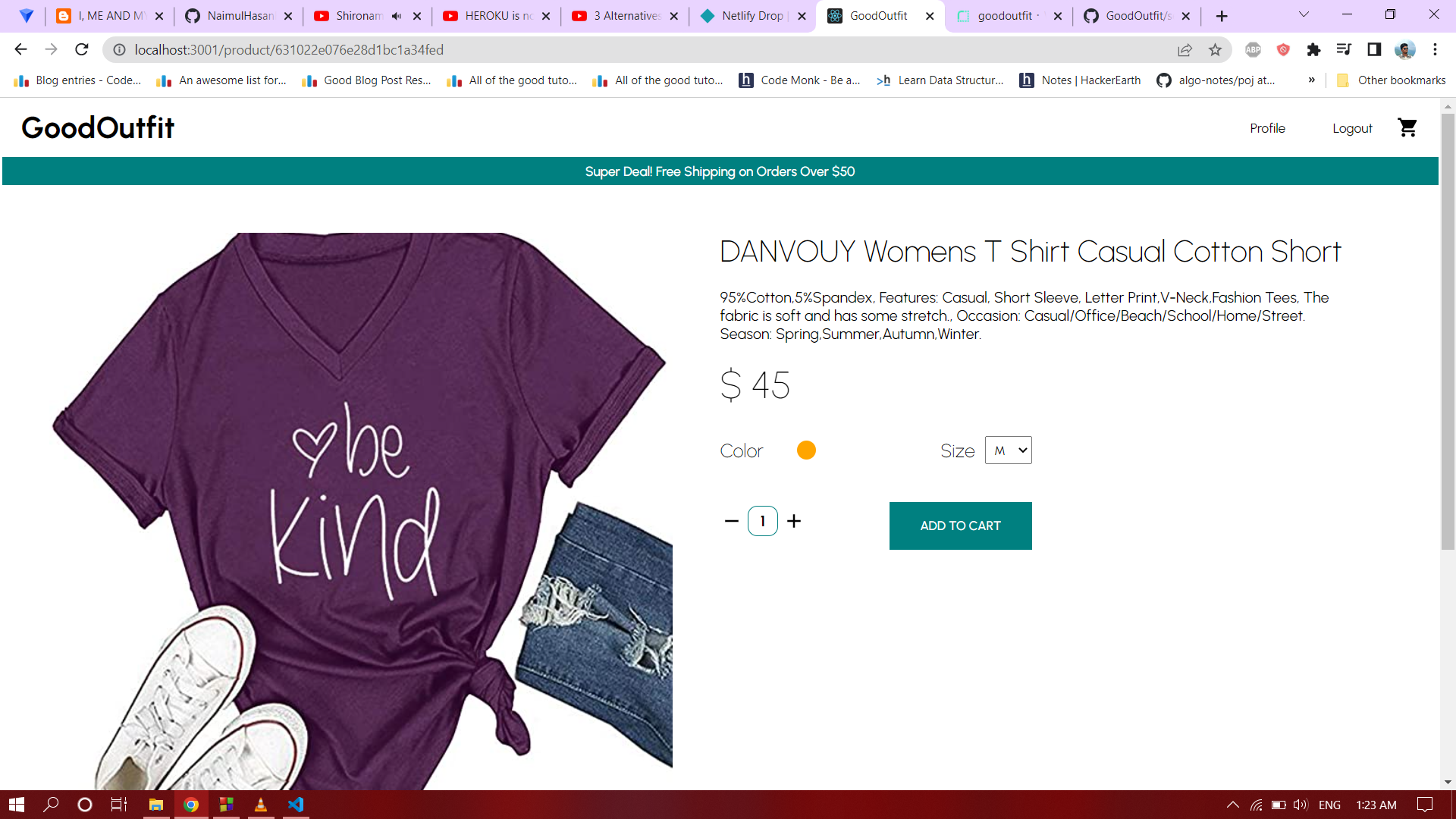
Single product details.
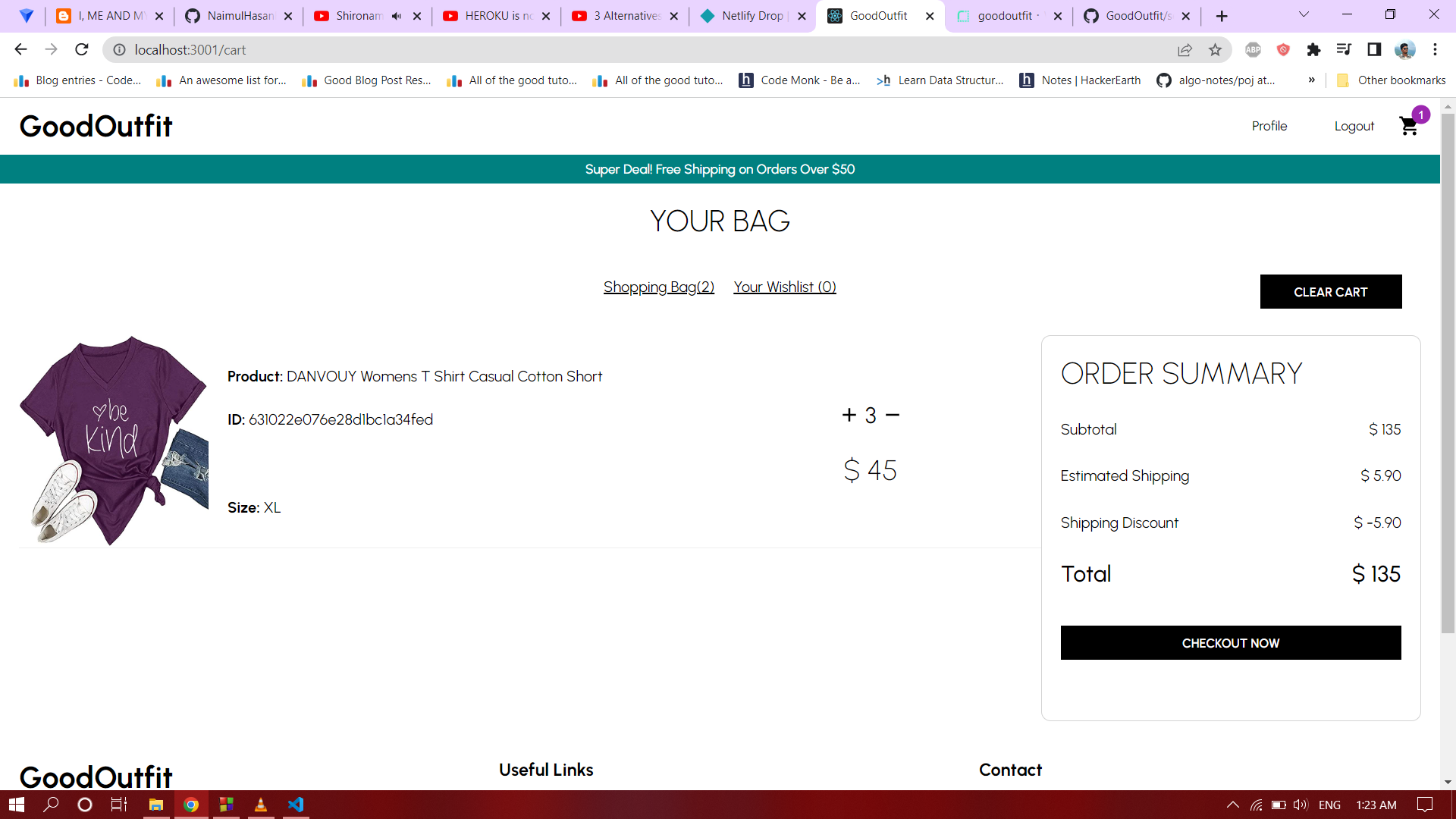
Cart details.
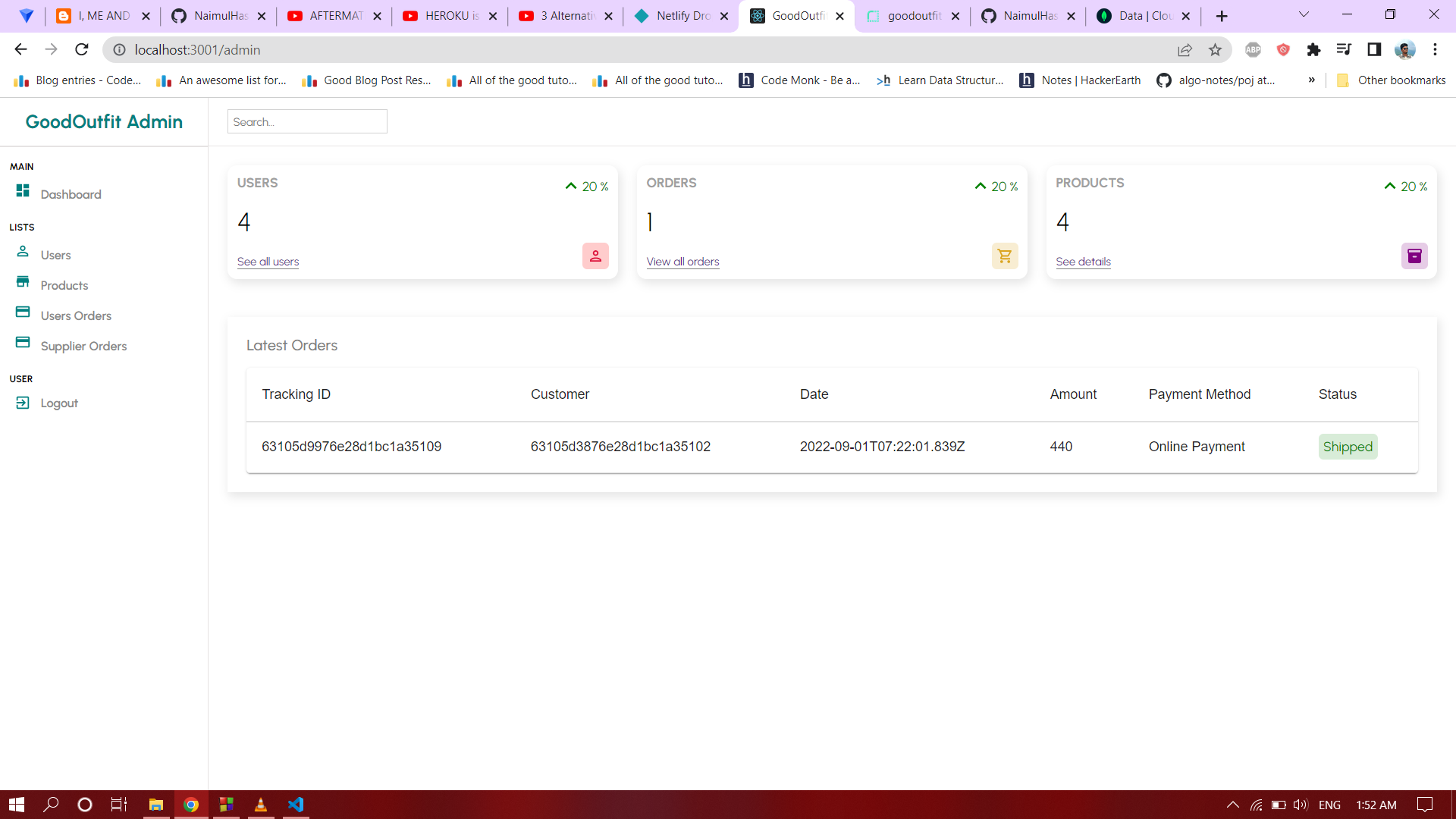
Admin panel
Create new Issues (preferred)
Email Me: mohammadfahimshah@gmail.com