- Download the project and decompress it into the folder ~/idm (or wherever you want).
- Start ganache (or your private blockchain).
- Open the terminal (if you are using Windows you must use the Power Shell) in the folder ~/idm and run the command:
$ truffle console --network ganache- If ganache is running you should be inside the truffle console; now run the following command in the truffle console:
> migrate --reset --compile-all- If the migration was successful, copy the file ~/idm/build/contracts/Users.json into the folder ~/idm/app-users/src/assets/
- Open another terminal in the folder ~/idm/app-users and run the command:
$ npm install- Once all the dependencies are installed run the command:
$ npm run devIf everything went fine, the terminal will display a message similar to:
DONE  Compiled successfully in 5166ms           15:54:53

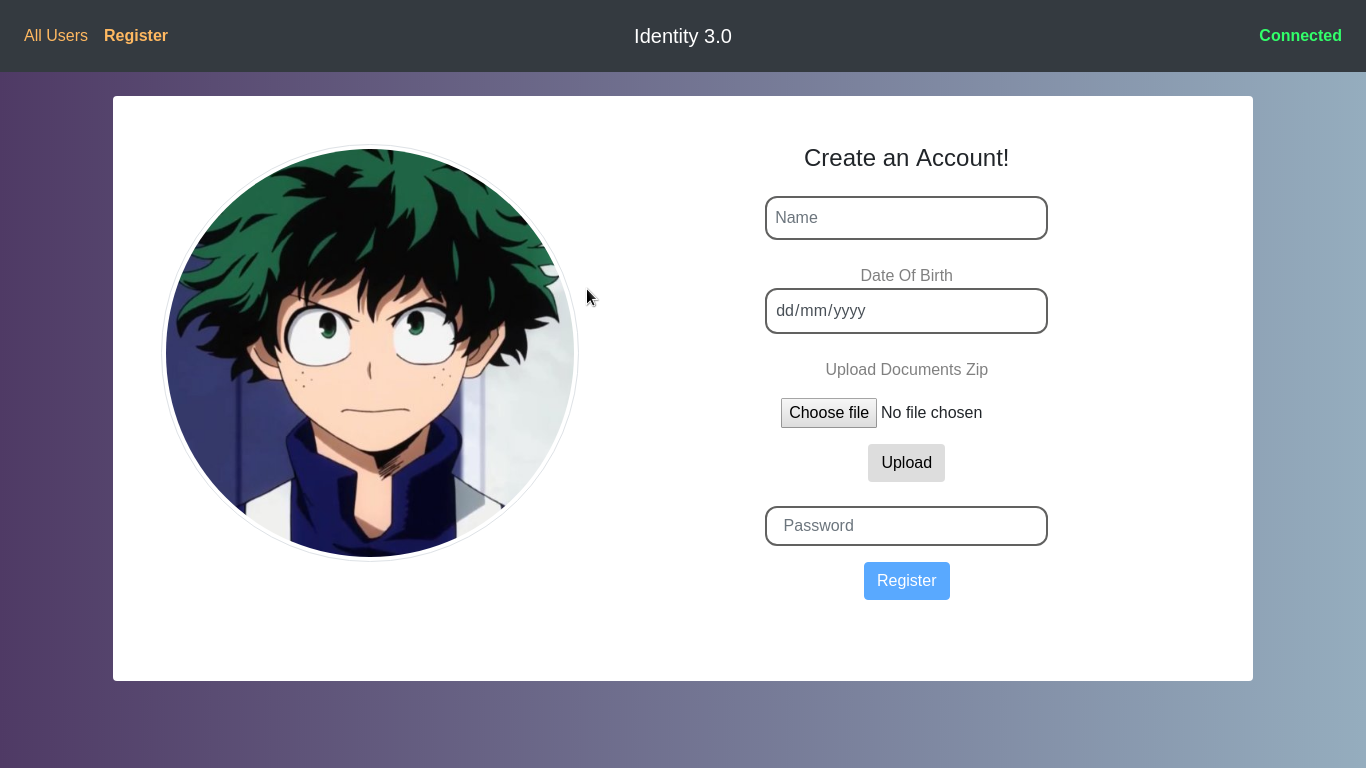
Your application is running here: http://localhost:8080- Open the browser, go to the URL shown by your terminal and play with the DApp!
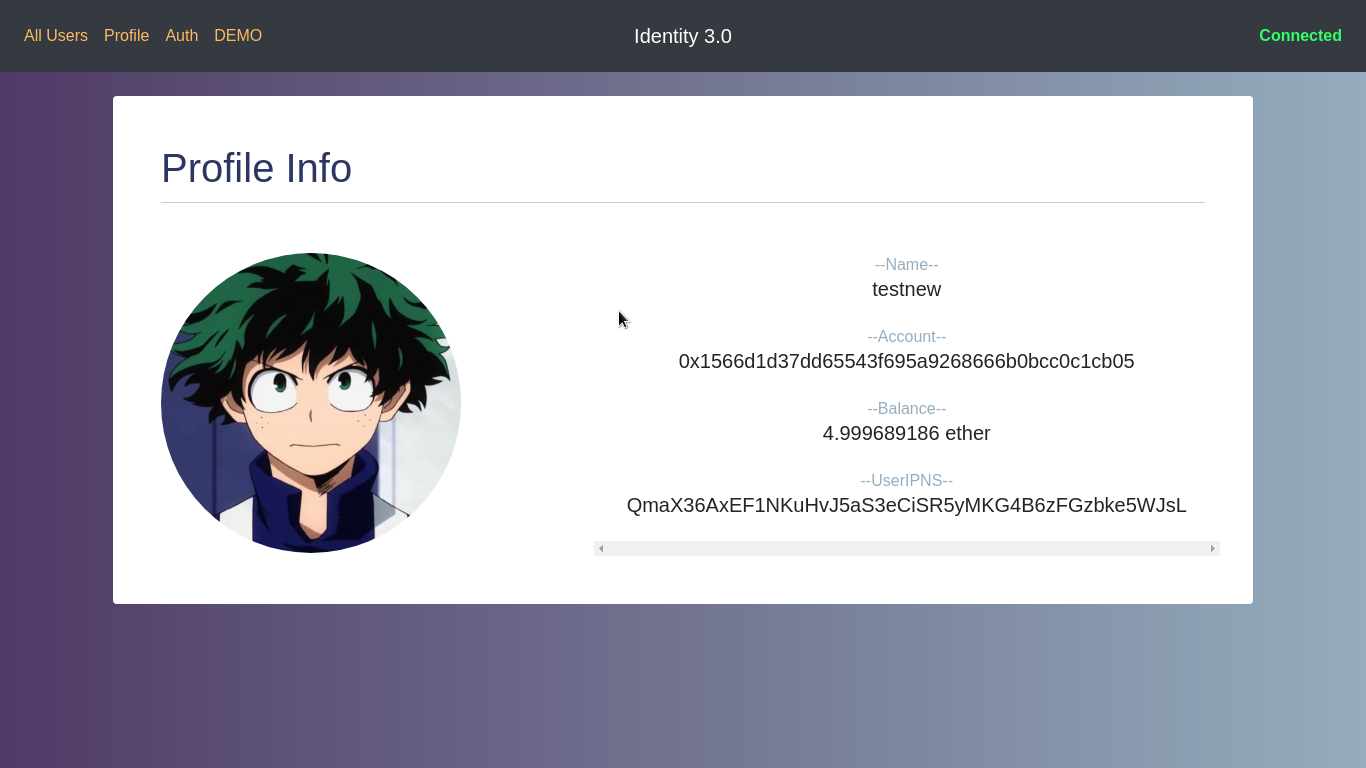
NOTE: if you want to try to add more user profiles you have to install metamask in your browser, then import the accounts into metamask and finally change account on metamask in order to register a new user.