
Your Path To Financial Stability
The pandemic has worsened the situation, with economic shutdowns and job losses leading to increased poverty rates, particularly in developing countries. Underserved families are the most affected, with limited access to healthcare, education, and basic necessities like food and shelter. The pandemic has also highlighted the inequalities that exist within societies, as those in marginalized communities are hit the hardest. The effects of COVID-19 on global extreme poverty will be long-lasting, and urgent action is needed to support those affected and prevent further spread.
When you hear the phrase "extreme poverty," what thoughts come to mind? Food, education, jobs, income? Worry not, our app could help in addressesing these factors. Introducing UpLift, a mobile application that assists both the underserved and underpriviledged communities to earn more income by utilising their free time. With this app, not only 1 family member could contribute to the family income, the entire family members could contribute to the household income.
The app has 3 main features:
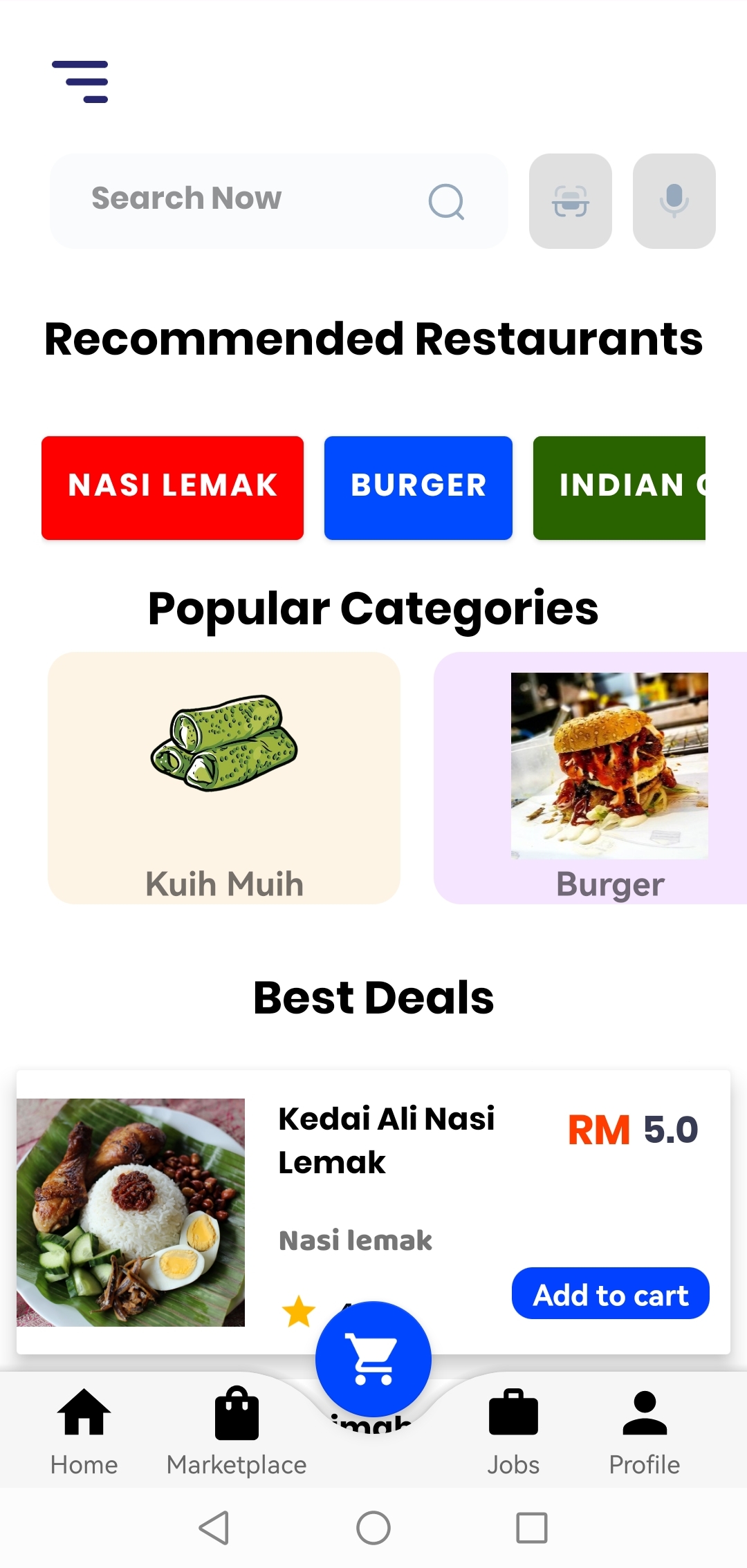
- Marketplace - Platform that allows the underserved communities to utilise their skills and expertise and sell their handmade food or handcrafted items that they made such as home decor products like canvas paintings.
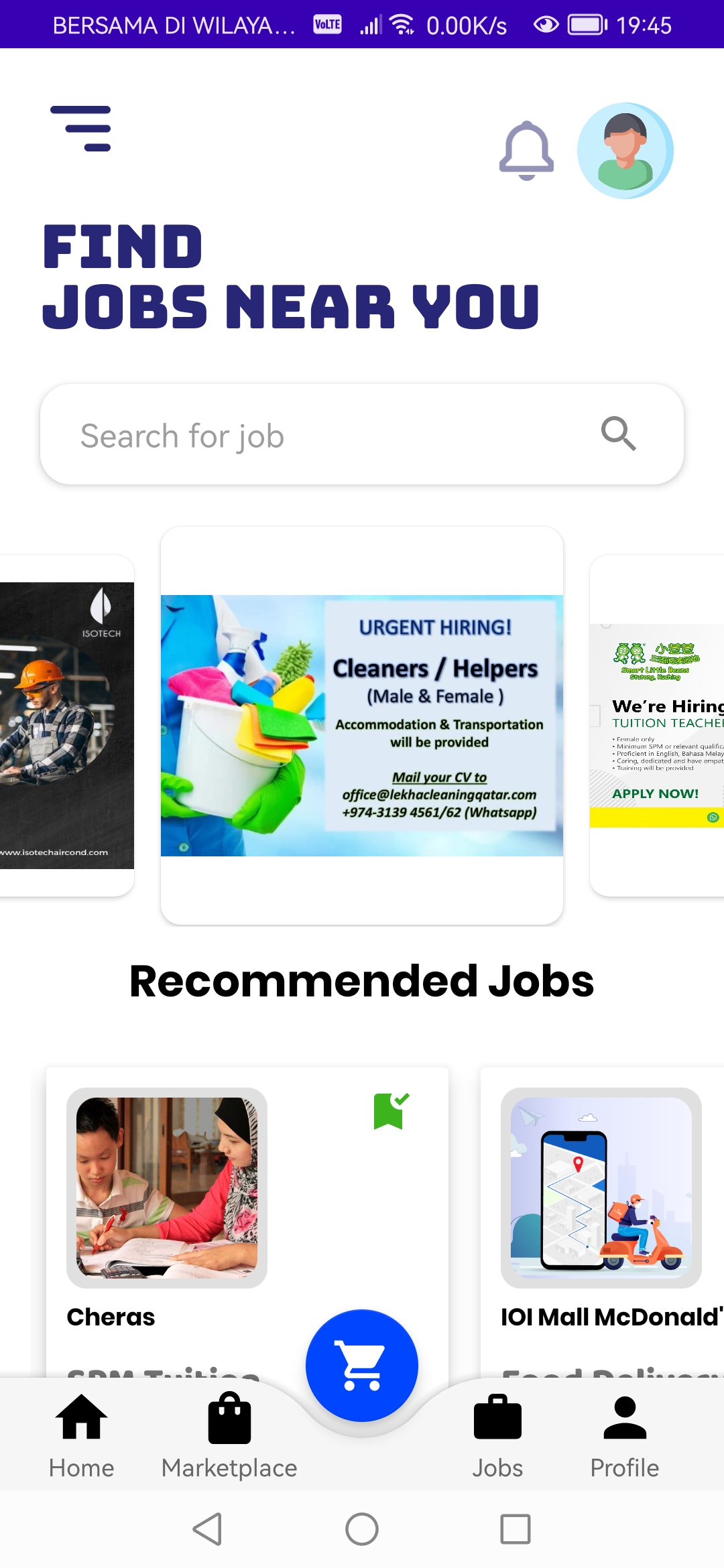
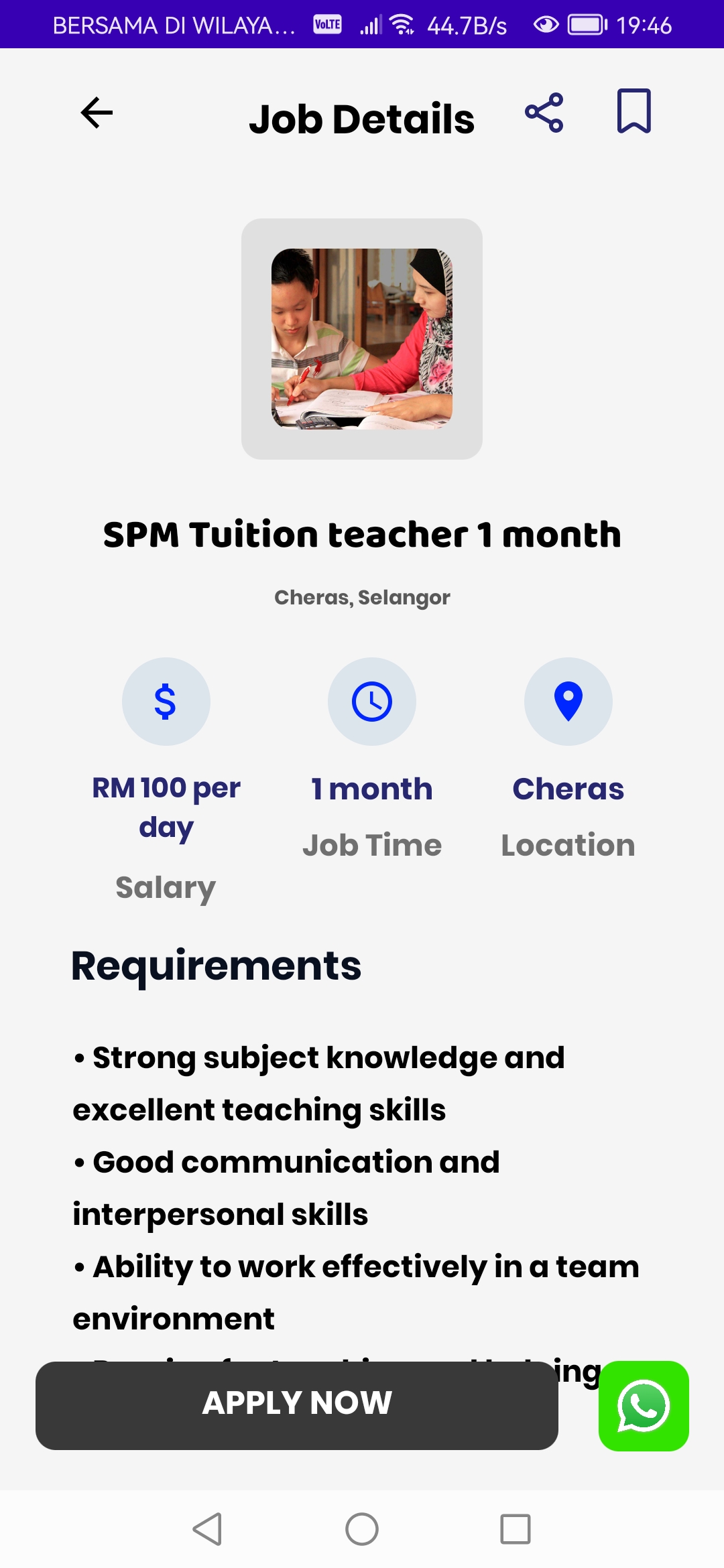
- Job portal - Platform that allows the underserved communities to search for more job opportunities
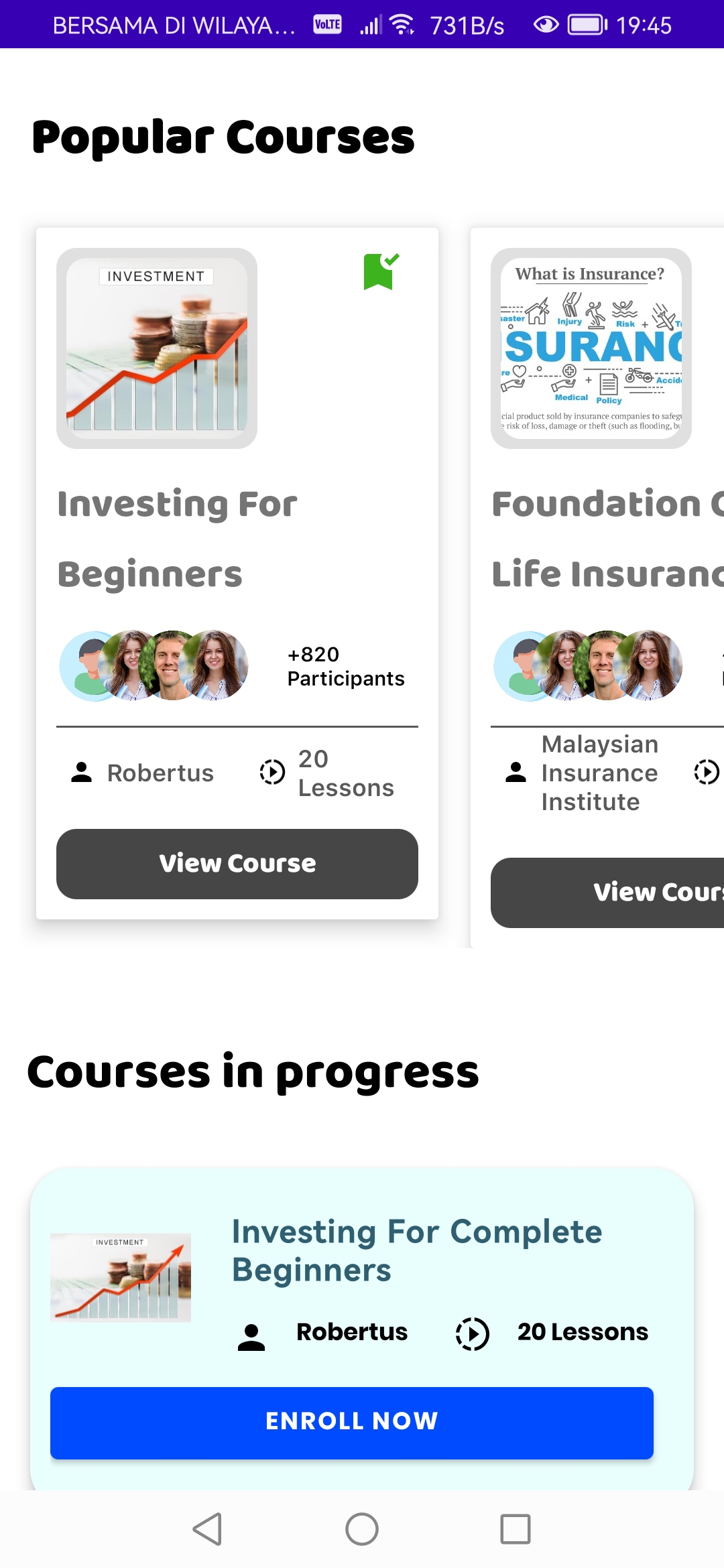
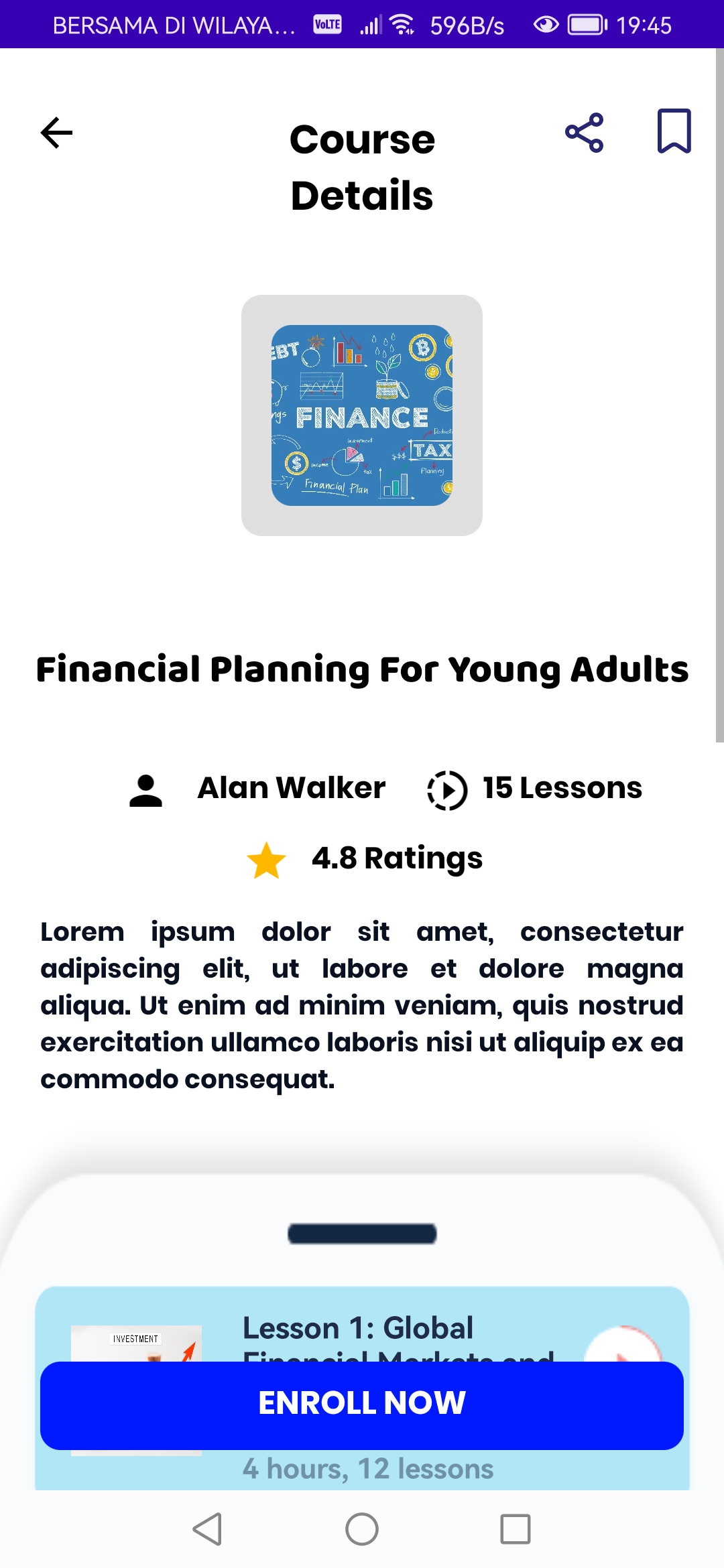
- Education - Due to the low financial literacy rates among the underserved communities, this platform could educate them on investment, financial planning and etc, letting them know how they can use the income they earned wisely
| No Poverty | Quality Education | Decent Work and Economic Growth | Reduced Inequalities |
|---|---|---|---|
 |
 |
 |
 |
| Android | Kotlin | Firebase | Google Maps API |
|---|---|---|---|
 |
 |
  |
 |
We aim to include these features in the future:
1) Add online transaction capabilities
- User will be able to perform transactions, such as deposits, withdrawals, and fund transfers
2) Collaborate with Government
- This may involve offering financial assistance programs, providing financial education resources, or partnering with local organizations to provide support to those in need. By working with the government and community organizations, we aim to create more opportunities for financial empowerment and inclusion.
3) Supports Multiple Languages
- By providing translations of our content and user interface in various languages, we hope to enhance the user experience and cater to the needs of a diverse user base. Our goal is to ensure that language barriers do not prevent people from accessing our app and benefiting from its features.
-
Please make sure you have Android installed. If you do not, follow the steps from here.
-
Clone this repo to your local machine using:
git clone https://github.com/Melo04/UpLift.git
-
Import the project: From the Android Studio welcome screen, select "Import project (Eclipse ADT, Gradle, etc.)". Then, navigate to the location where you cloned the repository and select the project folder.
-
Build the project: After importing the project, you need to build it by selecting "Build" from the top menu and then clicking "Make Project".
-
Enable the developer mode on your phone and connect it to your computer with the USB cable, or you can choose to install an Android Emulator, follow the steps here.
-
Finally, to view the app, click on the "Run" button in Android Studio and select the device or emulator you want to use. The app should now be running on your device or emulator.
-
Remember to enable light mode in your phone and turn on your phone's location for Google Maps API Integration
Hey there, my name is Melody Koh Si Jie, a First year Computer Science student studying in Multimedia University Cyberjaya in Malaysia.
- Github (Melo04)
| Splash Screen | Verify Identity | Onboarding | Onboarding |
|---|---|---|---|
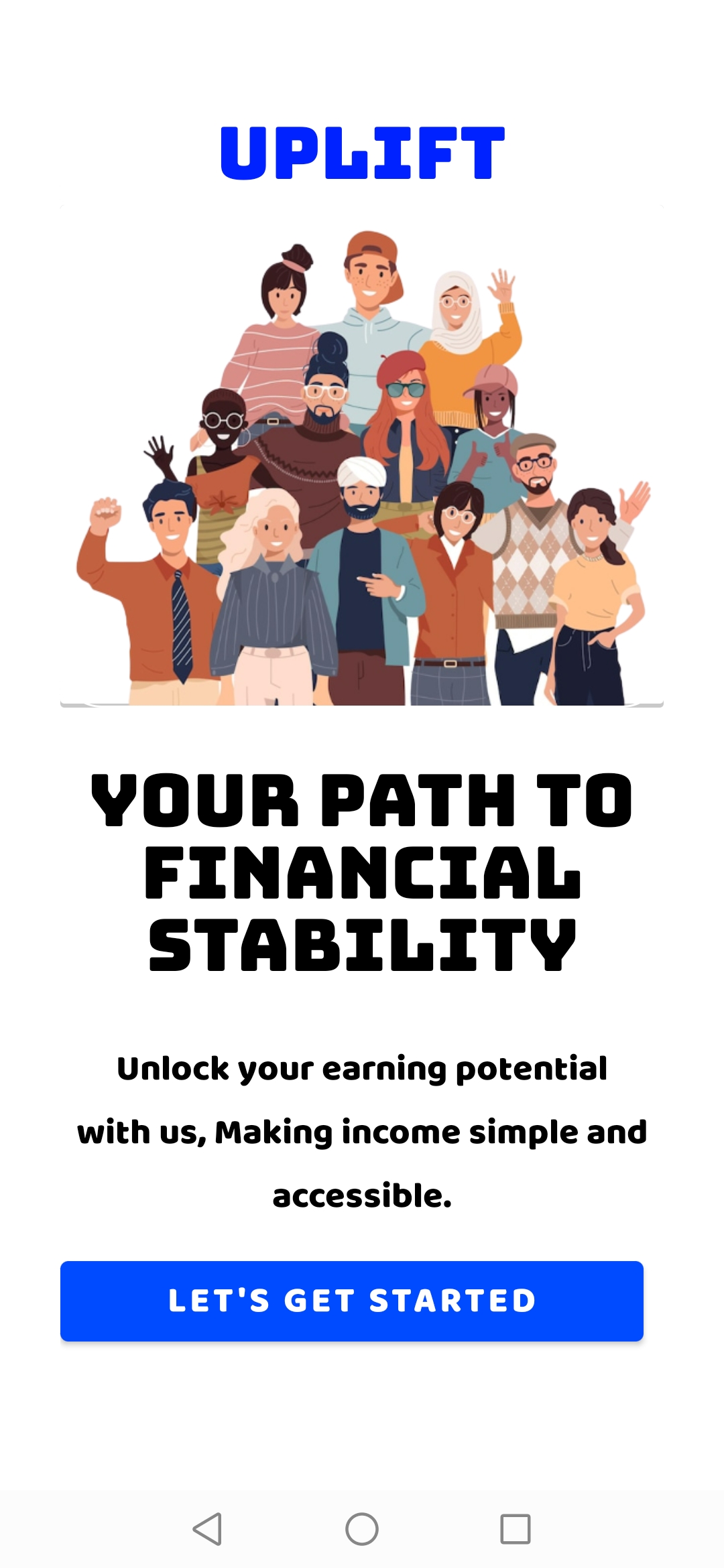 |
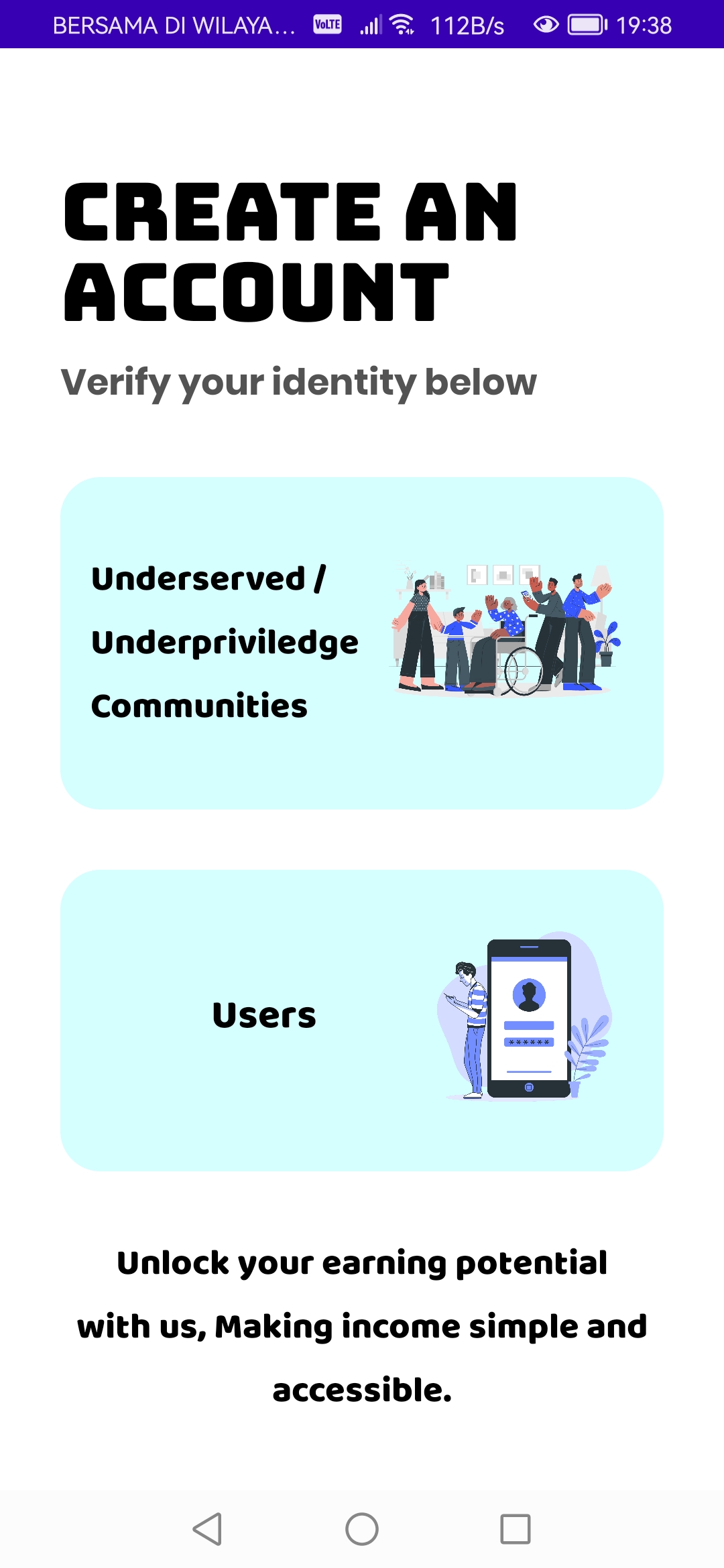 |
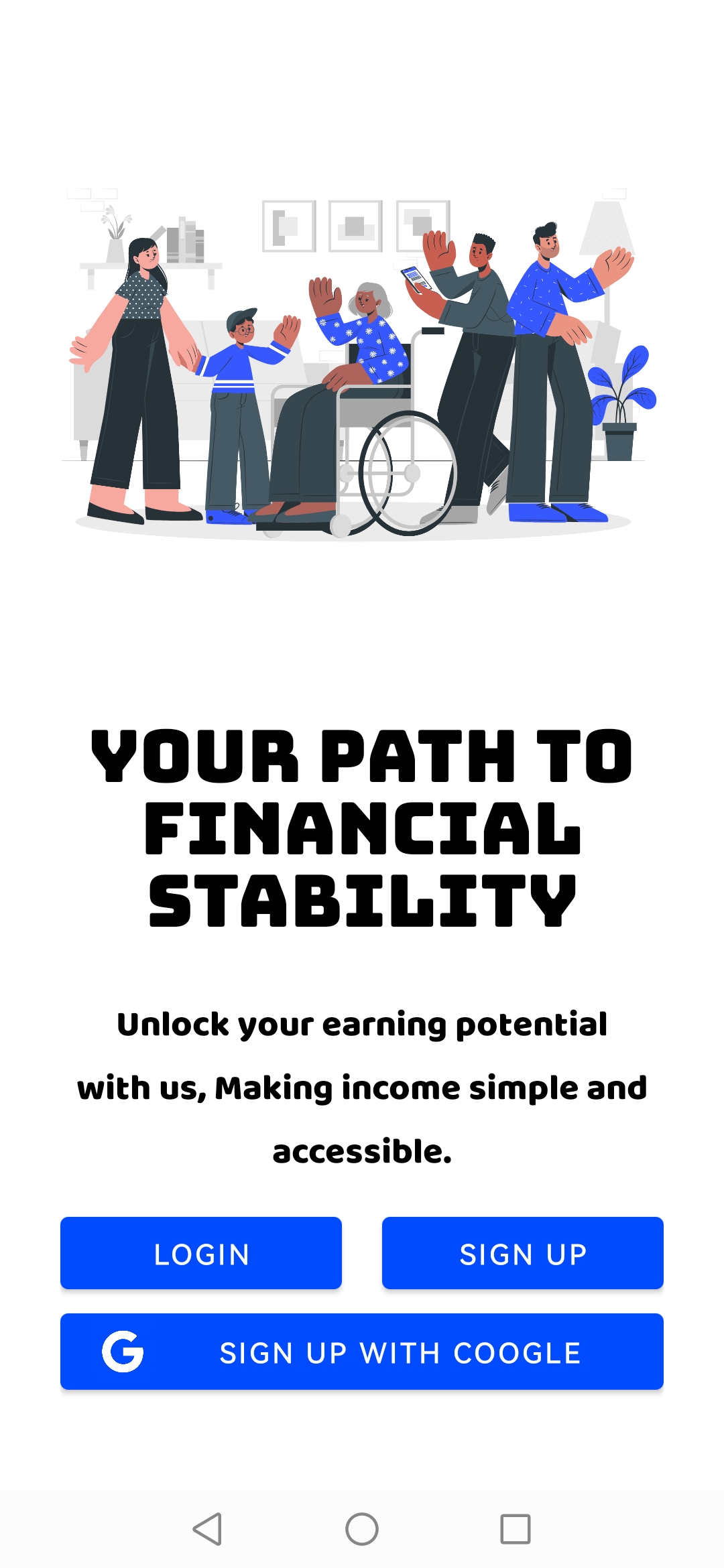 |
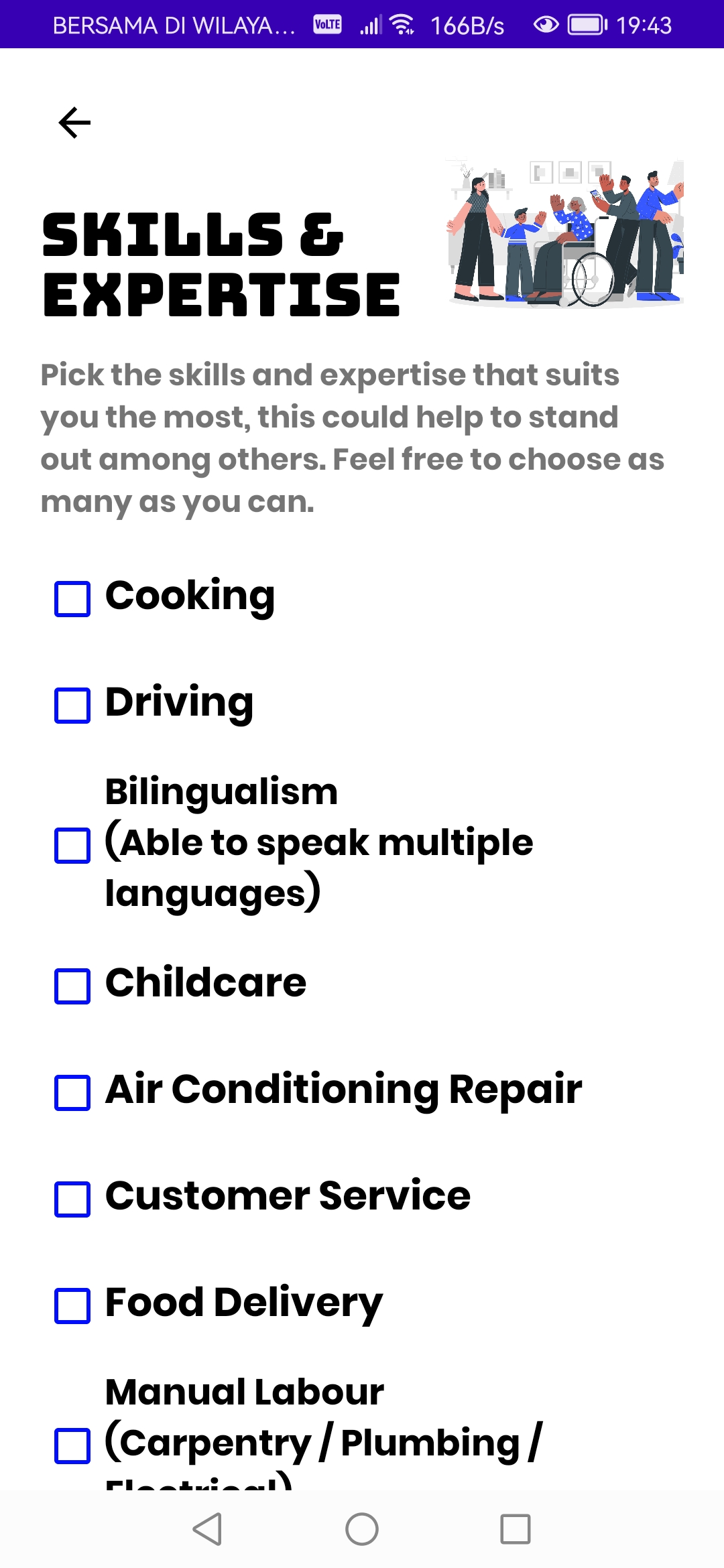 |
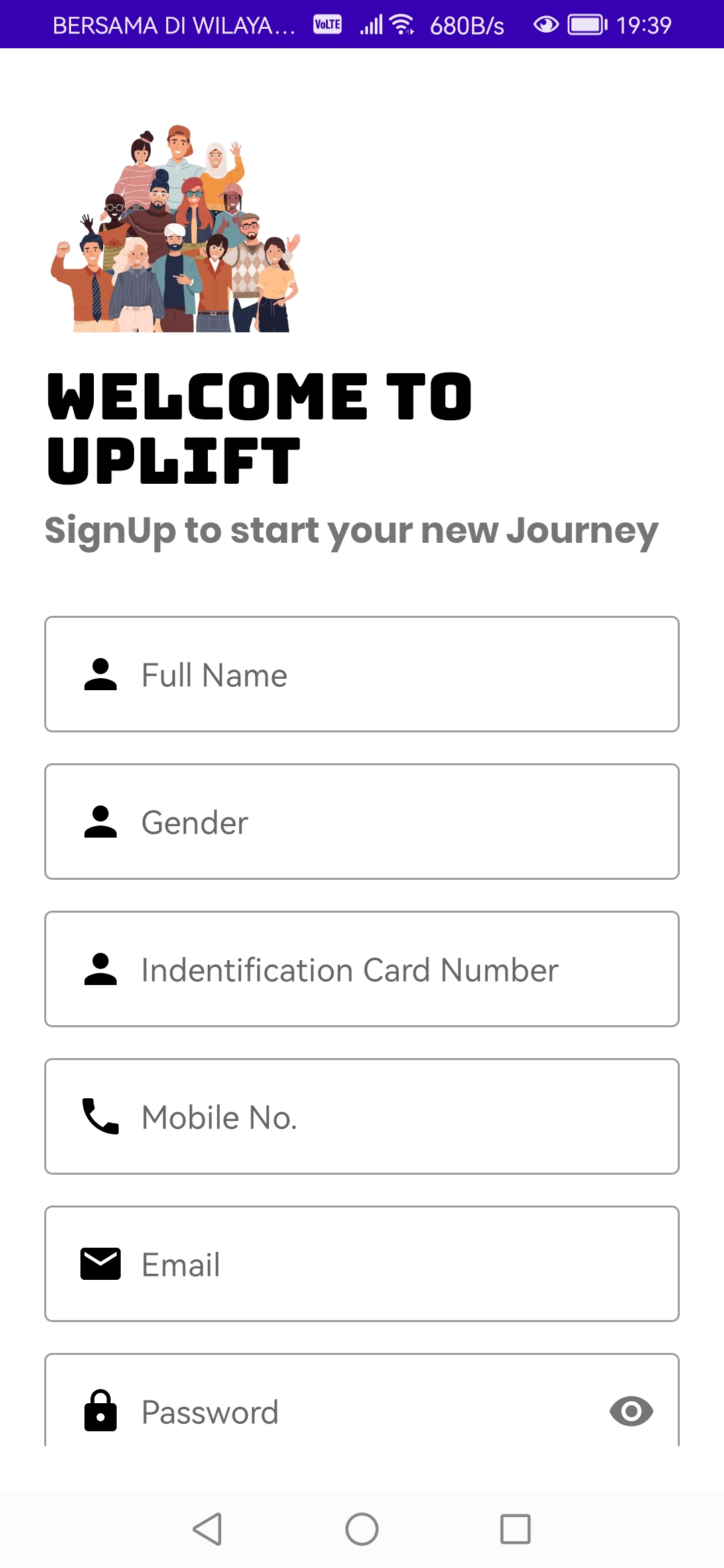
| Marketplace | Job Portal | Education Platform | Sign Up |
|---|---|---|---|
 |
 |
 |
 |
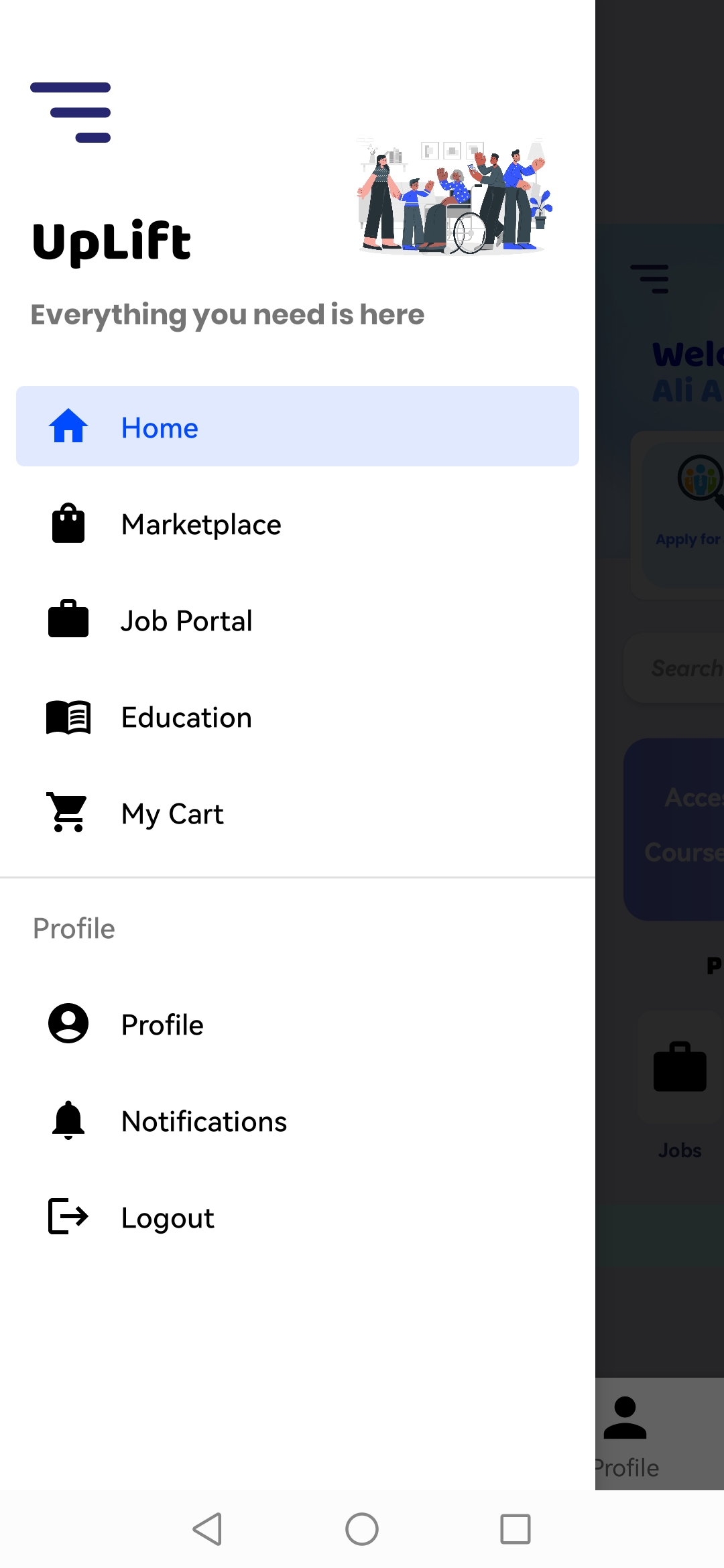
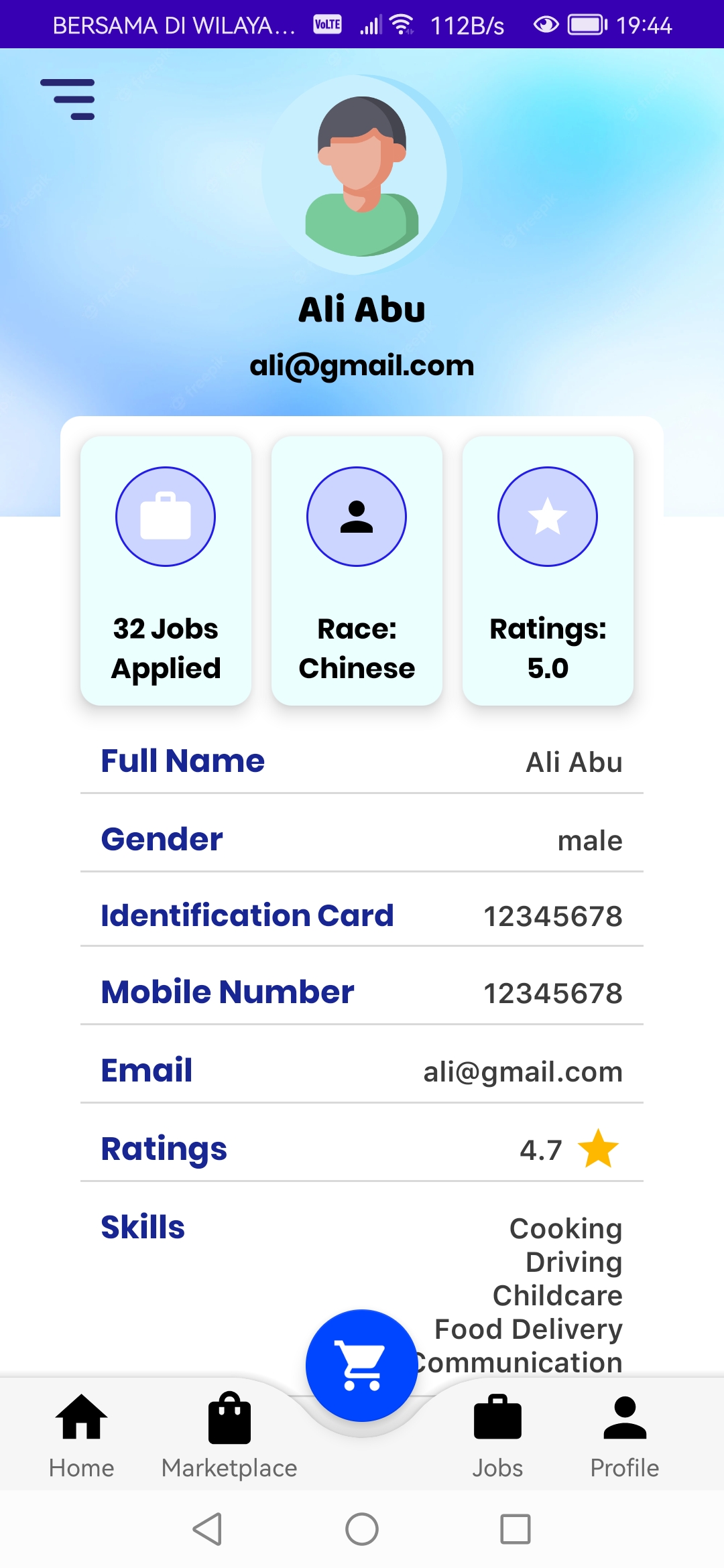
| Side Navigation | Job Details | Course Details | Profile |
|---|---|---|---|
 |
 |
 |
 |