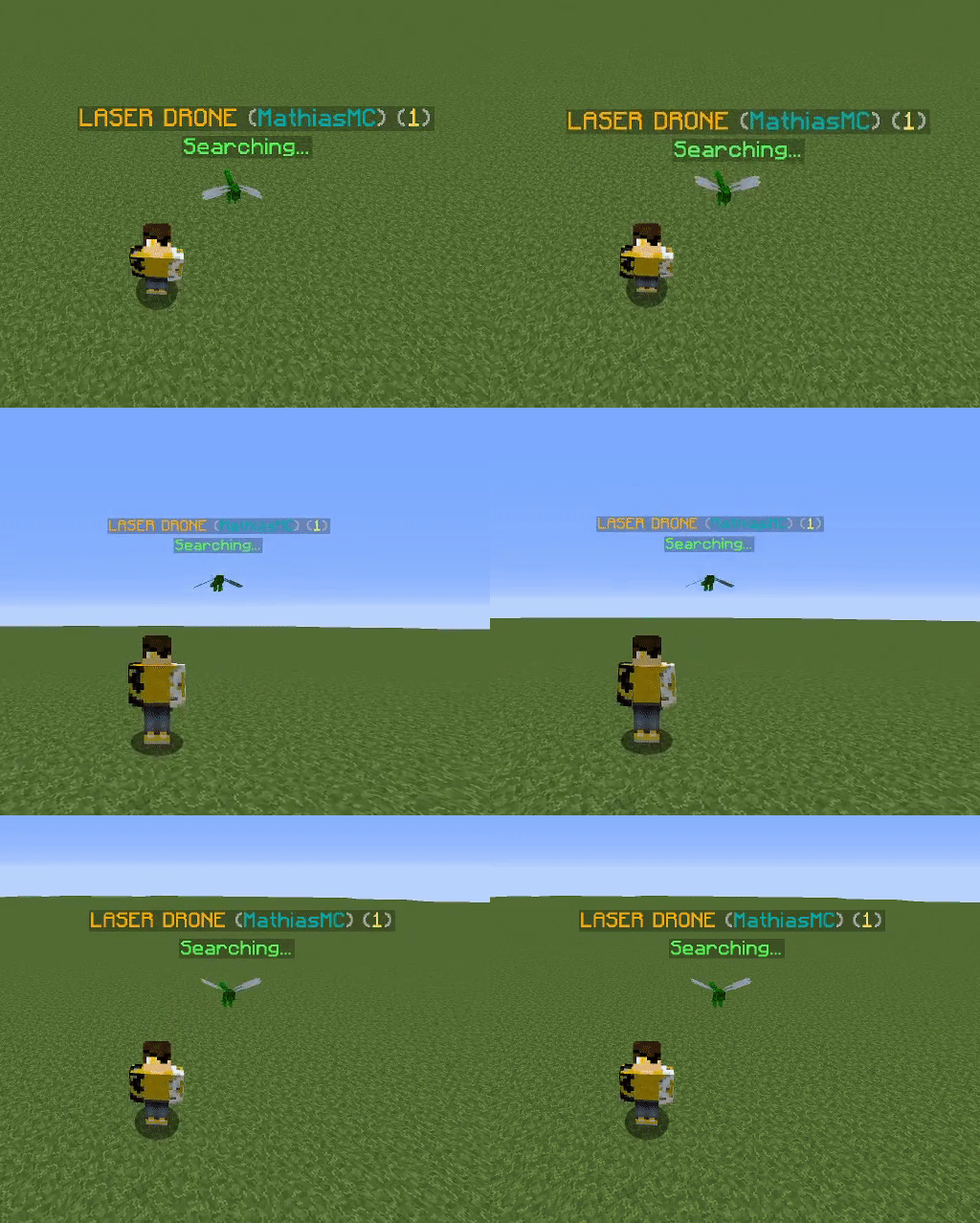
Custom model example
Download BattleDrones.zip(Model Created by RinAfter) and place it in the resourcepacks folder of your minecraft client.
Add two lines under default: in the laser.yml:
default:
  1:
    # 3D custom model data
    model-data: 123456

    # 2D custom model data (used by bd menu)
    model-data-gui: 1234567
Remove line HEAD and add MODEL-DATA: 1234567 in the drones/energy/laser.yml:
gui:
  SHOP:
    NAME: '&6Laser drone'
    LORES:
      - '&f-----------------'
      - '&fDrones armed with'
      - '&flaser weapons.'
      - ' '
      - '&7Cost: 100 coin(s)'
    POSITION: 20
    MODEL-DATA: 1234567
    BOUGHT:
      - 'battledrones message {player} &7[&dBattleDrones&7] &aYou have bought the &6Laser Drone&a!'
    COINS:
      - 'battledrones message {player} &7[&dBattleDrones&7] &cYou dont have enough coins to buy the &6Laser Drone&a!'
    HAVE:
      - 'battledrones message {player} &7[&dBattleDrones&7] &cYou already have bought the &6Laser Drone&a!'
    PERMISSION:
      - 'battledrones message {player} &7[&dBattleDrones&7] &cYou dont have access to buy this drone.'
    COST: 100
See how your laser drone looks in the shop GUI, in the drone menu, as well as its 3D model.